
Every file, attached to the record it belongs to
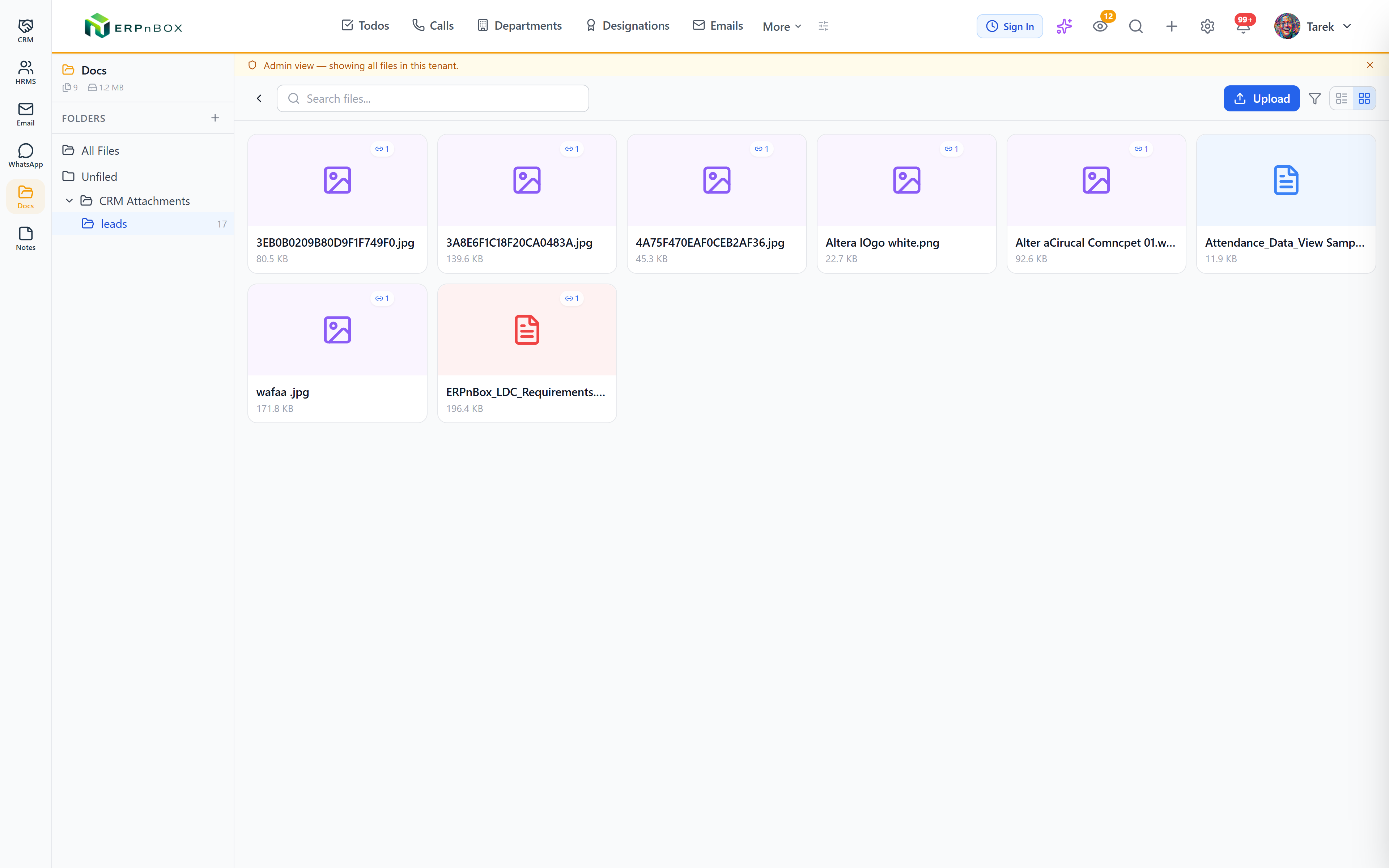
A Drive-like file hub: upload, organize into folders, and every document auto-links back to the CRM or HRMS record it relates to. No hunting through email attachments.
- Folder organization, Drive-style
- Auto-linked to CRM and HRMS records
- Printable document templates with merge fields
Docs
Product screenshot coming soon
One place for every file
Upload once and Docs automatically links the file to the record it came from, so a contract, ID scan, or property photo is always one click from the record it belongs to.
Document templates with RTL support
Build printable PDF templates with merge fields pulled from any module, with right-to-left support for Arabic documents out of the box.
Features
Everything Docs does
01
A Drive for your business, wired to your records
Browse, upload, and organize files into folders like any drive — except every file already knows which lead, deal, employee, or unit it belongs to, so nothing gets lost in an email thread.
Full feature list
Every feature in Docs
Files & folders
Folder tree | Nested folders with colors and protected system folders — organized like the drive your team already knows. |
Uploads with storage quotas | Files upload to cloud storage with per-workspace quota metering and warning notifications before you run out. |
Search, filter & organize | Filter by folder, name, file type, tags, star, uploader, or linked record — then rename, move, describe, tag, and star. |
Storage stats | Total files, folders, size, and recent activity at a glance. |
Record linking
Auto-linked attachments | Attachments added to CRM records appear automatically in a per-module “CRM Attachments” folder — the same file, not a duplicate copy. |
Files on the record | Open any lead, deal, or unit and see its files; open any file and see the records it belongs to. |
Employee files | A dedicated employee-files view collects each person’s HR documents in one place. |
Sharing & permissions
Private or workspace visibility | Each file and folder is private or workspace-visible, changeable only by its owner. |
Grants by user or designation | Grant access to specific users or whole designations at file or folder level — folder grants cascade to everything inside. |
Record-based access | Files linked to a record are visible to whoever can view that record — permissions follow the data, not a second system. |
Document templates
Printable PDF templates | Rich templates with merge fields from any module — including lookup parents and linked children — rendered server-side to PDF. |
Arabic & RTL first | Right-to-left rendering by default, with numbers convertible to Arabic words for legal documents. |
Import from Word | Import a .docx and merge fields are detected automatically — your existing contracts become templates. |
Page setup | Page size, orientation, margins, headers, footers, and page numbers per template. |
Try Docs in ERPnBox
Start your free trial today, or talk to our team about a tailored plan.