
Forms
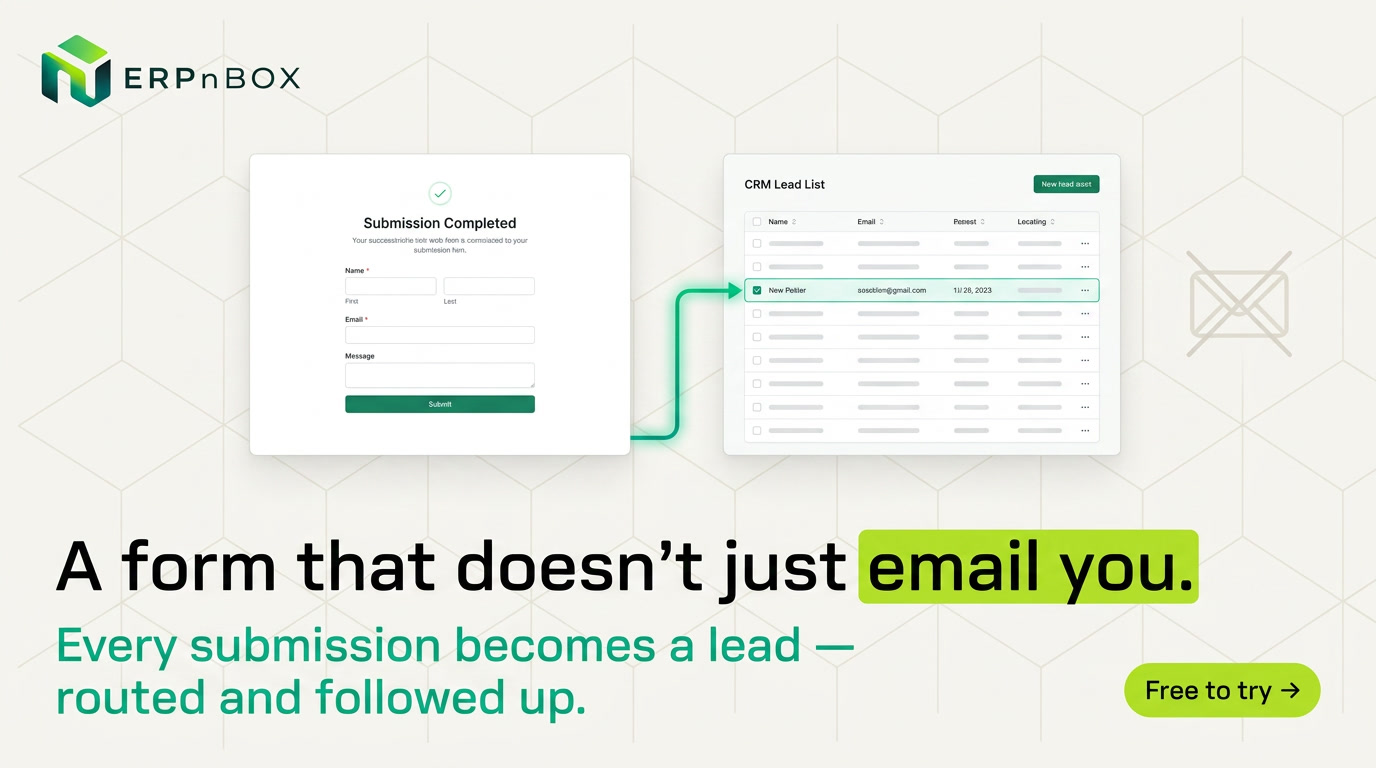
Build the form. The CRM record builds itself.
Drag 19 field types onto a canvas, share a hosted link or embed the form on your site, and map each answer to a CRM field — every submission becomes a record the moment it arrives.
- 19 field types, from file upload to star rating
- Public hosted link and iframe embed for every form
- Submissions map straight into CRM records
Validation on both sides
The public page validates as visitors type, and the server re-validates every rule authoritatively — required fields, email and URL formats, number ranges, text lengths, choice membership, even custom regex patterns.
Spam never reaches your team
A honeypot trap silently discards bot submissions while returning a fake success — bots think they got through; your submissions inbox stays clean.
Full feature list
Every feature in Forms
Builder
Drag-and-drop designer | A three-pane builder: field palette, live canvas with drag reordering, and a per-field inspector — with live preview before you publish. |
19 field types | Short and long text, number, email, phone, website, date, date-time, time, dropdown, single choice, multiple choice, multi-select, yes/no, file upload, star rating, name, and address — plus section and heading layout blocks. |
Per-field settings | Label, help text, placeholder, required toggle, full or half width, options editors for choice fields, min/max for numbers and ratings, and length limits for text. |
Theme & branding | Primary color, background color, text alignment, logo, and cover image — all rendered on the hosted public page. |
Duplicate & slugs | Clone any form (copies start inactive so they are never accidentally live), with URL-safe slugs generated and deduplicated automatically. |
Sharing & public page
Hosted public link | Every active form gets a clean public URL with no login and no app chrome — deactivate the form and the link stops accepting entries. |
Iframe embed | A copyable iframe snippet drops the same form into any website you already run. |
File uploads | File fields upload to cloud storage and attach to the submission with a time-limited download link. |
After-submit behavior | Custom submit button label, a thank-you message, or an automatic redirect to any URL after submission. |
UTM & source capture | Every submission stores referrer and UTM source, medium, and campaign — so you know which ad or page produced it. |
Submissions & CRM
CRM routing | Pick a target module and map each form field to a module field — every submission creates a CRM record on arrival, with its conversion status tracked. |
Submissions inbox | A paginated, newest-first inbox per form showing answers, status (New / Converted / Failed), the created CRM record, and capture metadata. |
Email notifications | Notify any list of email addresses the moment a new submission lands. |
CSV export | Export all submissions to Excel-ready CSV, columns in form order, with a formula-injection guard built in. |
Try Forms in ERPnBox
Start your free trial today, or talk to our team about a tailored plan.