
A support desk that never lets a ticket go quiet
Emails become tickets automatically, route to the right agent, and carry an SLA timer from the moment they land — the same escalation engine that powers SLA tracking across the whole platform.
- Email-to-ticket, per mailbox
- SLA timers with business-hours awareness
- Automated routing and escalation rules
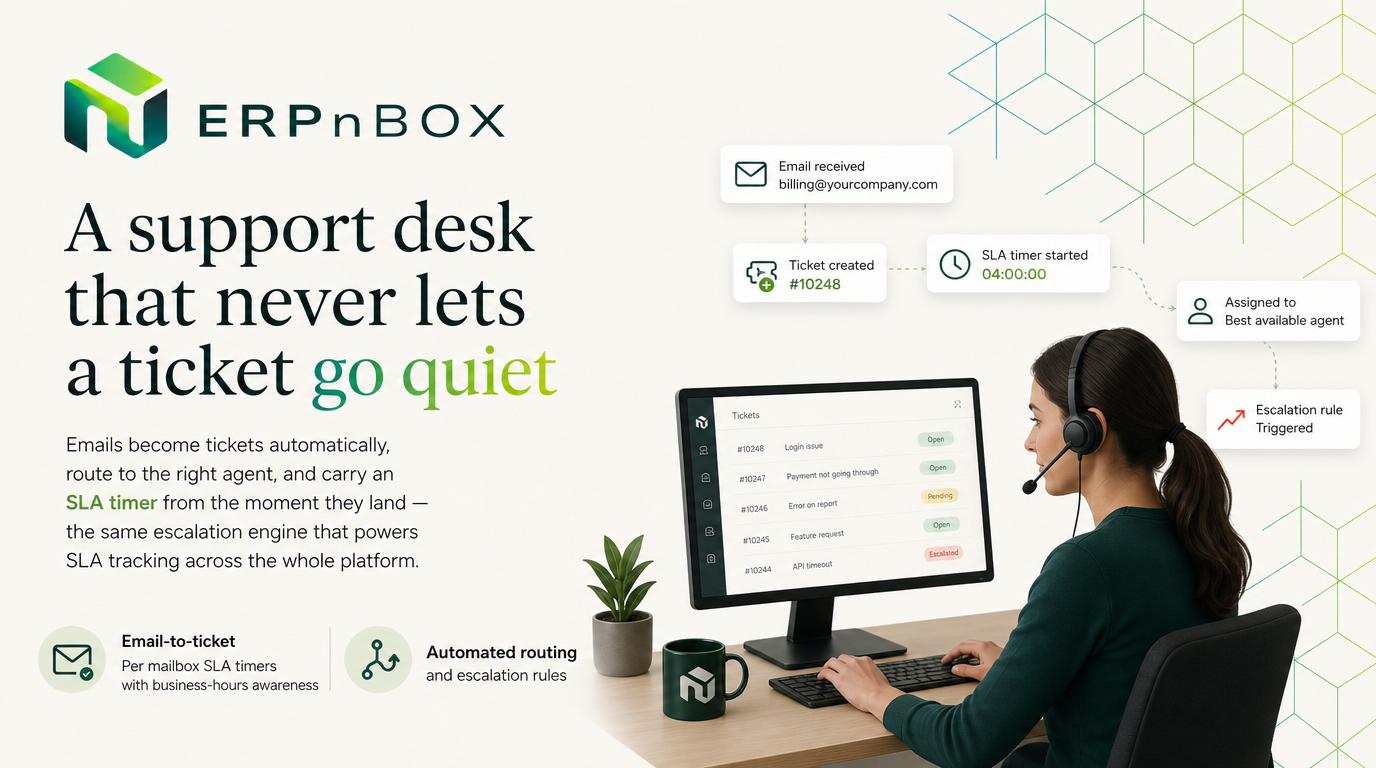
Built on the same SLA engine as CRM
Support tickets get the identical on-track / critical / overdue / escalated timer that powers SLA tracking across every module — no second system to configure.
Every channel becomes a ticket
Email-to-ticket runs per mailbox on a schedule and per inbound event, so support requests never sit unrouted in a shared inbox.
Features
Everything Support does
01
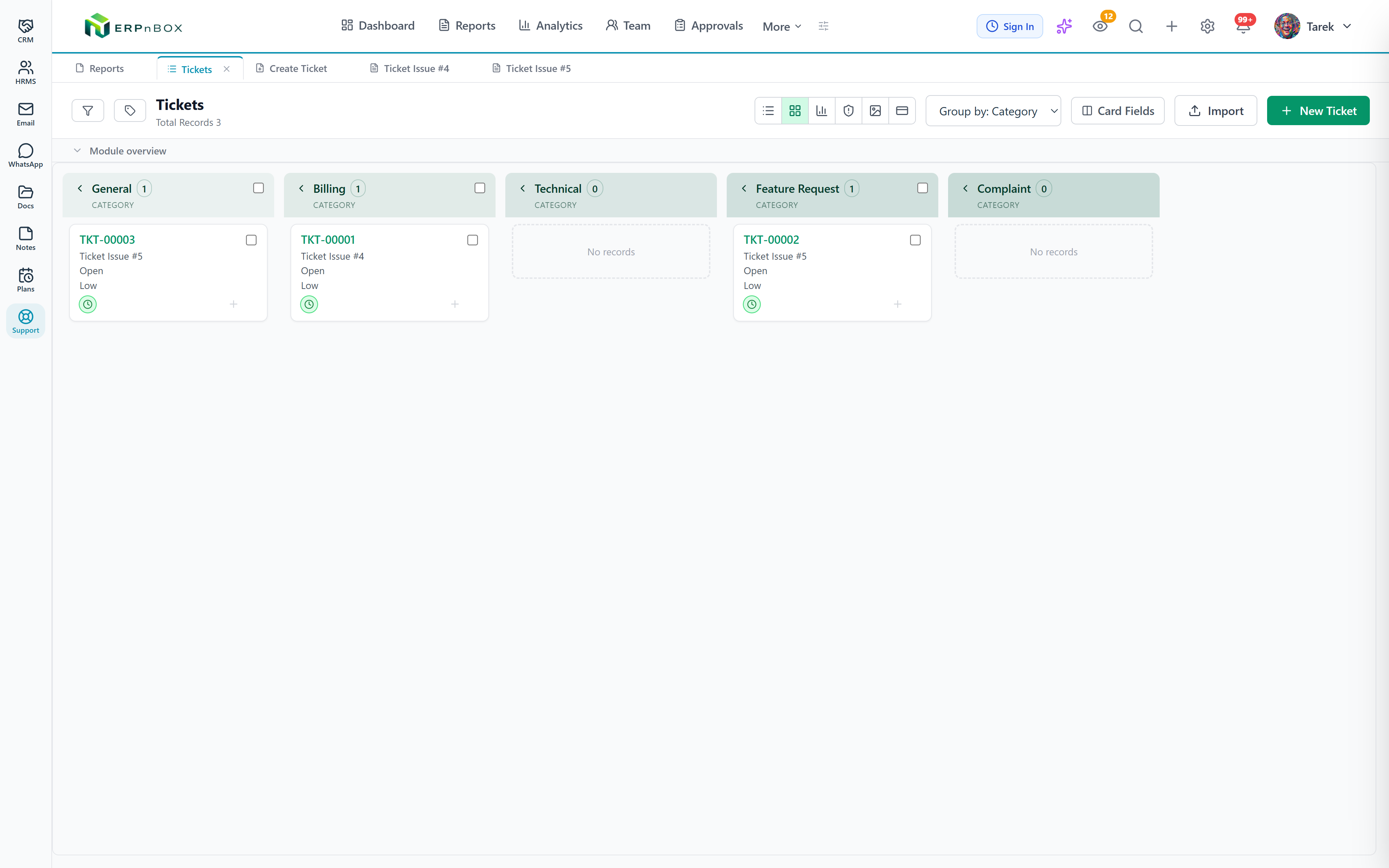
A ticket queue that runs itself
Inbound emails become tickets, route to the right agent, and carry their own status and priority — a Freshdesk-style desk built on the same platform your CRM and HRMS already run on.
02
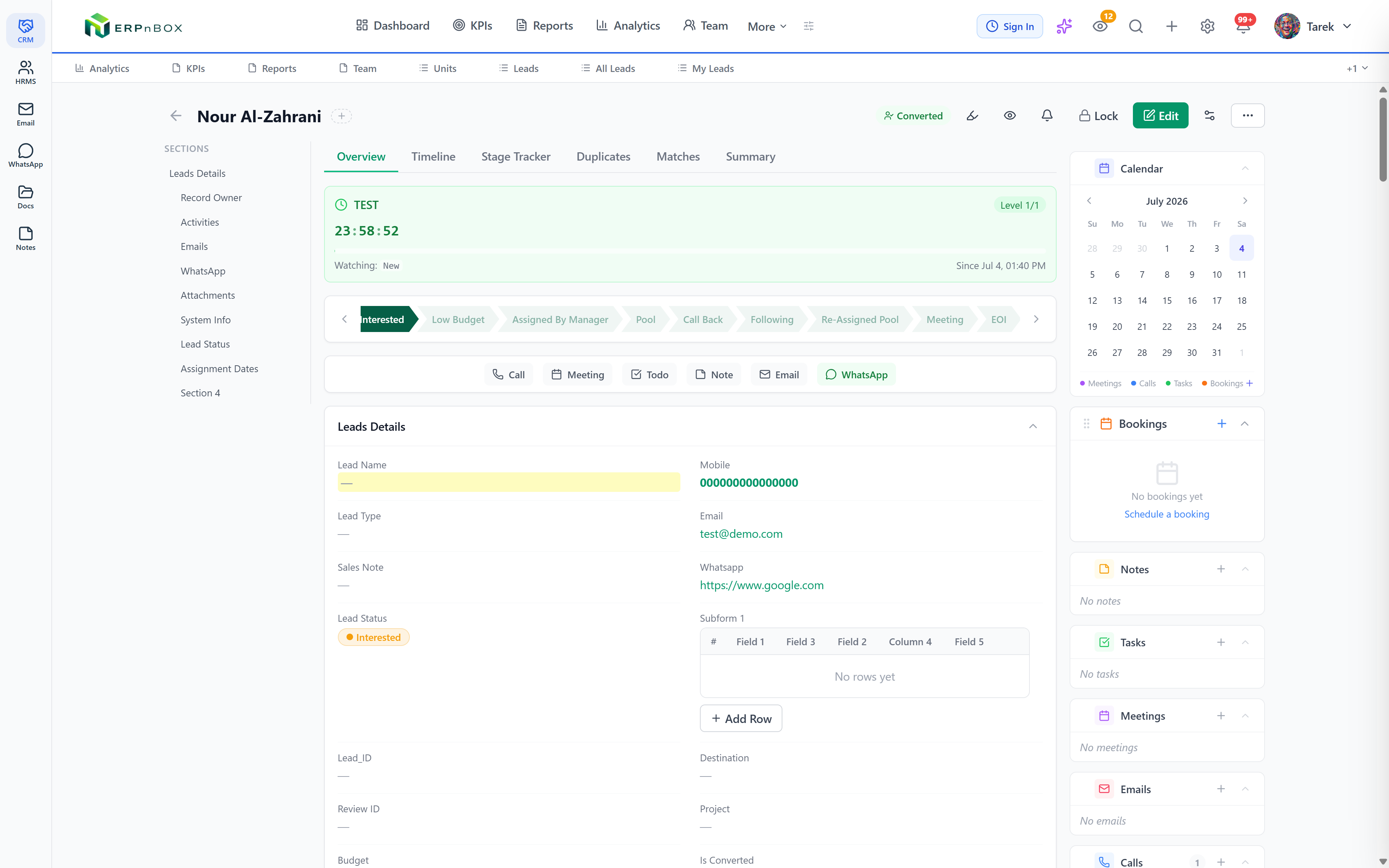
SLA timers on every ticket
The moment a ticket lands it gets a clock — on track, critical, overdue, escalated — so a request that has been sitting too long surfaces automatically, before the customer chases it.
03
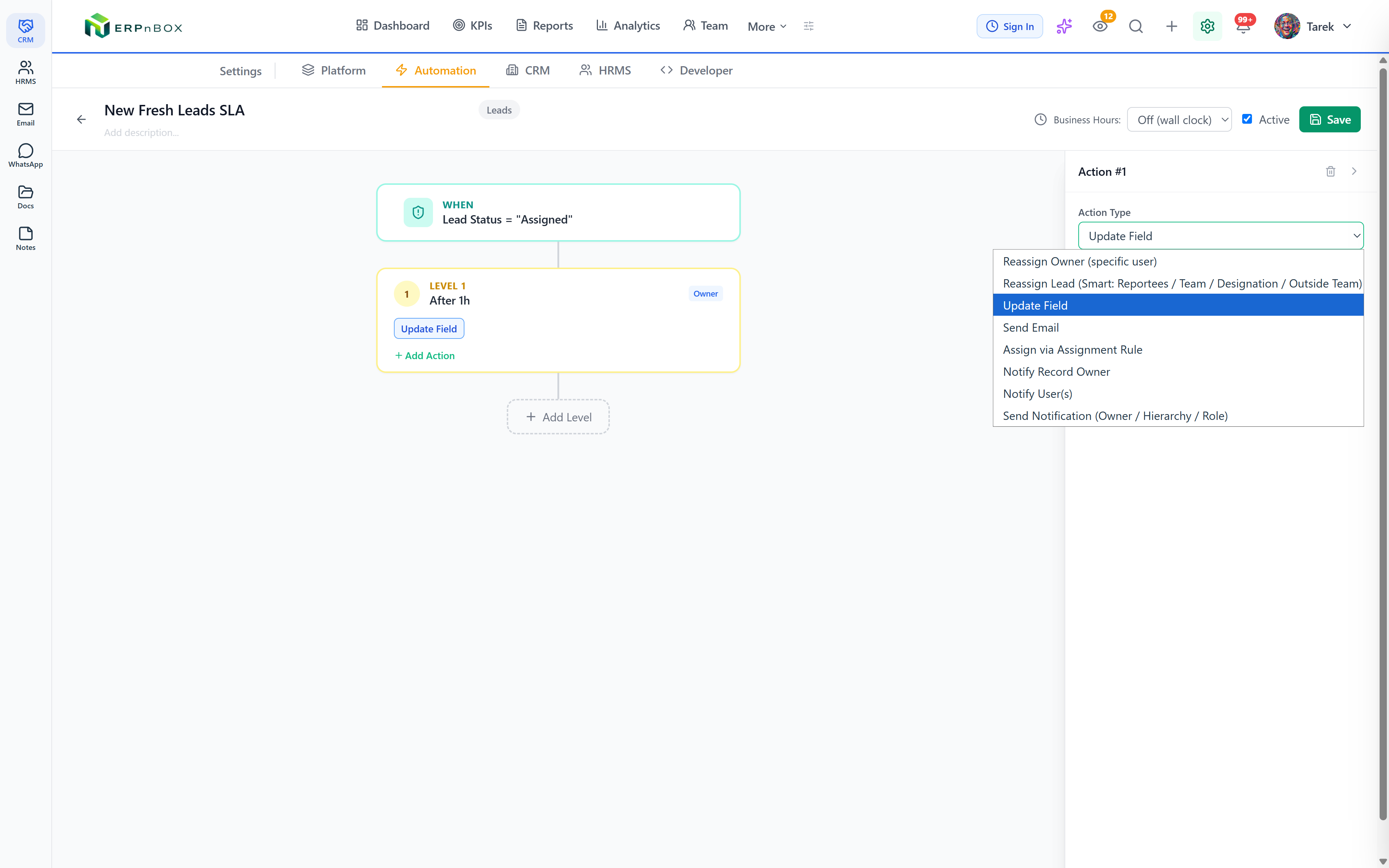
Configure escalation, honor business hours
Set SLA levels and escalation rules per status, with the timer pausing outside business hours and resuming when you reopen — so overnight and weekends never count against your team unfairly.
Full feature list
Every feature in Support
Tickets
Full ticket records | Ticket number, subject, description, status, priority, channel, category, requester, agent, and due date — on a pipeline grouped by status. |
Email-to-ticket per mailbox | Any connected mailbox turns inbound customer emails into tickets — both instantly after sync and on a scheduled sweep — skipping drafts and internal senders, and never duplicating. |
Thread-aware replies | A reply on an existing thread appends to its ticket instead of opening a duplicate — and a resolved ticket re-opens automatically when the customer writes back. |
The full record engine | Tickets are real platform records — custom fields, views, workflows, permissions, notes, and analytics all apply, with nothing separate to configure. |
Routing
Assignment rules | Route tickets by weighted round-robin, load balancing, or to a specific agent — with per-member availability windows. |
Off-hours queueing | Tickets arriving overnight queue and distribute at the next business opening, so nothing sits unowned. |
SLA & escalation
Multi-level escalation | Level 1 at N hours, level 2 at M — each level with its own actions: smart reassignment to the least-loaded agent, field updates, emails, owner changes, webhooks, and tags. |
Business-hours clock | Timers count working time only — pausing nights, weekends, and holidays, with a “resumes at” display — so off-hours never count against your team. |
Live countdown everywhere | A countdown widget on detail, list, and kanban views shifts green, amber, and red as the deadline nears, plus a dedicated SLA kanban: On Track, Critical, Overdue, Escalated. |
Rotation until handled | Repeating rules keep rotating an untouched ticket between agents until a cap, then run exit actions like returning it to a pool. |
Accountability
Violation log | A permanent audit of every escalation trigger, breach, and resolution. |
SLA performance report | Per-employee accountability that separates genuine inaction from workflow rotations, with per-rule stats, compliance rate, and a snapshot of what is stuck right now. |
Try Support in ERPnBox
Start your free trial today, or talk to our team about a tailored plan.