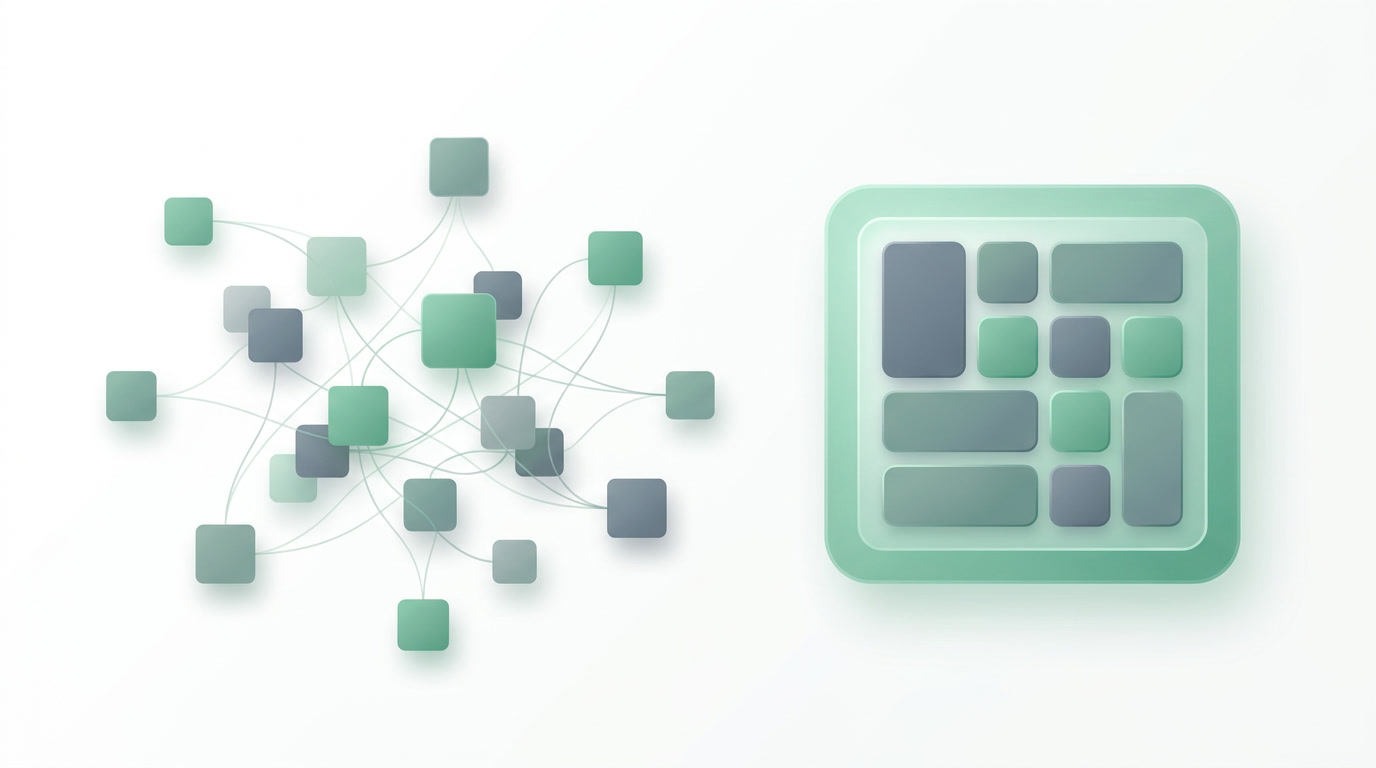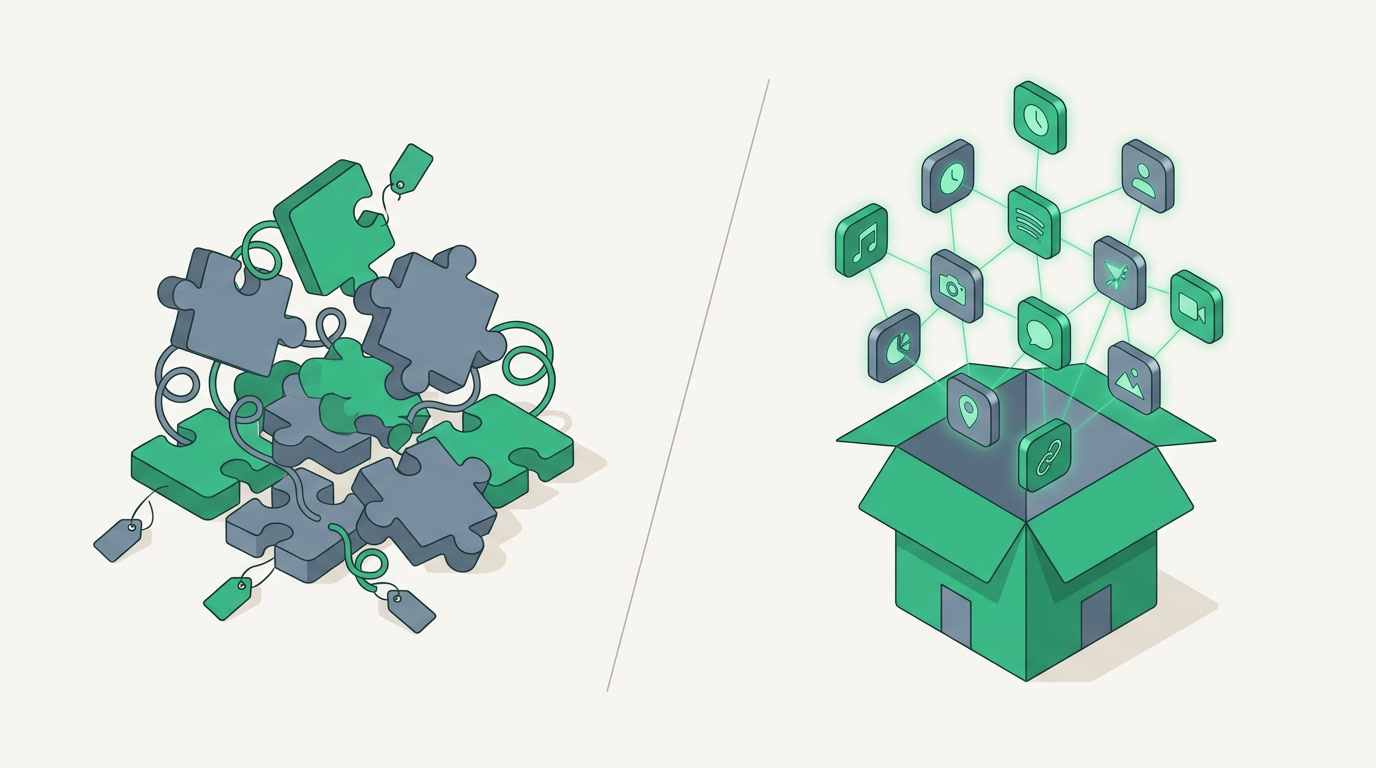
The short answer
Modular ERP starts cheap, then charges for each app you add until your bill balloons. Monolithic ERP charges upfront for heavy features most small businesses never use. ERPnBox includes all 12 apps for one per-seat price, so growth stops meaning more invoices.
Every ERP salesperson opens with the same magic trick. The modular vendor shows you a low starting price and lets you assume that is the price. The monolithic vendor shows you a vast feature list and lets you assume you will use it. Both are betting you will not do the arithmetic until the contract is signed. This is a guide to doing the arithmetic first.
What is the difference between modular and monolithic ERP?
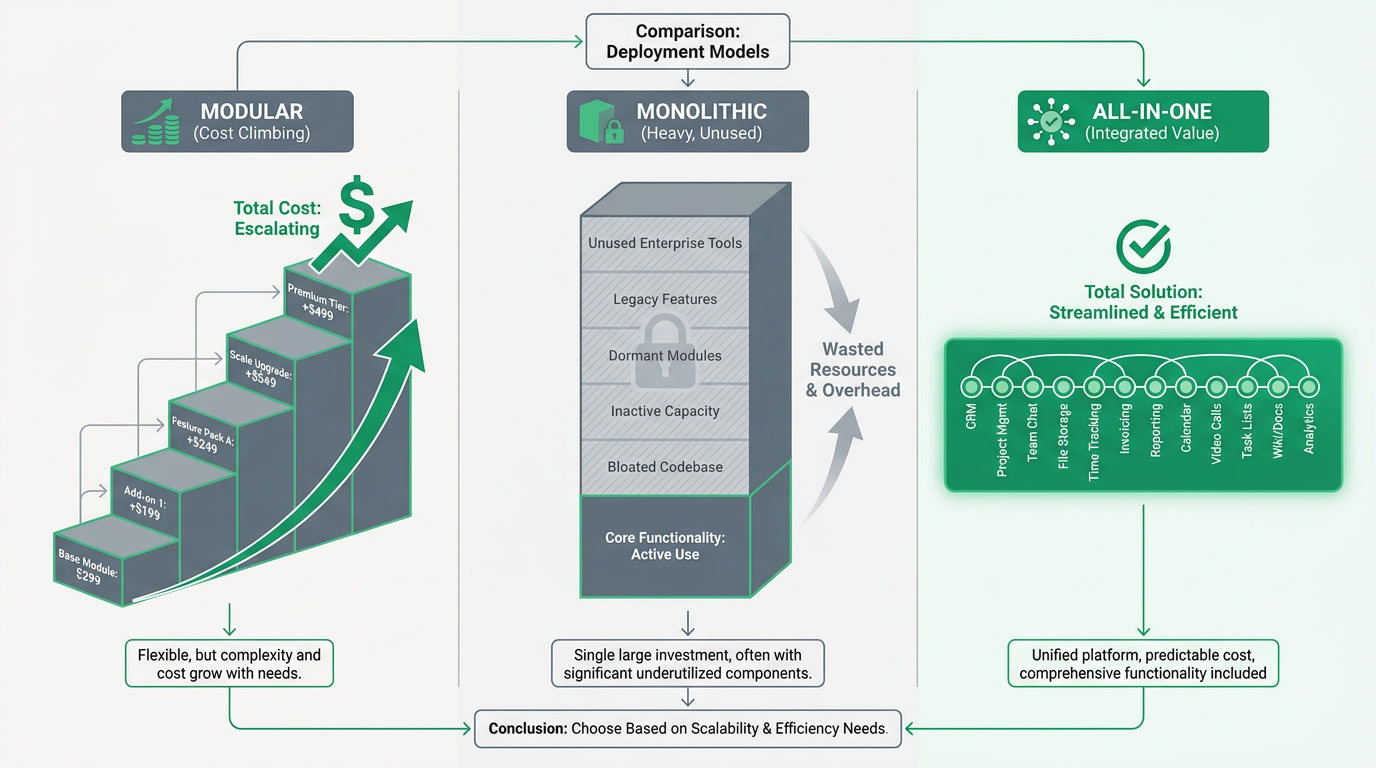
A modular ERP sells you a base and then a menu: add CRM, add payroll, add a support desk, each with its own line on the invoice. A monolithic ERP sells you one large suite where everything is bundled, including heavy modules built for manufacturers and distributors. Modular grows your bill as you grow. Monolithic charges you upfront for depth you may never reach.
Both models have honest roots. Modular pricing lets a tiny team start with only what it needs. Monolithic suites let a large enterprise run its whole operation on one data model. The trouble begins when a growing small business ends up paying the modular tax on the way up, or buying the monolithic warehouse for a single room.
Why does paying for features you do not use kill growth?

Feature bloat costs you twice. First in money, because a bundle priced for supply-chain depth charges you for warehousing and procurement you will never open. Second in drag, because every unused module is still a screen to ignore, a setting to misconfigure, and a training slide your new hire sits through. Complexity you do not need is not free; it is a tax on attention.
The modular side kills growth differently. The moment your marketing team wants campaigns, or finance wants proper invoicing, or a support queue appears, you are back in a sales call, negotiating another module and another per-seat fee. Growth should feel like momentum. Under modular pricing it feels like a turnstile you pay at every few months.
How do the three approaches compare?
Set them side by side and the pattern is clear. Modular wins on a rock-bottom entry price and loses on total cost as you add apps. Monolithic wins on depth and loses on price, speed, and the weight of what you never use. All-in-one keeps the breadth without the surprise invoices, provided you do not need the heaviest enterprise depth.
| What matters | Modular ERP | Monolithic ERP | ERPnBox (all-in-one) |
|---|---|---|---|
| Entry price | Low, per base plus each add-on | High, often six figures with a long rollout | $15 per seat, everything included |
| Cost as you grow | Rises with every module you switch on | Flat but heavy from day one | Same price whichever apps you use |
| Unused features | You pay only for what you add | You carry warehousing, procurement, more | Twelve apps, open the ones you need |
| Do records connect? | Add-ons often need wiring together | Yes, one data model | Yes, connected across all apps |
| Time to running | Weeks per module | Months of implementation | Minutes, AI builds the workspace |
| Best fit | Teams needing just one or two areas | Large enterprises with deep supply chains | Small and growing businesses |
How does all-in-one pricing change the math?
When every app is included in one per-seat price, the whole calculation flips. Adding marketing campaigns costs nothing extra. Turning on a support desk costs nothing extra. Payroll, Finance, Bookings, Live Chat, Forms, a public website: all already paid for. Growth stops being a series of purchase decisions and becomes a series of switches you flip when you are ready.
ERPnBox includes all twelve apps for one price: CRM, HR and Payroll, real double-entry Finance, Email, Marketing, Support, Bookings, Live Chat, Forms, a website builder, Documents, and Notes with Payment Plans. One login, records connected across every app, and a conversational AI that builds the workspace in minutes then helps you run it. Web and native mobile, in any language you work in.
We will be plain about the edge of the box. ERPnBox is not a heavy supply-chain suite. If you run large-scale manufacturing, warehouse logistics, or complex procurement, the deep monolithic vendors are built for that and we are not pretending otherwise. For a small or growing business that wants CRM, finance, HR, and the tools around them working as one, this is the honest fit.
Stop paying by the module
Twelve apps, one login, one per-seat price. Start free for 30 days, no card needed.
Compare plansWhich model should a growing business actually choose?
Choose by where you are heading, not just where you are. If you will only ever need one function, a single modular app is fine. If you are a manufacturer with deep logistics, a monolithic suite earns its price. But if you expect to add teams and functions over the next two years, all-in-one spares you the modular tax without the monolithic weight.
The quiet cost of the wrong model is not the invoice; it is the friction. Every extra module you never open, every add-on you renegotiate, every export you copy between disconnected tools is a small drag on the people you hired to grow the business. The right answer is the one that gets out of their way.
Frequently asked questions
What is a modular ERP?
A modular ERP sells a base system and then lets you buy individual functions as separate add-ons, such as CRM, payroll, or a support desk, each with its own recurring cost. **It keeps your starting price low, but the total rises every time you switch on another module** as your business grows.
Is a monolithic ERP always more expensive?
Usually, yes, for a small business. Monolithic suites bundle deep modules built for manufacturing and supply chains, so **you pay upfront for capabilities you may never use**, often alongside a long, costly implementation. For a large enterprise that needs that depth, the price can be justified.
How does ERPnBox price its apps?
ERPnBox charges **one per-seat price and includes all twelve apps**, so you never pay a separate fee to add [CRM](/crm), [Finance](/finance), [HR](/hrms), marketing, or any other app. Plans start at $15 for Professional and $20 for Growth, with a custom Enterprise tier and a 30-day free trial that needs no card.
Can ERPnBox handle full supply-chain and warehouse operations?
**No, and we say so plainly.** ERPnBox is not a heavy supply-chain suite. It handles inventory with moving-average costing inside [Finance](/finance), but not large-scale warehouse logistics or complex procurement. If that depth is your core need, a deep enterprise vendor is the better fit.
Will unused apps slow the system down or add cost?
No. Because everything is included in one price, **apps you do not open add nothing to your bill**, and you simply do not switch them on. You can hide apps per profile so each team sees only what it uses, keeping the workspace focused without renegotiating anything.