The short answer
Start by mapping your sales process, then match a CRM to it. Prioritize a visible pipeline, lead capture, automation, and fast setup in your language. Calculate total price including the accounting and HR tools you'd buy separately, and always run the free trial yourself before deciding.
Choosing a CRM feels simple until you have three tabs open comparing feature lists, and the price you were quoted has quietly tripled once you add the seats, the integrations, and the accounting tool it doesn't talk to. This guide walks a small business through the decision the way an ops lead actually makes it: map your work first, then match the tool to it.
We'll cover the real steps, the features that matter versus the ones that just pad a comparison chart, how to read total price honestly, and the mistakes that cost small teams months. ERPnBox appears here as one option worth knowing about because of how differently it approaches the problem, but the framework applies to any tool you evaluate.
What is the first step in choosing a CRM?
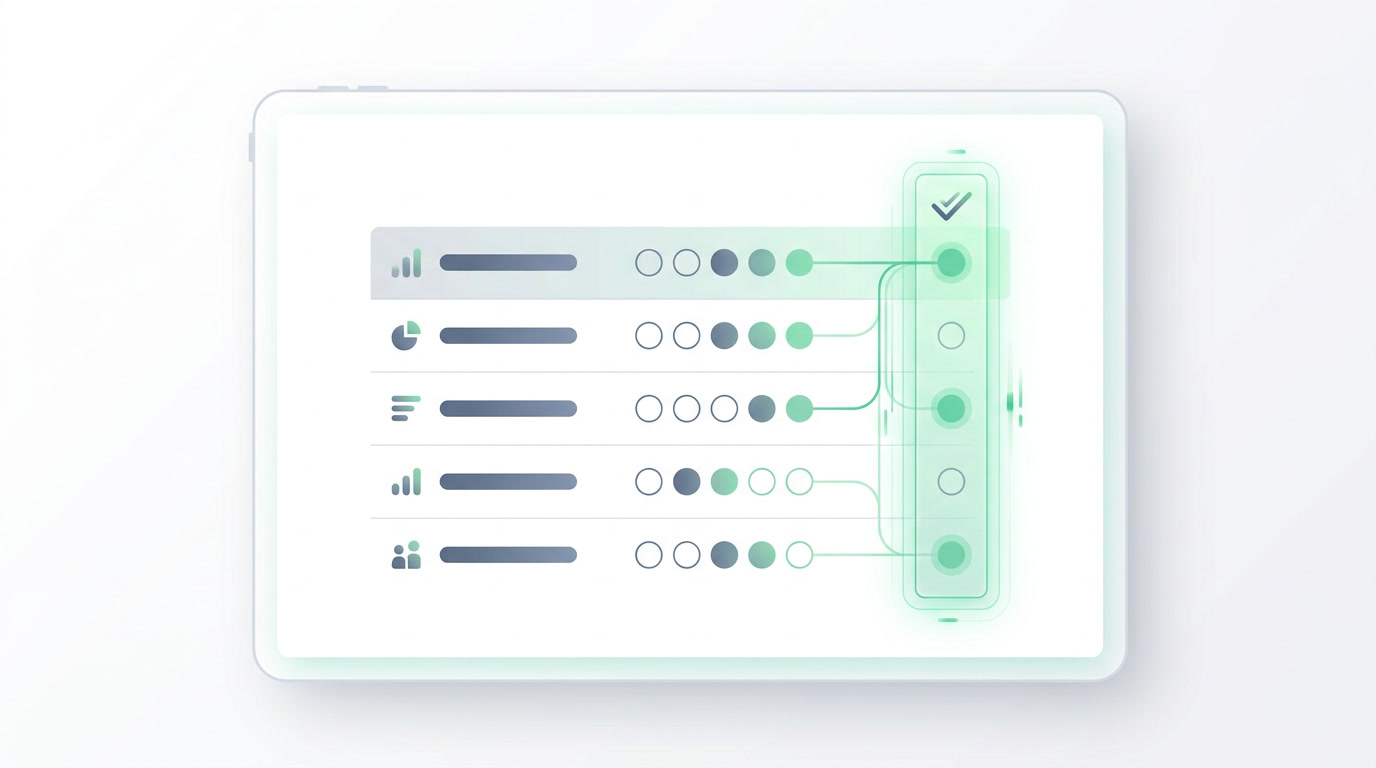
Map your actual sales process before you look at any tool. Write down each stage a customer passes through, who owns it, what triggers the next step, and where deals stall today. A CRM should mirror how you already sell, not force your team into someone else's workflow. The tool that fits this map wins.
Be concrete. A recruitment agency moves candidates through screening, interview, and offer. An education provider tracks enquiries through consultation and enrolment. A B2B services firm runs discovery, proposal, and close. Each of these is a pipeline with named stages, and your first job is to write yours down on one page. Once you have that page, every tool demo becomes a simple test: can it reproduce this without a consultant?
Which CRM features actually matter for a small business?
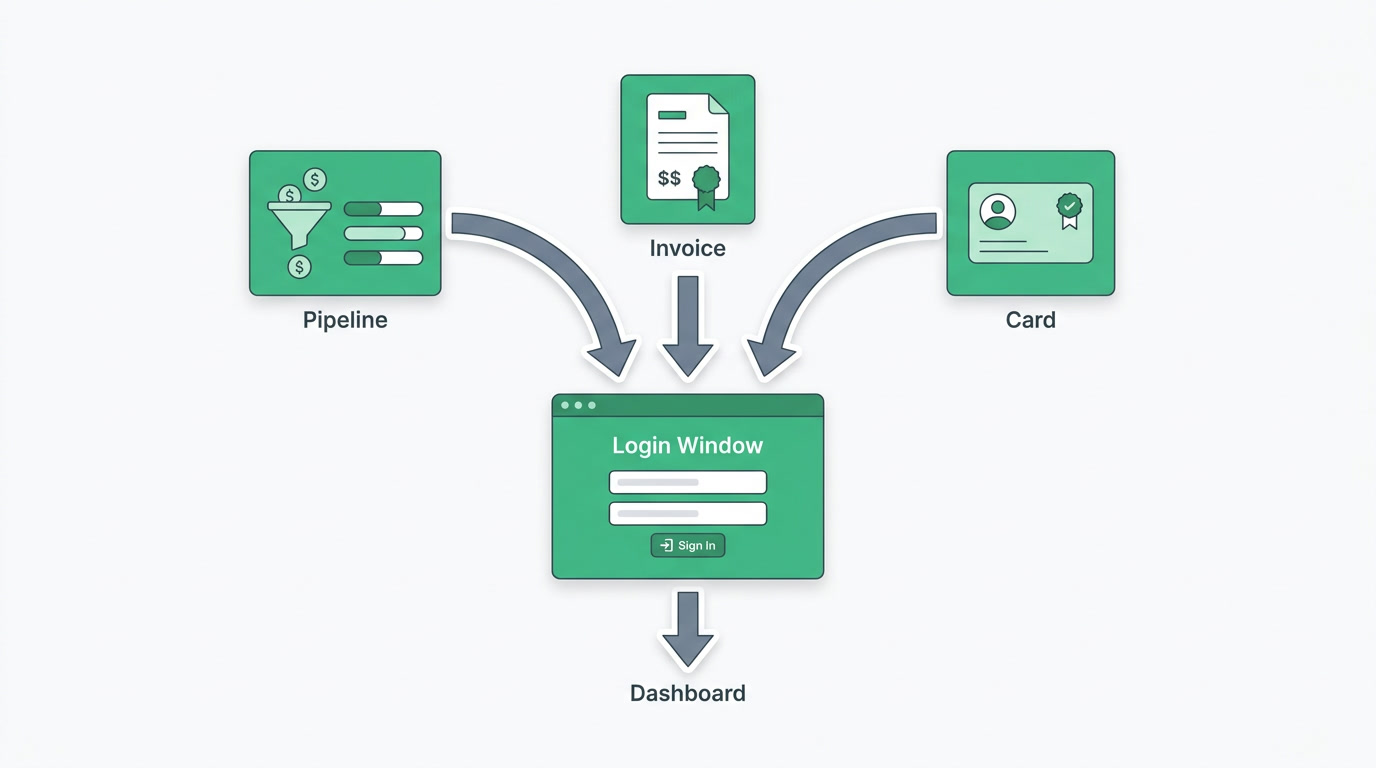
Focus on features that move deals: leads, contacts and deals in a pipeline you can see, capture from the channels you already use, automation for the repetitive follow-ups, and clear ownership so nothing falls through. Everything else is nice-to-have. Match features to the process you mapped, and ignore the spec sheet items you'll never touch.
- A visible pipeline you can arrange your own way — ERPnBox offers seven view types including kanban, so the board matches how the team thinks.
- Lead capture from where leads come: ads and Meta Lead Ads, web forms, and WhatsApp, so no enquiry is retyped by hand.
- Workflow automation and assignment rules — 22+ actions and routing that hands each lead to the right person automatically.
- Duplicate detection, CSV import, and SLA escalation so the data stays clean and nothing sits ignored past its deadline.
- Reporting you'll read: KPIs and seven chart types, not a dashboard so dense nobody opens it.
How do I calculate the real total price of a CRM?
Multiply the per-seat price by your headcount, then add every tool the CRM does not include: accounting, HR, a support desk, marketing. The sticker price is rarely the real price. A cheap CRM that needs four other subscriptions to run your business often costs more than one platform that already does the whole job.
This is where the math surprises people. A dedicated CRM plus separate accounting plus a payroll tool plus a helpdesk, each priced per user, stacks up fast, and none of them share data. ERPnBox takes the opposite route: CRM, HR and payroll, real double-entry finance, and 12 apps in total under one per-seat login. Professional is $15 per user, Growth $20, Enterprise custom, with a 30-day free trial and no card required. Paying yearly gives you two months free.
How important is ease of setup?
It's often the deciding factor. Most CRM projects don't fail on features; they fail because setup drags on for weeks and the team never fully adopts the tool. Judge a CRM by how fast a real workflow goes live, in your language, without paying a consultant. If the first day is spent in configuration screens, that's a warning.
This is where ERPnBox is built differently. You describe your business in a sentence, and a conversational AI builds the workspace in minutes — pipelines, invoicing, employee records, payroll, a support desk, bookings, campaigns, forms, even a published website — then runs it. The proof is in what appears: minutes after you describe the business, there's a working system with a real ledger sitting under the invoice. And because it works in any language, setup isn't gated behind English.
Which CRM is best for a small business? A decision table
There's no single best CRM — there's the one that fits your process, budget, and appetite for setup. Salesforce and HubSpot lead on pure CRM depth; QuickBooks and Xero lead on standalone accounting; NetSuite and SAP lead on enterprise ERP. Below is an honest read of where each fits a small business, and where ERPnBox sits.
| Option | Real strength | Watch-out for a small team |
|---|---|---|
| ERPnBox | CRM + HR/payroll + real finance + 12 apps, one login, AI builds it from a sentence | Not a full supply-chain/warehouse suite; no government e-invoicing or live bank feeds |
| Zoho One | 40+ mature apps, very broad | ~$37/user and you wire the apps together yourself |
| Salesforce | The deepest pure CRM | Expensive and complex; usually needs an admin |
| HubSpot | Strong marketing + CRM, free tier | Gets pricey fast as you scale seats and features |
| QuickBooks / Xero | Excellent dedicated accounting | Separate from your CRM — data lives in two places |
| NetSuite / SAP | True enterprise ERP with full supply chain | Six-figure cost and long implementation — overkill for a small team |
The enterprise-ERP row is the honest one. If you genuinely need warehouse, procurement, and full supply-chain management, ERPnBox is not a like-for-like replacement for NetSuite or SAP, and we'll say so. But most small businesses don't need a year-long rollout and an army of consultants — they need to run the whole business in one place. That's the ERP we win: the AI-built, all-in-one kind, without the implementation.
See your business as a working system
Describe your business in a sentence and start a 30-day free trial — no card required. Minutes later it's a real workspace, with the finance ledger under the invoice.
Start freeWhat about mobile and integrations?
Your team sells away from a desk, so a real mobile app matters — not a shrunk-down website. And the CRM must connect to the channels you already run on: ads, web forms, WhatsApp, email. Check that leads flow in automatically and that records stay linked, so a phone call updates the same deal your finance view sees.
ERPnBox ships native apps for iOS and Android alongside the web, and its integrations are built in rather than bolted on. Leads captured from Meta Lead Ads, web forms, or WhatsApp land in the pipeline and auto-route to the right owner. Because everything lives in one platform, records stay connected across apps: an invoice carries its deal, a support ticket carries its customer. There's no export-import shuffle between disconnected tools.
What are the most common mistakes when choosing a CRM?
The big ones: buying on feature count instead of fit, ignoring the total cost of the tools you'll bolt on, underestimating setup time, and picking something your team won't actually use daily. Each mistake is avoidable if you start from your mapped process and test every tool against it, not against a marketing page.
- Chasing features you'll never use instead of the handful that move your deals.
- Forgetting the accounting, HR, and support tools you'll pay for separately.
- Assuming setup is a day when it's really a month of consultant time.
- Skipping the free trial and buying on a demo you didn't drive yourself.
Frequently asked questions
How do I choose the right CRM for my small business?
Start by **mapping your sales process on one page**, then test each CRM against it. Prioritize a visible pipeline, lead capture from your channels, automation, and easy setup in your language. Calculate the real total price including the accounting and HR tools you'd otherwise buy separately, and **always run the free trial yourself** before committing.
What is the best CRM for a small business on a budget?
The best value comes from **counting total cost, not sticker price**. A cheap CRM that needs separate accounting, payroll, and helpdesk subscriptions often costs more than one platform that includes them. ERPnBox bundles CRM, HR, real finance, and 12 apps under one login from **$15 per user**, which removes the stack of extra tools most small teams end up paying for.
Do I need a full ERP or just a CRM?
If you only track deals, a CRM is enough. But most small businesses also invoice, run payroll, and handle support — and juggling separate tools means **data lives in disconnected places**. ERPnBox is the all-in-one ERP built for that, without the six-figure cost and year-long rollout of NetSuite or SAP. Note it isn't a full supply-chain or warehouse suite, so if you need that, a heavier ERP fits better.
How long does it take to set up a CRM?
Traditional CRMs can take weeks, often with paid consultant time, which is where many projects stall. ERPnBox is the exception: **you describe your business in a sentence and a conversational AI builds the workspace** — pipelines, invoicing, payroll, support desk and more — in minutes, then runs it, in any language. That speed is often the difference between a tool the team adopts and one they abandon.
Should I pick a CRM or a dedicated accounting tool like QuickBooks?
QuickBooks and Xero are excellent at accounting but sit separate from your CRM, so your customer and financial data live in two places you reconcile by hand. ERPnBox includes a **real double-entry ledger**, invoices, multi-currency, and 14 financial reports inside the same platform as the CRM, so an invoice keeps its deal and **your finance view is never out of sync with sales**.