The short answer
Field and distributed teams need HR that works on a phone: mobile check-in with location, readable shifts, leave, an approvals inbox, and self-service payslips. Judge each product on what a person can do from a phone, not the feature list. ERPnBox delivers these natively; admin setup stays on the web.
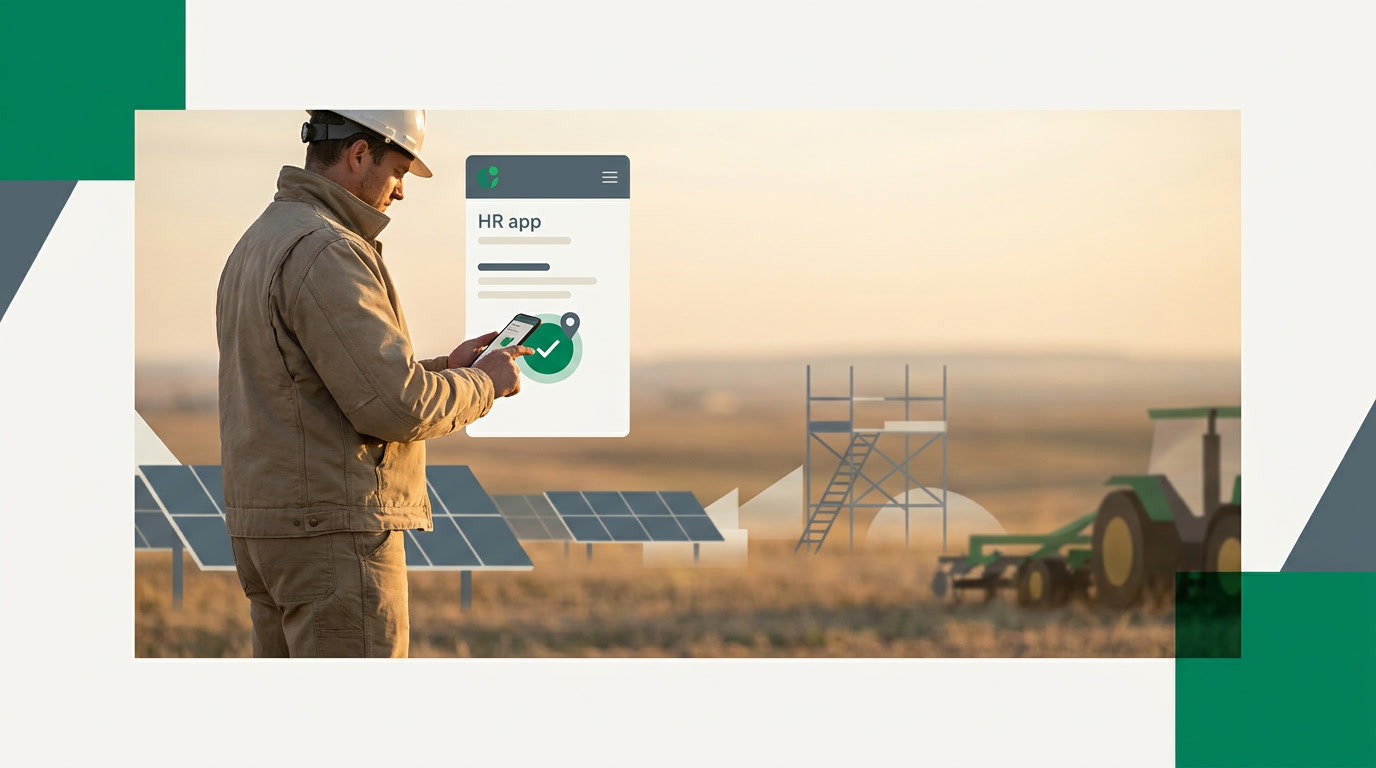
Your team doesn't sit at desks. They're on site, in vans, walking properties, closing calls from a car park. The HR software that runs them still lives on someone's laptop. That gap is where hours go missing, leave requests stall, and payslips become a monthly argument. Choosing HRMS software for a field or distributed team is really about one question: what can a person actually do from a phone, standing up, in the rain?
What does a field team actually need from HRMS software?
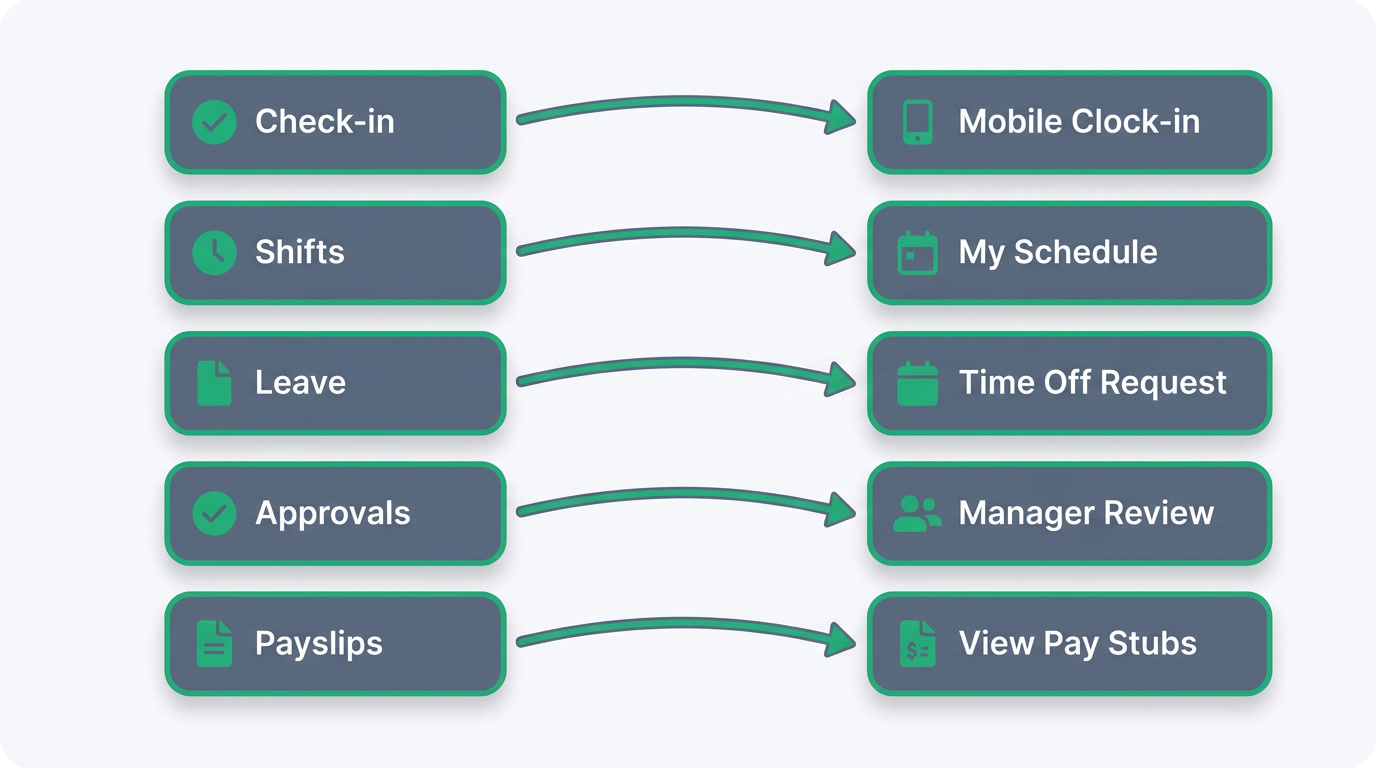
A field team needs everything that matters to happen on a phone: clocking in with location, requesting leave, checking a shift, approving a request, and seeing a payslip. Office HR software assumes a desk and a browser. Distributed HR software assumes a person in motion. That single assumption changes which product will actually get used versus quietly abandoned.
The test isn't the feature list. It's whether the person who never opens a laptop can finish a task in under a minute between two appointments. If your HR tool fails that test, your managers become the software: chasing timesheets, forwarding leave emails, rekeying attendance. That labour is the real cost, and it never shows up on the invoice.
Which selection criteria separate a good mobile HRMS from a bad one?
Judge a mobile HRMS on five things: check-in that captures where someone is, shift scheduling they can read on a phone, leave requests that route to the right approver, an approvals inbox managers can clear on the go, and self-service so people find their own payslips. Everything else is decoration. Score each product against those, not against a glossy demo.
- Location on check-in — you want to know the clock-in came from the job site, not the sofa.
- Readable shifts — a rota someone can glance at on a small screen without pinching to zoom.
- Leave that routes itself — a request that reaches the right manager without a forwarded email.
- An approvals inbox — one place a manager clears requests between meetings.
- True self-service — payslips and balances people fetch themselves, so HR stops being a lookup desk.
How do field team needs map to HRMS features?
Every field-team headache maps to a specific capability, and the mapping is worth writing down before you shop. Use the table below as your shortlist scorecard. If a product can't tick the middle column from a phone, it belongs to the office, not the field, no matter how the sales deck reads.
| Field team need | What to look for | Why it matters |
|---|---|---|
| Prove who worked where | Mobile check-in with location | Ends timesheet disputes at the source |
| Cover the rota | Shift scheduling on the phone | People see their shifts without calling in |
| Handle time off | Leave requests with balances | No more email chains or spreadsheets |
| Keep work moving | Approvals inbox on mobile | Managers decide between appointments |
| Answer pay questions | Self-service payslips | HR stops fielding the same request |
How does ERPnBox handle a distributed HR team?
ERPnBox runs HR from a native iOS and Android app: your team checks in with location captured, requests leave, reads their shifts, clears approvals from an inbox, and pulls their own payslips through self-service. It's one app, in your language, on one per-seat price, and the same login opens CRM and Finance too. The HR your people touch daily is built for the phone.
Here's the honest boundary: setting HR up — shift rules, leave policies, payroll configuration, org structure — is done on the web, not the phone. That's deliberate. The admin work belongs to whoever runs operations, at a desk, once. The daily work belongs to everyone, everywhere, all the time. Payroll itself supports configurable tax and social-insurance rules, so it bends to how you actually pay people.
See how ERPnBox HR runs a field team from the phone.
Explore HR & PayrollWhat should you check before you commit?
Before signing, run one honest trial: hand the app to a real field worker and a real manager for a week, unassisted. Watch whether the worker checks in without being reminded and whether the manager clears approvals without opening a laptop. If both happen naturally, the tool fits your team. If they revert to messaging each other, it doesn't.
Two practical cautions. Mobile here works online, so plan for connectivity on remote sites rather than assuming an offline mode. And decide early who owns the web-based setup, because a distributed team with nobody configuring policies is just a nicer-looking mess. Pick the tool that makes the daily motions effortless and keeps the heavy configuration in one accountable pair of hands.
Frequently asked questions
Does the mobile app work without an internet connection?
No. The ERPnBox mobile app **works online**, so check-ins, leave requests, and approvals need a connection. For remote sites, plan for coverage rather than relying on an offline mode, since there isn't one.
Can managers approve leave from their phones?
Yes. Managers get an **approvals inbox** in the mobile app where they clear leave and other requests between appointments, without opening a laptop. Requests route to the right approver based on how you set your policies up on the web.
Does check-in record where someone clocked in?
Yes. Mobile check-in **captures location**, so you can confirm a clock-in came from the job site. That single detail resolves most timesheet disputes before they start, without anyone chasing paper.
Can employees see their own payslips?
Yes. **Self-service** lets people pull their own payslips and leave balances from the app, so HR stops answering the same question every month. Payroll supports configurable tax and social-insurance rules to match how you pay.
Do I have to configure everything on a phone?
No, and you shouldn't. Admin setup — shift rules, leave policies, payroll, org structure — is **done on the web, once**, by whoever runs operations. The daily actions your team repeats are what live on the phone.
Is HR separate from the rest of the business tools?
No. [HR & Payroll](/hrms) shares **one login and one per-seat price** with CRM, Finance, and the rest of ERPnBox. Your people, deals, and books connect instead of living in separate apps you'd otherwise wire together yourself.