
The short answer
You have outgrown spreadsheets when version chaos, no automation, no audit trail, siloed data and manual reporting start costing you real time and money. An AI-built ERP like ERPnBox replaces them without an implementation project — you describe your business and it builds a connected workspace in minutes.
There is a moment in every growing business when the spreadsheet stops being a tool and starts being a liability. You know the one. The file called Master_Final_v7_USE_THIS.xlsx that three people have open at once, each editing a different truth. Spreadsheets are brilliant for a while. Then, quietly, they become the thing holding you back.
What are the signs you have outgrown spreadsheets?

You have outgrown spreadsheets when the file itself becomes the risk: nobody trusts which version is current, nothing happens unless a person makes it happen, there is no record of who changed what, your sales list and your finances live in separate files, and every report is a weekend of copy-paste. If two of those sound familiar, you are already past the line.
The five symptoms tend to arrive together, because they share one root cause: a spreadsheet is a grid of numbers with no idea what those numbers mean.
- Version chaos. Two people edit the same figure and one of them is silently wrong. Nobody knows which file the boss is looking at.
- No automation. Every reminder, every follow-up, every handoff waits for a human to remember. Things slip because people are busy.
- No audit trail. When a number changes, there is no way to see who changed it, when, or why. Mistakes become mysteries.
- Siloed data. Customers in one file, invoices in another, staff in a third. Nothing connects, so nothing adds up.
- Manual reporting. Answering a simple question — how did we do last month — takes half a day of stitching sheets together.
When should a small business move off spreadsheets to an ERP?
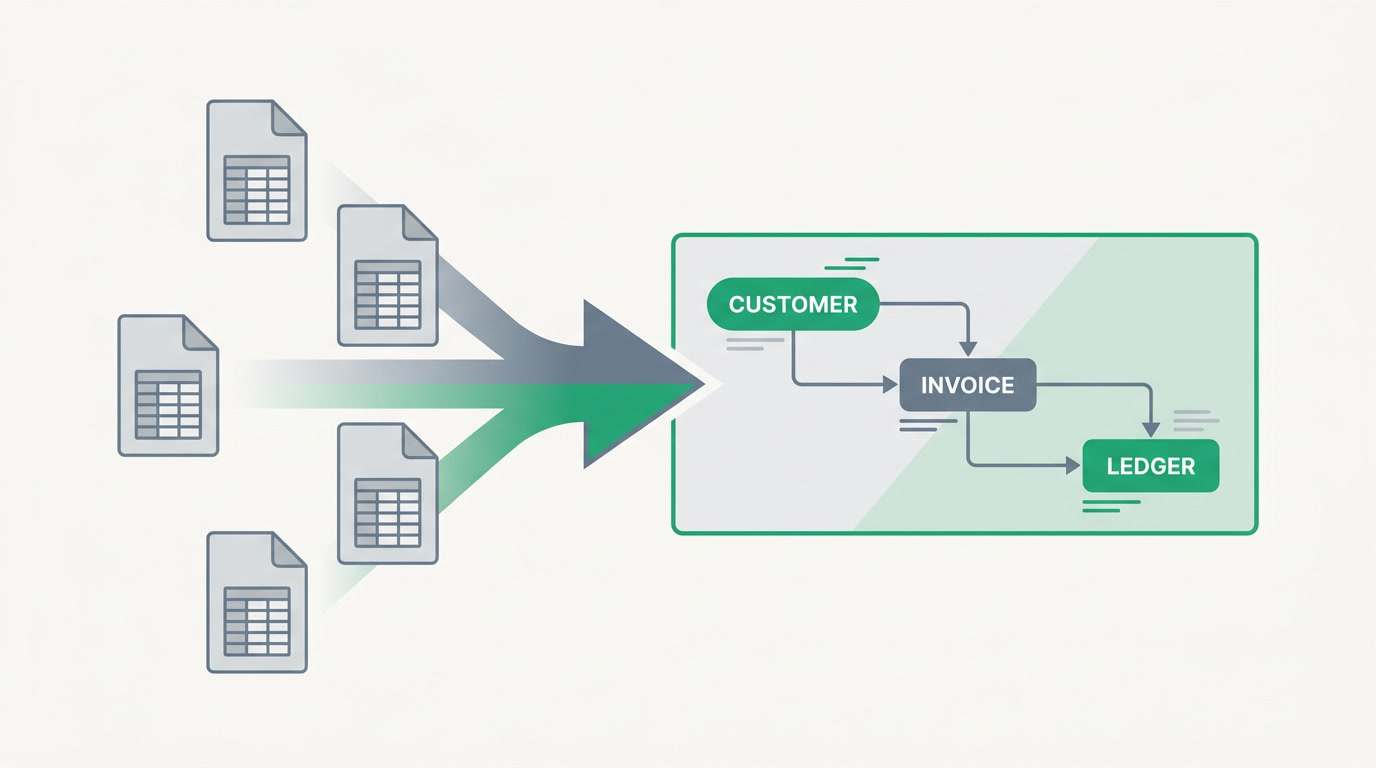
Move when the cost of keeping the spreadsheet exceeds the effort of leaving it — and that tips earlier than most owners think. The usual triggers are a growing team, more customers than you can track by memory, money flowing in ways your accountant queries, and the dawning sense that you are managing the tool instead of the business.
Use the checklist below as an honest mirror. It is not about company size; it is about where the friction lives.
| Readiness signal | Still fine on spreadsheets | Time to move to an ERP |
|---|---|---|
| Team size | One or two people, one editor | Several people editing the same data |
| Customer tracking | You remember every deal | Leads and follow-ups slip through cracks |
| Finances | A handful of invoices a month | You need a real ledger and tax handling |
| Reporting | One number, once in a while | You want live dashboards and KPIs |
| Handoffs | Everyone sits in one room | Work crosses people, roles and devices |
Why does replacing spreadsheets with software usually feel so painful?
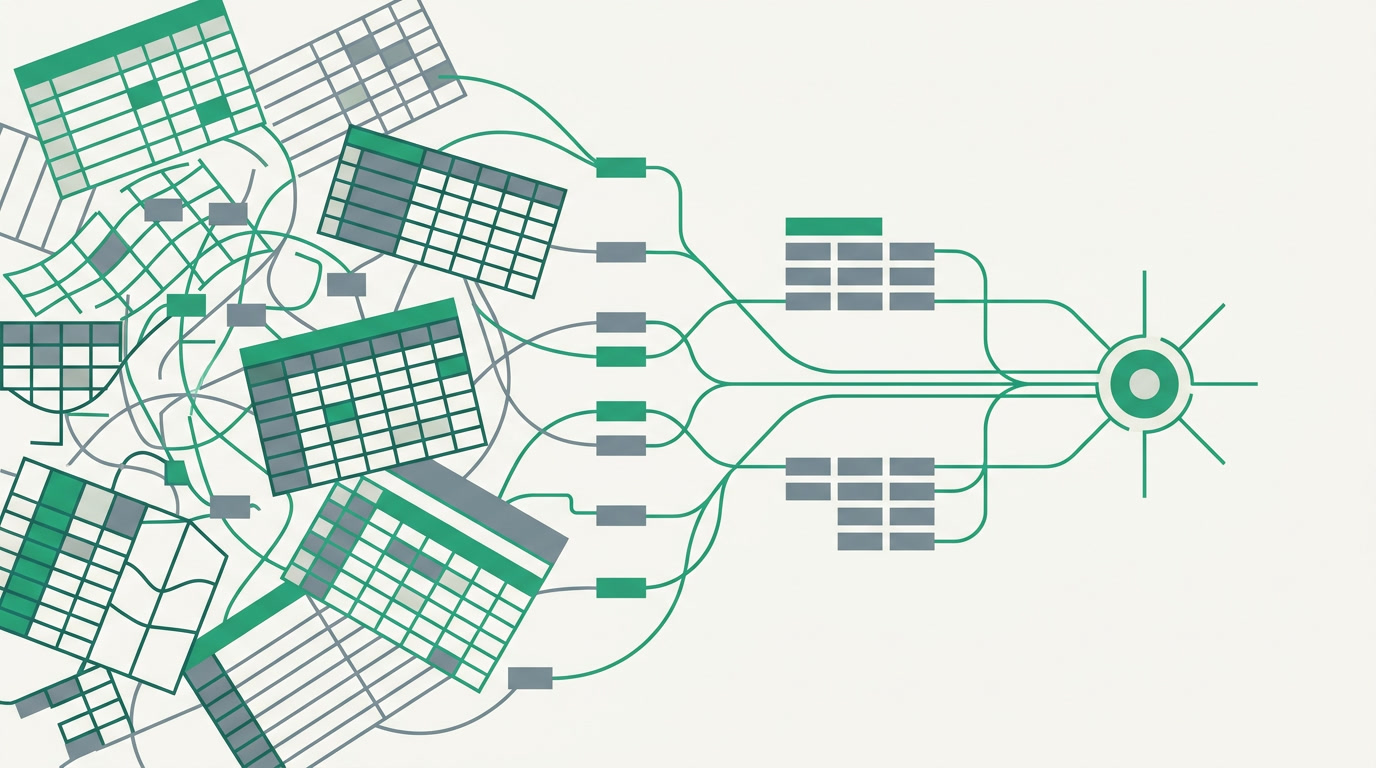
Because the traditional path is an implementation project: months of consultants, requirements documents, data mapping and change requests before anyone logs in. That is what makes owners cling to the spreadsheet — not love for the file, but dread of the cure. The enterprise systems built for this, SAP and NetSuite, are deep and powerful and cost six figures and a year to stand up.
They are superb if you run a global supply chain. They are the wrong shape entirely for a business that just wants to stop losing leads and close its books on time.
How does an AI-built ERP make the jump painless?
It removes the implementation project entirely. Instead of consultants, you describe your business in plain language and ERPnBox builds the workspace in minutes, then runs it. There is no wiring together of separate apps and no year of setup — you go from describing to using in the same sitting, and adjust as you learn.
What you get is the opposite of five files that do not talk. ERPnBox is CRM, HR and payroll, and real double-entry finance among twelve connected apps, under one login at one price per seat. A lead becomes a customer becomes an invoice becomes a line in your ledger, and the same record carries through — no re-typing, no reconciliation, no siloes. Automation handles the reminders and handoffs a spreadsheet never could, every change is recorded, and reports build themselves into live dashboards. It works on the web and native mobile, in your language.
Leave the spreadsheet behind
Describe your business and watch ERPnBox build your workspace in minutes. 30-day free trial, no card.
Start freeWhat should you do the week you decide to switch?
Start small and let the system prove itself. Pick the one spreadsheet that hurts most — usually the sales list or the invoice tracker — describe it to ERPnBox, and move that first. Once one workflow runs cleanly with automation and a proper record, the next is obvious. You are not migrating a decade of files on day one; you are retiring the file that costs you the most, then the next.
The best time to move off spreadsheets was the day they started to slow you down. The second best time is now, and it no longer costs you a project to do it.
Frequently asked questions
Will I lose my existing spreadsheet data when I switch?
No. Your spreadsheets **stay exactly where they are** while you move workflows across one at a time. Nothing is deleted, and you can keep a file open alongside ERPnBox until you trust the new setup. The goal is to retire spreadsheets at your own pace, starting with the one causing the most pain.
How long does it take to set up an ERP without an implementation project?
**Minutes to a first working workspace, not months.** You describe your business in plain language and ERPnBox builds the apps, fields and layouts for you, then you refine them as you go. There are no consultants, requirements documents or long setup phases before you can start using it.
Do I need to be technical to replace spreadsheets with ERPnBox?
No. **If you can describe how your business works, you can build it.** The conversational AI assistant creates modules, dashboards and automation from plain-language requests, so an owner or operations lead can set it up without code or a developer. Admin configuration is done on the web.
What makes ERPnBox different from Zoho One or QuickBooks?
[Zoho One](https://www.zoho.com/one/) offers 40-plus apps you wire together, and [QuickBooks](https://quickbooks.intuit.com/) is strong accounting that sits apart from your CRM. ERPnBox gives you CRM, HR, payroll and real double-entry finance **already connected in one system**, built for you by AI. One login, one price, and [records that flow across apps without re-entry](/compare).
How much does moving off spreadsheets to ERPnBox cost?
[Plans](/pricing) start at **$15 per seat** on Professional and $20 on Growth, with an Enterprise tier priced to fit. Every plan starts with a 30-day free trial and no card required, and paying yearly gives you two months free. It is one per-seat price for the whole suite, not a bill per app.