The short answer
ERPnBox is practice-management CRM and billing software for clinics: appointment scheduling, invoicing with payment plans, patient contact records, documents, automated reminders and native mobile — one login, one per-seat price. It runs the front-office and money side. It is not a clinical EHR and makes no medical-records compliance claims.
A private practice loses money in the quiet places: the no-show nobody called to fill, the invoice typed twice with a wrong amount, the patient whose phone number lives on a sticky note. None of it is clinical. All of it is the business.
This is a guide to the software that runs that side — scheduling, billing, patient contacts, reminders — for clinics and small private practices. One honest thing up front: ERPnBox is not a clinical records system. It does not hold charts, diagnoses, or anything that needs medical-compliance certification. It runs the front desk and the money.
What does clinic CRM and billing software actually do?
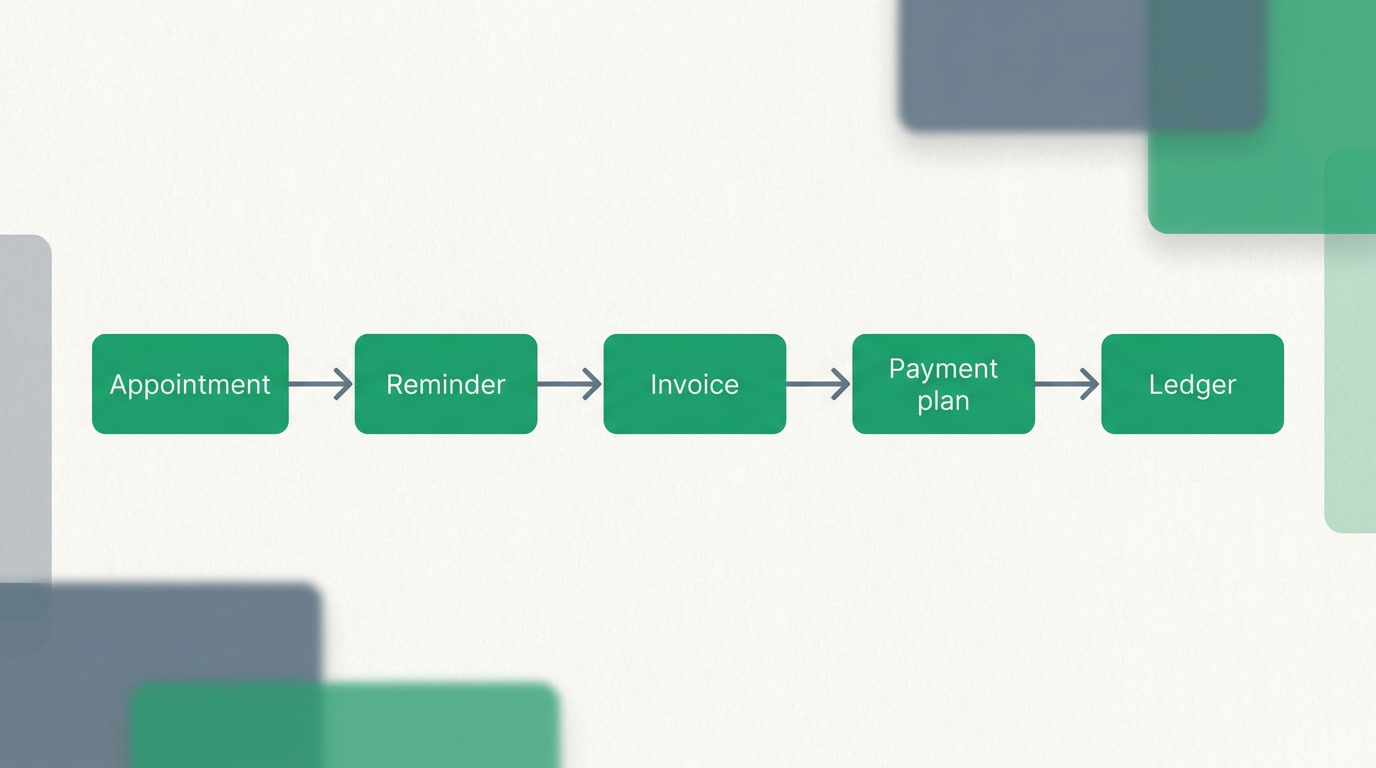
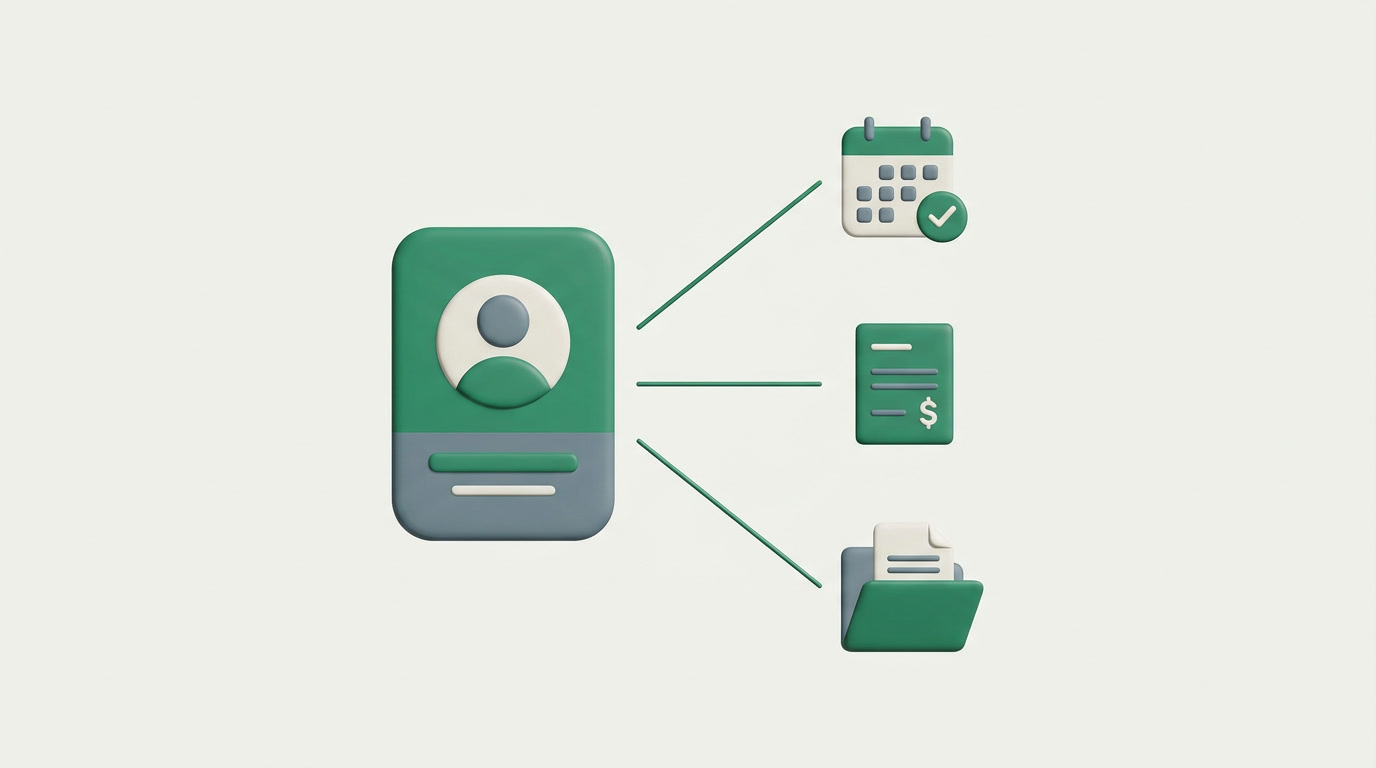
It handles the operational spine of a practice: booking appointments, holding patient contact details, sending reminders, raising invoices, tracking payments and payment plans, and keeping documents attached to the right person. The point is that these connect — a booking becomes an invoice, an invoice posts to the ledger — instead of living in five tools that never speak.
Vendors who sell this report 20–30% faster billing cycles once manual re-entry disappears. That gain has nothing to do with clever accounting; it comes from the invoice being born out of the appointment that already exists in the system.
Why do scheduling conflicts and no-shows cost so much?
An empty chair is unrecoverable revenue — you can't sell yesterday's 3pm slot. Double-bookings and no-shows are the two most expensive front-desk failures in a small practice, and both are usually caused by a calendar that lives in one person's head or one shared spreadsheet with no reminders attached.
ERPnBox scheduling gives each provider a bookable calendar with real conflict checks, so two patients can't hold the same slot. Automated reminders fire before the appointment — through email and your connected messaging — and the whole thing is reachable on native mobile so a front-desk person, or the practitioner, can see the day from a phone.
One honest limit on reminders
ERPnBox does not run its own SMS gateway. Reminders go out by email and through messaging channels you connect. If text-message reminders are non-negotiable for your patients, plan for a connected channel — don't assume a built-in SMS blaster.
How does the billing and payment-plan side work?
You raise an invoice from the appointment or the patient record, and it posts to a real double-entry ledger — not a running total in a spreadsheet. Longer treatments can be split into a payment plan with scheduled installments, so a course of care bills predictably instead of in one intimidating lump.
Because Finance lives inside the same platform as your patient contacts, an invoice always carries the person it belongs to. The manual-invoicing errors that plague spreadsheet billing — wrong amount, wrong patient, keyed twice — mostly disappear because you're not re-typing what the system already knows.
When it's time to reconcile against the bank, you can connect your bank where Stripe Financial Connections supports it, or import a statement anywhere. Stripe connects US bank accounts (around 5,000 US institutions) today; outside that, a statement import feeds the same matching and reconciliation flow.
Where do patient records and documents live?
Each patient is a contact record: name, phone, history of appointments, invoices, payments and attached documents — consent forms, referral letters, scanned IDs — all on one screen. This is the administrative profile, the front-office view. It is not, and does not pretend to be, a clinical chart.
Small practices don't need enterprise complexity. They need a fast tool the front desk will actually open every morning.
That last point matters more than any feature list. Across every practice type, adoption is the number-one success factor — the tool only pays off if reception, billing and the practitioner all actually log in. Simplicity is the feature.
What ERPnBox is — and is not — for a clinic
| Job to be done | ERPnBox | Honest note |
|---|---|---|
| Appointment scheduling & reminders | Yes — bookable calendars, conflict checks, automated reminders | Reminders via email/connected channels; no built-in SMS gateway |
| Invoicing & payment plans | Yes — real double-entry ledger, installments | Not statutory tax-return filing or government e-invoicing |
| Bank reconciliation | Live feeds where Stripe supports it; CSV import anywhere | Live feeds cover US bank accounts today |
| Patient contact records & documents | Yes — full contact profile with attachments | Administrative profile, not a clinical EHR |
| Clinical charts, diagnoses, prescriptions | No | Use a certified EHR alongside ERPnBox |
Read that bottom row as the boundary line. If you need charting, e-prescribing or medical-records compliance, you need a certified clinical system, and ERPnBox sits beside it doing the business — the bookings, the money, the people.
Should I use a dedicated accounting tool instead?
If accounting is genuinely all you need, a dedicated tool is excellent. Zoho Books and QuickBooks Online are mature, best-in-class accounting products with broader automatic bank-feed coverage than we have today, and deep accountant ecosystems. Buy them when the job is bookkeeping.
ERPnBox's difference is not better accounting. It's that the ledger sits inside the same platform as your scheduling, patient contacts and documents — so finance isn't a separate app you reconcile against your booking system by hand. For a clinic juggling calendars, invoices and people, that one-place quality is usually the deciding factor, at one per-seat price for all of it rather than a stack of subscriptions.
See the front-office and billing side, built for your practice
Describe your clinic and let the AI assemble the scheduling, billing and patient records in minutes. 30-day trial, no card.
Build your clinic workspaceFrequently asked questions
Is ERPnBox an EHR or electronic medical records system?
No. ERPnBox handles the **administrative side** of a practice — scheduling, billing, patient contact details and documents. It does not store clinical charts, diagnoses or prescriptions, and makes no medical-records compliance claims. Most clinics run it alongside a certified clinical system.
Can it send appointment reminders by text message?
ERPnBox sends automated reminders by **email and connected messaging channels**. It does not run its own SMS gateway, so plan for a connected channel if patient text reminders are essential to how your practice operates.
Does it support payment plans for longer treatments?
Yes. A treatment can be billed as a **payment plan with scheduled installments**, so a course of care spreads predictably instead of arriving as one large invoice. Every installment posts to the same double-entry ledger as your other billing.
How is billing here different from QuickBooks or Zoho Books?
Those are excellent dedicated accounting tools with broader bank-feed coverage than us. ERPnBox's difference is that the **ledger lives inside the same platform** as your scheduling and patient records — invoices carry their patient automatically. If you only need bookkeeping, buy the dedicated tool; if you want one connected system, that's us.
What does it cost for a small practice?
As of mid-2026, pricing is per seat: **Professional at $15/user** (3,000 AI Credits) and **Growth at $20/user** (6,000 credits, most popular), with Enterprise custom for BYOK and SSO. That one price covers scheduling, billing, patient records and the other apps — see [pricing](/pricing). There's a 30-day trial with no card.