The short answer
ERPnBox runs the business side of a construction firm — leads, quotes, invoicing, job costing, scheduling, documents and payroll — on one platform at one per-seat price, mobile-first for the field. It is not a takeoff, estimating-detail or BIM suite; it is the CRM, finance and people system that ties those together.
A contractor's day rarely breaks down over the wall or the wiring. It breaks down over the paperwork — the quote that lived in one tool, the invoice in another, the crew's hours on a third, and the client's phone number on somebody's cracked screen. The construction work is hard enough. The business around it shouldn't be.
This article is about that business side — leads, quotes, invoicing, scheduling, documents, people and money — and how to run all of it on one platform instead of five. It is not about takeoff, structural modeling or BIM. We'll be clear about that line, because pretending otherwise helps no one.
Why do contractors end up running five separate systems?
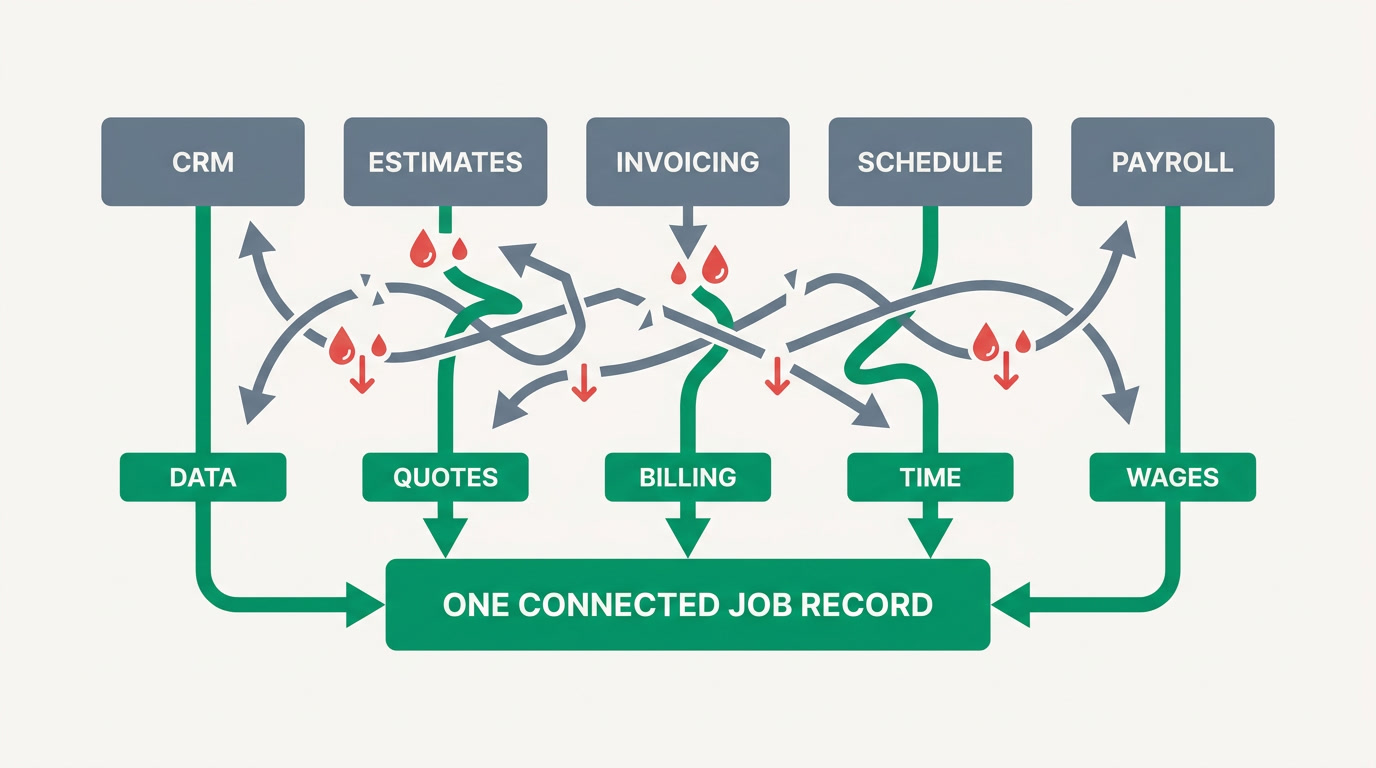
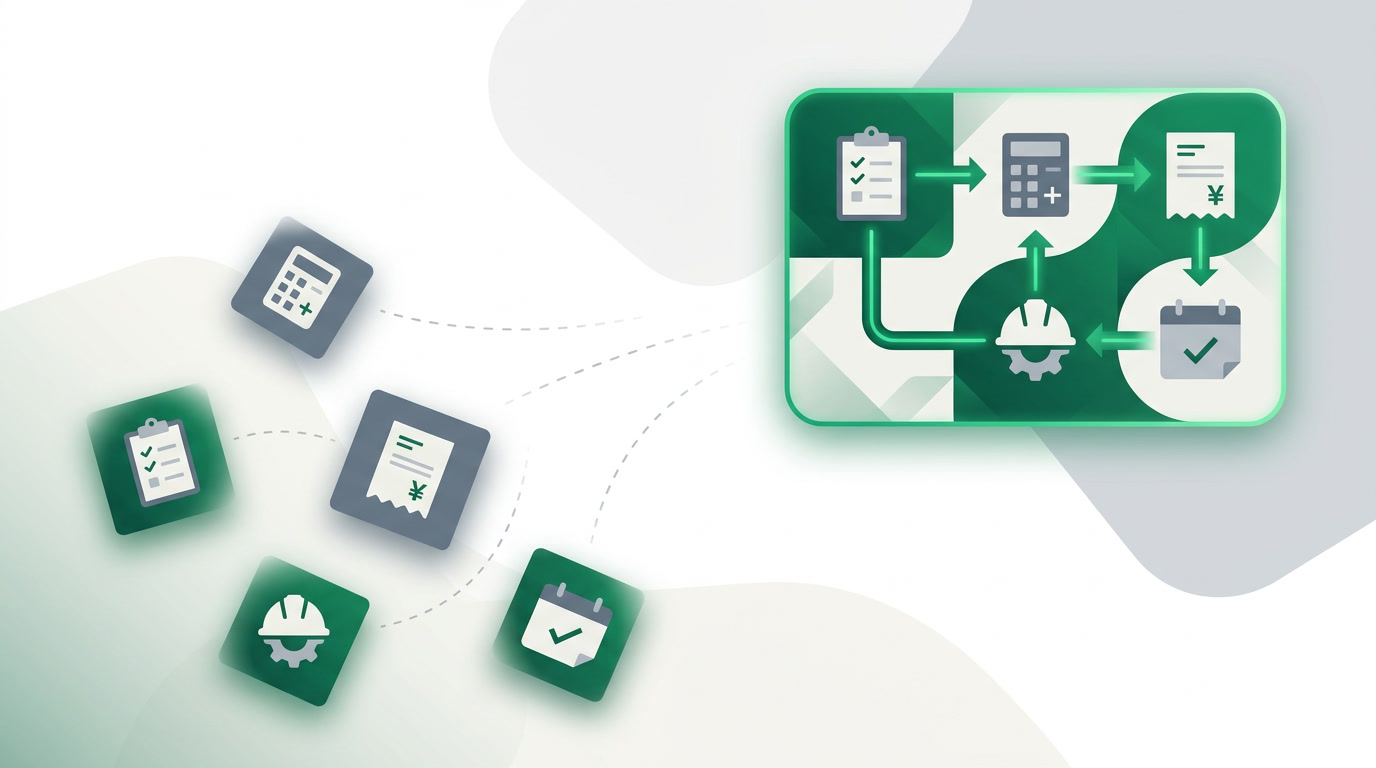
Because each need arrived on its own day. A CRM for leads, a spreadsheet for estimates, an accounting tool for invoices, a scheduler for crews, and a payroll service for the team — each bought to solve one problem, none of them talking to the others. The result is manual re-entry and numbers that never quite reconcile.
Every hand-off is a leak. A job gets quoted at one figure, invoiced at another, and its real cost is scattered across three tools nobody cross-checks until the margin is already gone. The fix isn't a better spreadsheet — it's keeping the deal, the job, the invoice and the crew's hours as one connected record.
What does the field actually need on a phone?

The crew is not at a desk. They need to see the job, log an update, snap a photo of the site, and check the schedule — from a phone, one-handed, sometimes with no time to spare. Most legacy contractor tools were built for the office first and got a mobile app bolted on as an afterthought. That's backwards.
ERPnBox ships a native mobile app — iPhone and Android, not a shrunk-down website — so a foreman on site sees the same live record the office sees. One honest limit: the mobile app has no offline mode today, so a connection is needed to sync. If your sites routinely have no signal, factor that in.
How does a quote become an invoice without re-typing it?
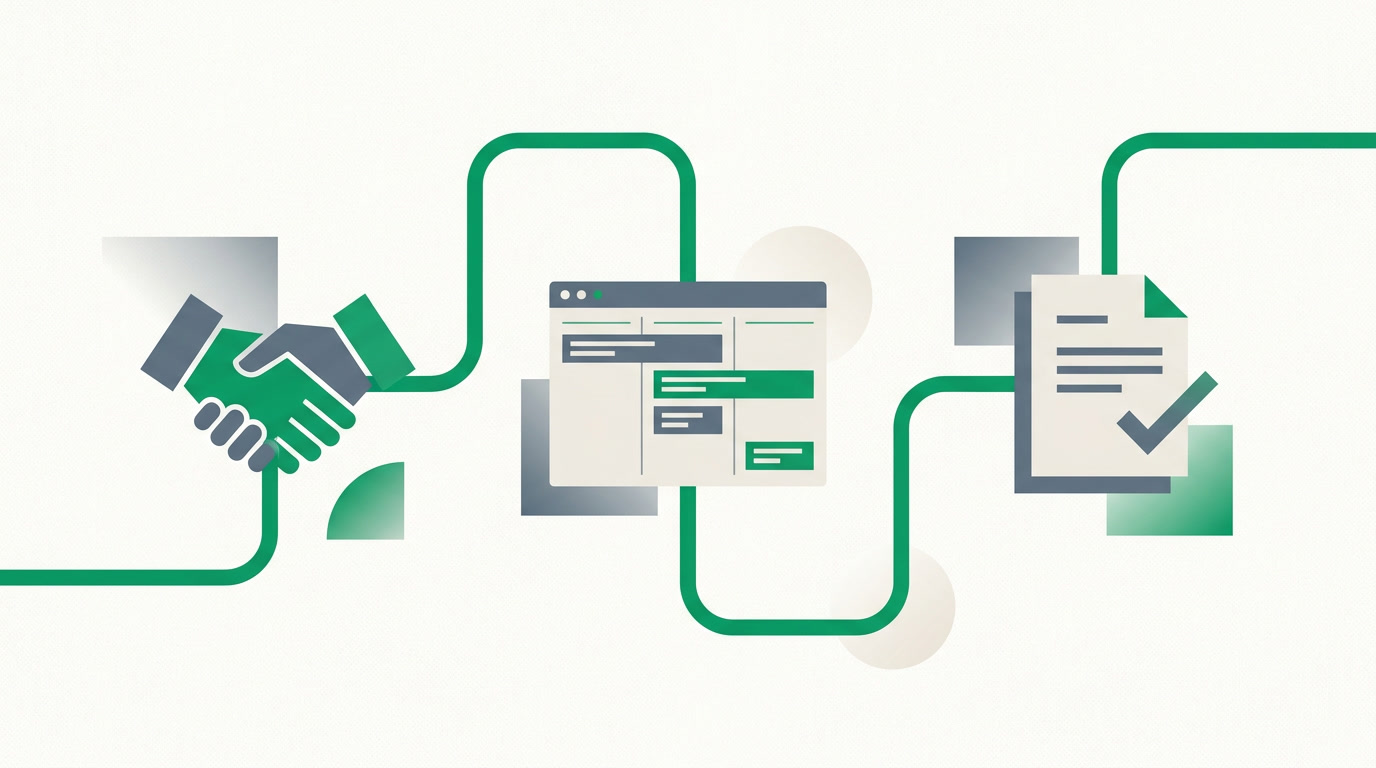
You win the bid, and the quote you already built becomes the invoice — same line items, same client, same job — with nothing re-keyed. In ERPnBox the quote lives in the CRM attached to the deal, and when it's approved it flows straight into Finance as an invoice that posts to a real ledger. One record, start to finish.
For long jobs with staged billing, payment plans let you invoice by milestone — deposit, progress draws, retention release — and each payment posts back against the job. That's the job-costing-to-billing loop that per-tool setups keep breaking.
Where the honest line is
ERPnBox is not a specialized construction-management suite. There is no quantity takeoff, no BIM, no drawing markup, no equipment-fleet telematics. If you need those, keep your estimating tool — and run the leads, quotes, invoicing, people and money on ERPnBox alongside it.
What about scheduling, documents and the crew's pay?
They live on the same platform, connected to the same records. Schedule site visits and crew assignments against the job; keep contracts, permits and signed change orders as documents on the record; and run the team's payroll in the built-in HR & payroll — no separate service, no export-import dance.
Documents matter more here than in most industries. A construction file is a stack of paper — contracts, insurance certificates, inspection sign-offs. Keeping them attached to the job and the client means the answer to "where's the signed contract?" is one tap, not a group text.
How does the cost compare to legacy contractor CRMs?
Legacy per-user contractor CRMs commonly run $500–2,000+ per month for a team of 10–20, and that's often before you add accounting and payroll. ERPnBox is one per-seat price for the whole suite — CRM, Finance, HR and twelve apps — so a small contractor isn't buying five subscriptions to do one company's paperwork.
| Five separate tools | ERPnBox (business side) | |
|---|---|---|
| Leads & quotes | Standalone CRM, per user | Included, tied to the job |
| Invoicing & ledger | Separate accounting subscription | Real double-entry, included |
| Crew payroll | Third-party payroll service | Built-in HR & payroll |
| Field access | Bolted-on mobile app | Native mobile, same records |
| Pricing shape | $500–2,000+/mo, stacked | One per-seat price |
| Takeoff / BIM | Specialist tool | Not included — keep yours |
On the money side, be fair about the trade-off. Dedicated accounting tools like QuickBooks Online and Zoho Books have broader automatic bank-feed coverage than we do today. ERPnBox's difference isn't better accounting — it's that the ledger sits inside the same platform as your leads and crews, so finance isn't a separate book you reconcile against your sales.
Bank reconciliation works two ways: connect your bank where Stripe Financial Connections supports it — US bank accounts today — or import a statement anywhere. Either path runs through the same matching and reconciliation flow.
Will the crew actually use it?
That's the real question, and across every trade the number one reason these systems fail is that people won't log in. If a tool is slower than a text message, the crew routes around it. So the bar isn't features — it's whether an operator can set it up simply and whether the field can use it in seconds.
ERPnBox builds your workspace from a conversation — describe your jobs, your stages, your crew roles, and the AI sets up the modules and fields in minutes. You're not configuring a blank enterprise system for a year; you're adjusting one that's already shaped like your business.
See your firm's setup before you commit
Describe how you run jobs and watch the workspace build itself. 30-day free trial, no card.
Build my workspaceFor a contractor, the win isn't a fancier tool. It's fewer of them. The estimate, the client, the invoice, the crew's hours and the payroll run stop being five islands and start being one story you can actually read.
Frequently asked questions
Is ERPnBox a full construction-management suite like the specialists?
No, and we won't pretend otherwise. There's no quantity takeoff, drawing markup, BIM or equipment telematics. ERPnBox handles the **business side** — leads, quotes, invoicing, job costing, scheduling, documents, and [HR & payroll](/hrms). Many contractors keep a dedicated estimating tool and run everything else here.
Can crews use it in the field?
Yes — there's a native iPhone and Android app showing the same live records as the office, so a foreman can log updates and check the schedule on site. One honest limit: there's no offline mode yet, so a connection is needed to sync.
Does it handle staged billing and retention?
Yes. Payment plans let you invoice by milestone — deposit, progress draws, and retention release — and each payment posts to a **real double-entry ledger** against the job, so billing and job cost stay in sync.
How does the price compare to a legacy per-user CRM?
Legacy contractor CRMs commonly run $500–2,000+ a month for 10–20 users, often before accounting and payroll. ERPnBox is one per-seat price for the whole suite. See [pricing](/pricing) — Professional is $15/user and Growth is $20/user as of mid-2026.
What about bank reconciliation?
Connect your bank where Stripe Financial Connections supports it — US bank accounts today — or import a statement anywhere. Both run through the same matching and reconciliation flow. Dedicated tools like QuickBooks and Zoho Books still have broader feed coverage; if you only need accounting, they're worth a look.