The short answer
A CRM manages the front of your business — leads, deals, and customer relationships. An ERP manages the whole business — finance, HR, and operations, with a CRM inside it. Small businesses often need both. ERPnBox is an ERP that includes a genuine CRM, built from a conversation, no heavy implementation.
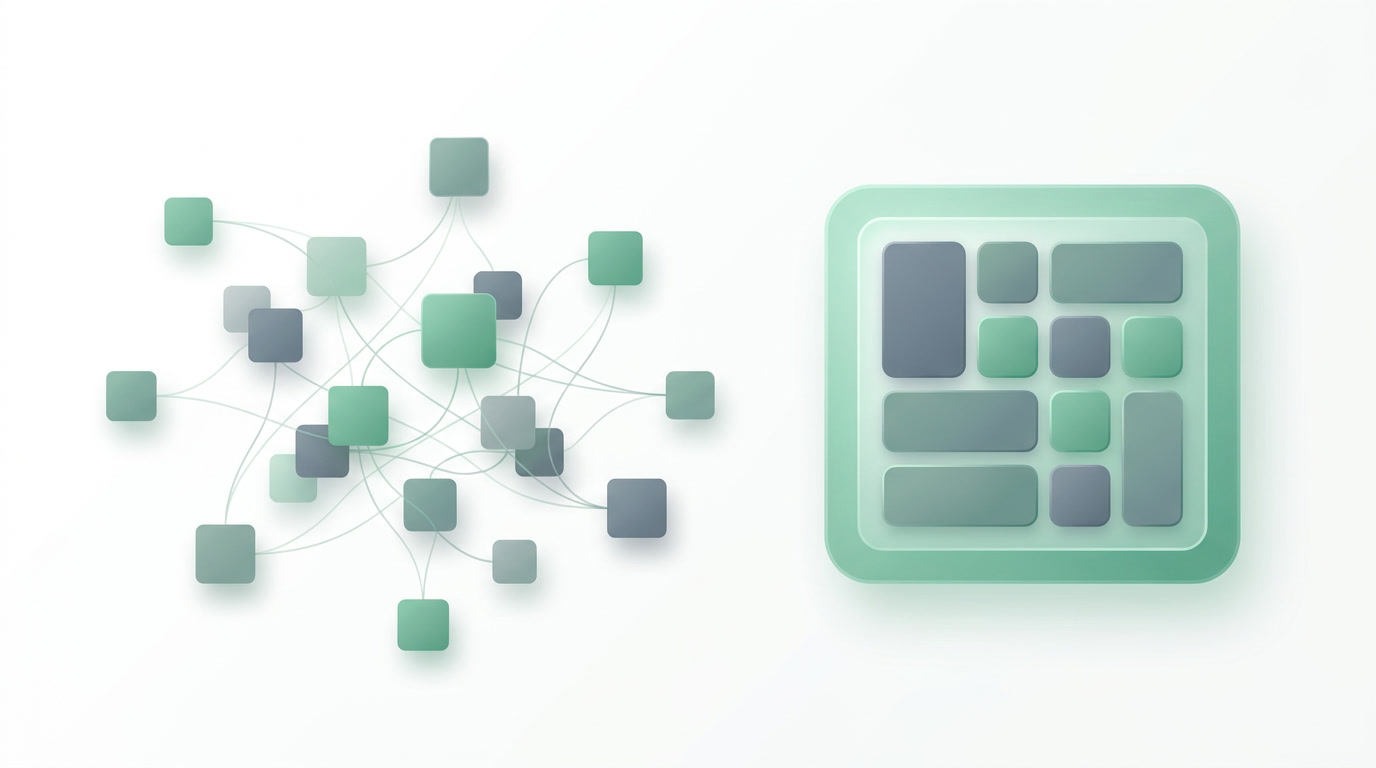
You keep hearing both words. A CRM to chase deals. An ERP to run the business. And somewhere along the way you end up paying for two systems that don't talk to each other, re-typing the same customer into both. The real question isn't which acronym wins. It's whether your business should run on one connected system or two disconnected ones.
Here's the short version before the detail: a CRM manages the front of your business — the people you sell to. An ERP manages the whole business — money, people, operations. The two overlap more than the marketing admits, and for a small business the smartest move is usually to stop choosing between them.
What is a CRM, in plain terms?
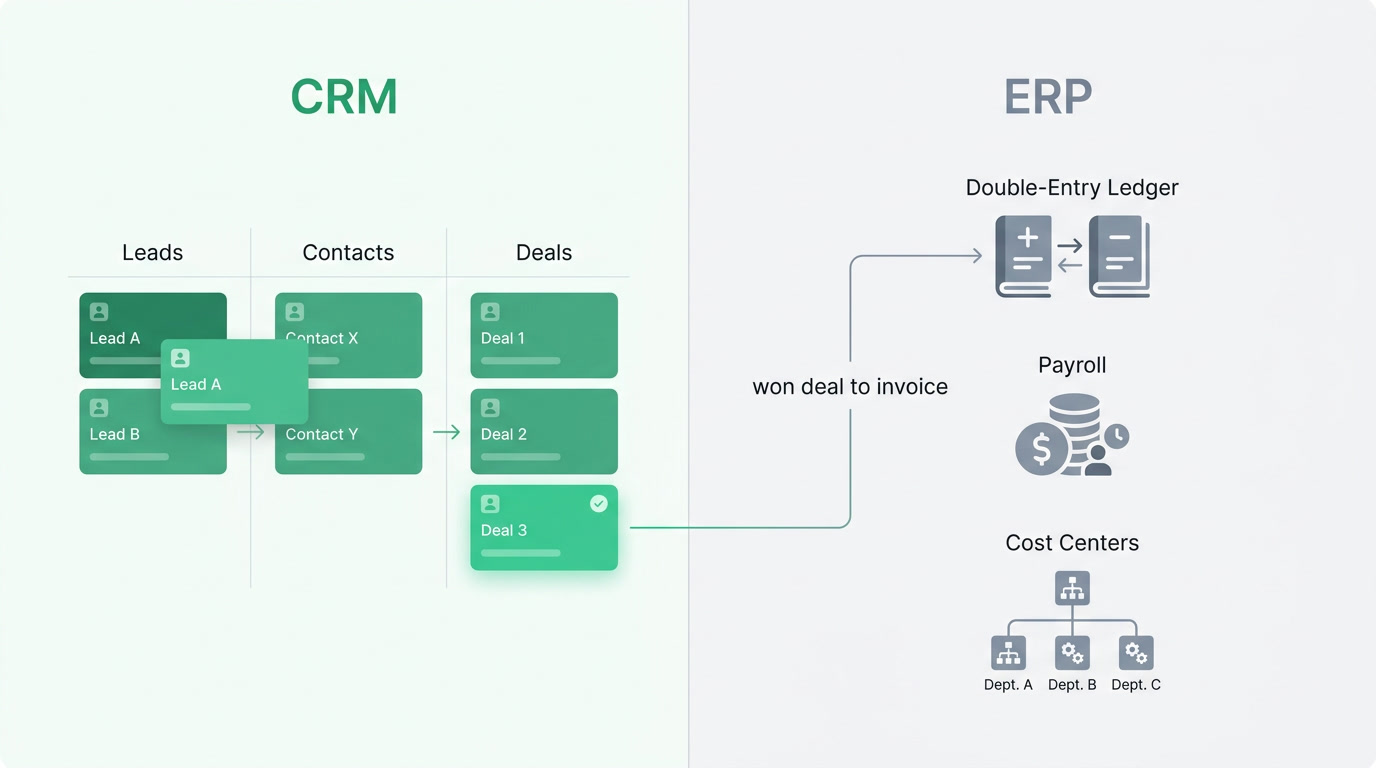
A CRM (Customer Relationship Management) system organizes everyone you sell to and everything you do to win and keep them. It holds your leads, contacts, and deals; it moves them through a pipeline; it reminds you to follow up; and it tells you which channels bring the customers worth having. It's the memory of your revenue.
In practice, a good CRM captures a lead the moment it arrives — from an ad, a web form, or a WhatsApp message — routes it to the right salesperson automatically, and keeps the whole conversation in one place. It shows the manager a live board of who's about to close and who's gone quiet. It runs the workflows and reminders that stop deals from slipping through the cracks. Everything before the customer says yes lives here.
What is an ERP, in plain terms?
An ERP (Enterprise Resource Planning) system runs the whole business, not just sales. It's the shared backbone for your money, your people, and your operations: invoicing and the accounting ledger underneath it, expenses and bills, employee records and payroll, plus whatever your industry needs to operate day to day. When departments share one system, nobody re-keys data and the numbers reconcile themselves.
The word "ERP" scared small businesses for years because it meant one thing: SAP or NetSuite, a six-figure budget, a year of consultants, and a rollout that outlived the person who approved it. That's the enterprise-ERP kind. There's now a second kind — the all-in-one system that gives you the same connected backbone without the implementation project. That distinction is the whole point of this article.
What is the difference between CRM and ERP?
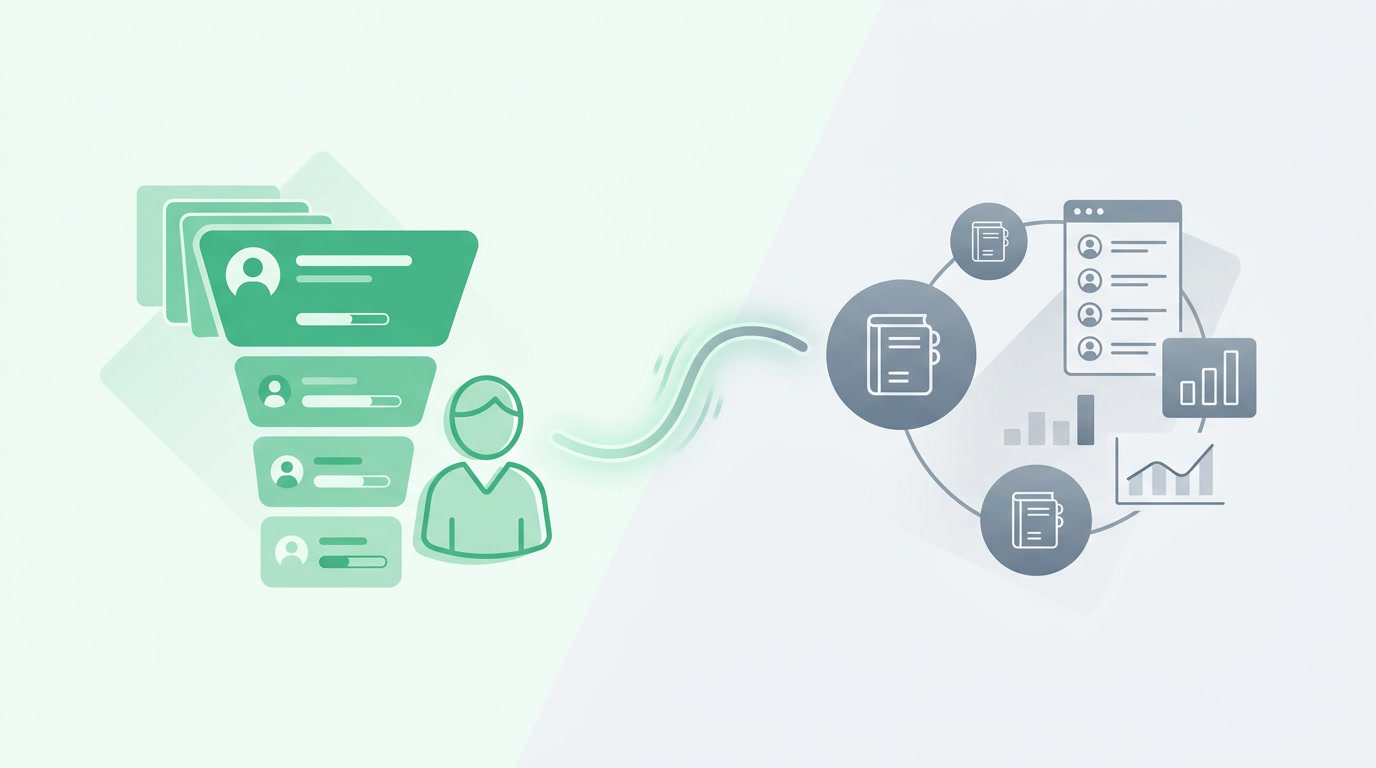
The difference is scope. A CRM covers the customer-facing front of the business — leads, deals, and relationships. An ERP covers the whole operation — finance, HR, and operations, with the CRM as one part of it. Put simply: a CRM is a room; an ERP is the building, and the CRM is a room inside it.
| Dimension | CRM | ERP |
|---|---|---|
| Primary job | Win and keep customers | Run the whole business |
| Who lives in it | Sales, marketing, support | Sales, finance, HR, operations |
| Core data | Leads, contacts, deals, pipeline | Invoices, ledger, payroll, expenses + the CRM |
| Answers the question | "Who should I follow up with?" | "Am I profitable, and who owes me?" |
| What breaks without it | Deals slip; follow-ups forgotten | Numbers don't reconcile; work is re-keyed |
The overlap is real. Every ERP needs to know about customers, and every CRM eventually touches an invoice. That grey zone is exactly where separate systems hurt: your salesperson closes a deal in the CRM, then someone re-types it into the accounting tool, and the two disagree by month-end. One system removes the seam entirely.
As a small business, which one do I need?
Start with your bottleneck. If deals are slipping and follow-ups get forgotten, you need a CRM first. If invoices, payroll, and reconciling the books are the daily pain, you need the finance and HR backbone of an ERP. Most growing businesses hit both within a year — which is why buying two separate tools is usually the expensive mistake.
| If this is your situation | Start with |
|---|---|
| You sell but lose track of leads and follow-ups | CRM |
| You invoice, pay staff, and reconcile books manually | ERP (finance + HR) |
| Sales and accounting keep disagreeing on numbers | One system that holds both |
| You run deep supply chain, warehouses, procurement | Heavy enterprise ERP (SAP/NetSuite) |
Be honest about that last row. If your business runs on full supply chain, warehouse logistics, and procurement, you need a heavy enterprise ERP and you should expect a real implementation. For the vast majority of small and mid-sized businesses — service firms, agencies, real estate, recruitment, education, healthcare practices — that machinery is overkill you'll pay for and never use.
Can one platform really give me both?
Yes — that's exactly what ERPnBox is: an ERP for small business that includes a genuine CRM, not a CRM with accounting bolted on. Leads, deals, invoicing, a real double-entry ledger, HR, and payroll live in one place, so records stay connected: an invoice carries its deal, a ticket carries its customer, a lead auto-routes to the right rep. One login, one per-seat price.
The difference from the enterprise-ERP kind is how you get there. Describe your business in a sentence and, minutes later, a conversational AI has built the working system — pipeline, invoicing, employee records, a support desk, bookings, campaigns, a published website — then runs it. No consultants, no year-long rollout. It's the connected backbone of an ERP without the implementation. That's the whole idea behind "Your Business, Unboxed."
On finance specifically, this isn't a toy: real double-entry accounting, a chart of accounts, invoices and estimates, expenses and bills, multi-currency, bank CSV import and reconciliation, VAT and withholding tax, and 14 reports including P&L, balance sheet, and cash flow. Where we stop is deliberate: we're not a full supply-chain, warehouse, or procurement suite, and we don't file your tax returns or plug into live bank feeds. If you need those, you need enterprise ERP — and we'll say so.
See both, in one place
Describe your business in a sentence and watch a working system — CRM and a real ledger — build itself. 30-day free trial, no card.
Start freeHow does this compare to buying separate tools?
The alternative to one connected platform is stitching together best-of-breed tools — and there are excellent ones. The trade-off is integration work, higher combined cost, and data that lives in silos. Here's an honest look at where the strong options fit, so you can choose with your eyes open.
| Option | Real strength | The trade-off |
|---|---|---|
| Salesforce / HubSpot | Best-in-class CRM and marketing | CRM only; pricey to scale; no ledger |
| QuickBooks / Xero | Excellent dedicated accounting | Separate from your CRM and HR |
| Zoho One | 40+ apps, mature, ~$37/user | You wire the apps together yourself |
| Odoo | Open-source, modular, full control | Technical; often self-hosted |
| NetSuite / SAP | Deep enterprise ERP, full supply chain | Six-figure + long implementation |
| ERPnBox | CRM + finance + HR in one, AI-built | Not a full supply-chain/warehouse suite |
The pattern is clear: the specialists are excellent at their one thing and leave you to connect the rest; the enterprise suites do everything but cost a fortune and a year to stand up. ERPnBox sits where most growing businesses actually live — CRM and finance and HR under one login, at $15–$20 per user, built from a conversation instead of a rollout.
Frequently asked questions
Is a CRM part of an ERP, or separate?
It can be either. Historically they were separate systems you integrated. In a modern all-in-one platform the **CRM is a built-in part of the ERP**, so a lead, its deal, and the eventual invoice stay on the same connected record instead of being copied between two tools.
Do I need an ERP if I'm a small business?
You need the parts you use. The old enterprise-ERP kind was overkill for small firms. The modern all-in-one kind gives you **invoicing, a real ledger, HR, and CRM without a heavy implementation** — so you get the backbone of an ERP without the cost and delay that made the word scary.
Can ERPnBox replace SAP or NetSuite?
Not like-for-like, and we won't pretend otherwise. If you run full supply chain, warehousing, and procurement, those enterprise suites do things we don't. **ERPnBox is the ERP for businesses that need connected CRM, finance, and HR** — without a six-figure budget or a year-long rollout.
What's the risk of running a separate CRM and accounting tool?
**Double data entry and disagreement**. A deal closed in the CRM has to be re-typed into the accounting tool, and by month-end the two don't match. You also pay for two subscriptions and the glue between them. One connected system removes the re-keying and keeps sales and finance on the same numbers.
How fast can I actually get set up?
**Minutes, not months**. You describe your business in a sentence and a conversational AI builds the workspace — pipeline, invoicing, employee records, and more — then runs it. There's a 30-day free trial with no card required, so you can see your own working system before paying anything.