Features
A closer look at what ERPnBox does — what each feature is, why it matters, who it helps, and how to set it up.

AI Assistant: The Agent That Reads Your Business Back to You
Ask your business a question in plain language and get the record, the number, or the chart back. ERPnBox's in-app AI Assistant works on your live data, inside each person's permissions.
Read article
AI Builder: describe what you want, and it builds your system
Most business software makes you learn it before it works for you. AI Builder flips that. You describe the way you run your business in your own words, and it proposes the fields, rules and automations to match — ready the moment you press Apply.
Read article
Approval Processes: Sign-off That Runs Itself
Turn the chase for a signature into a rule. ERPnBox routes any record through the right people, in the right order, and holds it steady until they decide.
Read article
Assignment Rules: Auto-Routing Leads and Records to the Right Person
Auto-route every lead, ticket, and record to the right person the moment it arrives — four fair routing modes, availability schedules, off-hours queueing, and capacity caps, all set up in minutes.
Read article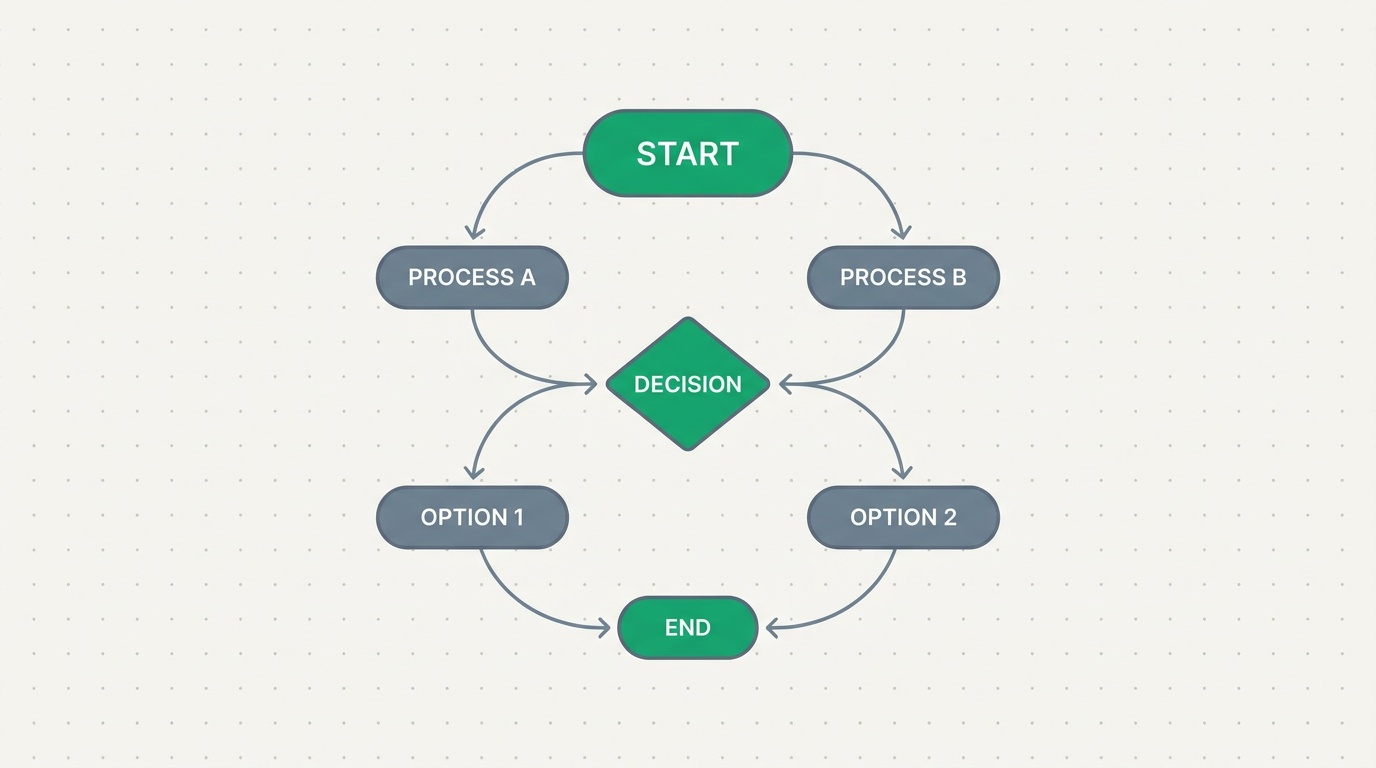
Blueprints: draw how work moves, and watch it run
Every business has a way work is supposed to move. Blueprints let you draw that path once, on a visual canvas, and then it runs itself on every record so the good process is the only process.
Read article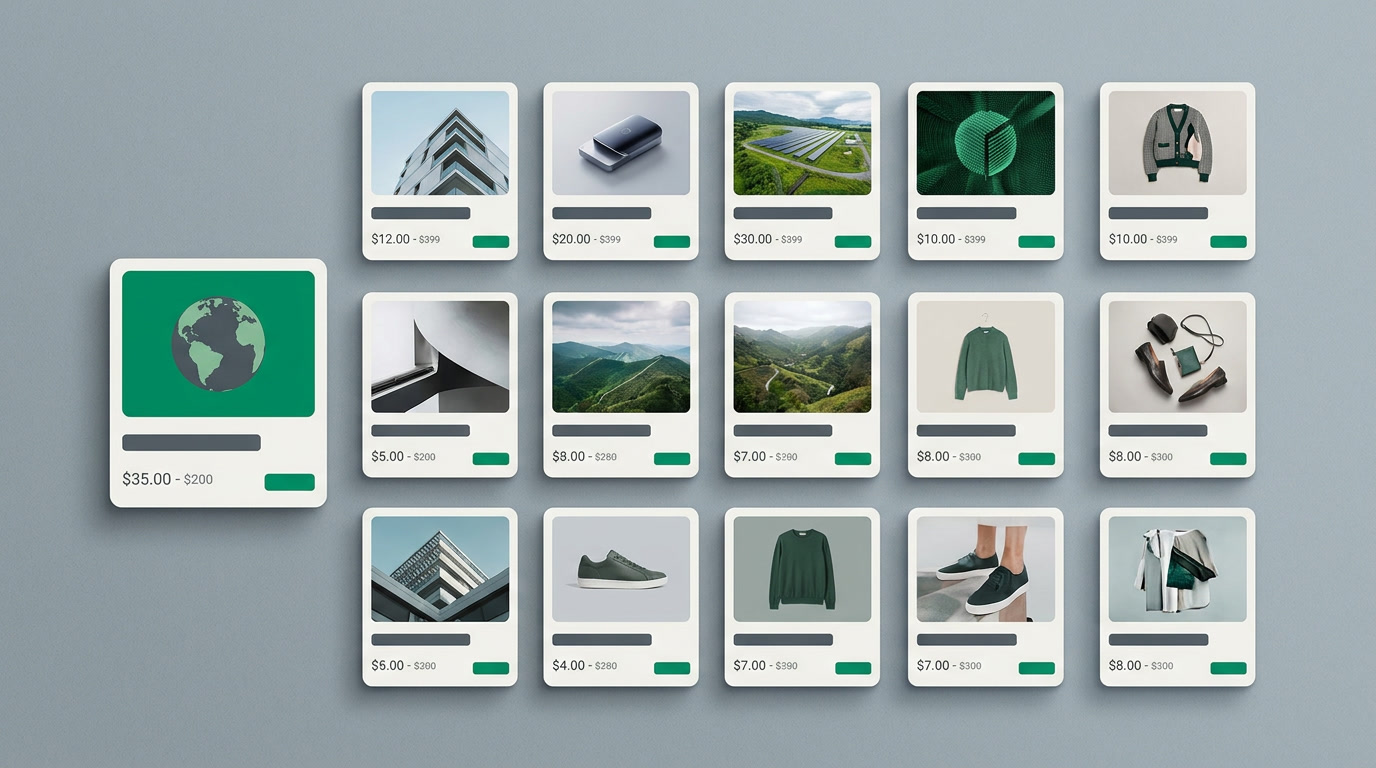
Card View Layouts: See Your Records the Way You'd Show Them Off
A spreadsheet row tells you a record exists. A card tells you whether it's the one you want. ERPnBox card view layouts let you design how each record looks, so browsing feels like a catalog, not a database.
Read article
How to Connect Your Bank Account to Your Accounting
Live bank feeds bring every transaction into your ledger automatically — no more typing statements. Here is what it is, who it helps, how to switch it on, and the one honest limit worth knowing.
Read article
Advanced Search Operators: How to Ask Your CRM a Precise Question
A search box finds a name. Operators find an answer. Here is how contains, is empty, ranges, in-list, and owner or date filters turn a pile of records into a precise question you can save and reuse.
Read article
The CRM That People Actually Use
The number one reason CRMs fail isn't features. It's that people stop logging in. Here's how the right add flow, inline edits, reminders, tabs, and views turn a database into a daily habit.
Read article
CRM Bulk Actions: Change Hundreds of Records in One Move
A rep leaves. A segment needs re-tagging. Two thousand leads sit on the wrong owner. Handling those one record at a time is a lost afternoon. Bulk actions let you select the set, change one thing, and move on.
Read article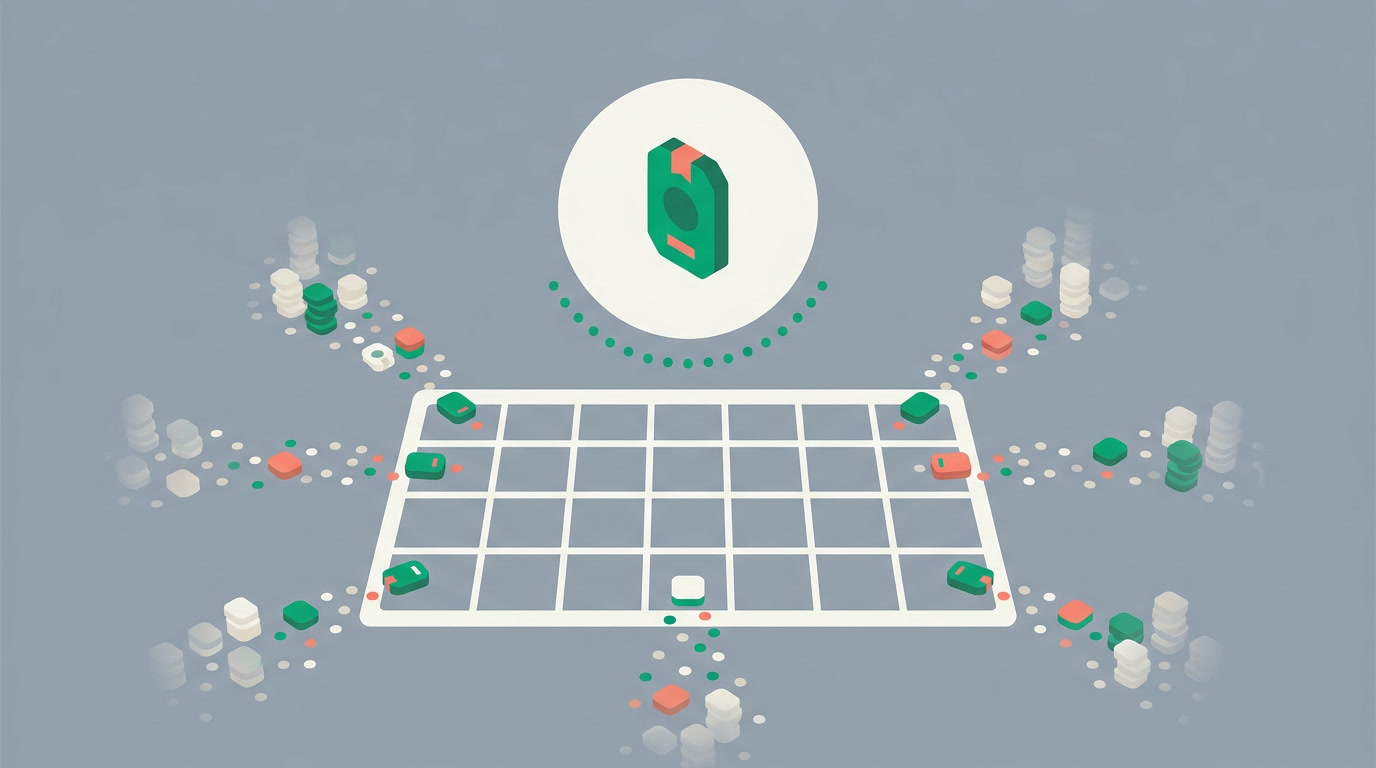
The CRM Calendar View: Every Date You Own, on One Page
Your tasks live in one place, your meetings in another, and your deal deadlines somewhere you forgot. The calendar view pulls every date-bearing record onto one screen — so your week is visible before it surprises you.
Read article
The Calendar View: Your Records, Laid Out by Date
A list tells you what exists. A calendar tells you when. See activities, deals by their close date, and bookings on a month or week grid — and stop discovering deadlines the day they pass.
Read article
Card View: Your Records, Seen the Way You Picture Them
Some records live in a picture, not a row. Card view lays every record out as a visual card — image plus the fields that matter — so browsing properties, products, and people finally feels like looking, not reading.
Read article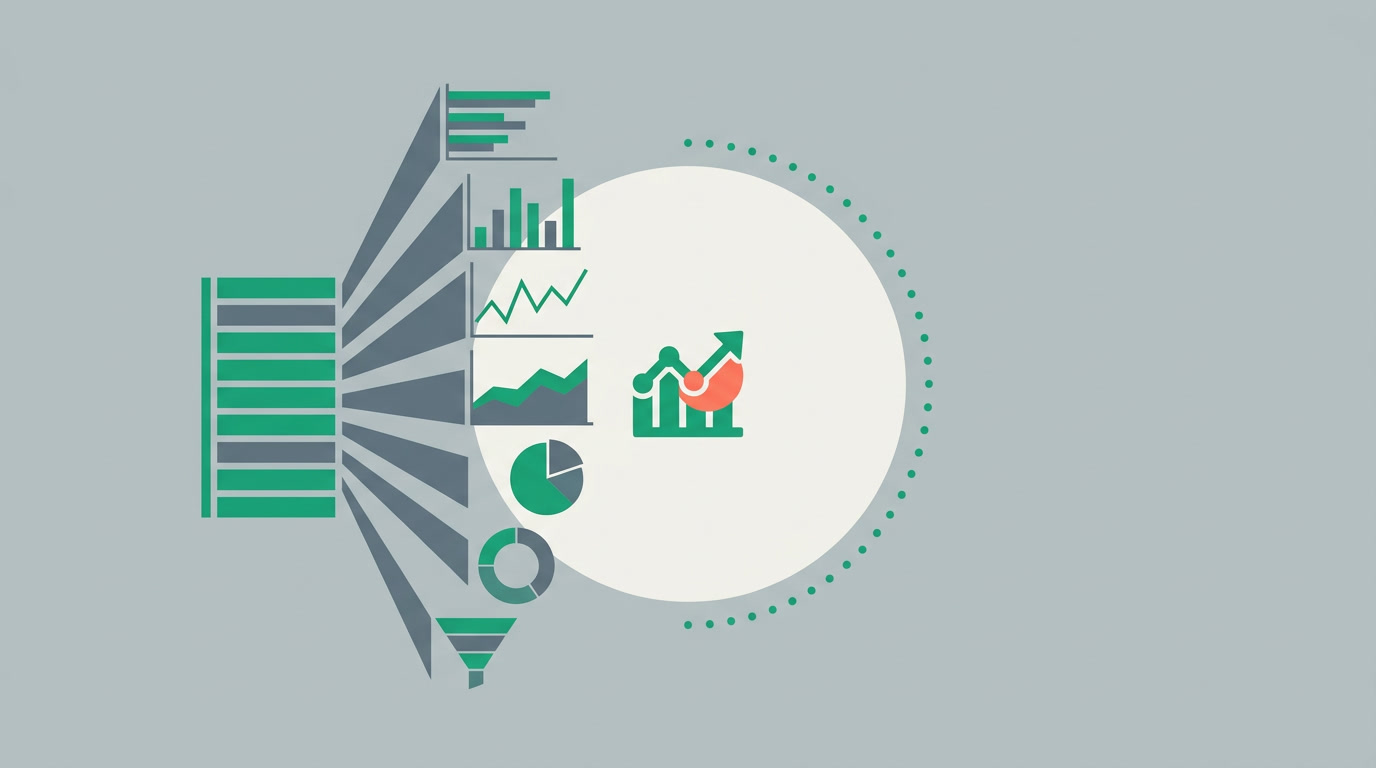
Chart Types and Grouping: Reading Your CRM Data at a Glance
Seven chart types, one group-by field, and a choice between counting records or summing a number. That is the whole grammar for turning a list into an answer.
Read article
The Chart View: Answer the Question Without Building a Report
Sometimes a table makes you count rows by hand. Switch a module to Chart view and the answer draws itself — bar, line, or pie, counted or summed by any field, grouped, straight from the list.
Read article
The Detail View: One Record, Read in Columns
A form makes you fill things in. A detail page lets you read them. See how the ERPnBox record page groups fields into columns and puts every note, task, and file beside them.
Read article
The Duplicate Manager: One Customer, One Record
Two records for the same customer split the history and double the outreach. The Duplicate Manager finds them with rules you set, flags them, and can stop the copy before it's ever saved.
Read article
Field History: The Answer to "Who Moved This Deal?"
Values change. People forget. Field history remembers — who touched a field, the old value, the new one, and the moment it happened.
Read article
CRM Filters and Saved Views: Build a List Once, Reuse It Daily
Filter any module by field, operator and value — with friendly owner, date and picklist controls — then save it as a named view you open in one click every morning.
Read article
Following Records: Watch the Deals That Matter
Following a record turns "any update on that account?" into a notification that finds you. Here's how watchers keep managers and collaborators informed without a single status meeting.
Read article
Global Search: Find Any Record From One Box
Stop scrolling lists to find a customer. One search box reaches across every module in ERPnBox — contacts, deals, tasks, and more — and puts the record in front of you.
Read article
The Hero View: When One Record Deserves the Spotlight
Most CRM views treat every record the same — a row in a grid. The Hero view does the opposite: it leads with one record and its headline fields, then arranges the supporting detail around it. Here's what it's best for and how to set it up.
Read article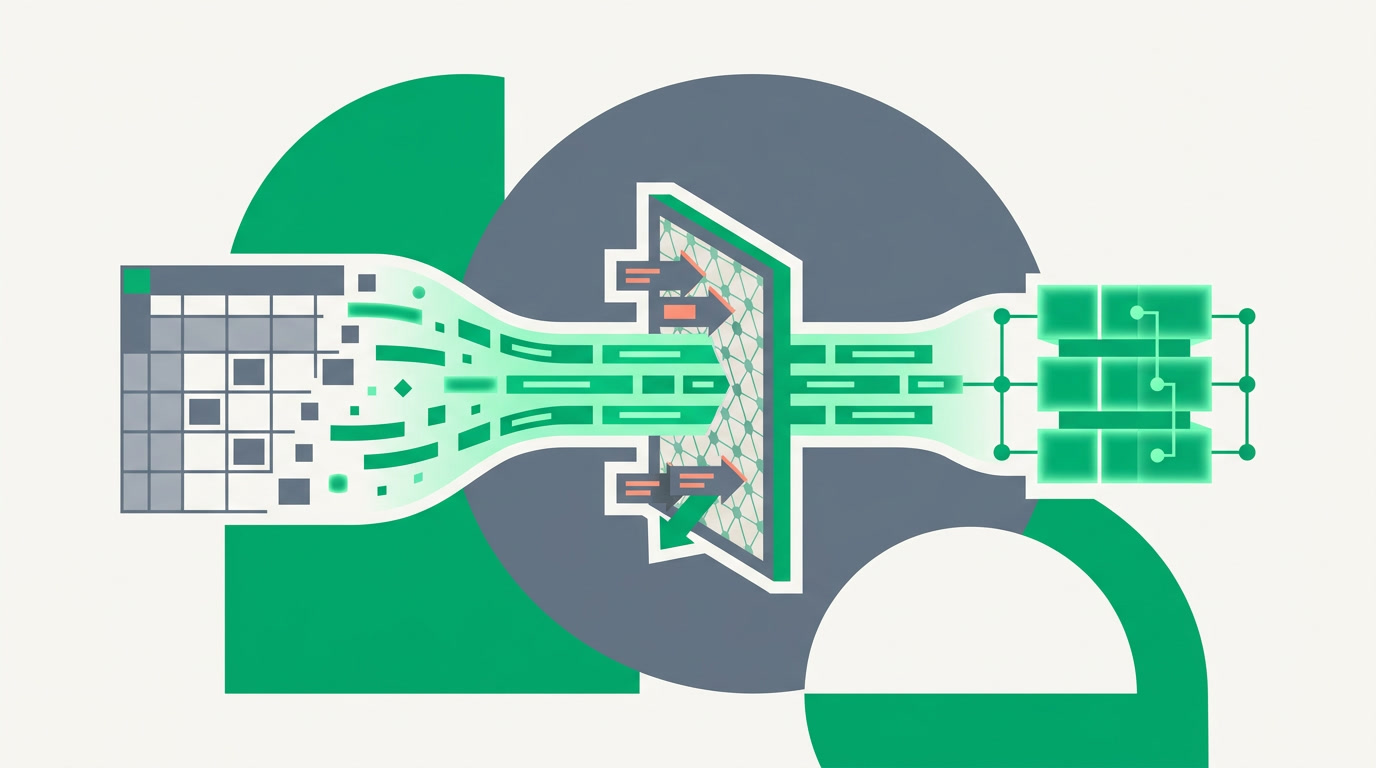
Import Thousands of Records Without Doubling Your Database
Import is where duplicates are born — one spreadsheet, ten thousand rows, no memory of who already exists. Here's how to import into ERPnBox with duplicate checking on, so the database stays clean from the first row.
Read article
Inline Editing: Change a CRM Field Without Opening a Form
Click a cell, type the new value, press Enter. Inline editing turns daily CRM upkeep from a chore into a reflex — and keeps your data honest.
Read article
The Kanban View: Your Pipeline as a Board You Can Move
A list tells you a deal exists. A board tells you where it is stuck. Here is how the Kanban view in ERPnBox turns a column of rows into a pipeline you can read at a glance and move with a drag.
Read article
The List View: Your Records as a Grid You Can Actually Work
A plain, sortable grid where every row is a record and every column is a field you chose. Meet the List view — for scanning many records, working in bulk, and saving the setup you use every day.
Read article
Logging Calls: Turn Every Conversation Into Shared History
A call you don't log is a conversation the team can't see. Here's how logging calls against a record keeps outcomes, notes, and follow-ups where everyone can find them.
Read article
Filter, Then Act: Sending a Mass Email From a View
A saved filter isn't just a way to read your data — it's a way to move it. Select a segment from a view and send the whole set a campaign email, or run activities across it, in one pass.
Read article
Meetings and Events, Kept Where the Deal Lives
A meeting scheduled off to the side is a meeting half-forgotten. In ERPnBox you book it against the record itself, with attendees and reminders, and watch it land on the calendar.
Read article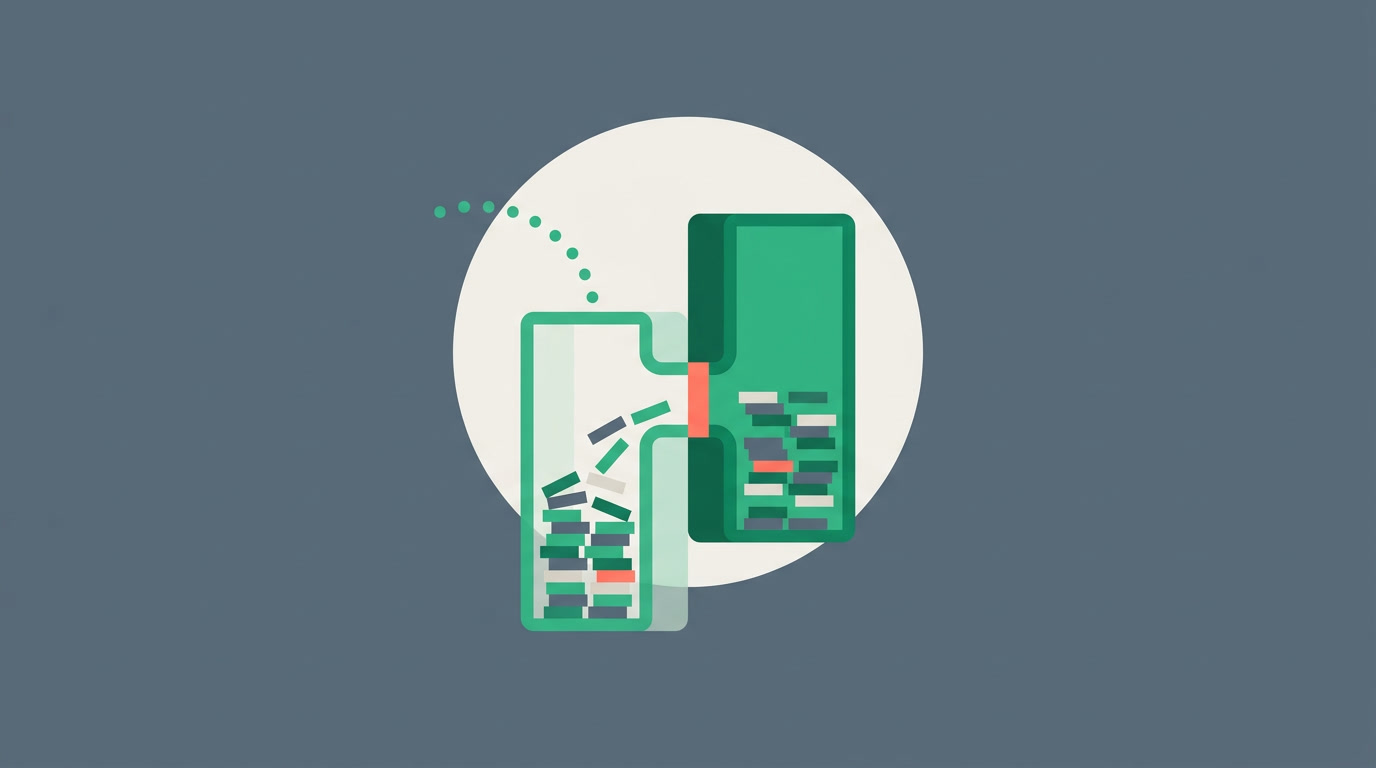
Merge Rules: How to Combine Two Records Without Losing a Thing
Merging duplicates should join two histories, not delete one. Here's how a merge picks the survivor, keeps the activities, notes and attachments from both records, and why the review step is the part that saves you.
Read article
Never Lose a Lead Again: Search, Saved Filters, and the Duplicate Manager Working Together
Leads slip away when a record is buried, duplicated, or forgotten. Here's how ERPnBox global search, saved filters, and the duplicate manager close all three gaps at once.
Read article
CRM Notifications: The Team Hears What Matters, Not Everything
A record lands on your plate. A task comes due. Someone types your name. ERPnBox tells the right person at the right moment — through rules you set, not code you write — so a fast team stays fast without drowning in pings.
Read article
The Add Experience: Why Fast Capture Makes a CRM Actually Get Used
Adding a record, task, or note in ERPnBox is a quick, modern action, not a heavy form. Here's the design thinking, and why lighter capture is the difference between a CRM that lives and one that gathers dust.
Read article
The Record Summary Tab: Briefed Before You Blink
Open a record and you're already caught up. The summary tab pulls the key fields, the recent activity, and the open tasks onto one screen — the brief before the call, without the scroll.
Read article
The Record Timeline: Catch Up on Any Deal in Seconds
One chronological feed of everything that happened on a record — who created it, what changed, which calls were logged, when the stage moved. Open it and you're caught up.
Read article
Related Lists: The Whole Story, on One Record
A record isn't a row of fields — it's everything that ever happened. Related lists gather the activities, notes, attachments, and linked records onto the record page itself, so the full picture opens the moment you do.
Read article
CRM Reminders, Made Effortless: The Follow-Up That Never Slips
A follow-up you forget is a deal you lose. See how a couple of clicks set a reminder on any task or record, and a notification lands the moment it's due.
Read article
Sharing Saved Views: One Working List for the Whole Team
A saved view is columns, sort, and a filter captured under a name. Share it to a team or profile and everyone opens into the same working list — 'team open deals', 'unassigned leads' — which standardizes how your team works without a single line of code.
Read article
Smart Matching and Merge: Catch the Duplicates Exact Search Misses
Two records for the same customer, spelled two ways, are worse than one. Smart matching finds the near-misses, and merge folds them into a single record without losing a note, a call, or a file.
Read article
Tasks in the CRM: The Follow-up That Never Falls Off the Record
A task is a promise to do something by a date. Put it on the record it belongs to, assign it, and let the reminder do the remembering. Here is how tasks work in ERPnBox and why they beat a separate to-do app.
Read article
Every Way to See Your CRM Data: A Tour of View Types
The same records, seven different lenses. Learn what List, Kanban, Chart, Calendar, Card, Hero, and Detail views are each best for — and how a single click reshapes your data for the job at hand.
Read article
Ways to See Your Data: Picking the Right CRM View for the Question You're Asking
The same records look completely different in a list, a board, a chart, or a calendar. Here's how to match the view to the question — so answers arrive faster and nobody exports to a spreadsheet at 6pm.
Read article
Workspace Tabs: Your CRM, Open in Layers
Open records and editors as tabs in a strip across the top of your CRM — the way your browser holds many pages at once. Jump between what you're working on without losing your place, your scroll, or your filters.
Read article
Custom Modules & 23 Field Types: Build the Software Your Business Actually Needs
Every business has a shape no template quite fits. Build your own modules — Properties, Patients, Courses, Assets — with 23 field types, from currency and lookup to formulas, sub-tables, and rollups. No developer required.
Read article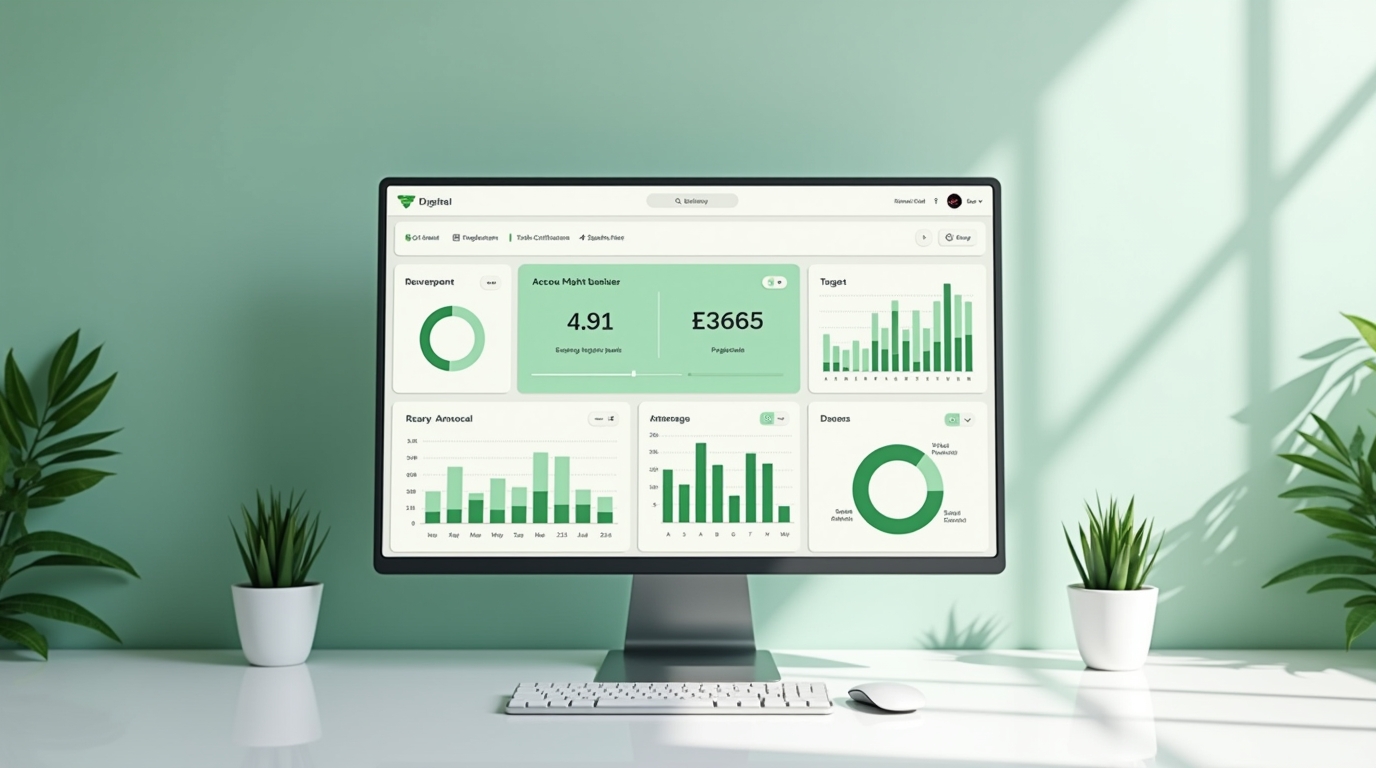
Dashboards & Analytics: The Picture of Your Business, Drawn For You
Cards, click-to-drill charts, KPIs with targets, leaderboards, and scheduled reports, and an AI that builds the whole dashboard from a sentence.
Read article
Dependent Fields & Picklists: Forms That Adapt to the Answer
Cascading dropdowns and conditional fields that reshape a form around the answers — cleaner data, shorter forms, and how to set them up in ERPnBox.
Read article
ERPnBox: All 12 Apps, One Record Set
A guided tour of the twelve apps inside ERPnBox — CRM, Finance, HR and nine more — and the one thing that sets them apart: they share a single login and a single record set, so an invoice carries its deal and a ticket carries its customer.
Read article
Field & Pipeline Coloring: Read Status at a Glance
Give every dropdown option its own color, style field text and highlights, and turn any status field into a colored pipeline bar — so your team reads where things stand at a glance, not word by word.
Read article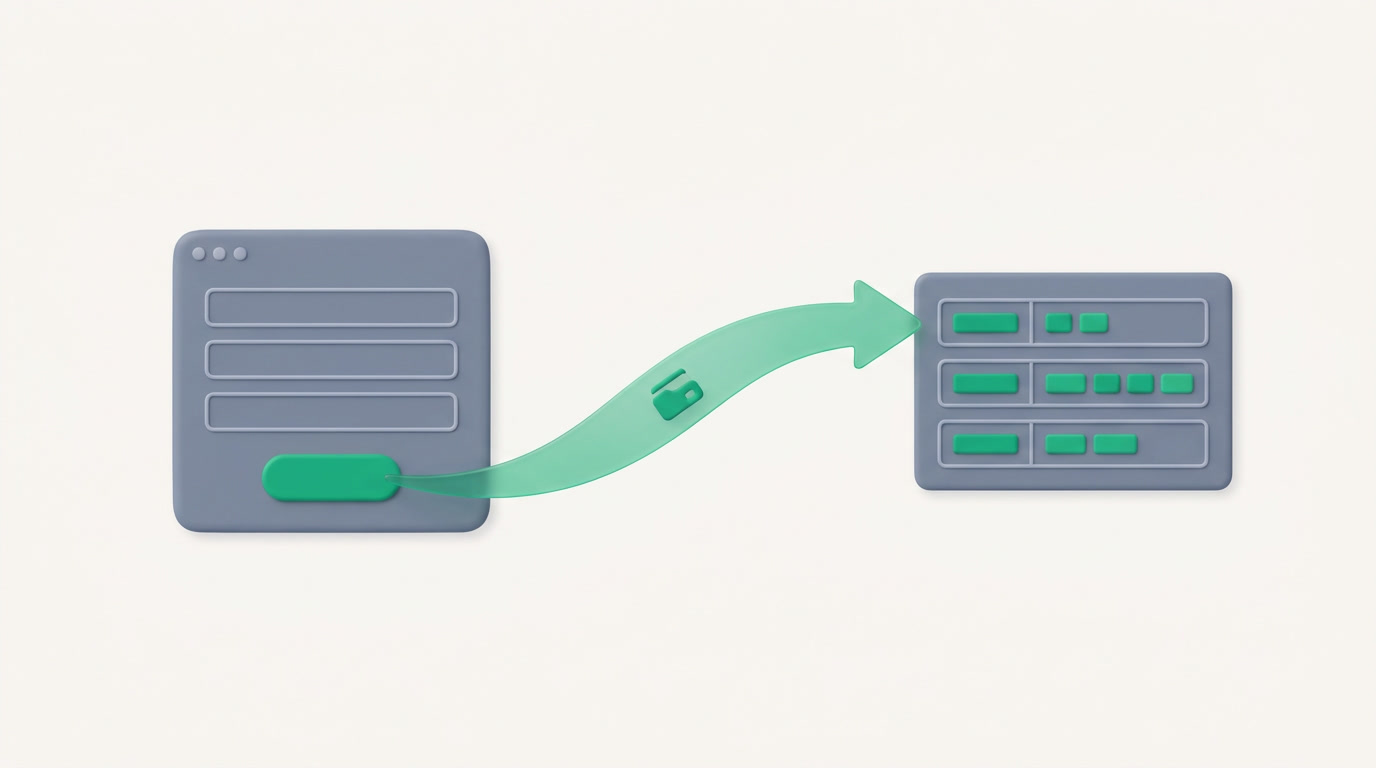
Forms: a public form that files itself into your system
Build a public form, publish it at a no-login link, and watch every submission file itself as a record in your system — mapped, counted, and routed to the right owner.
Read article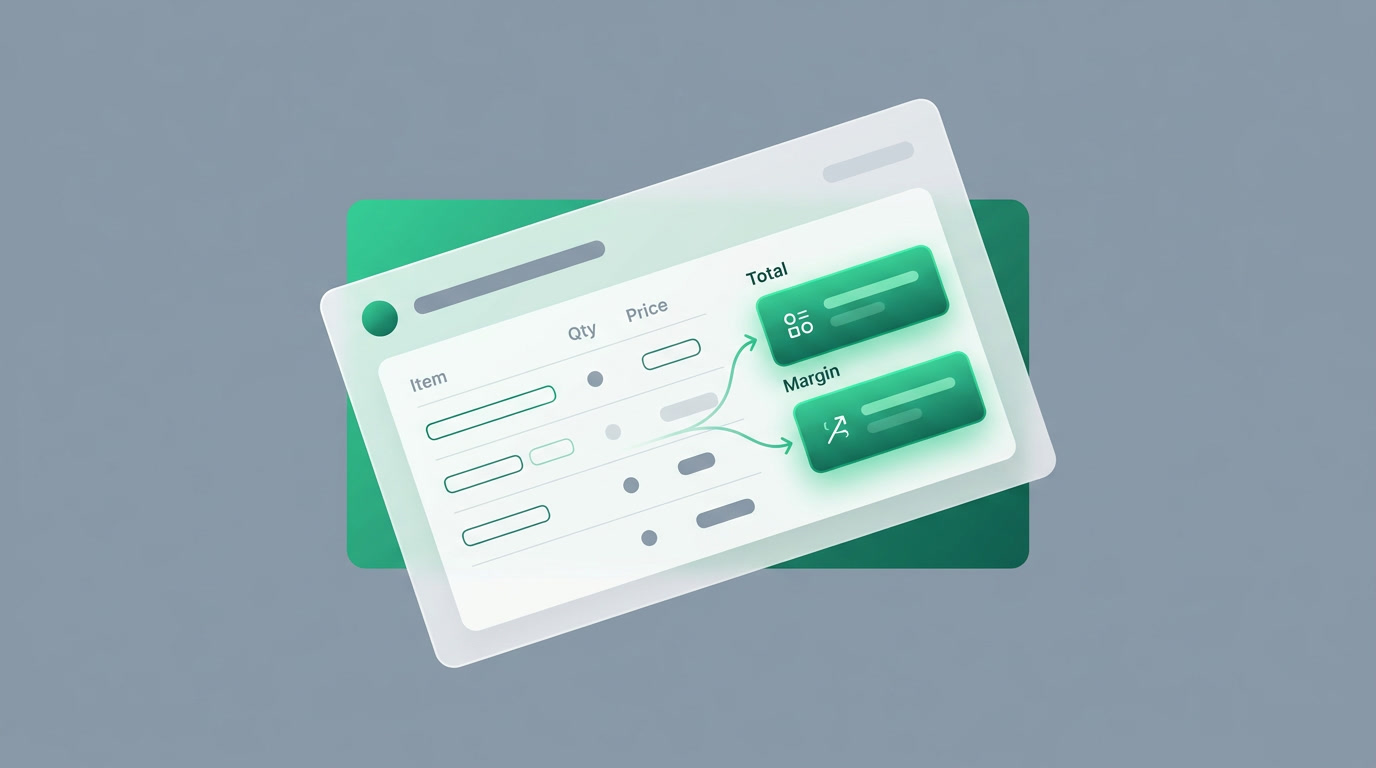
Formula Fields: Calculated Fields Without a Spreadsheet
A formula field computes its own value from your other fields — totals, margins, days-open, full names — automatically and always current. Here's what they are, why they matter, and how to add one in ERPnBox.
Read article
The Kanban Pipeline View: Drag Deals Across Stages
A board where columns are stages and cards are deals. Drag a deal forward and the record updates everywhere. Here is how the ERPnBox Kanban view works and how to shape it.
Read article
Layout Rules: Forms That Adapt to Every Situation
Make your forms adapt: show, hide, and require fields based on another field's value — so people only ever see the questions that matter, and your data stays clean at the source.
Read article
Lead & Record Scoring: Focus on the Leads Most Likely to Close
Weighted +/- scoring rules with time-decay and related-record aggregation rank your leads so your team works the ones most likely to close first — and routes the hot ones automatically.
Read article
The ERPnBox Mobile App: Your Business, in Your Pocket
Two tailored apps in one download: a CRM for the reps who live on the road, and an HR self-service app for everyone else. Native on iOS and Android.
Read article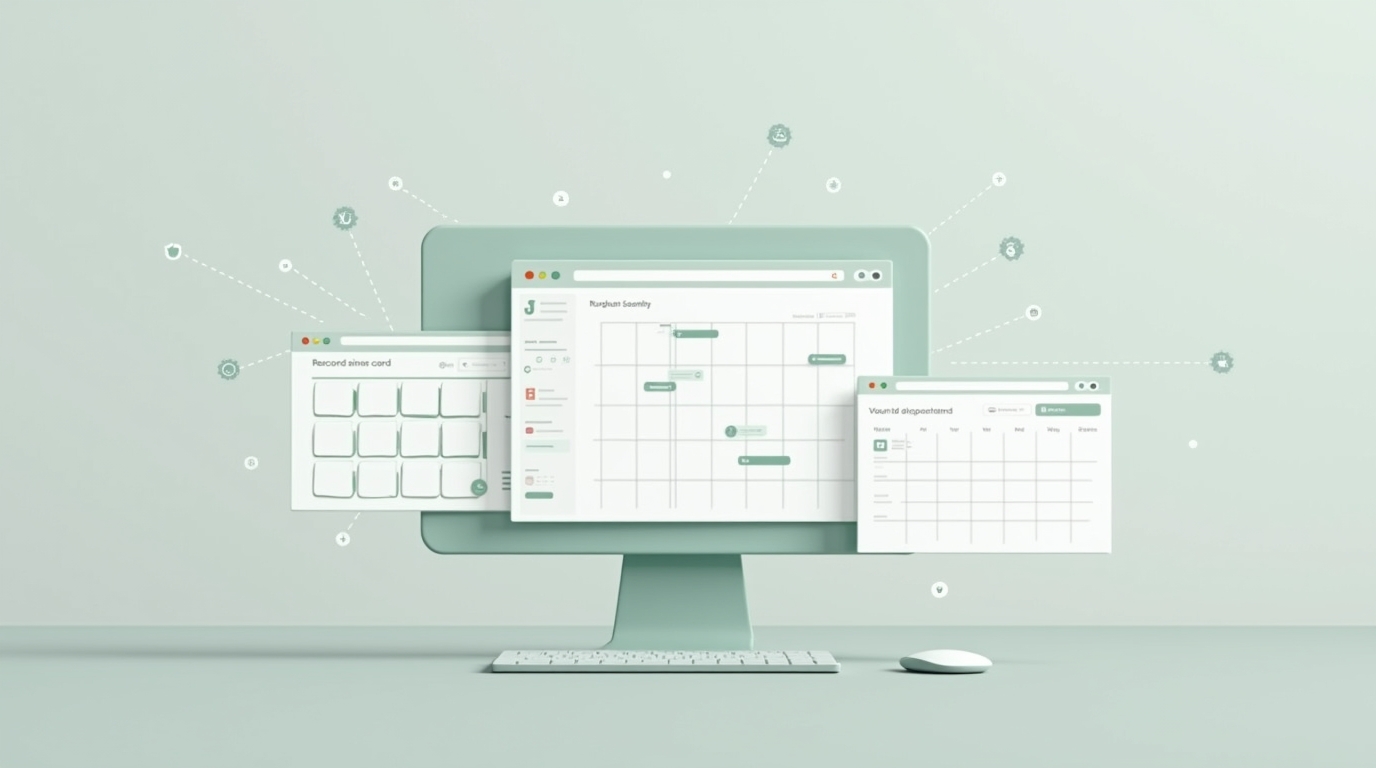
Record Views: One Set of Records, Seven Ways to See It
List, kanban, calendar, chart, SLA, hero, and cards — seven faces for the same records, so every team reads its work the way that fits.
Read article
The Report Builder: Answers, on a Schedule
Build saved reports with row groups and aggregate columns, organize them in folders, share them with the team, and have them email themselves on a schedule — numbers without a data team.
Read article
Search & Filters: Find Any Record in Seconds
Find any record in seconds. ERPnBox pairs global search across all twelve apps with structured, saveable record filters — and every result respects who you're allowed to see.
Read article
SLA & Escalation: a deadline that acts on its own
Promises slip when nobody is watching the clock. ERPnBox watches it for you — and when time runs out, it reassigns, updates, and notifies without waiting to be asked.
Read article
Webhooks: Connect ERPnBox to Anything
Webhooks let ERPnBox push changes to your other tools the instant they happen — with a signed secret, field filters, and retries. Here's what they are, why real-time integration matters, and how to set one up securely.
Read article
Workflow Rules & Automation
Workflow Rules & Automation watches your records and acts for you — assigning leads, chasing follow-ups, and routing tickets on time, every time, with every action logged.
Read article