The short answer
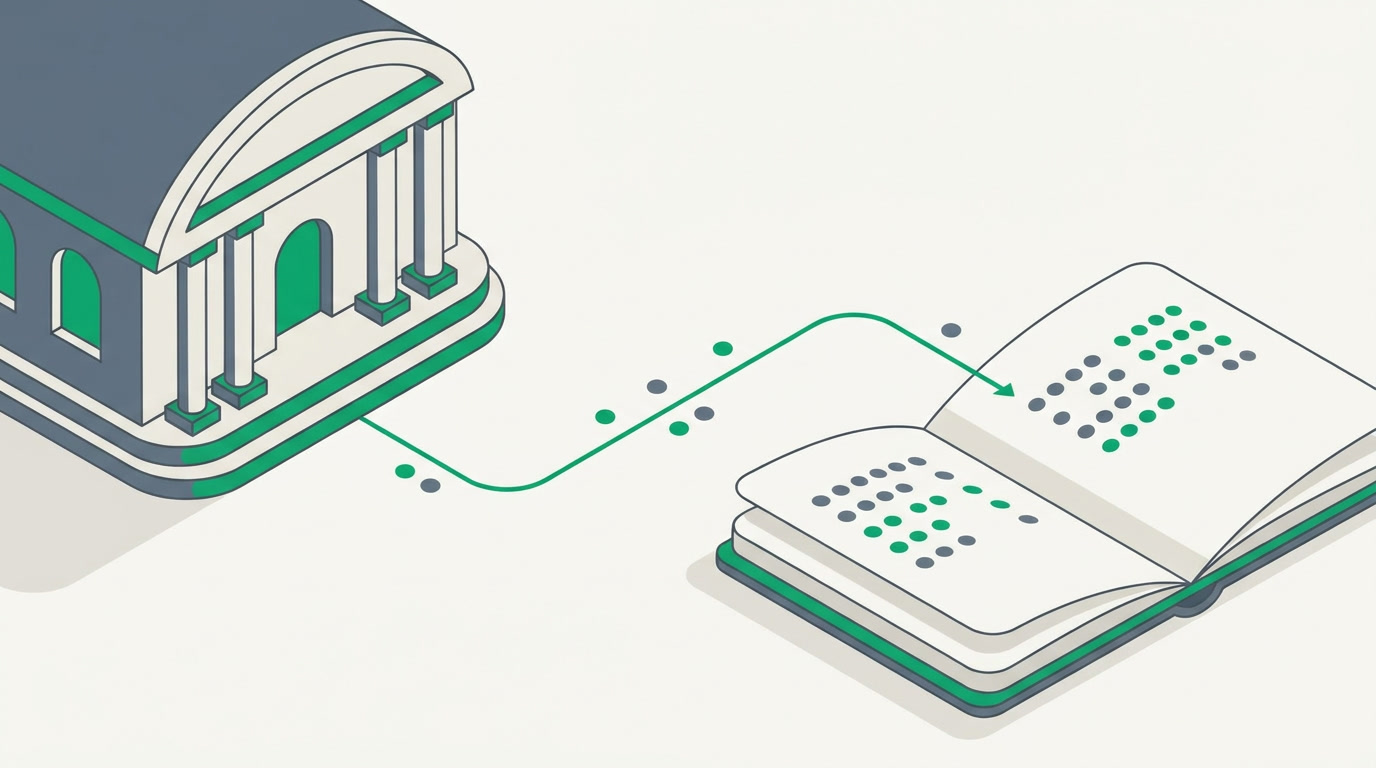
Connect your bank inside a secure Stripe modal and transactions flow straight into your ledger, matched and ready to reconcile — no manual entry. Live feeds connect US bank accounts today; everywhere else, import a statement. The feed lands in a ledger that sits with your CRM, HR, and apps at one per-seat price.
Every month, someone in your business opens the online banking portal, downloads a statement, and retypes it line by line into the books. It is dull, it is slow, and it is where reconciliation quietly falls a month behind. The point of connecting your bank to your accounting is to end that ritual for good.
In ERPnBox Finance, you can now connect your bank directly, so transactions arrive on their own. This is a practical how-to: what the connection actually is, who feels the difference, the short steps to switch it on, and the one honest limit on where it works today.
What does connecting your bank actually do?
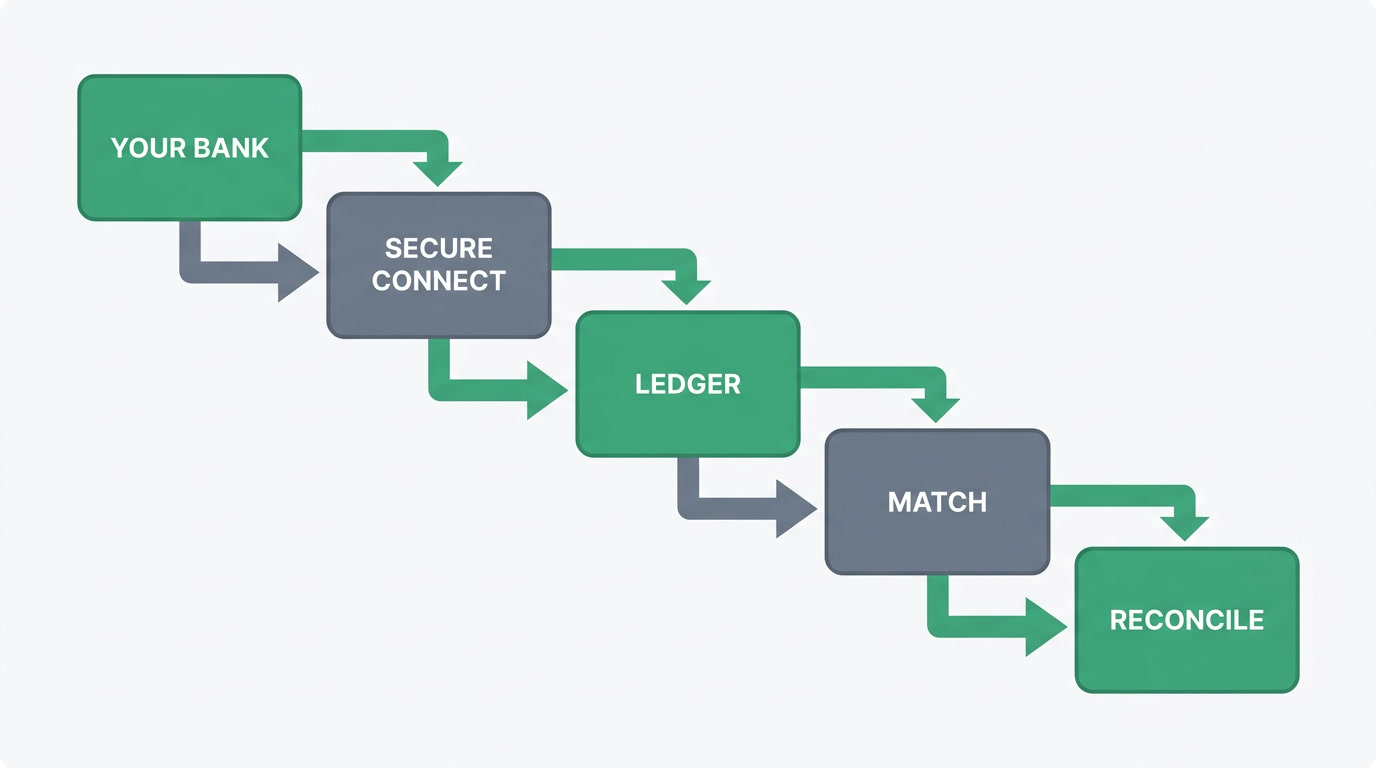
It creates a live bank feed: your bank sends each cleared transaction into your ledger automatically, usually once a day. You connect once, inside a secure Stripe Financial Connections window, and from then on the statement writes itself. You never hand us your bank login; the connection happens on Stripe's side.
Once transactions land, they run through the same pipeline as a file you upload by hand: each one is matched against the invoices, bills, and payments already in your books, then queued for you to reconcile. Whether a transaction arrived by live feed or by imported statement, it is treated identically once it is in — the feed simply removes the typing.
Why does a live feed matter more than it sounds?
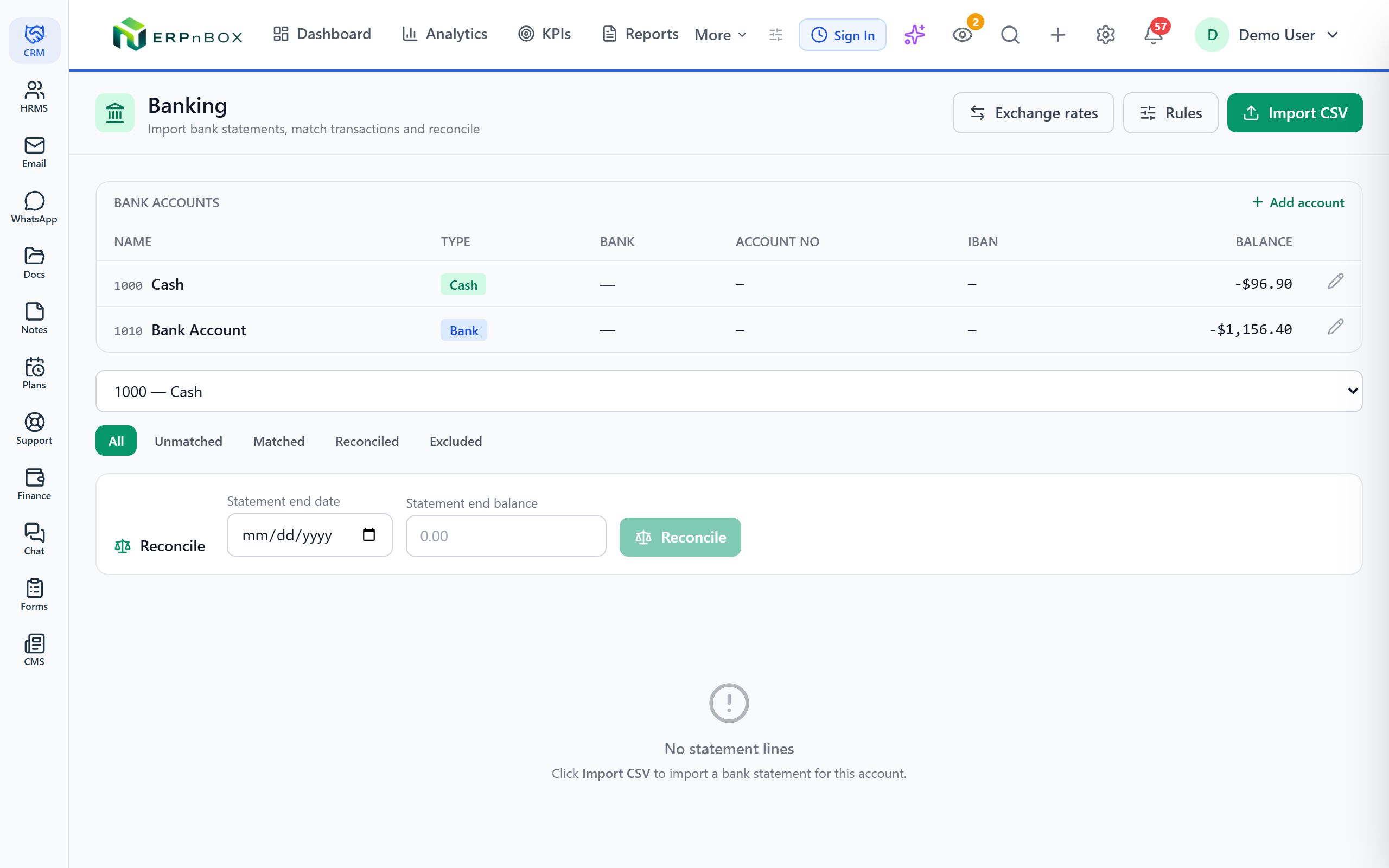
Because reconciliation stops being a month-end scramble and becomes something that is simply always current. When the feed runs daily, your cash position is real, not a guess based on the last statement you happened to enter. You catch a duplicate charge or a missed customer payment in days, not at quarter-end.
There is a second, quieter payoff. Because the ledger sits inside the same platform as your CRM, a payment that lands from the bank can be matched to the invoice that carries its deal, and the deal knows it was paid. The money side and the sales side stop being two databases you reconcile against each other by hand.
Who benefits most from bank feeds?
Any operator who invoices customers and pays bills — but the pain is sharpest where cash cycles are long or high-volume. A property firm tracking installment plans, an agency reconciling client retainers, a training provider collecting tuition fees: all of them lose hours to manual statement entry that a feed erases.
- Bookkeepers and finance leads who reconcile weekly instead of drowning at month-end.
- Owners who want a truthful cash figure on any given morning, not a stale one.
- Teams with long payment cycles — installments, retainers, tuition — where a missed payment hides easily in a manual process.
How do you set it up?
It takes a few minutes and no help from us. Open Finance, start the bank connection, choose your institution and sign in inside Stripe's secure window, pick which accounts to share, and confirm. From that point the feed begins delivering transactions on its daily schedule.
- In Finance, open Bank Accounts and choose Connect a bank.
- Sign in to your bank inside the Stripe window — your credentials stay with your bank and Stripe.
- Select the accounts to sync and confirm the connection.
- Watch the first batch of transactions arrive, matched against your invoices and bills.
- Review the matches and reconcile — then let it run on its own.
One honest limit
Live feeds depend on Stripe's coverage, which connects US bank accounts today — around 5,000 US institutions. Businesses in 34 countries can use the feature, but non-US bank accounts are not yet supported. The rule of thumb: connect your bank where Stripe supports it, or import a statement anywhere. Imported statements run through the same matching and reconciliation, so nothing is lost outside the US — you just start from a file instead of a feed.
How does this compare to Zoho Books and QuickBooks?
Honestly: both are excellent, dedicated accounting tools with broader bank-feed coverage than we have today. Zoho Books pulls feeds across many countries through open-banking partners, and QuickBooks Online offers automatic feeds in 33+ countries with a huge accountant ecosystem behind it. If accounting is genuinely all you need, either is a fine choice.
The difference with ERPnBox is not that we do accounting better. It is that the ledger lives inside the same platform as your CRM, HR, and apps — at one per-seat price, with no separate accounting subscription to wire up. Your feed doesn't sit in a tool you reconcile against your sales system; it sits in the system.
| ERPnBox Finance | Zoho Books | QuickBooks Online | |
|---|---|---|---|
| Bank-feed coverage | US accounts today (Stripe); statement import anywhere | Broad international, via open-banking partners | Automatic feeds in 33+ countries |
| Double-entry ledger | Yes | Yes | Yes |
| Lives with your CRM & HR | Yes — one platform, one login | Separate app in Zoho's suite | Separate from your CRM/HR |
| Pricing shape | Part of one per-seat price with 12 apps | Dedicated accounting tiers | Dedicated accounting tiers |
(Pricing and coverage stated as of mid-2026; check each vendor for current terms.) One more honest note: ERPnBox is not a like-for-like replacement for heavy enterprise ERP with full supply-chain or warehouse depth. It is the connected business system a growing operator actually runs on.
The best reconciliation is the one you never sit down to do. A live feed doesn't make the work faster — it makes most of it disappear.
See your bank and your books in one place
A ledger that sits with your CRM, HR, and apps — with live feeds where Stripe supports them, and statement import everywhere else.
Explore FinanceFrequently asked questions
Do you ever see my bank login details?
No. You sign in inside Stripe's secure window, and your credentials stay between you, your bank, and Stripe. ERPnBox receives the **transaction data** the connection returns — not your login.
My business is not in the US — can I still keep my books current?
Yes. Live feeds connect US bank accounts today, but **statement import works anywhere** and runs through the exact same matching and reconciliation. You start from a downloaded file instead of an automatic feed.
How often does the feed update?
Cleared transactions typically arrive **once a day**, so your ledger reflects yesterday's activity each morning rather than waiting for a month-end statement.
Is Finance an extra subscription?
No. Finance is part of the **single per-seat price** alongside your CRM, HR, and the other apps — there is no separate accounting bill to add.
Should I use ERPnBox instead of QuickBooks or Zoho Books?
If you only need accounting, those dedicated tools have broader bank-feed coverage and are excellent. Choose ERPnBox when you want the **ledger to live with your CRM, HR, and apps** so finance and sales are one connected system, not two you reconcile by hand.


