
The short answer
Webhooks send an automatic, signed HTTP message from ERPnBox to any other tool the instant a chosen event happens — a lead created, a deal won, an invoice paid. With field filters, custom headers, HMAC signatures, SSRF protection, and automatic retries, they keep your whole stack in sync in real time, no manual re-entry.
Your CRM knows the moment a deal closes. Your accounting tool, your Slack channel, your shipping app — they find out whenever someone remembers to tell them. Webhooks close that gap. The instant something happens in ERPnBox, it can tell every other tool you run, in real time, without a human in the loop.
What is a webhook in ERPnBox?
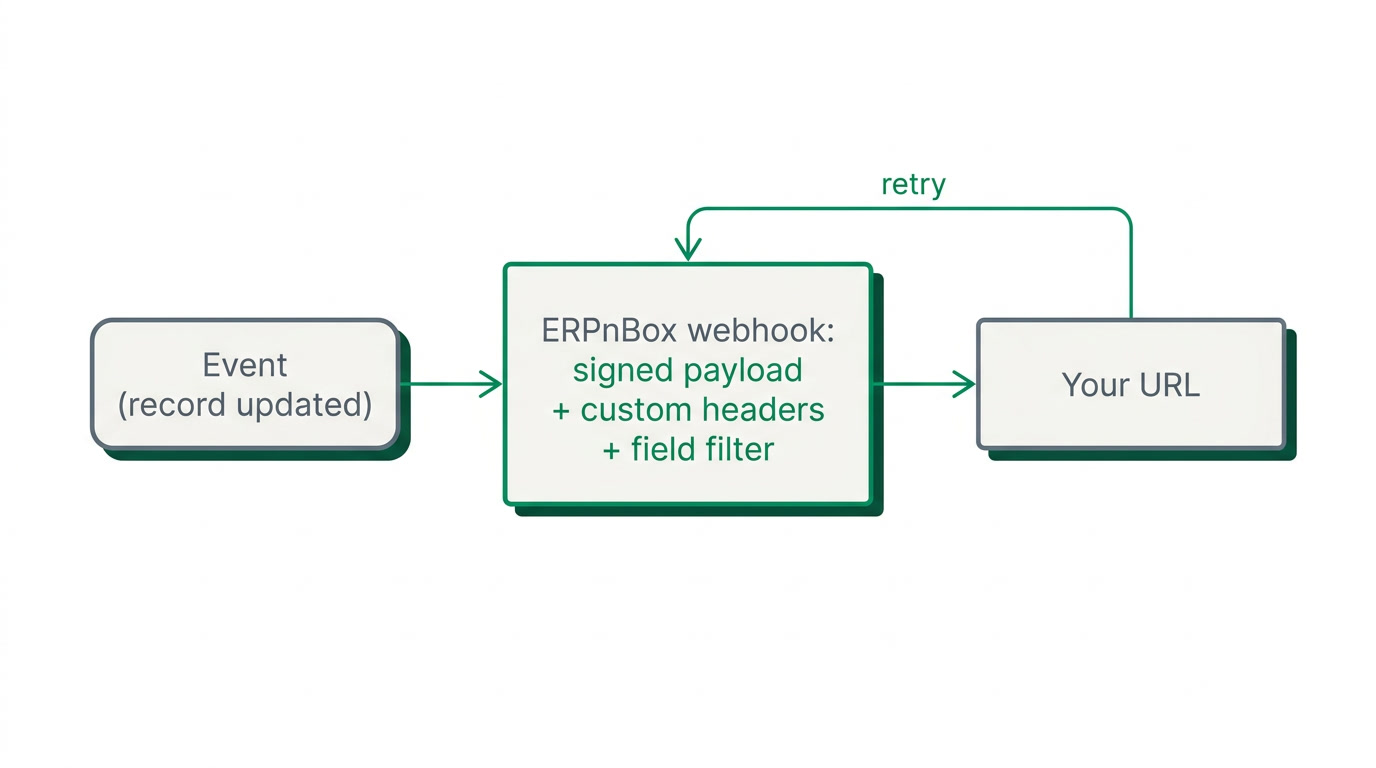
A webhook is an automatic message ERPnBox sends to another system the moment a chosen event happens. When a lead is created, a deal moves stage, or an invoice is paid, ERPnBox posts the record's data to a URL you own. The receiving tool acts on it instantly — no polling, no imports, no waiting.
Each webhook is scoped to a specific event, so you send only what matters. You can attach a signed secret, add custom headers, and filter by fields — so a webhook fires only when, say, deal value crosses a threshold. If the receiving server is briefly down, ERPnBox retries rather than dropping the message.
Why do webhooks matter for a business running many tools?
Because they turn a stack of disconnected apps into one that moves together. Without webhooks, keeping tools in sync means manual re-entry or nightly exports — work that is slow, error-prone, and always a step behind. With them, a change here becomes an action there in the same second, and nobody has to think about it.
That real-time push is the difference between a customer getting a shipping notice at checkout and getting it the next morning. Between Finance seeing a paid invoice now and reconciling it a week later. Webhooks are how ERPnBox reaches the handful of tools it doesn't replace — and connects to everything in between.
| Approach | Speed | Effort |
|---|---|---|
| Manual re-entry | Hours to days | High, ongoing |
| Nightly export/import | Once a day | Scripts to maintain |
| ERPnBox webhooks | Real time, per event | Set once |
Who uses webhooks, and for what?
Any team whose work spills across tools. An e-commerce shop pushes new orders to a fulfilment app. A property firm alerts its channel the moment a unit is reserved. A services agency posts every won deal to a project tracker. A finance lead syncs paid invoices to a spreadsheet or BI dashboard. The event differs; the pattern is the same.
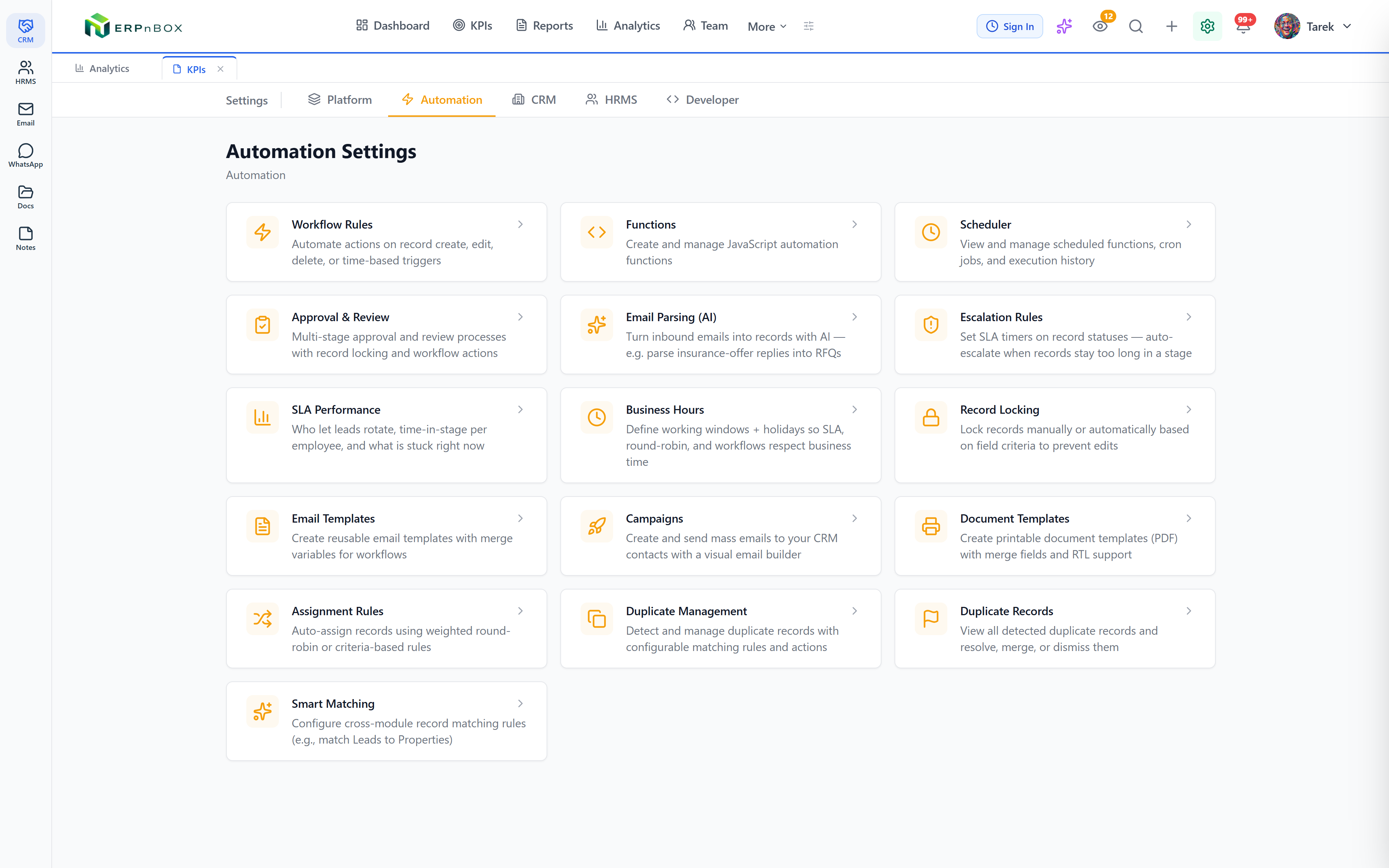
You rarely build these alone. Webhooks pair naturally with ERPnBox's other workflow automation — workflow rules with 22+ actions, assignment rules, approval processes, SLA escalation, and scheduled actions — so a single event can update a record, notify an owner, and fire a webhook in one pass.
How do you set up a webhook, and is it secure?
You pick an event, paste the destination URL, choose which fields to send, and add any custom headers the receiving service expects. Set an optional field filter so it fires only on the records you care about. Save it, and ERPnBox starts delivering — retrying automatically if the far end is temporarily unreachable.
Security is built in. Every payload carries an HMAC signature derived from your secret, so the receiver can verify the message truly came from ERPnBox and wasn't tampered with. Outbound requests are guarded against SSRF, so a webhook can't be pointed at internal addresses. For deeper work, sandboxed custom functions run your own logic safely, and scoped API keys grant outside systems only the access they need — nothing more.
See how ERPnBox connects your whole stack — start a 30-day free trial, no card required.
Start freeWebhooks, custom functions, and scoped API keys sit inside the same platform as your CRM, HR, and Finance — so the tool that fires the event and the tools it feeds share one login and one price. That's the point of an all-in-one: fewer seams to stitch, and the ones that remain, ERPnBox stitches for you.
Frequently asked questions
What events can trigger an ERPnBox webhook?
Webhooks are **per-event**, so you fire one on the moment that matters — a record created, updated, or moved through a stage, across CRM, Finance, and your other apps. Add a field filter and the webhook only fires when your conditions are met, such as a deal crossing a value threshold.
How do I verify a webhook really came from ERPnBox?
Every payload is signed with an **HMAC signature derived from the secret you set**. Your receiver recomputes that signature and compares it — if they match, the message is authentic and untampered. Requests are also SSRF-protected, so a webhook can't be aimed at internal network addresses.
What happens if the receiving server is down?
ERPnBox **retries delivery rather than silently dropping the event**, so a brief outage on the other end doesn't lose the message. Once the receiver is reachable again, the webhook goes through.
What if I need more than a webhook can do?
For deeper integrations, **sandboxed custom functions** let you run your own logic securely inside ERPnBox, and **scoped API keys** give external systems precisely the access they need and nothing more. Together they cover integrations beyond a simple outbound push.
Do I need a developer to set one up?
Setting up a basic webhook is **point-and-click**: choose the event, paste the URL, pick fields, save. A developer helps on the receiving side or when you write custom functions, but the ERPnBox setup itself is designed for an ops lead to handle.


