
The short answer
A saved view captures a filter, sort order, and columns under a name. Share it with a team or profile and everyone opens into the identical working list — like 'team open deals' or 'unassigned leads'. Shared views standardize how a team works: one definition, one source of truth, no rebuilding filters, and the same numbers everywhere.
Every team has a list they live in. The salesperson opens their pipeline. The manager opens 'deals closing this month'. The ops lead opens 'unassigned leads' and starts routing. The problem isn't that these lists don't exist — it's that everyone builds their own, slightly differently, and calls it the same thing. A shared saved view fixes that. You configure the columns, sort, and filter once, name it, and hand the same working list to your whole team.
What does it mean to share a saved view with your team?
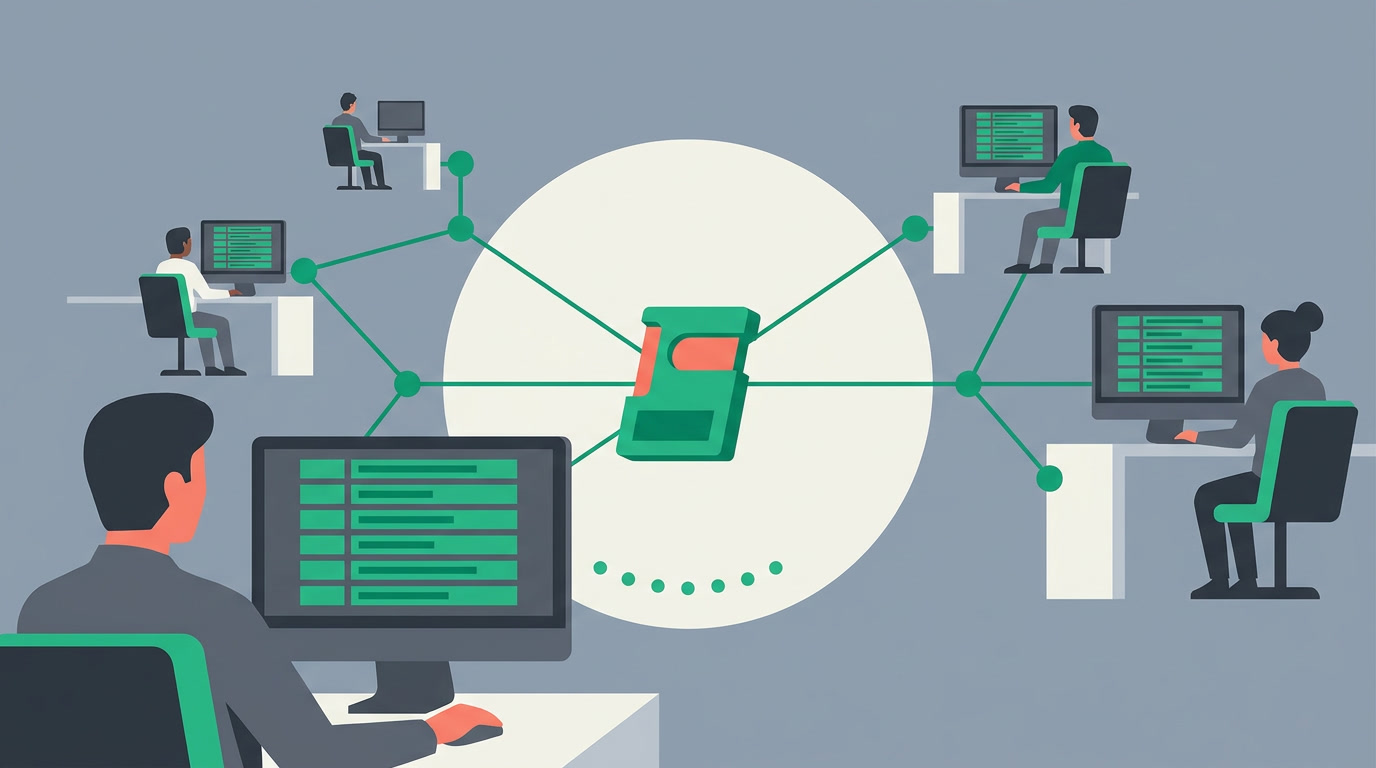
Sharing a saved view means one person defines a list — its filter, its sort order, and which columns show — saves it under a name, and grants it to a team or profile. Everyone with access opens into the identical working list. No one rebuilds the filter; they inherit it. One definition, one source of truth, many people working the same way.
A saved view is the sum of three decisions you'd otherwise repeat every morning: what to include (the filters), how to order it, and what to see at a glance. Shared, it becomes a team standard instead of a personal habit.
Why do shared views standardize how a team works?
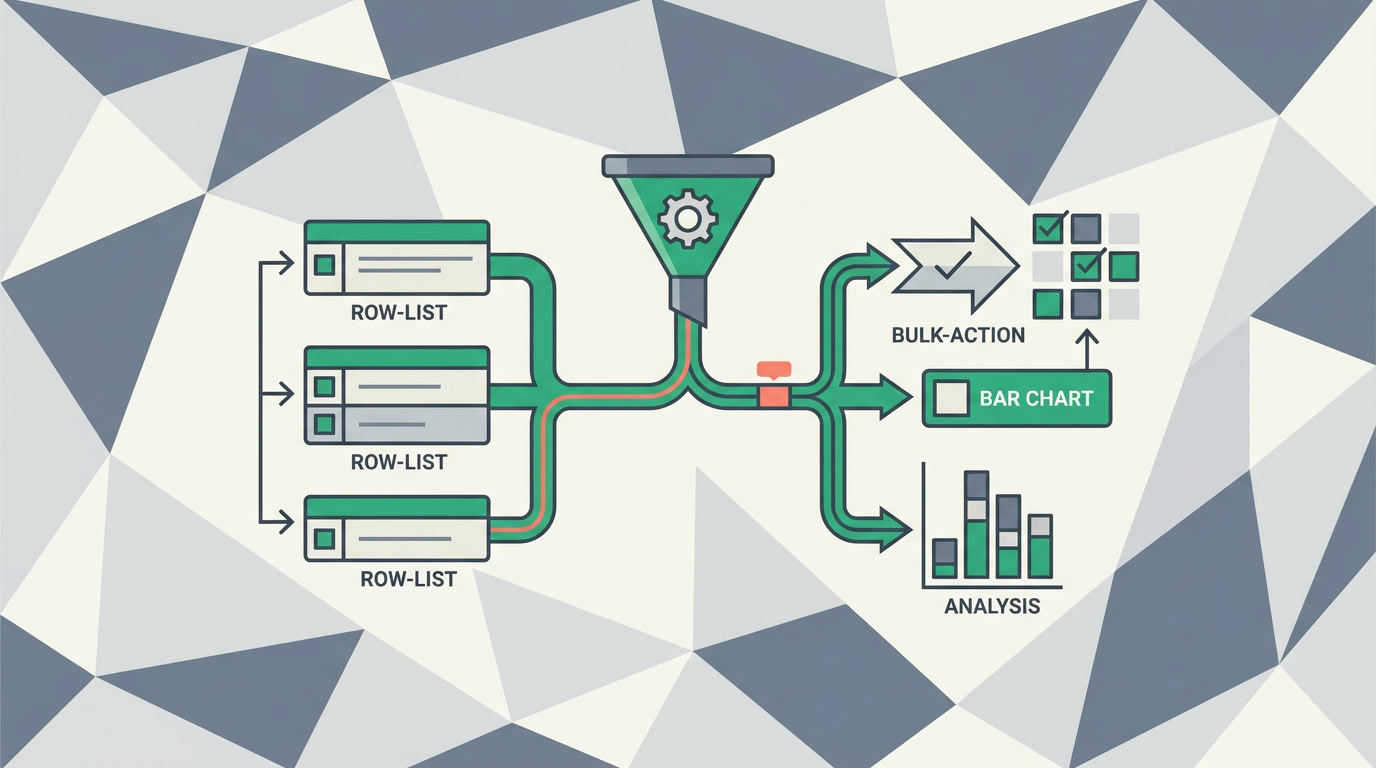
Because a shared view removes interpretation. When 'active pipeline' is one saved definition, every rep counts deals the same way, the manager's number matches the team's, and a new hire is productive on day one. Standard lists produce standard behavior — the same records, columns, and priorities, without a training session on how to filter.
There's a quieter benefit too. When the whole team opens the same 'unassigned leads' list, the ops lead assigns from it, everyone sees the queue shrink in real time, and nothing slips because it was hiding in someone's private filter. The list becomes a shared workbench, not a private drawer.
A good rule: private views for how you personally work, shared views for how the team agrees to work. Keep your own experiments private; promote the one that becomes everyone's daily list.
How do you create and share a saved view?
Open any list, filter it to the records you want, set the sort order, and arrange the columns to match how the team reads a record. Save it with a clear name, then choose who it's shared with — a team or a profile. From that point, everyone in scope opens directly into it. You configure it once; you don't code anything.
- Open the list and apply your filters — stage, owner, date, region, whatever defines the set.
- Set the sort so the most urgent records rise to the top.
- Choose the columns your team needs to decide fast — mirror how they read the detail view.
- Save the view with a name people will recognize — 'Team open deals', not 'View 3'.
- Share it with the team or profile who should live in it.
Which shared views should a team keep?
Start with the lists people already open by habit and make them official. A handful of well-named shared views covers most of a team's day: the working pipeline, the queue to clear, the follow-ups due, and the manager's oversight list. Below is a starting set you can adapt to any module.
| Shared view | Who opens it | What it standardizes |
|---|---|---|
| Team open deals | Every rep + manager | One definition of 'active pipeline' |
| Unassigned leads | Ops / team lead | A single routing queue everyone works from |
| Follow-ups due today | Reps | What 'due' means across the team |
| My team, at risk | Managers | Consistent oversight of stalled records |
| New this week | Whole team | A shared starting point each Monday |
How do shared views fit with the rest of the CRM?
A shared view is a launch pad, not a dead end. From a filtered set you can act on the whole selection — bulk-assign an owner, bulk-update a field, or send a bulk email to the list. Open any row into the detail view, or point a chart view at the same filter to see the shape of what the list holds.
Because the view and the action share one filter, the numbers never disagree. The list your team clears is the same list the manager reports on — and the same one your charts count. One filter, applied everywhere, keeps the whole team honest with itself. Explore all view types to see where saved views sit among lists, charts, and boards.
Give your team one list to open every morning
Configure a shared view once and standardize how everyone works — no code, one per-seat price.
Explore the CRMFrequently asked questions
Can a team member change a shared view for everyone by accident?
Editing a filter on screen is a temporary tweak — it doesn't rewrite the saved definition unless someone deliberately **saves over it**. A person can adjust their live view and even save their own private copy, while the shared view stays exactly as the team agreed. Treat the shared view as the standard and let people branch privately.
Does everyone in a shared view see the same records?
They see the same **filter**, but each person still sees only the records they're permitted to. The shared view standardizes the definition — 'open deals in stage X' — while record-level visibility decides which of those rows each user can actually open. A rep and a manager can share the view name and see different, correctly-scoped results.
What's the difference between a shared view and just applying filters?
[Applying filters](/features/crm-filters-and-saved-views) is a one-off — it lasts until you navigate away. A saved view captures the filter, sort, and columns permanently under a name; sharing it hands that captured list to a team. Filters are a moment; a shared view is a **standard everyone reopens** without rebuilding anything.
How many shared views should we create?
Fewer than you think. A team runs well on a handful — the working pipeline, the routing queue, the follow-ups due, and a manager's oversight list. Too many named views recreate the confusion you were trying to end. **Name them plainly, keep the set small, retire ones no one opens.**
Can I still keep my own private views?
Yes. Shared and private views coexist. Keep a personal list for the way **you** work — your accounts, your sort — and rely on the shared views for the team standard. When one of your private experiments proves itself, promote it to a shared view so everyone benefits.


