O

Omar Tariq

Sales & Growth Lead

Omar has run sales teams from two-person startups to 40-rep floors. He writes about pipelines, follow-up, and the automation that lets small teams close like big ones.

Articles by Omar Tariq

An operations lead watching incoming leads route automatically to a team on a wall display

Features

Assignment Rules: Auto-Routing Leads and Records to the Right Person

A single connected timeline of WhatsApp and email touches nurturing a lead, shown in emerald and slate.

Sales & Marketing

How to Automate WhatsApp & Email Lead Nurturing Without Bloated Software
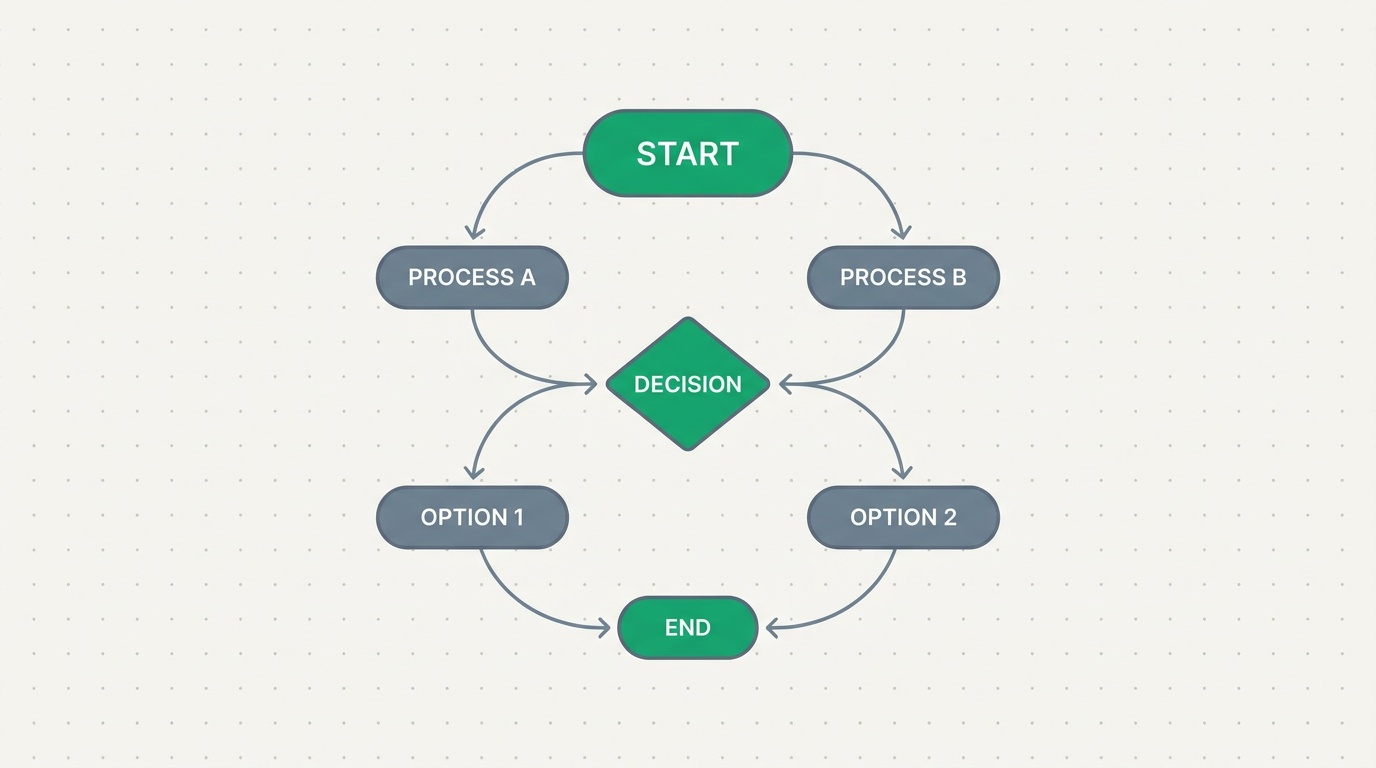
A visual process flow on a canvas connecting trigger, branch, wait and approval nodes in emerald and slate

Features

Blueprints: draw how work moves, and watch it run

An open playbook whose pages flow into a connected pipeline of deal stages

Sales & Marketing

Build Your Own Sales Playbook: A Practical Guide With Examples

A single lead inbox pulling in Meta Lead Ads, website forms, and WhatsApp messages

Sales & Marketing

How to Capture Leads From Facebook and WhatsApp
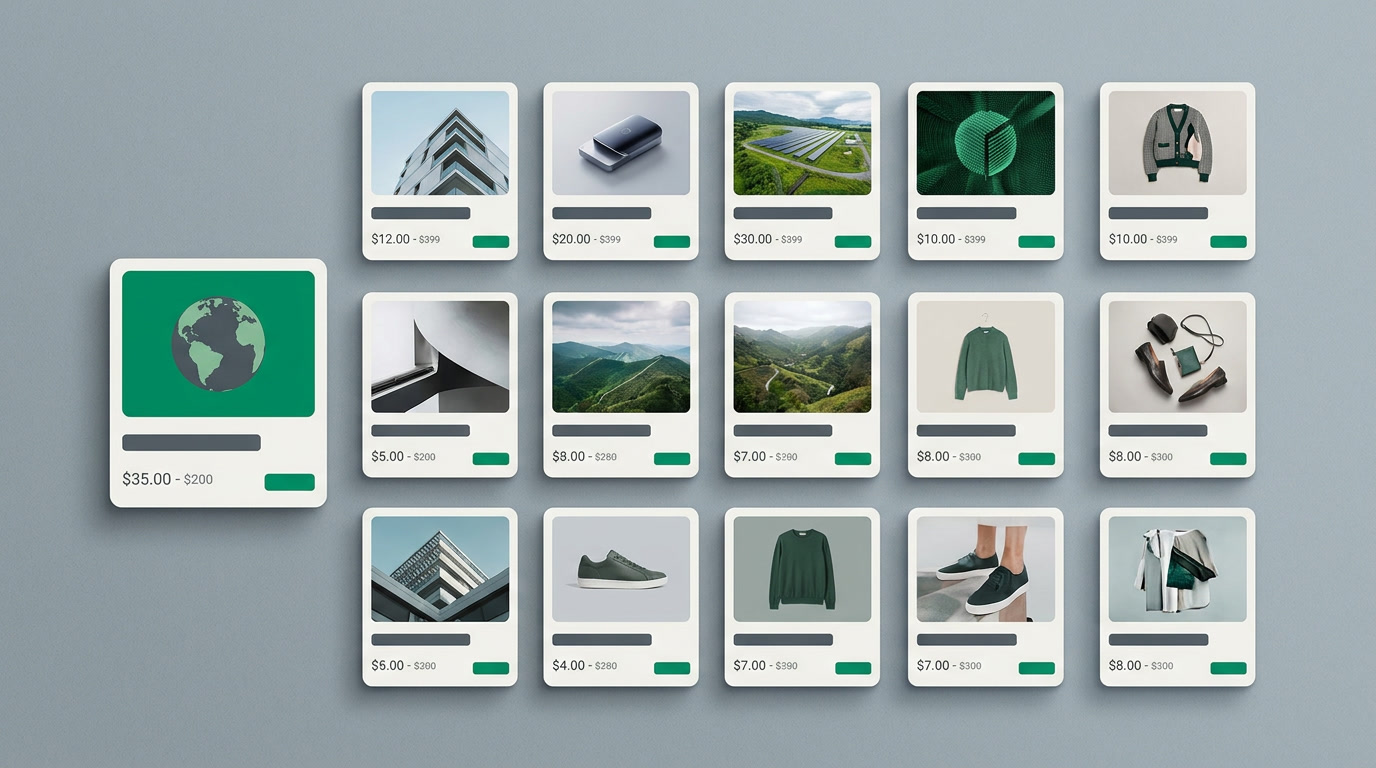
A grid of visual record cards, each showing a photo, title, price, and status tag, arranged like a catalog

Features

Card View Layouts: See Your Records the Way You'd Show Them Off

Many small record cards flowing through a single funnel and emerging changed together

Features

CRM Bulk Actions: Change Hundreds of Records in One Move
A single calendar grid holding many kinds of coloured markers, standing in for a scattered pile of separate schedules

Features

The CRM Calendar View: Every Date You Own, on One Page

A month calendar grid where CRM records sit on their due dates like appointments

Features

The Calendar View: Your Records, Laid Out by Date

CRM records arranged as a grid of visual cards, each with a photo and a few key fields, replacing a plain spreadsheet

Features

Card View: Your Records, Seen the Way You Picture Them

An open box revealing a few neatly organized customer cards, symbolizing the essential parts of a CRM

Small Business Guides

CRM Essentials — A Plain-English Beginner's Guide

A long CRM record list narrowing through filter rules into a short saved view

Features

CRM Filters and Saved Views: Build a List Once, Reuse It Daily

A single deal card surrounded by quiet signal lines reaching several people who chose to watch it

Features

Following Records: Watch the Deals That Matter

A single search box radiating connections to many record cards across different CRM modules

Features

Global Search: Find Any Record From One Box

A sales pipeline shown as columns of cards, with one card mid-move between two stages

Features

The Kanban View: Your Pipeline as a Board You Can Move

A clean spreadsheet-style grid of CRM records with sortable columns, illustrating the List view

Features

The List View: Your Records as a Grid You Can Actually Work
A phone conversation resolving into a durable, shared timeline on a CRM record

Features

Logging Calls: Turn Every Conversation Into Shared History

A funnel narrowing a wide crowd of records into one tidy segment, then a single arrow reaching all of them at once

Features

Filter, Then Act: Sending a Mass Email From a View

A calendar and a customer record connected by a single thread, showing a scheduled meeting with attendees

Features

Meetings and Events, Kept Where the Deal Lives

A single lead record protected by search, filters, and duplicate detection converging on it

Features

Never Lose a Lead Again: Search, Saved Filters, and the Duplicate Manager Working Together

A single clear bell rising above a muted crowd of silenced ones, representing selective, rule-driven notifications

Features

CRM Notifications: The Team Hears What Matters, Not Everything

A calm workspace where follow-up reminders surface on time instead of being forgotten

Features

CRM Reminders, Made Effortless: The Follow-Up That Never Slips

A single shared working list opening identically on every team member's screen

Features

Sharing Saved Views: One Working List for the Whole Team

A CRM record card with a task pinned to it, a due date, and a reminder bell

Features

Tasks in the CRM: The Follow-up That Never Falls Off the Record

A colored sales pipeline bar with distinct stage colors above a list of records showing red, amber and green status badges.

Features

Field & Pipeline Coloring: Read Status at a Glance
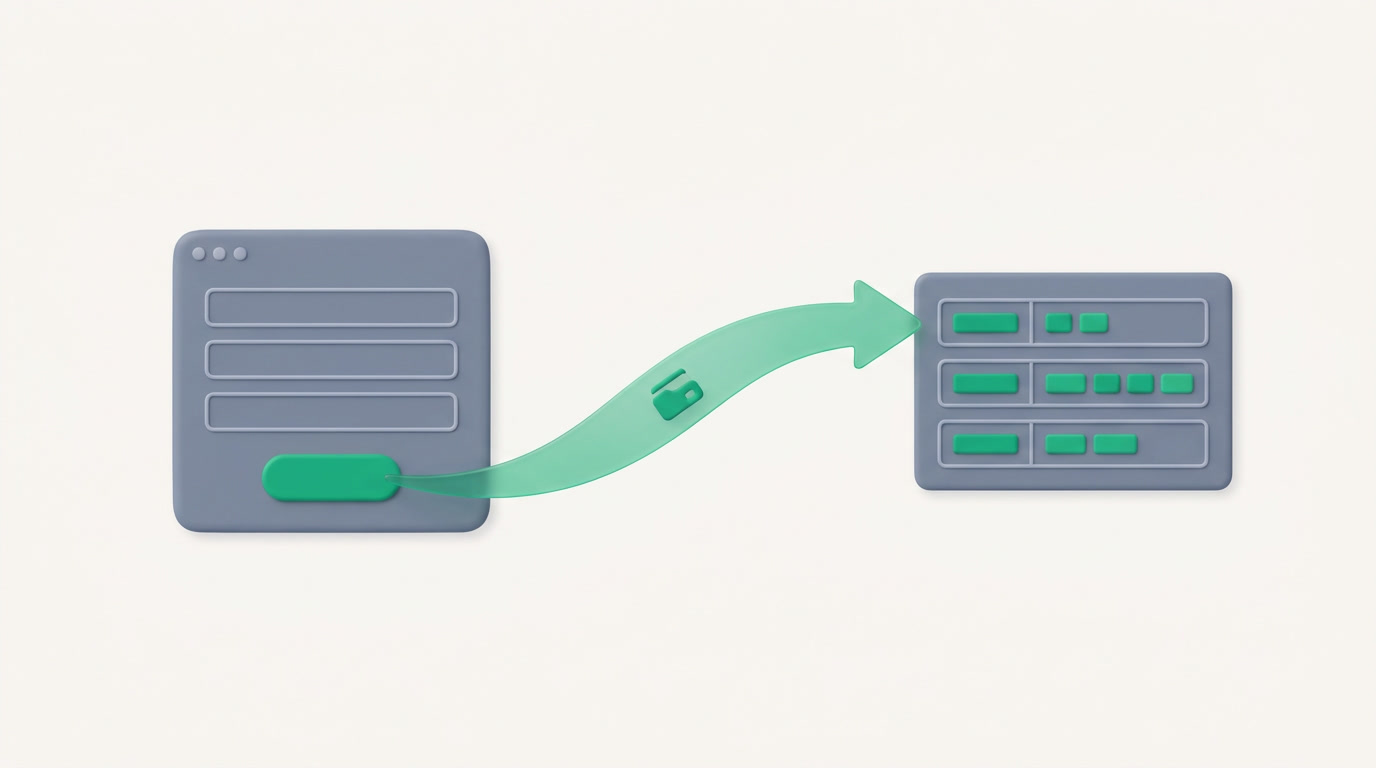
A published web form on the left flowing into a neatly filed record on the right, in emerald and slate.

Features

Forms: a public form that files itself into your system

A sales team gathered around a screen showing an emerald-and-slate Kanban pipeline board with deals arranged in stage columns.

Features

The Kanban Pipeline View: Drag Deals Across Stages

An ops lead reviewing a ranked list of scored leads on screen, the highest-scoring records at the top.

Features

Lead & Record Scoring: Focus on the Leads Most Likely to Close

A field sales rep checking a customer record on a smartphone while standing outside an office building

Features

The ERPnBox Mobile App: Your Business, in Your Pocket

A calm modern sales workspace where follow-ups move on time instead of stalling in silence

Sales & Marketing

Sales Follow-Up Automation That Actually Closes Deals

An operations lead reviewing a live list of records, each showing a countdown to its deadline

Features

SLA & Escalation: a deadline that acts on its own

A calm operations lead watching work route itself across a business dashboard

Features

Workflow Rules & Automation