The short answer
Build a short automatic sequence inside your CRM: auto-assign each lead on arrival, send timed WhatsApp and email follow-ups, and stop the instant the lead replies. ERPnBox does this with workflow rules, assignment, WhatsApp, email, and SLA, no separate marketing suite and no second login.
A lead fills out your form on Tuesday. Someone means to follow up Wednesday. By Friday the lead has bought from whoever answered first. This is how most sales get lost, not to a better product, but to silence. The fix is not another marketing suite. It is a short, automatic nurture sequence running inside the system where the lead already lives.
Why do leads go cold, and what actually fixes it?
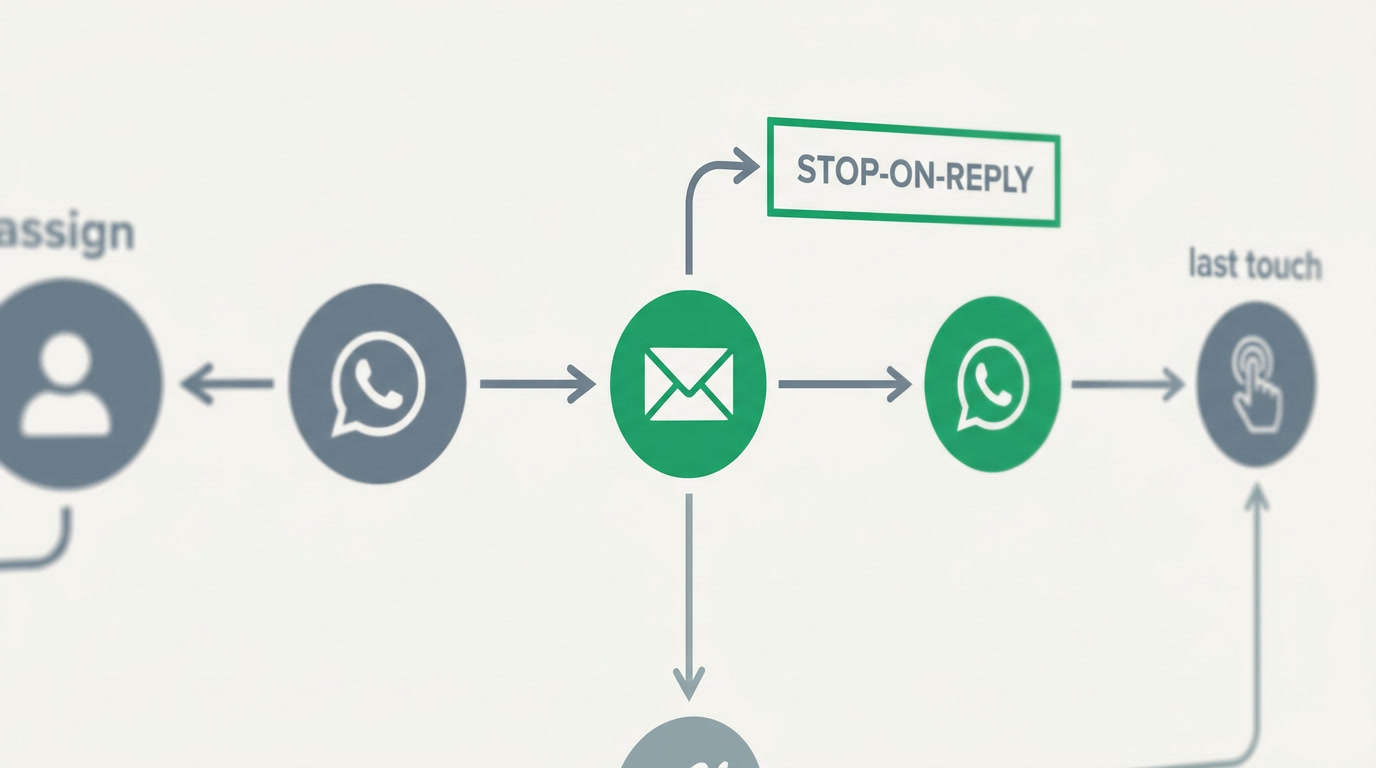
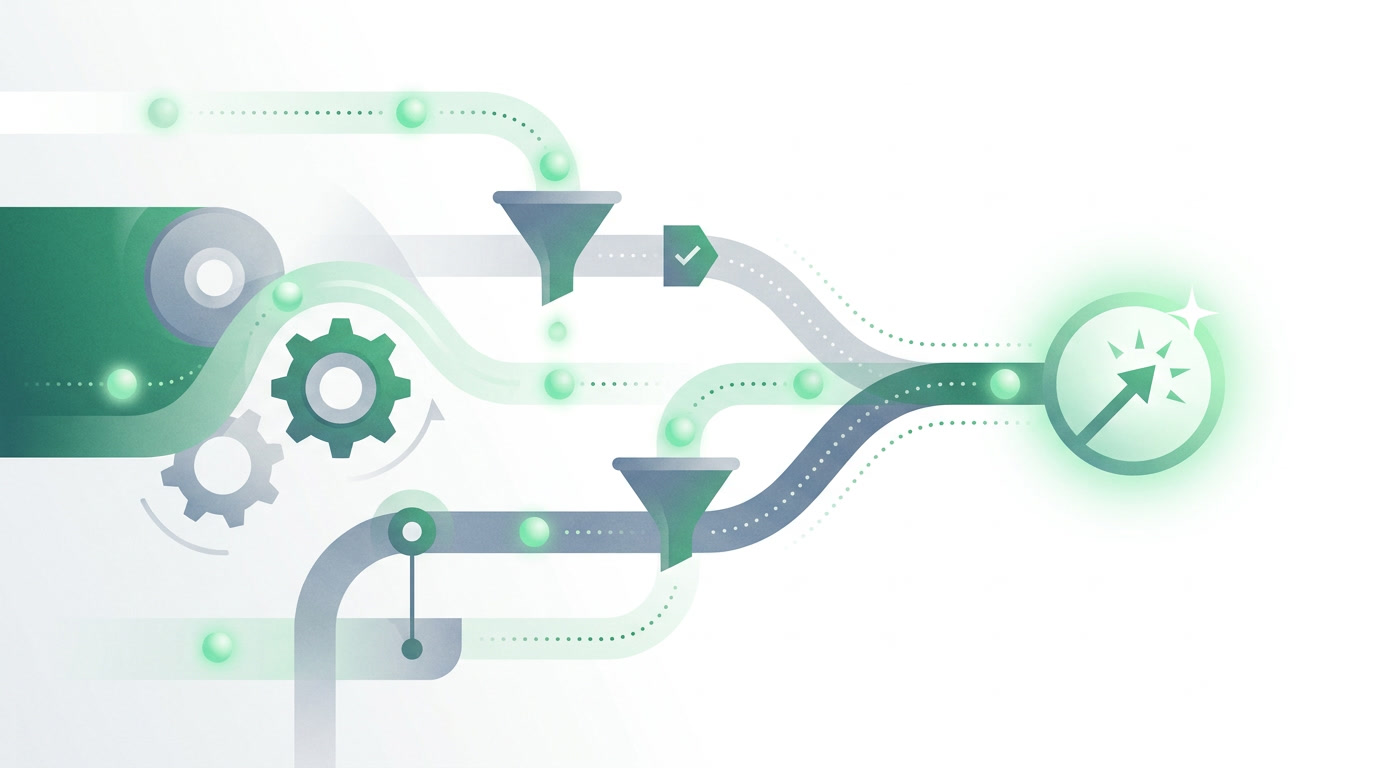
Leads go cold in the gaps between human touches, when a rep is busy, out, or simply forgets. The fix is not more effort; it is removing the gaps. An automatic sequence assigns each lead the moment it arrives, sends a first message in minutes, and keeps a steady rhythm of follow-ups until the person replies. Nothing waits on memory.
The trap is the tooling. Bolt on a separate email platform and a separate WhatsApp Business tool, and now your leads live in three places that do not talk to each other. The messages fire, but nobody can see the full conversation, and a reply in one channel does not stop the sequence in another. You have automated the noise, not the outcome.
What does a simple, effective nurture sequence look like?

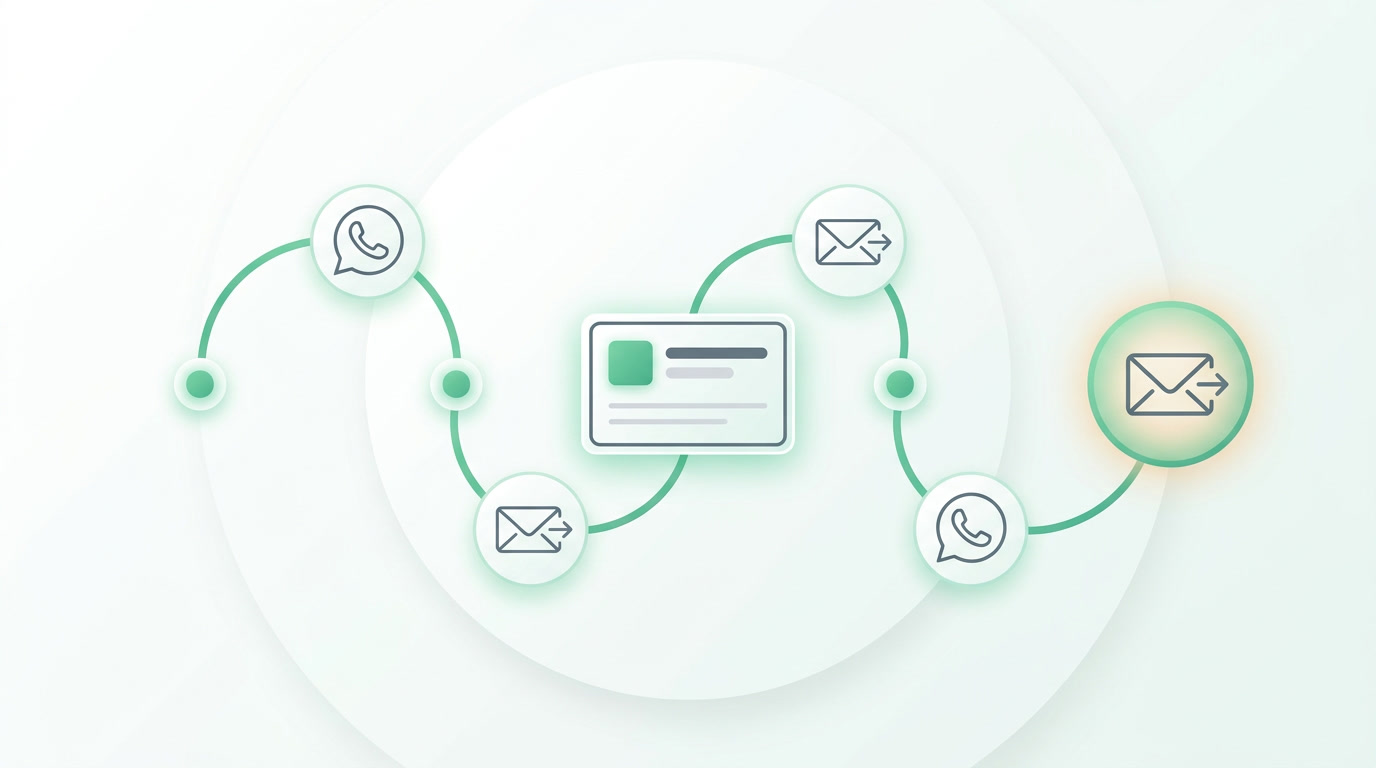
A good sequence is short and has a spine: assign, greet, wait, follow up, and stop the instant the lead replies. You do not need dozens of steps or a branching maze. You need a handful of well-timed touches across email and WhatsApp, each one useful, each one easy to hand off to a human the moment interest appears.
| Step | Timing | Channel | Purpose |
|---|---|---|---|
| Auto-assign | On arrival | Internal | Give the lead a named owner |
| Welcome | Within minutes | Reply while interest is hot | |
| Value follow-up | Day 2 | Answer the obvious question | |
| Gentle nudge | Day 4 | Invite a call or reply | |
| Last touch | Day 7 | Close the loop or park it |
The rule that makes all of it feel human: stop on reply. The moment the lead answers on any channel, the automation halts and the owner takes over. Automation should carry the lead to the conversation, then step aside.
How do you build this inside ERPnBox without extra tools?
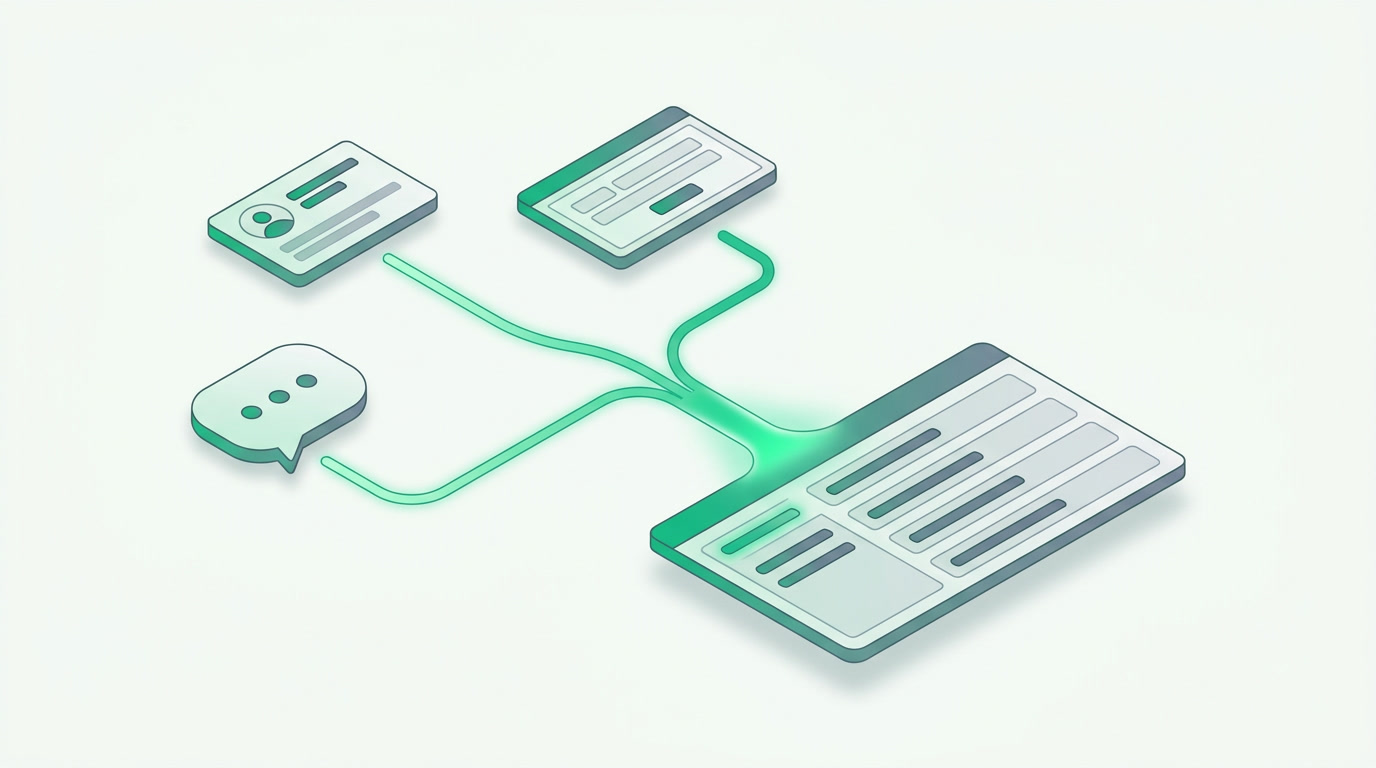
You build it where the leads already live. In ERPnBox, CRM captures leads from ads, forms, and WhatsApp; assignment rules hand each one to the right rep; and workflow automation with scheduled actions fire the timed email and WhatsApp touches. Every message and reply lands on the same record, so the whole sequence sits in one place.
- Capture: leads flow into CRM from your forms, ad campaigns, and WhatsApp automatically.
- Assign: an assignment rule gives each lead an owner instantly, by team, territory, or round-robin.
- Nurture: a workflow rule with scheduled actions sends the email and WhatsApp touches on your chosen days.
- Stop on reply: a rule ends the sequence the moment the lead responds, and hands the conversation back to the owner.
- Protect it: SLA and escalation flag any lead left waiting, so nothing slips through.
No wiring between apps, no export-import shuffle, no second login. The Campaigns app handles bulk email with open and click tracking and WhatsApp broadcasts when you want reach; the CRM sequence handles the one-to-one nurture that turns a fresh lead into a conversation. The AI assistant can draft the whole setup for you, then you confirm it.
See how CRM captures, assigns, and nurtures every lead in one place.
Explore CRMWhy not just use a dedicated nurturing platform?
You can, and some are excellent. HubSpot has a strong marketing and CRM stack with a free tier, and Zoho One gives you forty-plus apps for around thirty-seven dollars. Both are real options. The catch is that a dedicated platform is one more system to feed, and its price climbs as your list grows and its power sits mostly in features you will never switch on.
ERPnBox takes the opposite bet. The nurture engine is not a separate suite; it is a few rules inside the CRM your team already opens every morning, on one per-seat price with the other apps included. Less to buy, less to connect, and the whole conversation stays on the record.
Start free for thirty days, no card. Build the sequence once, and it works every lead the same way at 9am and at midnight.
Frequently asked questions
Will the automation keep messaging a lead who already replied?
No. A **stop-on-reply rule** ends the sequence the moment the lead responds on email or WhatsApp, and hands the conversation to the assigned owner. Automation carries the lead to the conversation, then steps aside so nobody gets a follow-up they have already answered.
Do I need a separate email or WhatsApp tool for this?
No. ERPnBox includes an email client and WhatsApp alongside the CRM, so the timed touches fire from **the same system that holds the lead**. Everything lands on one record, and you manage the whole sequence with one login and one per-seat price.
How fast can a new lead get its first touch?
**Within minutes.** The moment a lead arrives from a form, ad, or WhatsApp, an assignment rule gives it an owner and a workflow rule sends the first message. There is no queue waiting on someone to notice, so you answer while interest is still hot.
Can I control the timing and wording of each step?
Yes. You choose the days between touches, the channel for each step, and the message text, using **templates you set once**. The AI assistant can draft the full sequence for you, and you confirm or adjust it before anything goes live.
What stops a lead from being forgotten if nobody follows up?
**SLA and escalation rules** watch every lead and flag any that sits too long without a response, alerting a manager. Combined with auto-assignment, this means every lead has a named owner and a clock, so silence gets noticed instead of ignored.