The short answer
To capture leads from Facebook and WhatsApp, route Meta Lead Ads, website forms, and WhatsApp messages into one CRM inbox. Use assignment rules to auto-distribute each lead to a rep instantly, then trigger a fast first response. ERPnBox does all three in one place with weighted round-robin and workflow automation.
Every business running ads on Facebook and chatting on WhatsApp Business meets the same quiet problem: leads arrive in three or four places at once. Someone fills out a Meta Lead Ad. Someone else sends a WhatsApp message. A third person completes a form on your website. Each lands somewhere different, and by the time a salesperson notices, the buyer has already messaged a competitor.
This article explains how to pull leads from Facebook and WhatsApp into one place, assign them automatically, and follow up before they go cold. We will be fair about the tools that do this well, then show where ERPnBox fits.
Why do leads from Facebook and WhatsApp get lost?
Leads get lost because each channel is a separate inbox with no shared owner. A Meta Lead Ad sits in Ads Manager, WhatsApp messages sit on one phone, and form submissions land in email. Nobody sees the full list, so leads are missed, answered twice, or replied to hours late — long after the buyer's interest has cooled.
The real cost is speed of first response. A buyer who fills a Lead Ad or messages your WhatsApp is comparing options right now. If your first reply arrives the next morning, you are answering a decision that was already made. Centralizing the channels is not about tidiness — it is about being the first to reply.
What are the main channels, and how do they differ?
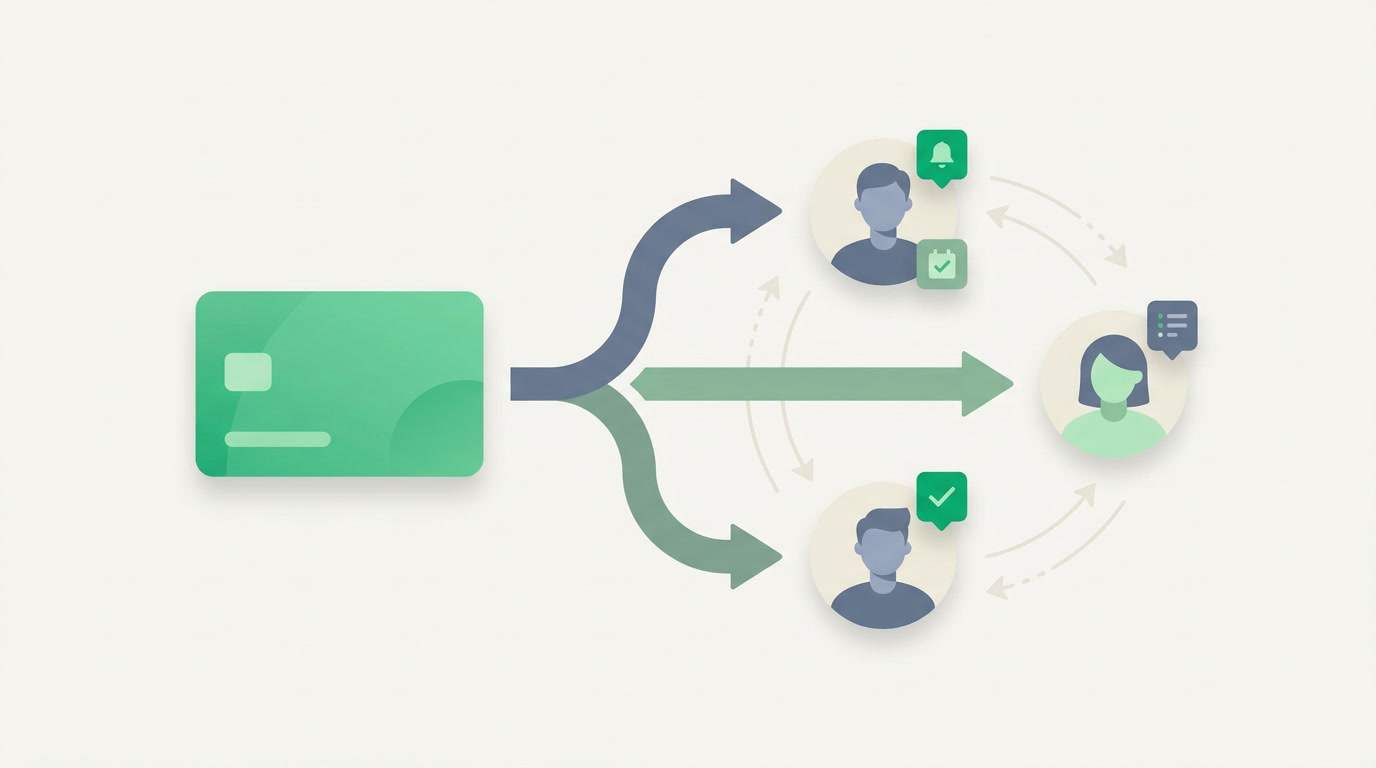
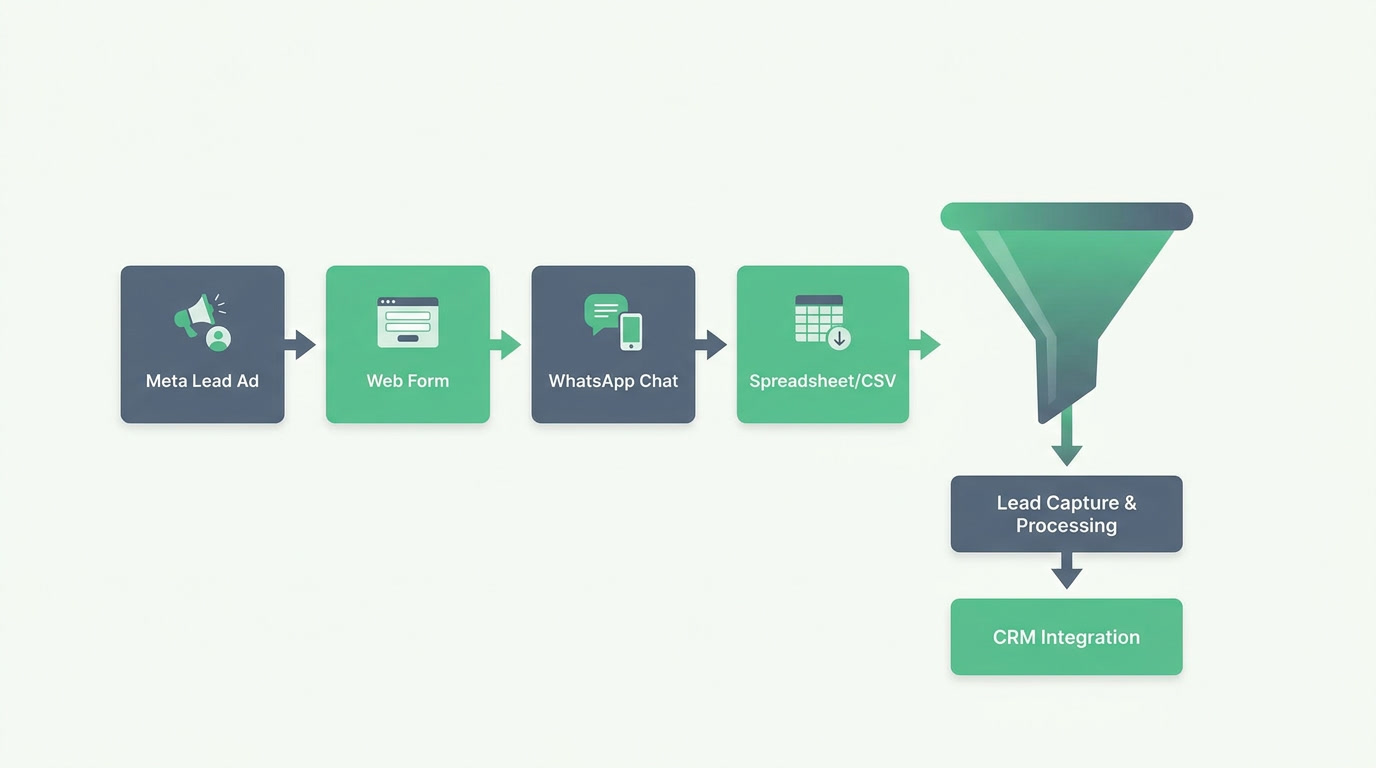
The four common sources — Meta Lead Ads, website forms, WhatsApp, and Facebook page messages — each behave differently. Some push structured fields, others arrive as free-form chat. Knowing how each delivers data tells you what to automate. The table below compares them on format, speed, and what capture looks like.
| Channel | Data format | Capture into ERPnBox |
|---|---|---|
| Meta / Facebook Lead Ads | Structured fields (name, phone, custom questions) | Auto-created as a lead the moment the form submits |
| Website / landing forms | Structured fields you define | Native form builder writes straight to CRM |
| Free-form conversation | Chat captured; contact matched or created as a lead | |
| CSV / bulk lists | Spreadsheet rows | CSV import with duplicate detection |
How do you centralize every lead into one place?
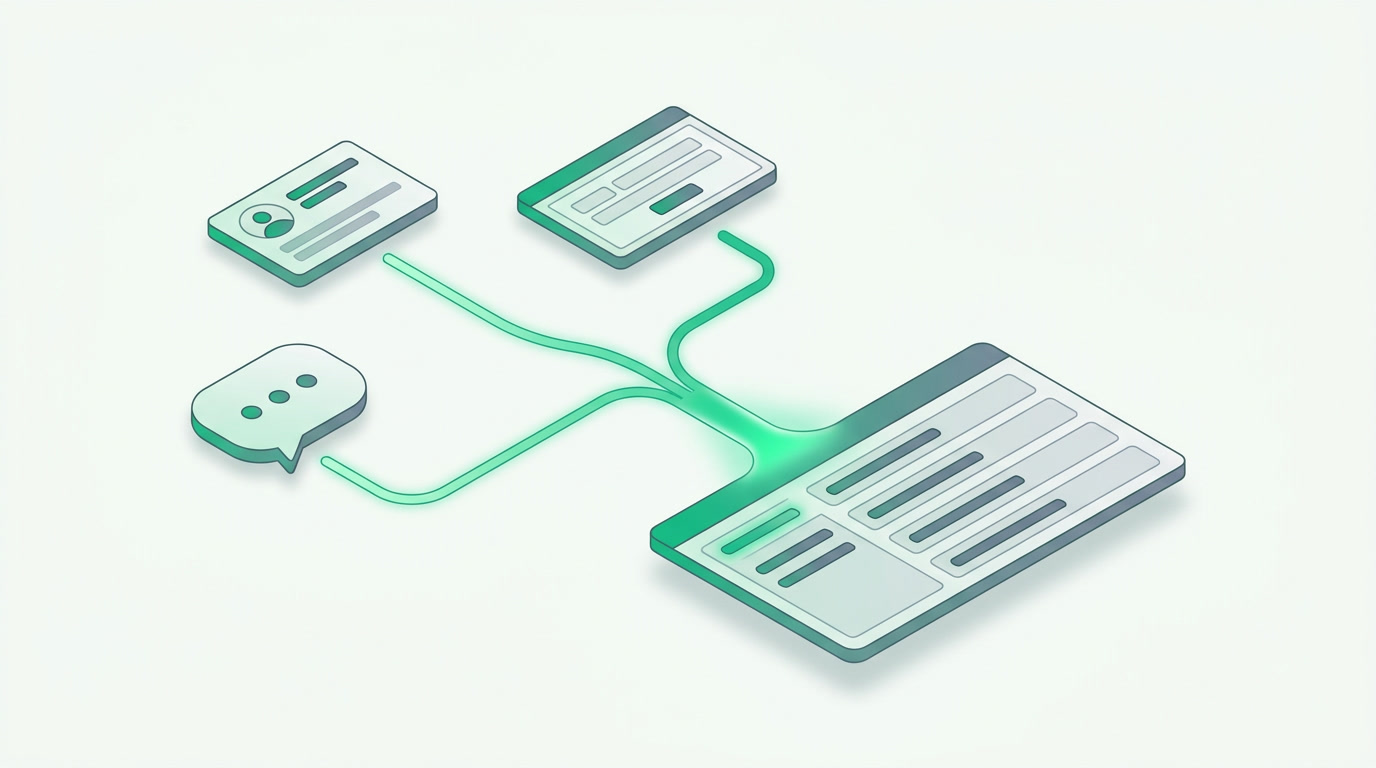
You centralize leads by routing every channel into a single CRM record type instead of separate inboxes. ERPnBox captures Meta and Facebook Lead Ads, website and landing-page forms, and WhatsApp messages directly into the Leads module — one list, one owner field, one status field — so no lead lives only on a phone or inside Ads Manager.
Once every lead is a real record, the rest becomes possible: duplicate detection stops the same buyer entering twice from an ad and a WhatsApp chat; CSV import folds in older lists; and a kanban pipeline with seven view types shows exactly where each lead sits. You manage leads, not inboxes.
A lead that lives only on someone's phone is invisible to your team and to your reporting. The first job of lead capture is to make every lead a shared, visible record.
How do you auto-assign and follow up fast?
Auto-assignment removes the gap between a lead arriving and a human owning it. In ERPnBox, assignment rules distribute each new lead the instant it is captured — using weighted round-robin so busier or senior reps get a fair share — and SLA rules with escalation flag any lead that sits unanswered too long, so nothing quietly rots in a queue.
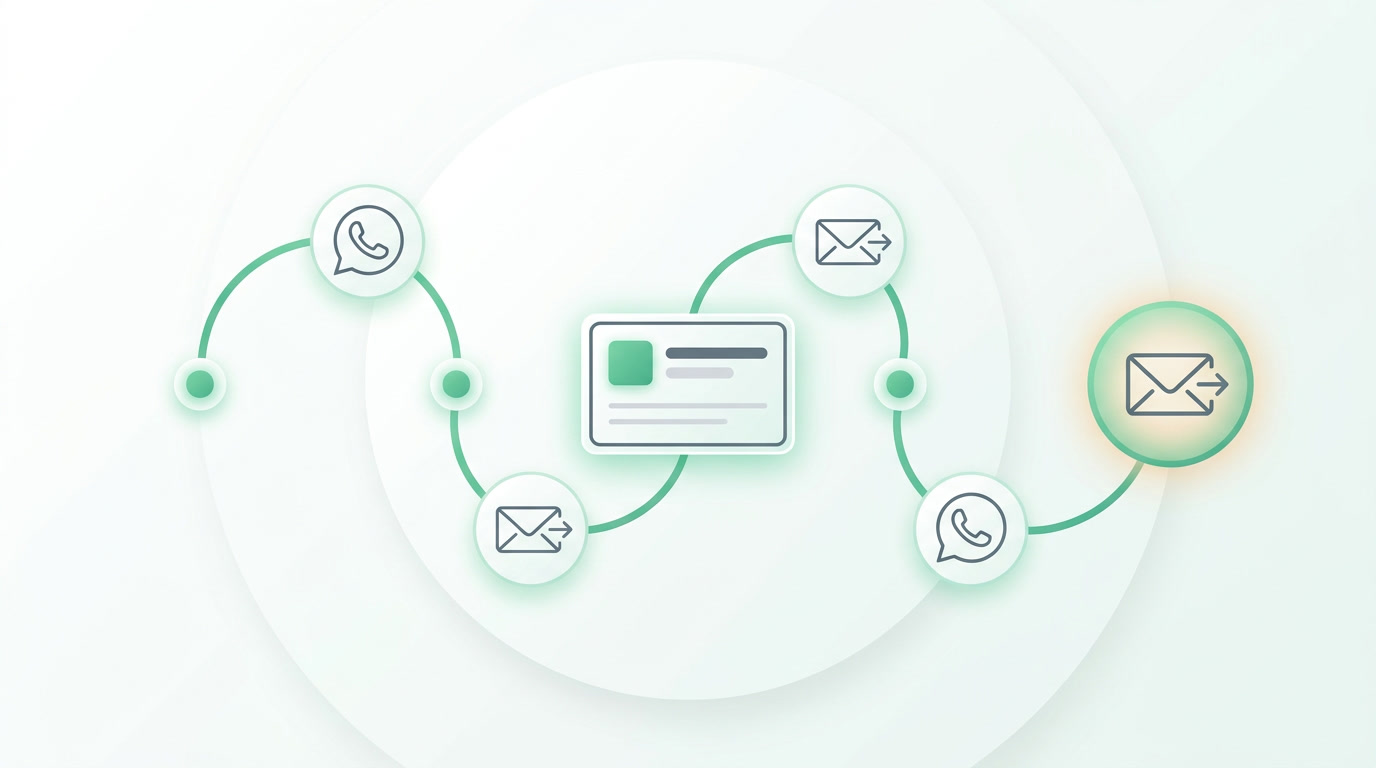
Speed comes from workflow automation — 22+ actions that fire the moment a lead lands: notify the assigned rep, send a first WhatsApp or email reply, set a follow-up task, or update status. For teams sharing inbound volume, a shared lead pool with per-person quotas lets reps pull leads themselves within limits you set.
Capture every Facebook and WhatsApp lead in one CRM
See how ERPnBox pulls Meta Lead Ads, forms, and WhatsApp into a single pipeline with auto-assignment and fast follow-up.
Explore the CRMHow does ERPnBox compare to other options?
Several strong tools capture leads well. Zoho One offers a mature ecosystem of 40+ apps and deep lead-ads integrations. Salesforce is best-in-class CRM with the richest automation. HubSpot is loved for marketing. Each is a genuinely good choice; the honest question is what you trade for that depth — usually higher cost, more apps to wire together, or setup time.
| ERPnBox | Zoho One | Salesforce | |
|---|---|---|---|
| Meta/Facebook Lead Ads + WhatsApp capture | Built in | Yes (via apps) | Yes (add-ons) |
| Auto-assignment (weighted round-robin) | Yes | Yes | Yes |
| Pricing model | One per-seat price, all apps | ~$37/user, 40+ apps | Per-cloud, higher |
| Arabic-first, full RTL | Yes | Partial | Partial |
| AI sets up modules from a chat | Yes | No | No |
ERPnBox wins on fit for growing MENA teams, not on beating giants at their own game. All apps come at one per-seat price — CRM, HR/Payroll, and real double-entry Finance included — the platform is Arabic-first with full RTL, and AI sets up your modules from a chat. If you need best-in-class enterprise CRM depth, Salesforce still leads; if you want lead capture, unified data, and fast setup without wiring dozens of apps, ERPnBox is the simpler path.
Frequently asked questions
Can ERPnBox capture leads directly from Meta and Facebook Lead Ads?
Yes. ERPnBox captures Meta and Facebook Lead Ads **straight into the CRM Leads module**, alongside website forms and WhatsApp. Each submission becomes a real lead record you can auto-assign, track in the pipeline, and follow up on — no manual export from Ads Manager.
How does WhatsApp lead management work in ERPnBox?
WhatsApp conversations are captured into the CRM, where a message can be **matched to an existing contact or created as a new lead**. From there, assignment rules give it an owner, and [workflow automation](/crm) can trigger a first reply or follow-up task so no chat is left unanswered.
How are leads assigned to sales reps automatically?
Assignment rules distribute each new lead the moment it is captured, using **weighted round-robin** so distribution stays fair across the team. You can also open a shared lead pool with per-person quotas, letting reps pull leads themselves within limits you set.
What stops the same buyer being entered twice from an ad and a WhatsApp chat?
ERPnBox has **built-in duplicate detection** that checks new leads against existing records, so a buyer who arrives from both a Lead Ad and a WhatsApp message is flagged rather than duplicated. CSV imports run through the same check when you fold in older lists.
Do I need extra apps or subscriptions for lead capture?
No. Lead capture, WhatsApp, forms, campaigns, automation, and reporting are **part of the same platform at one per-seat price** — Professional at $15/user or Growth at $20/user. There is a 30-day free trial with no card, and paying yearly gives two months free.