The short answer
Sales follow-up automation routes each lead to an owner instantly, reminds reps when to act, sends email and WhatsApp follow-ups on a set cadence, and uses SLA timers to escalate stalled deals. It replaces human memory so no promising conversation dies in silence — turning slow, inconsistent follow-up into fast, reliable closes.
A deal rarely dies from a loud, dramatic "no." It dies in silence — a reply that was never sent, a callback that never came, a quote that sat in someone's drafts while the buyer quietly signed with whoever answered first. Speed and consistency win the deals that price and pitch do not.
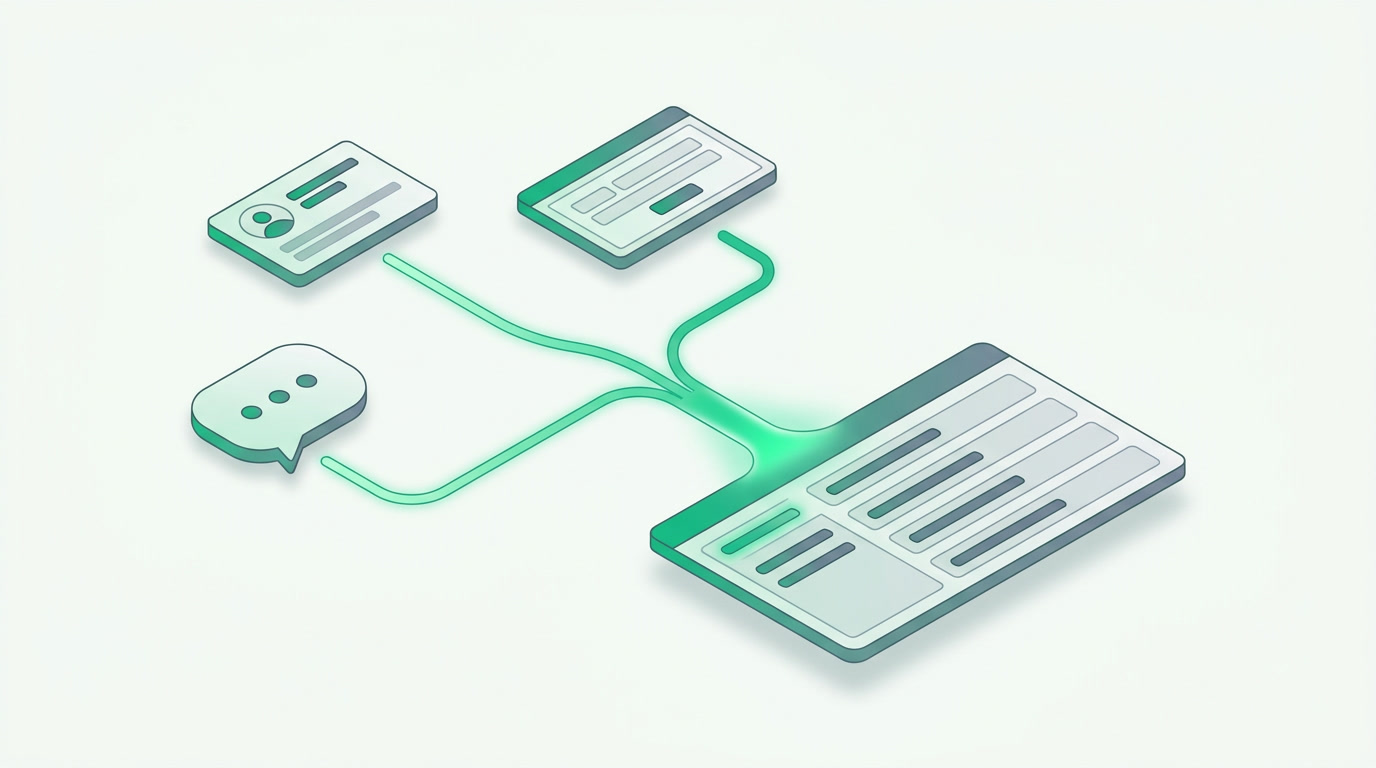
Sales follow-up automation fixes this by making the machine remember what people forget: who owns the lead, when to reach out next, and which conversations have gone quiet past the point of no return. Below is what to automate, a clear before-and-after, and a playbook you can run this week.
What is sales follow-up automation?
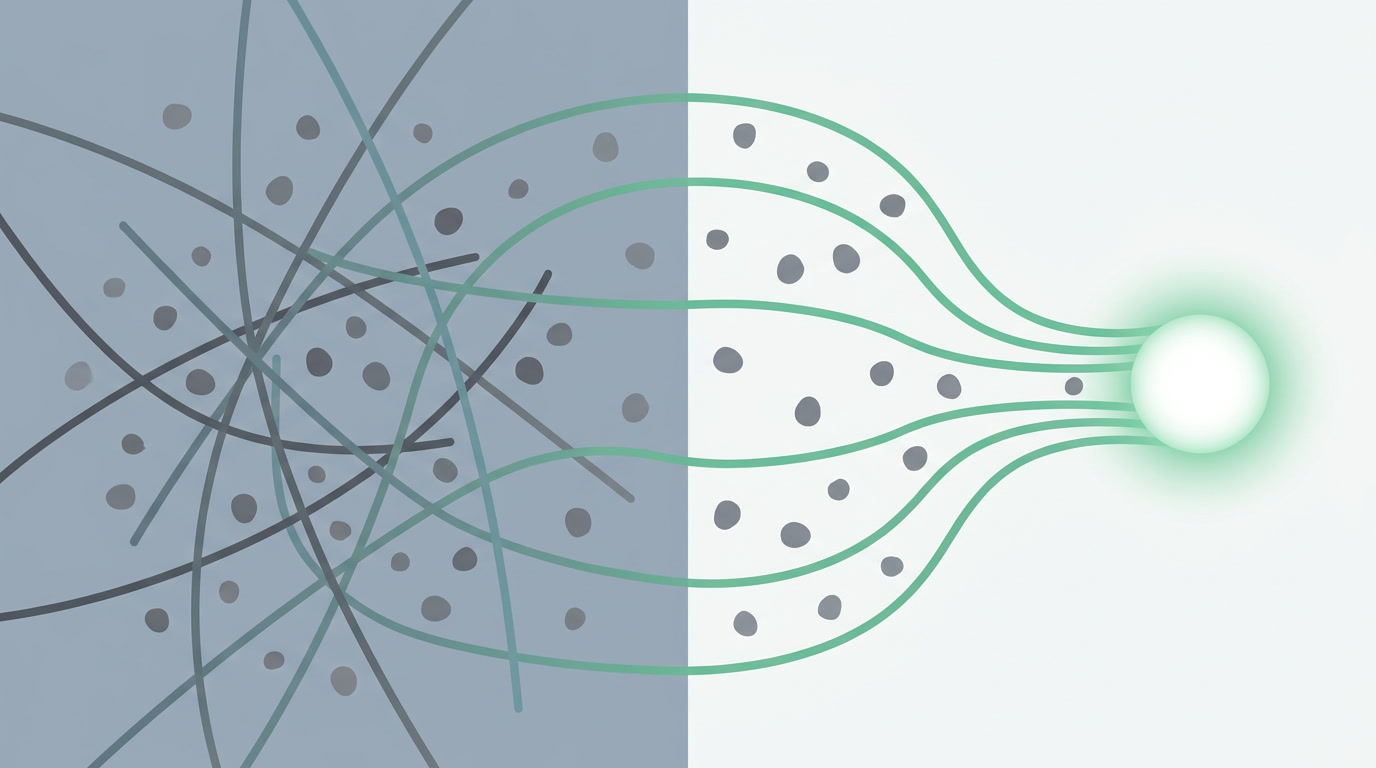
Sales follow-up automation is a set of rules that route each new lead to the right person, schedule and send reminders and messages on a defined cadence, and raise an alarm when a deal has been ignored too long. It replaces human memory and sticky notes with a system that never forgets and never sleeps.
The point isn't to send more messages. It's to make sure no promising conversation ever slips through a crack — that every lead is owned, every follow-up happens on time, and every stalled deal surfaces before it's lost for good.
Why do deals die in silence?

Deals die because follow-up depends on a busy human remembering to act. A lead lands at 9pm and nobody sees it until morning. A rep means to call back "tomorrow" and tomorrow gets buried. A promising deal goes quiet and no one notices until the buyer is gone. Silence is the default outcome of manual work.
There are three quiet killers. First, slow assignment — an unowned lead cools by the hour. Second, missed follow-ups — most deals need several touches, and humans stop after one or two. Third, invisible stalls — a deal sitting untouched for a week looks the same as a deal in motion until you go looking. Automation closes all three gaps.
What should you actually automate?
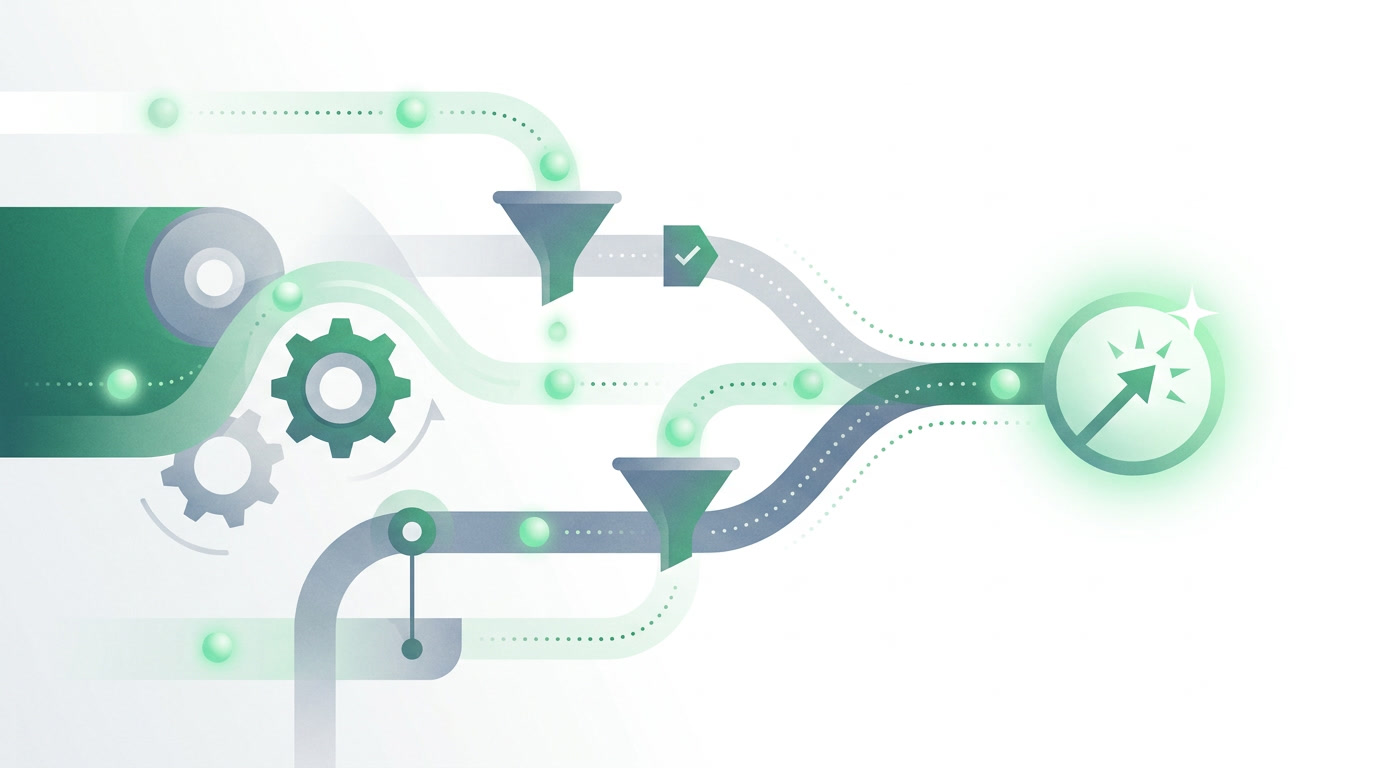
Automate the four things humans get wrong under load: getting each lead to the right owner instantly, reminding that owner to act, sending the routine follow-up messages, and enforcing a time limit so nothing stalls. Keep the human for judgment and the close; let the system handle the timing and the memory.
- Assignment — route every lead to an owner the moment it arrives, by team, territory, product, or round-robin, so no lead sits unclaimed. Leads from ads, web forms, and WhatsApp land pre-assigned.
- Reminders — automatic tasks that tell the owner exactly when the next touch is due, so "I'll call tomorrow" becomes a scheduled action, not a hope.
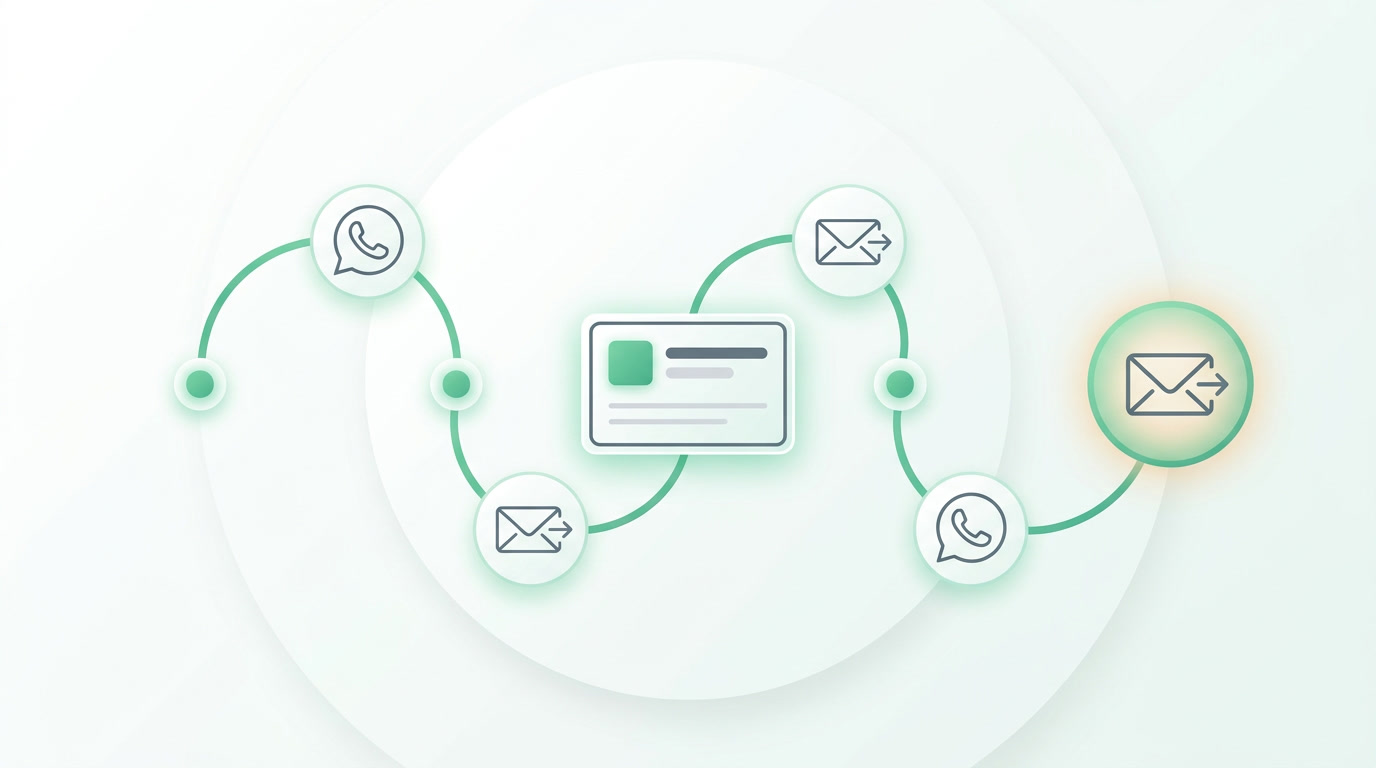
- Email and WhatsApp follow-up — a defined cadence of messages triggered by stage or by silence, sent on the channel the buyer actually reads.
- SLA timers — a clock on every lead and deal that escalates to a manager if the promised response time passes, turning invisible stalls into visible alerts.
What changes when follow-up runs itself?
The change is felt in response time and consistency. Manual teams answer new leads in hours and drop most after one or two attempts. Automated teams answer in minutes, follow up on a fixed cadence, and never lose a stalled deal to inattention. Here is the practical before-and-after.
| Moment in the deal | Manual follow-up | Automated follow-up |
|---|---|---|
| New lead arrives | Sits in an inbox until someone notices and claims it | Assigned to an owner instantly by rule |
| First response | Hours later, if the owner is free | Minutes — a task and message fire automatically |
| Follow-up sequence | Stops after one or two tries | Runs the full cadence over email and WhatsApp |
| A deal goes quiet | Nobody notices until it's lost | SLA timer escalates it to a manager |
| Pipeline visibility | Guesswork and gut feel | Every stall and overdue touch is on a board |
A follow-up playbook you can run this week
- Set an assignment rule so every new lead — from ads, forms, or WhatsApp — gets an owner within seconds, by team or round-robin.
- Attach an SLA: first response due within, say, 30 minutes; if it lapses, the deal escalates automatically.
- Build a follow-up cadence: an immediate welcome, a value message on day two, a check-in on day five, a final nudge on day nine — email and WhatsApp.
- Add reminder tasks tied to stage, so owners always know the next action without checking a list.
- Review the escalation board weekly and tune the timings — the cadence should match how your buyers actually decide.
How does ERPnBox automate sales follow-up?
ERPnBox runs the whole loop inside one system. Assignment rules give every lead an owner instantly; workflow automation offers 22+ actions to send reminders, emails, and WhatsApp on a cadence; and SLA timers with escalation catch any deal that stalls. Leads arrive pre-captured from Meta Lead Ads, web forms, and WhatsApp — already in the pipeline, already assigned.
What makes it different is that follow-up doesn't live apart from the rest of the business. When a deal closes, its invoice is one step away in a real double-entry ledger; a support ticket already carries its customer; a booking flows to a draft invoice. You describe your business in a sentence and, minutes later, it's a working system — CRM, finance, and HR under one per-seat login, in any language, on web and native mobile.
Turn silence into signed deals
Set up assignment, reminders, follow-up, and SLA timers in one CRM. Start a 30-day free trial — no card needed.
Explore the CRMFrequently asked questions
How fast should you follow up with a new lead?
**As fast as possible — minutes, not hours.** A lead's interest is highest at the moment they reach out and cools quickly after. Automated assignment plus an SLA timer means the first response fires almost immediately, even if the lead arrives at night or on a weekend, so you're not relying on someone being at their desk.
Won't automated follow-up feel robotic to buyers?
Not when it's done well. **Automation handles the timing and the routine reminders; your team still writes the messages and joins the conversation.** The buyer experiences a fast, consistent response — the opposite of robotic. What feels impersonal is being ignored for three days, which is exactly what automation prevents.
What is an SLA timer in sales?
An **SLA timer** is a clock attached to a lead or deal that defines how long a promised action — like first response — may take before it's overdue. When the clock runs out, the system escalates the record to a manager. It turns quiet, stalled deals into visible alerts so nothing is lost to inattention.
Can I follow up over WhatsApp and email from the same system?
Yes. ERPnBox includes email and WhatsApp, and workflow automation can trigger messages on either channel as part of a follow-up cadence. Because the CRM captures leads from WhatsApp too, **a conversation that starts there stays connected to the deal, the owner, and every later touch** — one thread, not scattered apps.
Do I need separate tools for CRM, follow-up, and invoicing?
No — that's the point of an **all-in-one platform**. ERPnBox puts CRM, follow-up automation, and a real [double-entry finance module](/finance) under one per-seat login, so a closed deal becomes an invoice without re-entering anything. You skip the cost and glue-work of wiring separate CRM, automation, and accounting tools together.