The short answer
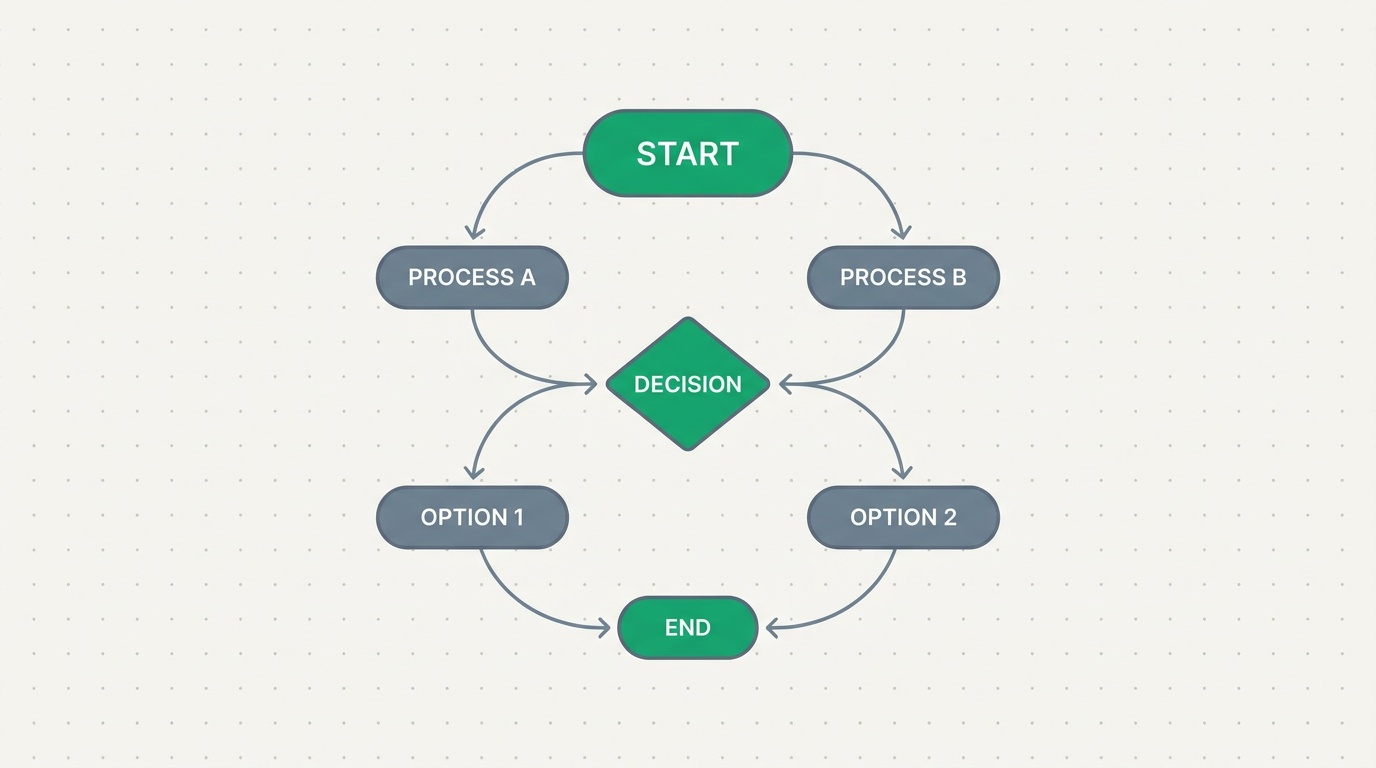
A Blueprint is a visual flow you draw on a canvas to define how work moves through your business. You connect nodes — trigger, branch, wait, update, email, condition, assignment, required data, approval, end — and ERPnBox runs the flow on every record, so steps happen in order and nothing gets skipped.
What is a Blueprint in ERPnBox?
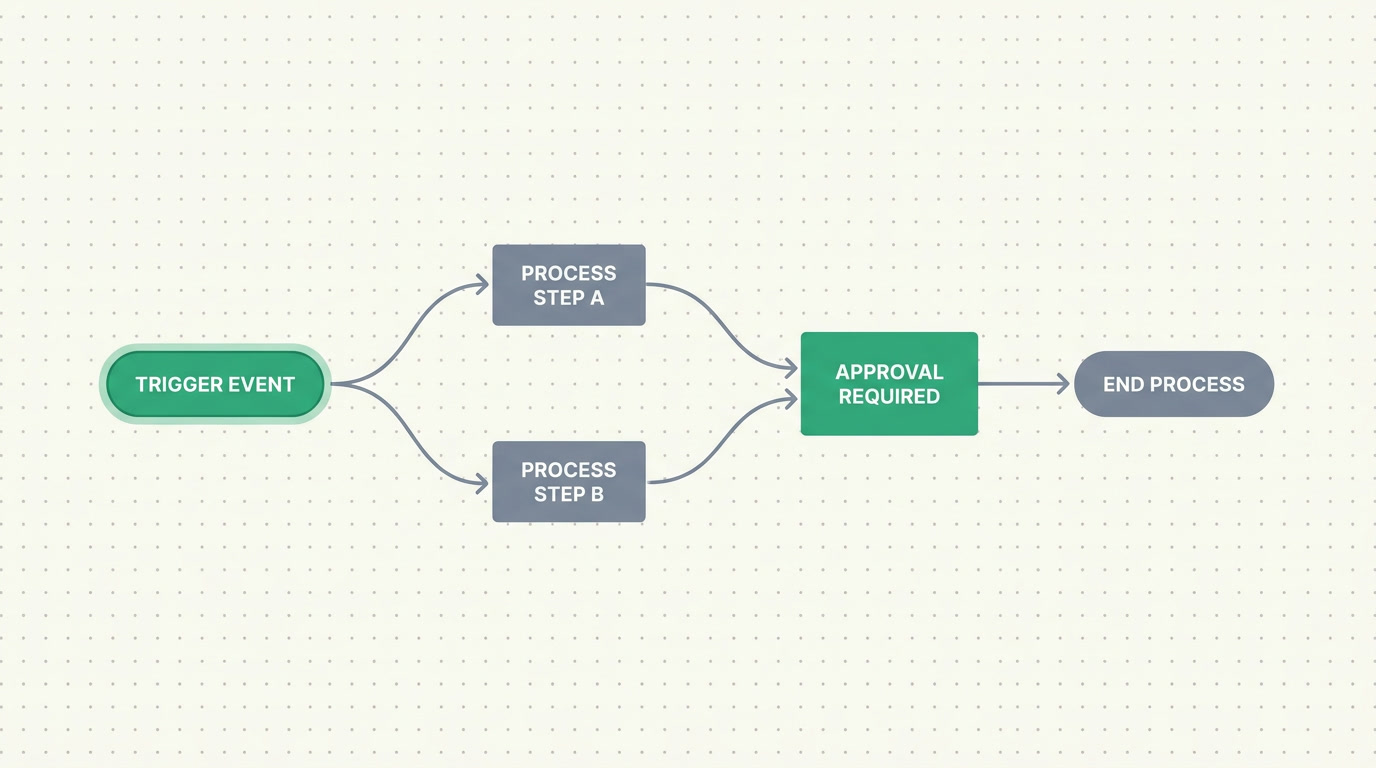
A Blueprint is a picture of how work is supposed to move, and it runs. You draw it on a visual canvas by connecting nodes — a trigger to start it, then branches, waits, field updates, emails, conditions, assignments, required-data checks, approvals and an end. ERPnBox then executes that exact path on every matching record, automatically.
Think of the difference between a checklist taped to a wall and a set of rails. A checklist hopes people remember. A Blueprint is the rails: once a record enters the flow, it moves from step to step in the order you drew, and the steps you defined are the only way forward.
The node types cover the shape of most real processes:
| Node | What it does in the flow |
|---|---|
| Trigger | Starts the flow — when a record is created, updated, a field changes, or on demand |
| Branch / Condition | Sends the record down different paths based on its data |
| Time-wait | Pauses the flow for a set period before the next step |
| Update-field | Writes a value onto the record automatically |
| Sends a message to a person or the customer at the right moment | |
| Assignment | Hands the record to the right owner or team |
| Required-data | Checks that key fields are filled before the flow moves on |
| Approval | Pauses until the right person signs off |
| Function | Runs a small sandboxed piece of logic for anything custom |
| End | Closes the flow cleanly |
One honest limit: a Blueprint is a visual automation flow that runs a process. It is not a strict state-transition gate that locks a record's status field on the form until each stage is complete. If you need hard stage-gating on the record itself, pair Blueprints with validation rules and record locking.
Why do Blueprints matter for a business?
Because a process that lives only in someone's head is a process that breaks the week they take leave. Blueprints matter because they make the good way of working the default way — consistently, on every record, without depending on anyone remembering the next step. The reward is fewer dropped deals, fewer skipped approvals, and a business that runs the same on a busy Monday as on a quiet Friday.
Three things change once a Blueprint is running:
- Consistency: every record follows the same path, so quality stops depending on who happened to handle it.
- Nothing skipped: required-data and approval nodes hold the flow until the step is genuinely done.
- Visibility: because the process is drawn, not buried in rules, anyone can look at the canvas and understand how work moves.
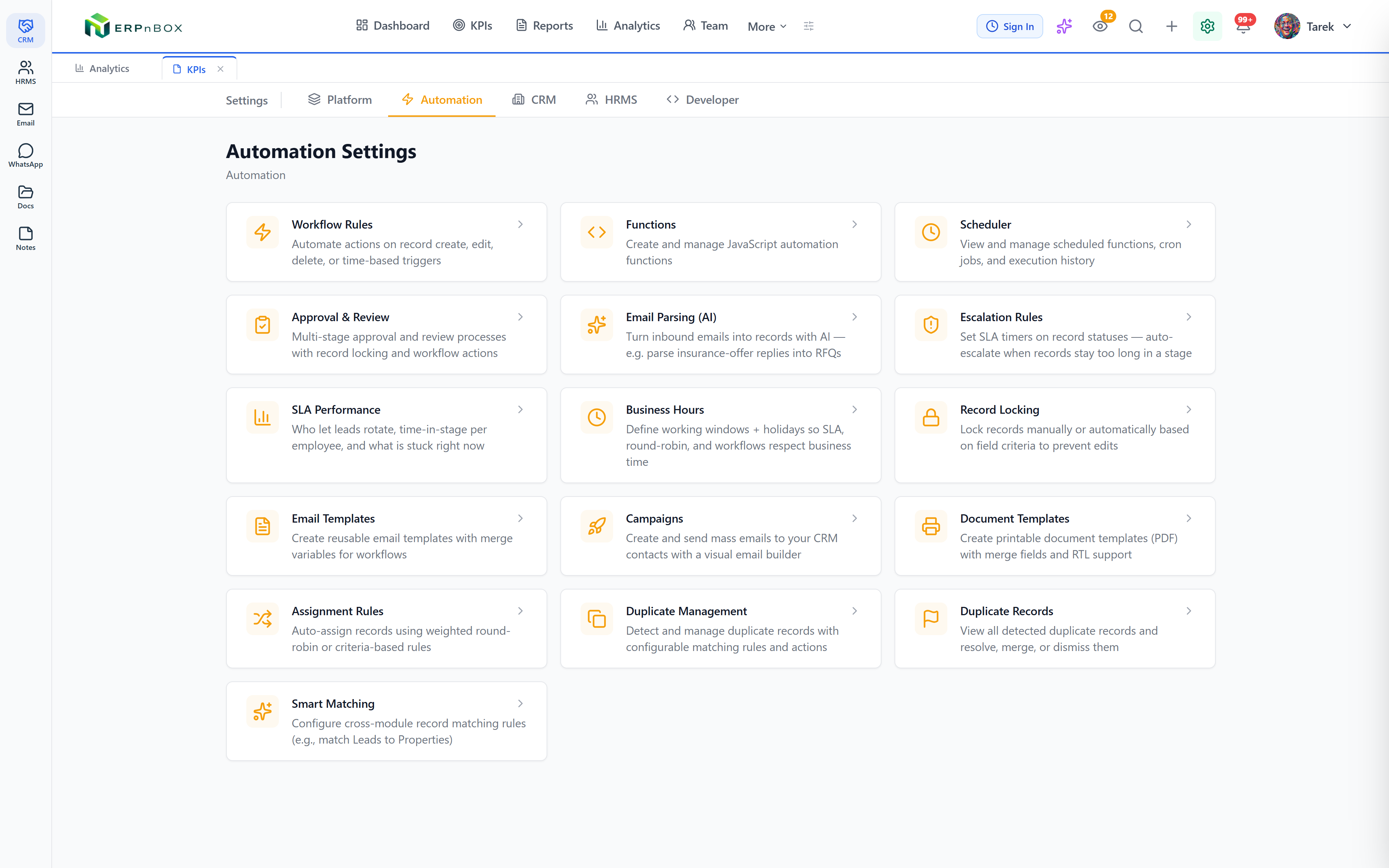
Blueprints sit alongside the rest of ERPnBox automation — workflow rules, assignment rules, approval processes, SLA and scheduled actions — but they are the one built for shape. When the story matters (first this, then that, and only then this), you draw it.
Who uses Blueprints, and for which processes?
Any team with a repeatable sequence uses them, across every app in ERPnBox. If you can describe a process as a series of steps with a few forks and a wait or two, it fits a Blueprint. Below are common shapes — real estate is just one example among many, not the point.
- Sales: a new lead is qualified, branched by budget, assigned to the right rep, then nudged after a wait if it goes quiet.
- Onboarding a new customer or employee: a sequence of update-field, email and approval steps so no welcome step is missed.
- Support: a ticket runs a triage branch, waits for a first response, and escalates through an approval if it stalls.
- Finance and HR: expense or leave requests that must gather required data, then wait on the right approver before anything is committed.
See how Blueprints and the rest of the automation fit your sales process.
Explore the CRMHow do you build a Blueprint?
You build it by drawing, not by coding. Open the visual canvas, drop a trigger, then add the nodes your process needs and connect them with edges. There is no scripting to reach a working flow — you sketch the path, set each node's small config, and switch it on. Here is the shape of it.
- Pick the trigger: when a record is created, when it is updated, when a specific field changes, or on demand.
- Lay out the steps: drag update-field, email, wait, assignment, required-data, condition and approval nodes onto the canvas.
- Add the forks: use branch and condition nodes so different records take different routes.
- Connect and end: draw edges between nodes and close each path with an end node.
- Turn it on: activate the Blueprint and it runs on every matching record from that point.
And if the business changes, you change the drawing. Because the process is a picture, editing it is redrawing a line — not rewriting logic buried somewhere no one can find. The whole point of ERPnBox is that the software bends to how you work, and Blueprints are that promise made visible.
Frequently asked questions
Is a Blueprint the same as a workflow rule?
They are cousins. A [workflow rule](/crm) fires actions when a condition is met — good for single, reactive steps. A Blueprint is **a whole visual flow**: a sequence of steps with branches, waits and approvals drawn on a canvas. Use rules for one-off reactions and Blueprints when **the order of steps matters**.
Can a Blueprint pause and wait for a person?
Yes. An **approval node holds the flow until the right person signs off**, and a required-data node holds it until key fields are filled. A time-wait node pauses for a set period. The flow resumes on its own once the condition is met, so nothing moves forward before it should.
Does a Blueprint lock a record's status until each stage is done?
No, and it is important to be clear. A Blueprint is **a visual automation flow that runs a process**; it does not gate a record's status field on the form the way a strict state machine would. If you need hard stage-gating, pair it with validation rules and record locking, which enforce constraints on the record directly.
Do I need to write code to build one?
No. You build a Blueprint by dragging nodes onto a canvas and connecting them — **a visual, no-code process**. There is a function node for the rare case that needs custom logic, running in a safe sandbox, but the vast majority of flows are built entirely by drawing.
Which apps can Blueprints run in?
Blueprints run against your modules, so they work across ERPnBox — a sales pipeline in [CRM](/crm), a request in [HR](/hrms), a ticket in the [support desk](/apps/support), and more. Because **records stay connected across apps under one login**, a flow can move work through your business rather than a single silo.


