
The short answer
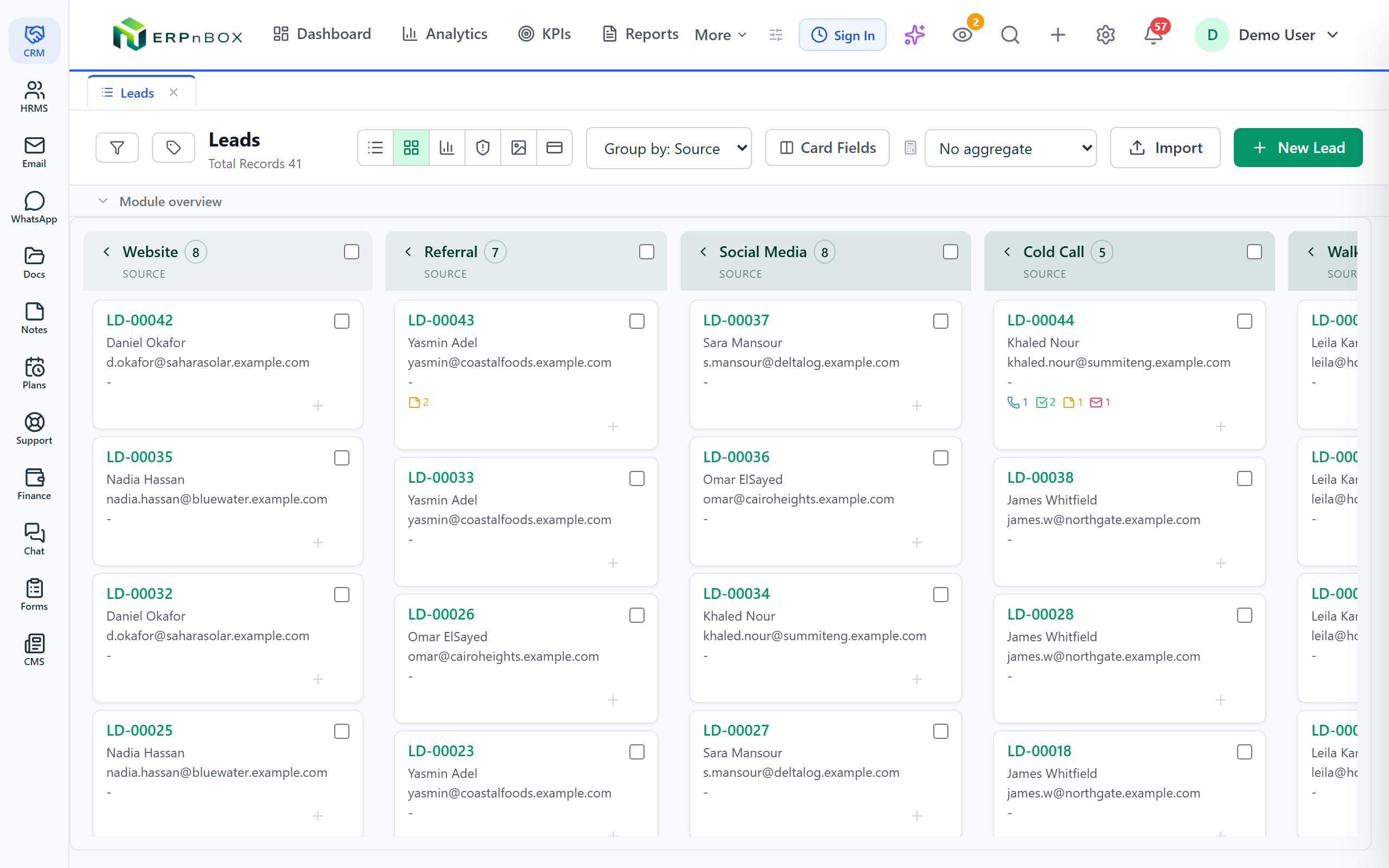
The Kanban view shows your CRM records as cards arranged in columns by a stage field — deal stage, lead status, ticket state. You drag a card from one column to the next to advance it, and you see exactly where work is piling up. It is a web view, and any module with a stage field can use it.
Open your deals in a list and you get a truthful, tidy answer to one question: which deals exist. Scroll, sort, done. But a sales manager rarely asks *which deals exist*. They ask a harder one — where is everything stuck. A list buries that answer inside a Stage column you have to sort, squint at, and count by hand. A board puts it in front of your face.
The Kanban view in ERPnBox is that board. Every record becomes a card. The cards are sorted into columns by a stage field — Deal Stage, Lead Status, Ticket State, whatever you named it. You drag a card from one column to the next to move the work along. This article covers what it is, why it beats a list for a pipeline, who it helps, and how to switch it on.
What exactly is the Kanban view?
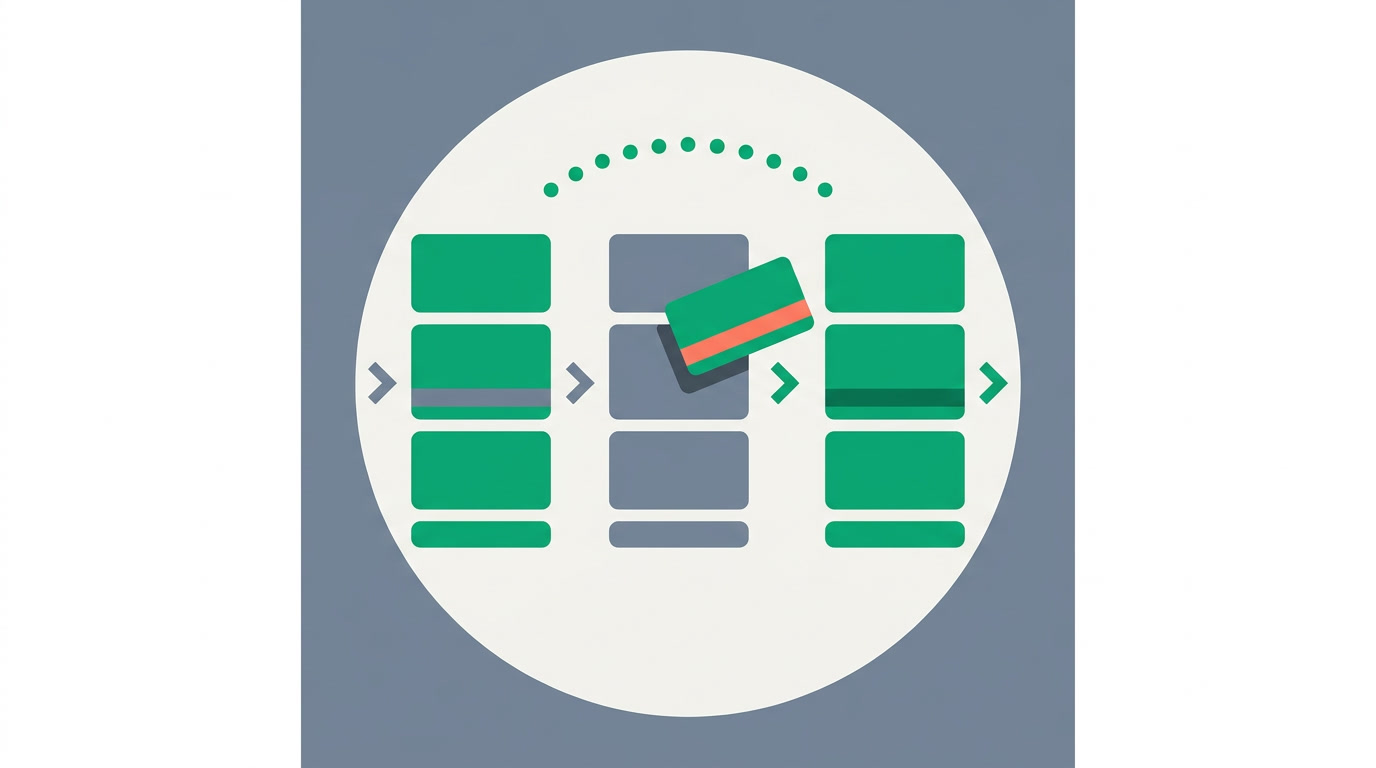
The Kanban view displays your records as cards laid out in columns, one column per value of a stage field. A deal at "Proposal Sent" sits in the Proposal Sent column; move it to "Negotiation" and drag it one column right. The stage on the record updates as you drop it. It is one of several view types you can switch between on any module.
The card itself is a compact summary — the record's name, an owner, an amount or a date, whatever matters at a glance. Click it to open the full record. Nothing about your data changes when you switch to Kanban; it is the same records you saw in the list, arranged by stage instead of stacked in rows. Save the arrangement as a view and it is waiting for you tomorrow.
When does a board beat a list?
A board wins the moment your records move through stages. A pipeline is the textbook case: leads become qualified, qualified becomes proposal, proposal becomes won or lost. That left-to-right motion is exactly what columns show and rows hide. If the records just sit there — a directory of contacts, a price book — a list is fine. The question is whether the thing *travels*.
The other thing a board is unbeatable at is showing you congestion. A column with twenty cards in it and no movement for a week is a bottleneck you can *see* — no report required. On a board, a stalled deal looks stalled. On a list, it looks exactly like a healthy one two rows down.
| You want to… | Use the list | Use the Kanban board |
|---|---|---|
| Move a deal to the next stage | Open, edit, save | Drag the card |
| Spot where deals pile up | Sort and count by eye | Read the tallest column |
| Scan 300 fields across records | Full table, sortable | Too dense for cards |
| Run a stand-up on the pipeline | Rows, no shape | One glance, whole team |
Who on the team actually lives in it?
Sales reps work their own deals across the board, dragging as things progress — it is the closest a CRM gets to moving sticky notes on a wall. Sales managers use it as the Monday-morning read: one look tells them the shape of the pipeline, which columns are fat, which are empty. Support and ops teams run tickets and requests through it — Open, In Progress, Waiting, Resolved — the same board, a different stage field.
One honest caveat
The Kanban board is a web view. On the phone you get your records as fast, tappable lists and cards — great for updating a deal between meetings — but the drag-between-columns board lives on the desktop. If your whole team works the pipeline from their phones, plan the stand-up on a laptop.
How do you switch it on?
You do not write code, you configure it — in under a minute. Open any module's list, switch the view to Kanban, and pick the stage field the columns should follow. The board draws itself from the values in that field. Then save the arrangement so it opens the same way next time.
- Open the module — Deals, Leads, or any module that has a stage-style field.
- Switch the view to Kanban from the view switcher on the list.
- Choose the stage field the columns follow — one column per value.
- Filter first if it helps — narrow to your own deals or this quarter before you read the board.
- Save it as a view so the board, the field, and the filter come back together.
- Drag to advance — pick up a card, drop it in the next column, and the stage updates on the record.
A tidy board depends on a tidy pipeline, so it pairs well with the rest of the CRM. Use global search to jump to a card by name, the duplicate manager to keep two versions of the same deal from sitting in different columns, and saved filters to keep each rep's board about *their* work. The board is only as honest as the stage values behind it.
A list answers *what do I have*. A board answers *what should I do next*. Most days, the second question is the one worth the screen space.
See your pipeline as a board
Bring your deals into ERPnBox, pick a stage field, and drag your first card across the pipeline today.
Start freeFrequently asked questions
Does moving a card actually change the record?
Yes. When you drag a card into a new column, the **stage field on the underlying record updates** to that column's value. The board is not a separate copy — it is your live records, arranged by stage. Open any card and you land on the full record with the new stage already saved.
Which modules can use the Kanban view?
Any module that has a **stage-style field** — a picklist of ordered values like Deal Stage, Lead Status, or Ticket State. Deals and Leads are the obvious ones, but support tickets, applications, and any custom module you build with a stage field can all use the board. If a module has no such field, add one and the board becomes available.
Is Kanban available on the mobile app?
The drag-between-columns board is a **web view**, best on desktop. On the native mobile app you work your records as fast lists and cards and can update a deal's stage from the record itself — but the column board for dragging lives on the desktop. Run pipeline stand-ups from a laptop.
Can I have more than one board on the same module?
Yes. Because each board is built on a **stage field of your choice**, you can save one board grouped by Deal Stage and another grouped by a different field, and filter each one differently. Save each arrangement as its own view and switch between them from the list.
How is Kanban different from the chart view?
Kanban is for **working** the pipeline — you see individual deals as cards and drag them forward. The chart view is for **summarizing** it — deals per stage as a bar or pie, no individual cards, no dragging. Use Kanban to move deals, charts to report on them. They read the same data two ways.


