The short answer
ERPnBox lets you schedule a meeting or event directly against a CRM record, add attendees, and set reminders that notify everyone before it starts. Every meeting shows on the shared calendar and stays attached to the contact or deal, so the full history of who spoke to whom is always one click away.
Most teams schedule meetings in one place and store customer history in another. Then someone opens the deal, sees three months of notes, and has no idea there is a demo booked for Thursday. ERPnBox closes that gap by letting you schedule a meeting or event on the record itself — the contact, the deal, the account — so the plan and the history live together.
What does it mean to put a meeting on the record?
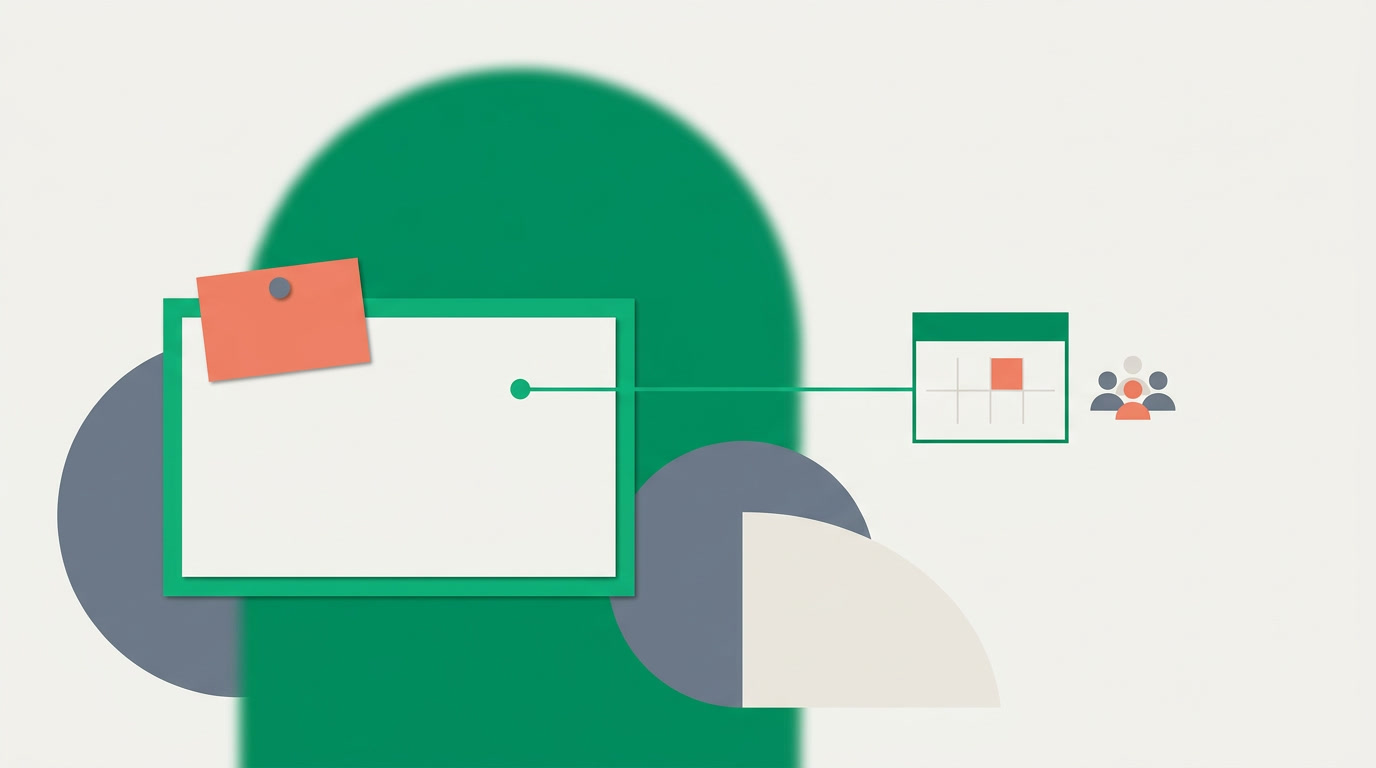
It means the meeting is not a floating calendar entry — it is an activity attached to a specific customer, deal, or contact. Open that record and the meeting is right there, alongside every call, task, and note. When the meeting ends, its outcome stays where the next person will actually look.
Meetings and events sit inside the same activities family as tasks and calls. The difference is timing and people: a meeting has a start, an end, and attendees — the colleagues and contacts expected to show up. That small structure is what makes reminders and the calendar work.
Why keep meetings on the record instead of a separate calendar?
Because context is the first thing to disappear. A standalone calendar tells you a meeting happened; it rarely tells you why, with whom, or what was agreed. When the meeting lives on the record, the reason and the result travel with the customer — through handovers, holidays, and the day a rep leaves.
- No orphaned invites. Every meeting points back to a customer, so nobody asks "which account was this for?"
- A real history. Scroll a record and read the full run of meetings, calls, and tasks in order — the story of the relationship.
- Cleaner handovers. A new owner inherits the record and sees what is booked next without a single meeting request.
The calendar tells you when. The record tells you why. Keep them in the same place and you stop guessing.
How do you schedule a meeting or event?
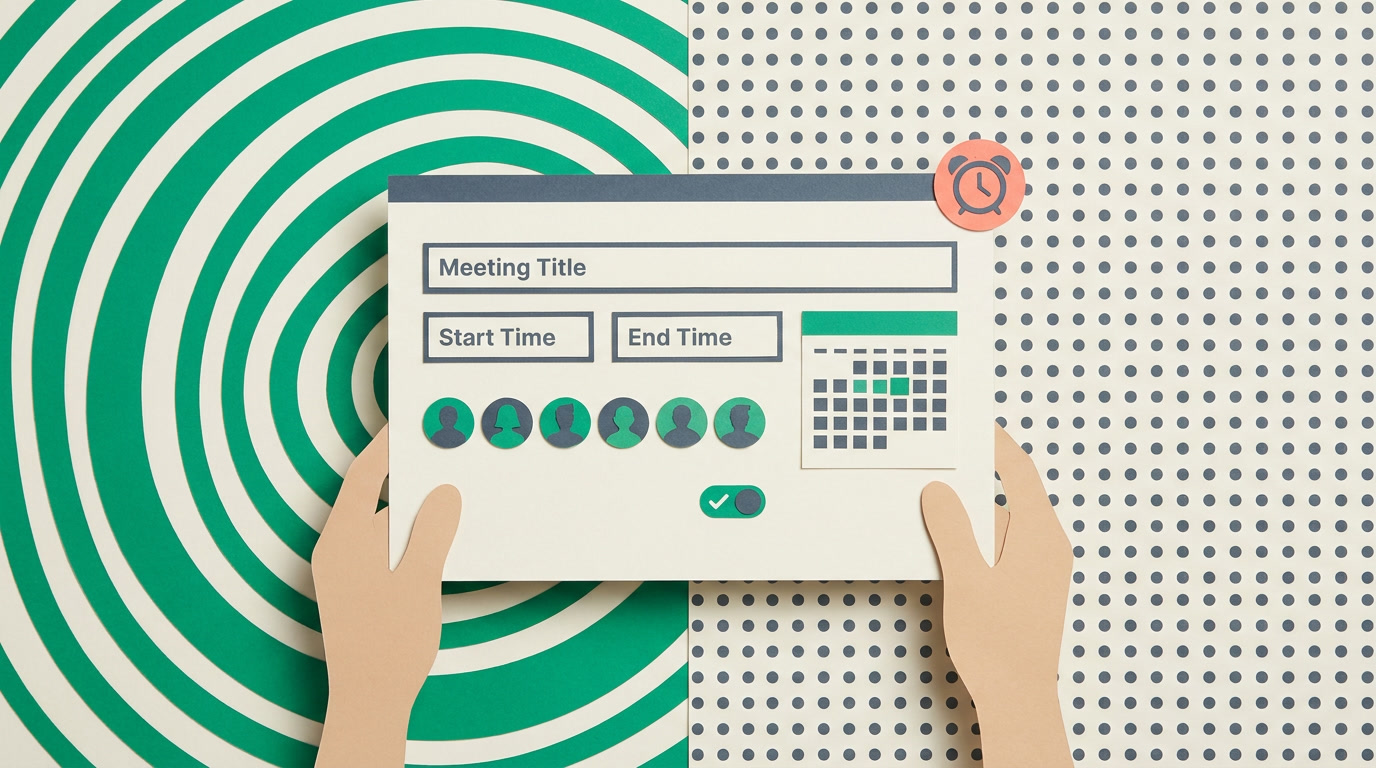
Open the record you want the meeting attached to, add a new meeting activity, and fill in the essentials: title, start and end time, attendees, and a reminder. Save it, and the meeting appears on the record and on the calendar at once. You don't write code, you configure the fields you care about.
- Open the contact, deal, or account and choose to add a meeting or event from its activities.
- Give it a clear title, set the start and end time, and pick a location or link if you have one.
- Add attendees — teammates and contacts who should be there.
- Set a reminder so everyone gets a notification before it starts.
- Save. The meeting shows on the record and on the calendar view instantly.
Quick add works here too
You don't have to leave the record to book a meeting. ERPnBox keeps the add experience fast and inline, and the record you're on opens as a tab in the strip — so you can line up a meeting and get back to the deal without losing your place. See all the view types for how records open as tabs.
How do reminders and the calendar keep everyone on time?
A meeting nobody remembers is a meeting that didn't happen. Reminders send a notification to attendees before the start time, so the meeting surfaces without anyone hunting for it. The calendar then gives the whole team one shared picture of what is coming, colour-coded and clickable straight through to the record.
| Piece | What it does | Where you see it |
|---|---|---|
| The meeting | Holds the title, time, attendees, and outcome | On the record's activities |
| Attendees | The people expected to join | On the meeting itself |
| Reminder | Notifies attendees before it starts | As a notification |
| Calendar | Shows all meetings across the team | The calendar view |
Reminders here work the same way they do across ERPnBox — the same reminders you set on tasks and follow-ups. Set one, forget it, and let the system tap the right people on the shoulder. For teams running a busy pipeline, that quiet nudge is the difference between a demo that runs and a demo that slips.
Who gets the most out of meetings on the record?
Anyone whose work runs on scheduled conversations. Sales books demos and negotiations against deals; account managers run reviews against accounts; recruiters line up interviews against candidates; support schedules onsite visits against tickets. In every case the meeting belongs to something, and ERPnBox keeps it there.
- Sales leads who need to see every touch on a deal before a big call.
- Ops managers who want a shared calendar without a separate scheduling tool.
- Anyone inheriting an account who needs the next meeting and the last one in the same view.
And because meetings live inside your records, they flow through the rest of the CRM — filter and find them with global search, watch a pipeline of upcoming events, and keep records clean with the duplicate manager so you never book a meeting against the wrong copy of a contact.
Book the next meeting where it belongs
Try scheduling a meeting on a live record — attendees, reminders, calendar, all in one place.
Start freeFrequently asked questions
Can I attach a meeting to any kind of record?
Yes. A meeting or event is an activity, and you can log it against a **contact, deal, account, or any module you use**. It appears in that record's activities and on the calendar, keeping the plan and the customer history in one place.
How do attendees get notified?
When you set a **reminder** on the meeting, attendees receive a notification before the start time. You choose how far ahead. The same reminder mechanism runs across tasks and follow-ups, so it behaves the way your team already expects.
Where do I see all my upcoming meetings together?
On the calendar view. Every meeting and event you schedule shows there across the team, and you can click straight through to the underlying record. It gives everyone one shared picture of the week without a separate scheduling app.
What is the difference between a meeting and an event?
They are close cousins — both are time-bound activities with a start, an end, and attendees. Use whichever label fits your process; a **client demo** and a **team event** are logged the same way and both land on the calendar with reminders.
Can I do this from my phone?
Yes. ERPnBox ships a native mobile app alongside the web app, so you can open a record and schedule a meeting on the go. Reminders reach you as notifications the same way they do on the web.
Do I need to configure anything to start?
Very little. Meetings and events are part of the activities that come with your CRM. You don't write code — you configure the fields and reminders you care about, then start booking meetings against your records right away.


