
The short answer
ERPnBox reminders let you set a due date and time on a task, call, or meeting logged against any record. When it's due, a notification lands so the follow-up surfaces on its own. Setting one takes a couple of clicks, no configuration, so nothing quietly falls off the list.
Every lost deal has a quiet moment where it slipped. Someone said "call me next Tuesday," you meant to, and Tuesday came and went. A reminder is the smallest feature in a CRM and, on any honest day, one of the most valuable. ERPnBox reminders are built around a single idea: setting one should be so easy you actually do it, every time.
What is a reminder in ERPnBox?
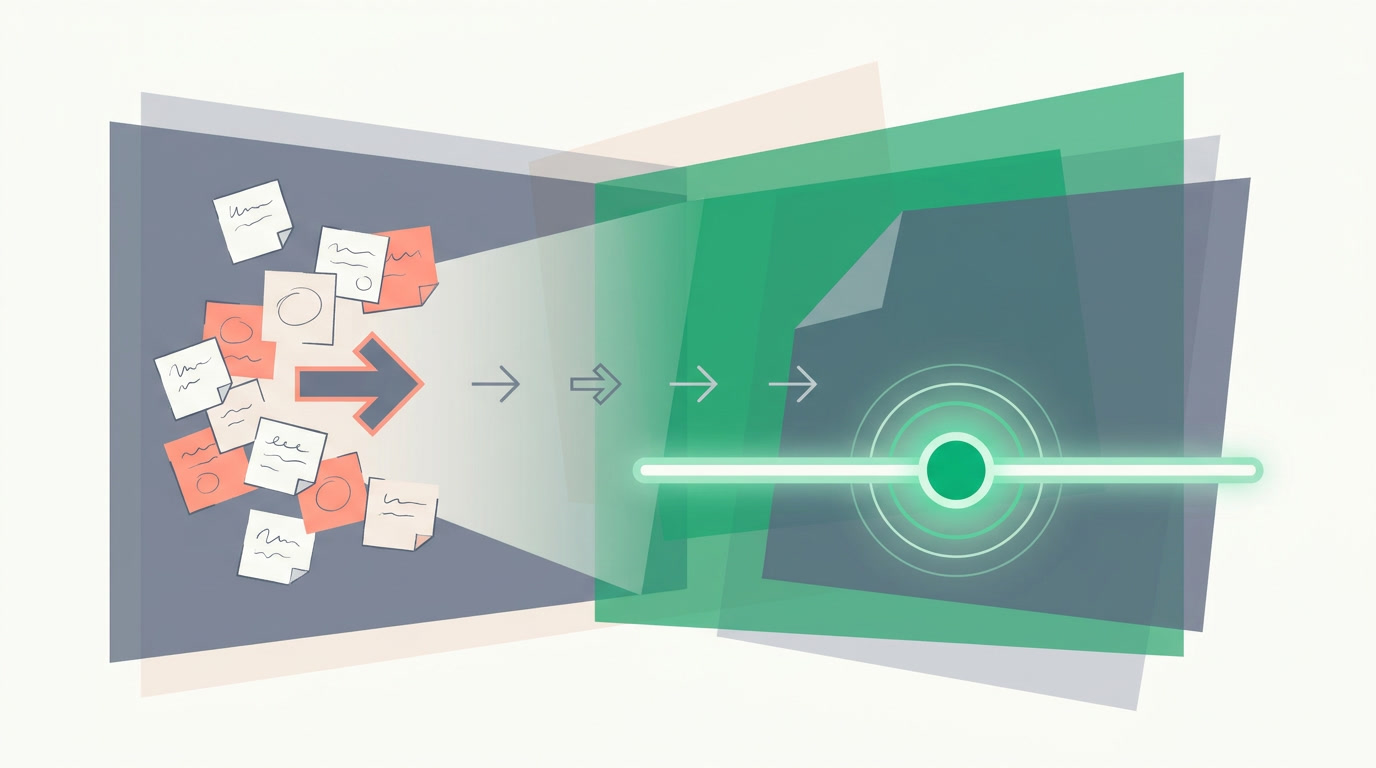
A reminder is a due date and time you attach to an activity — a task, a call, or a meeting — that's logged against a record like a lead, a deal, or a contact. When that moment arrives, ERPnBox sends you a notification. Nothing to configure; you just pick when, and the system does the remembering for you.
Because the reminder lives on the activity — and the activity lives on the record — everything stays in context. When the notification fires, one click takes you to the exact deal or contact it belongs to, with its whole history in front of you. You're not reminded to "do a thing"; you're reminded to finish the conversation you already started.
Why do follow-up reminders matter so much?
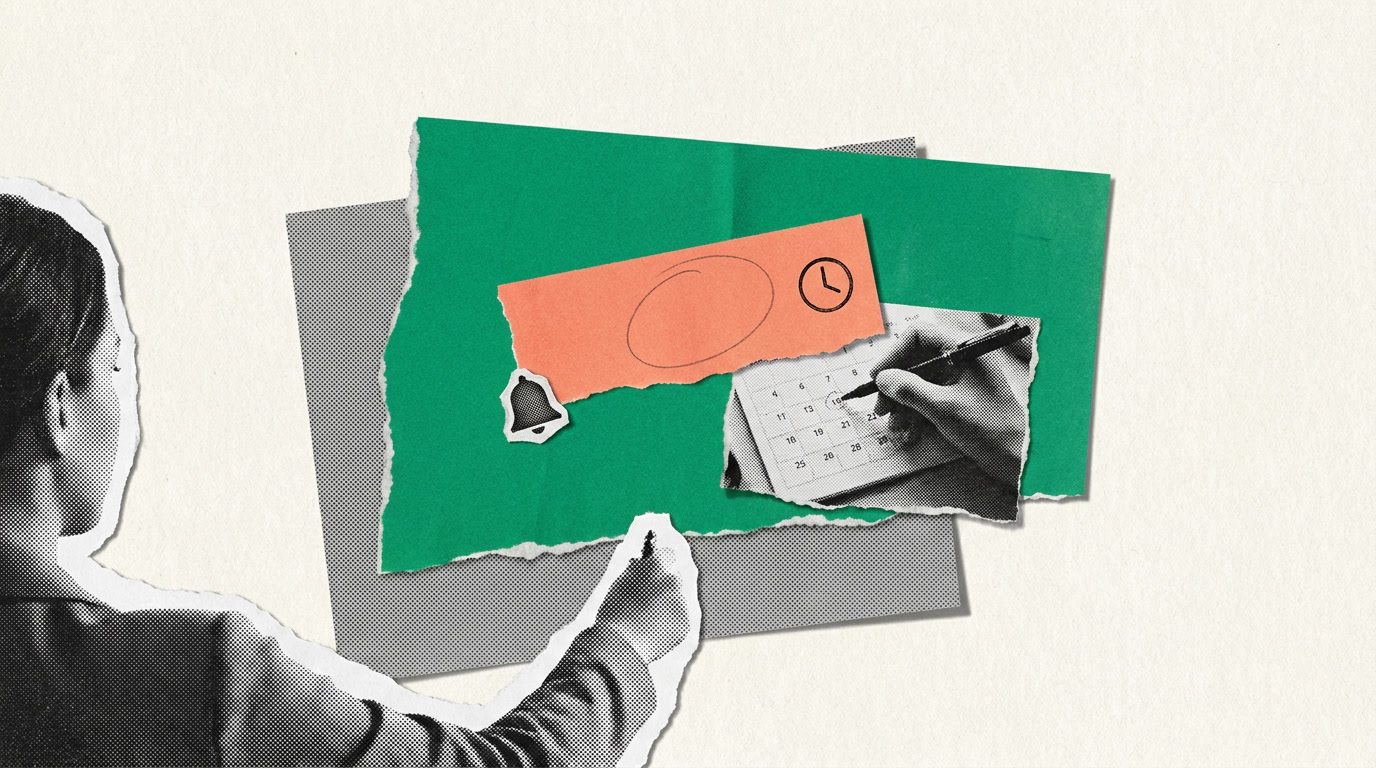
Because memory is a terrible database. A busy rep juggles dozens of open threads, and the ones that die are rarely the bad-fit ones — they're the good ones that needed a nudge on the right day and didn't get it. A reminder turns a promise you made into a task that finds you, instead of one you have to hunt for.
The alternative is the sticky-note economy: notebooks, phone alarms, a private spreadsheet no manager can see. When reminders live inside the CRM, follow-ups become visible work — they show up on the record, in your activity list, and in the team's view of what's outstanding. Nothing hides in someone's head.
| Without reminders | With ERPnBox reminders |
|---|---|
| "I'll remember to call them back" | A notification arrives when the call is due |
| Follow-ups scattered across notebooks and phones | Every follow-up sits on the record it belongs to |
| Managers can't see what's slipping | Outstanding activities are visible to the team |
| The good deal goes cold in silence | The deal surfaces itself on the right day |
How do you set a reminder?
Open the record, add a task, call, or meeting, give it a due date and time, and save. That's the whole thing. The reminder rides along with the activity — set the moment it's due, and ERPnBox notifies you then. It's designed to be a couple of clicks precisely so it never feels like paperwork worth skipping.
- Open the lead, deal, or contact from any view — the list, the Kanban board, or the record page.
- Add an activity — pick Task, Call, or Meeting.
- Set the due date and time — this is your reminder.
- Save. When it's due, a notification lands and links you straight back to the record.
Quick-add, then move on
You don't have to stop what you're doing. Quick-add an activity with a due time inline, and it opens as a workspace subtab so you keep your place. Set the reminder in seconds and get back to the call you're already on.
Who does this help most?
Anyone whose job is a stack of promises. Sales reps who said they'd circle back, account managers guarding renewals, support and ops owning a fix that's due Thursday. The pattern is the same: a lot of open loops, and a cost every time one closes late. Reminders give each of those loops a due date that speaks up.
For a team lead, the payoff is different but just as real. Because every reminder is an activity on a record, you can see what's coming due and what's overdue across the team — not to micromanage, but to catch the promising deal before it goes quiet. Pair reminders with global search and a saved filter and you have a working to-do list for the whole pipeline.
What happens when a reminder is due?
A notification appears inside ERPnBox at the time you set. It names the activity and the record, so you know instantly which call or deal it's about, and one click opens that record with its full history. The point isn't to nag you — it's to put the right follow-up in front of you at the right moment and then get out of the way.
The best reminder is the one you set without thinking about it — and the one that finds you without your having to look.
Set your first reminder in a couple of clicks
Log a task, pick a time, and let the follow-up find you. Start free and see how little a slipped deal ever needs to cost.
Start freeFrequently asked questions
How do I set a reminder on a record?
Open the record, add a **task, call, or meeting**, and give it a due date and time. That due time is the reminder — when it arrives, ERPnBox notifies you and links back to the record. It's a couple of clicks with nothing to configure.
Where do reminder notifications appear?
Inside ERPnBox at the time you set. The notification names the activity and the record, so **one click takes you to the exact deal or contact** with its full history in front of you.
Can I set a reminder without leaving what I'm doing?
Yes. **Quick-add** an activity with a due time inline, and it opens as a workspace subtab so you keep your place. Set the reminder in seconds and return to the call you're already on.
Can my manager see follow-ups that are due?
Because every reminder is an **activity on a record**, outstanding and overdue follow-ups are visible to the team, subject to permissions. That turns follow-up into visible work instead of something hidden in a private notebook.
Which records can I set reminders on?
Any record you work with — leads, deals, contacts, and more. Since reminders ride on activities, and activities can be logged against any module, the **same simple step works everywhere** across your CRM.


