The short answer
ERPnBox sends in-app notifications (and email) when something happens on a record: it's assigned to you, a task is due, or someone mentions you. You configure rules that decide which events notify whom, and you can follow any record to watch its changes. There is no SMS. The aim is signal, not noise — a responsive team without alert fatigue.
Most CRM teams don't fail because they missed the data. They fail because nobody knew a lead was waiting. A record sat unassigned for a day. A callback slipped past its hour. The information existed — it just never reached the person who could act on it. Notifications are how ERPnBox closes that gap, and notification rules are how you decide which moments deserve a tap on the shoulder and which don't.
What triggers a notification in ERPnBox?
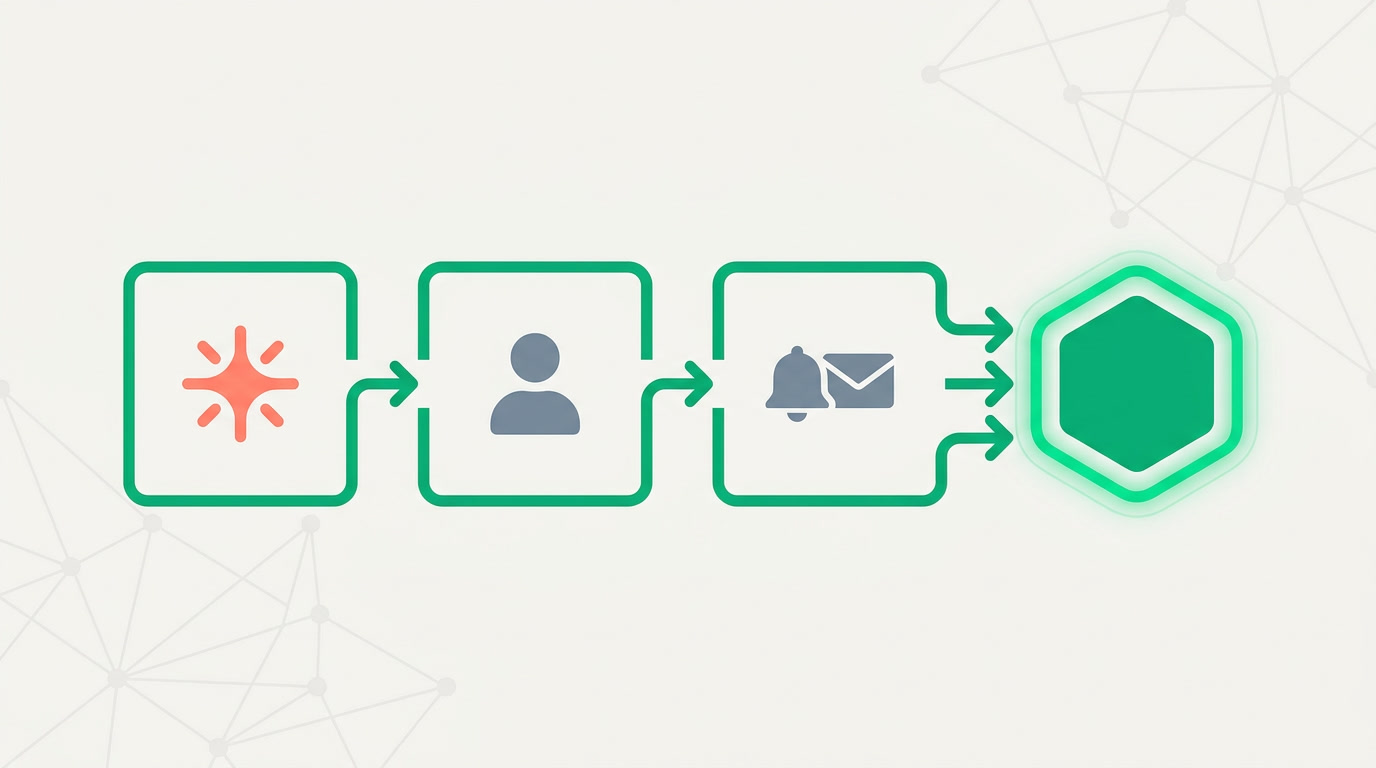
ERPnBox notifies people on the events that actually change someone's day: a record assigned to you, a task due, and a mention where a teammate types your name in a note or comment. Each of these arrives as an in-app notification, and email where you want a copy outside the app. Rules decide who hears which event.
The three you'll lean on most map to the three ways work moves through a CRM. Assignment is the hand-off — the moment a lead becomes your responsibility. A task coming due is the clock — the promised follow-up you made to a customer. A mention is the pull — a colleague deliberately asking for your eyes. Everything else is optional, and that's the point: you opt in, event by event.
| Trigger | Who it notifies | Why it matters |
|---|---|---|
| Record assigned | The new owner | No lead sits ownerless |
| Task due / overdue | The task owner | Promised follow-ups aren't forgotten |
| Mention in a note | The person named | A direct ask reaches its target |
| Followed record changes | Anyone watching it | Stakeholders track without asking |
| Stage or field change | By rule | Managers see momentum shift |
How do you set a notification rule?
A rule has three plain parts: the event (say, a record assigned in the Leads module), the recipient (the new owner, a manager, or a team), and the channel (in-app, email, or both). You pick them from menus and save. You configure it, you don't code it — no scripts, no developer.
- Choose the module and the event — for example, owner changes on a Deal.
- Name the recipients — the assigned user, or a role like the sales manager, or an entire team.
- Pick the channel — in-app for speed, email for a durable copy, or both.
- Add a condition if you want to narrow it — only deals above a certain value, only leads from a certain source.
- Save. From that moment the rule runs itself on every matching event.
Pair a rule with assignment. When a round-robin or territory rule hands a lead to a rep, the assignment notification fires in the same breath — the rep knows before the record even loads on their screen.
How do you keep notifications from becoming noise?
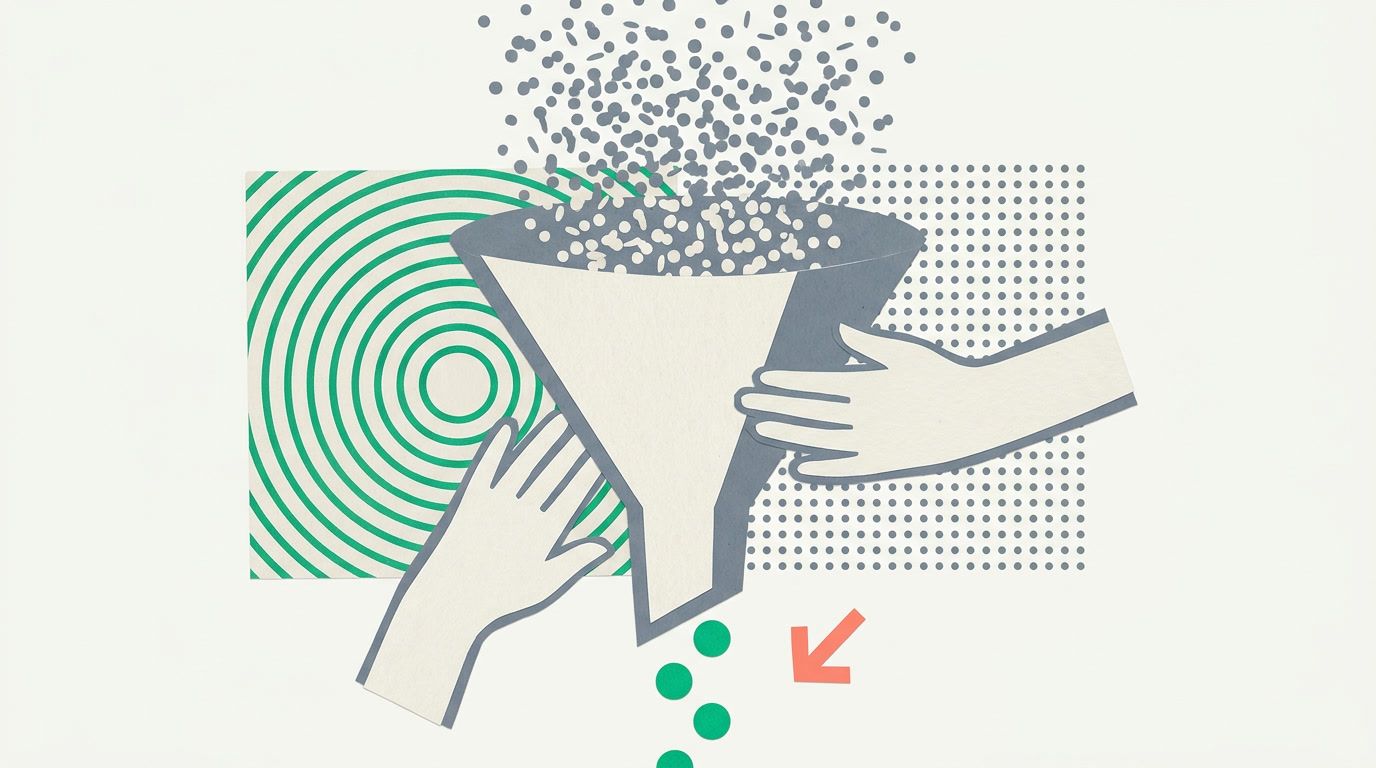
Alert fatigue is real: notify people about everything and they'll learn to ignore everything. The cure isn't fewer features — it's sharper rules. Scope each rule to a module, a condition, and a specific audience, so a rep hears about their leads and a manager hears about escalations, and neither hears the other's traffic.
Following is the release valve for everything a rule shouldn't force on everyone. If you care about one particular deal, follow it — you'll be notified of its changes without a company-wide rule. Watchers self-select, which means the person getting the ping is the person who asked for it. That's the whole discipline: every notification should be one someone would have chosen to receive.
One honest limit: ERPnBox notifies in-app and by email — there is no SMS gateway. That's deliberate. For work that lives inside the CRM, the notification lands where the work is, and email covers the moments you're away from the app.
Where do notifications fit the rest of the CRM?
Notifications are the nervous system that connects the parts. An assignment rule fires a ping; the record's timeline logs the hand-off; a task keeps the promise; and following lets a manager watch without interrupting. Together they turn a static database into something that reacts.
A notification isn't an interruption when it's the exact thing you were waiting to hear. The art is in the rule, not the ring.
Build the picture wider with saved views that show each rep exactly the queue they own, a chart view that shows the manager the volume, and the detail view where the timeline and notes live. Notifications are the thread that ties them together — the moment-to-moment layer over the structure you've already built.
Set rules that keep your team responsive
Turn the right events into the right pings — assignment, tasks, mentions — with no code. Start free.
Start with ERPnBoxFrequently asked questions
Does ERPnBox send SMS notifications?
No. ERPnBox notifies **in-app and by email** — there is no SMS gateway. In-app alerts land where the work happens, and email gives you a copy when you're away from the CRM. If you want a durable record of a notification, turn on the email channel for that rule.
Do I need a developer to create notification rules?
No. **You configure rules from menus, you don't code them.** You pick an event, a recipient, and a channel, add an optional condition, and save. Any admin can build a rule in a couple of minutes, and change it whenever the team's needs shift.
What's the difference between a rule and following a record?
A **rule** applies to a whole class of events — every assignment in Leads, every task coming due — and notifies a defined audience. **Following** is personal: you choose one record to watch and you alone get its updates. Use rules for team-wide patterns and following for the few records you care about individually.
Can a rule notify a whole team instead of one person?
Yes. A recipient can be the assigned user, a role such as sales manager, or an entire team. Scope it with a condition — for example, only notify the team when a deal above a certain value is created — so the whole group hears the events that genuinely concern all of them.
How do I stop notifications from overwhelming the team?
Scope each rule tightly: one module, one clear event, a specific audience, and a condition where it helps. Let people **follow** the individual records they care about instead of forcing broad rules on everyone. The goal is that every notification is one the recipient would have chosen to receive.


