The short answer
In ERPnBox you filter a CRM list into the exact segment you want, save it as a view, then act on the whole set. From that selection you can send a bulk campaign email through the connection between CRM and Campaigns, or run activities across every record — so a small team can reach many people without touching them one at a time.
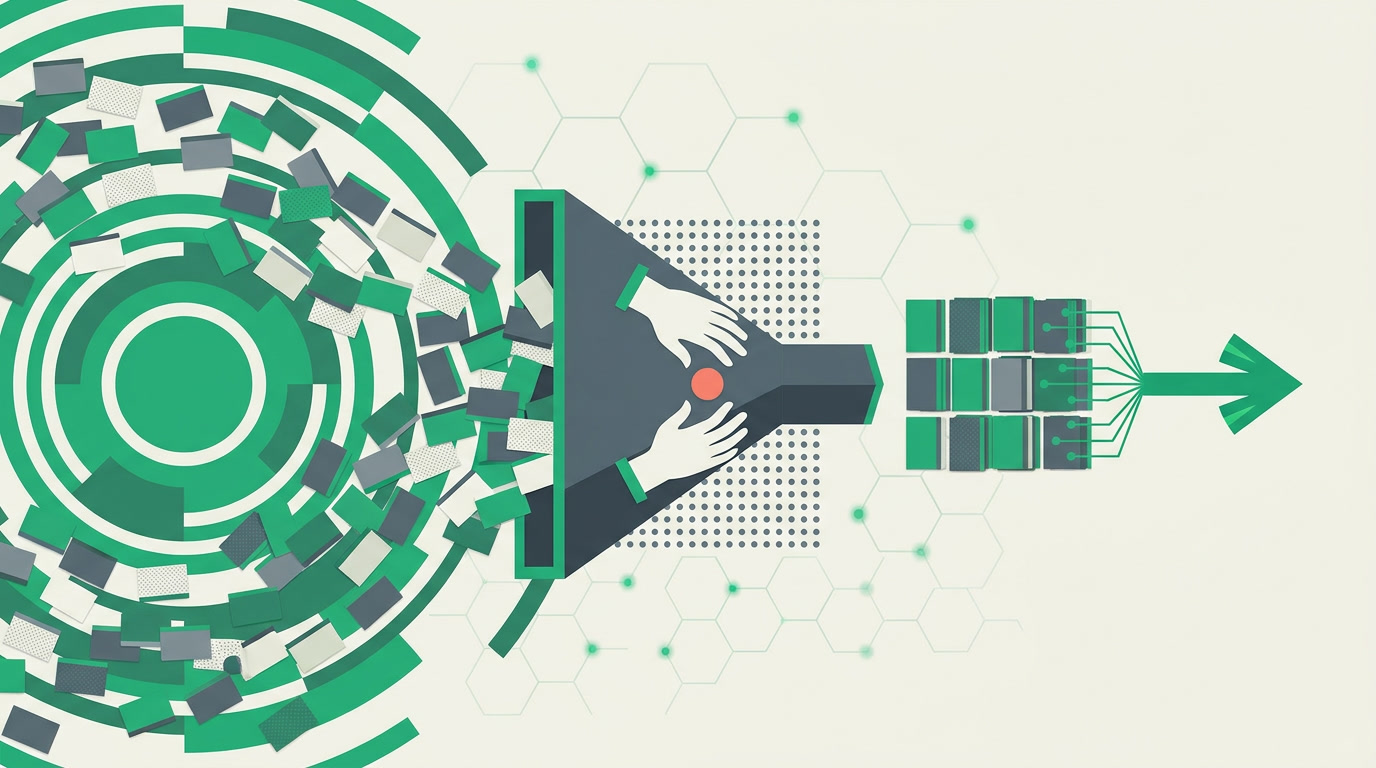
Every small team hits the same wall. You have hundreds of the right people sitting in your CRM — the leads who went quiet, the customers due for renewal, the segment that fits your new offer — and one afternoon to reach them. Touching them one record at a time is how the afternoon disappears. The move that scales is different: filter the database down to exactly who you mean, then act on the whole set at once. That is what a view is for.
What does it mean to act on a whole view at once?
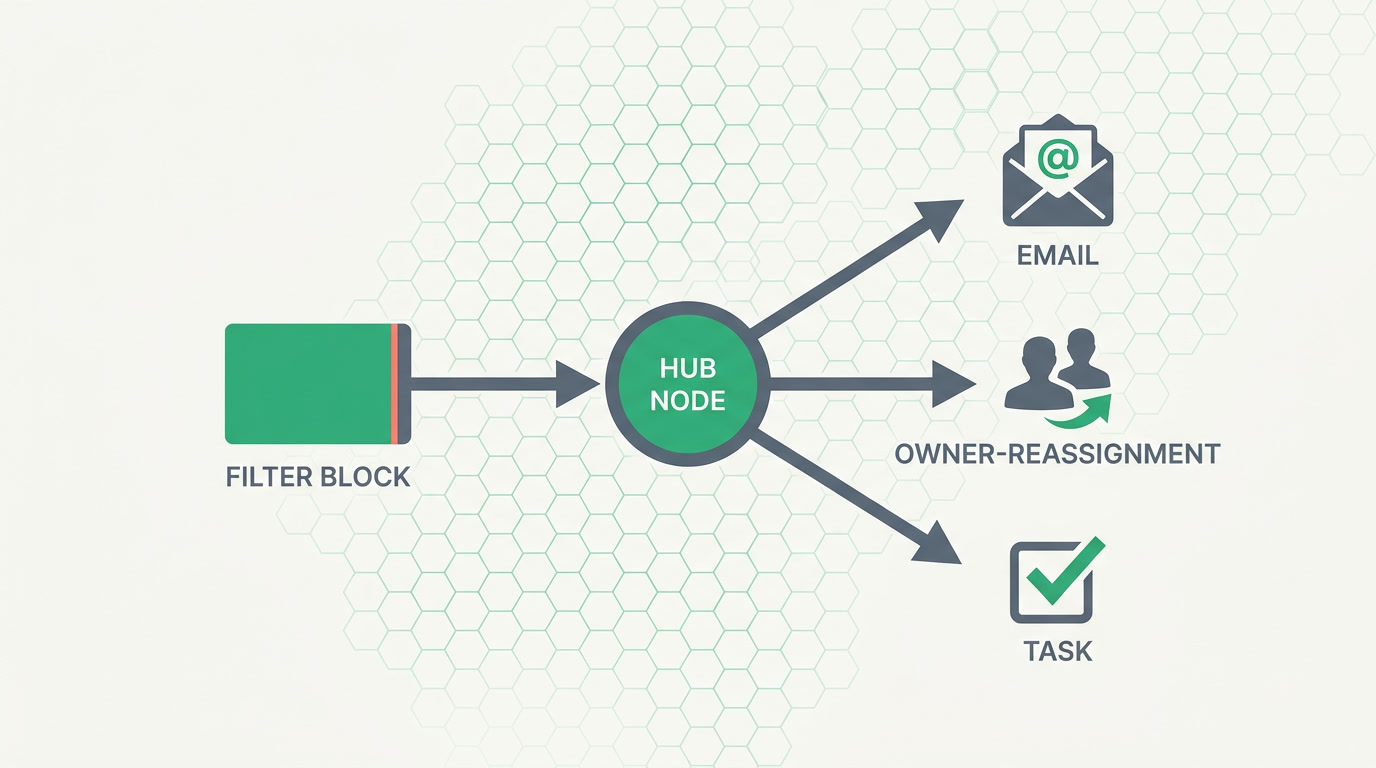
It means you build a filter, then select the records that match and apply one action to all of them. In ERPnBox that includes bulk-assigning an owner, bulk-updating a field, or sending a bulk email to the selection through the link between CRM and Campaigns. You define the set once; the action reaches everyone in it.
The order matters. First you filter — by stage, source, owner, last-touched date, tag, any field you keep. Then you decide the action. The filter is the aim; the action is the pull of the trigger. Get the aim right and the action takes care of the reach.
A view you'll reuse deserves a name. Save the filter as a saved view — "Renewals due in 30 days," "Trial leads, no reply" — and the next campaign starts from a named segment instead of a fresh filter you rebuild from memory.
How do you send a bulk email to a CRM segment?
You filter the CRM list into the segment you want, select the set, and send it a campaign email through the connection between CRM and the Campaigns app. The CRM supplies the who — a live, filtered audience — and Campaigns supplies the how: a designed email sent to every record in that selection in one send.
That connection is the honest heart of this feature. The CRM is not a mailing tool and Campaigns is not a database; the value is the handoff between them. Your list stays the single source of truth, so the audience you email is the audience your filter actually returns today — not a stale export from last month that quietly drifted out of date.
And it isn't only email. From the same filtered set you can run activities across the selection — the mass action that turns a view into work assigned, not just a list read. Reach by mail; follow up by task. Both start from the same aimed segment.
Why is 'filter then act' how small teams reach many?
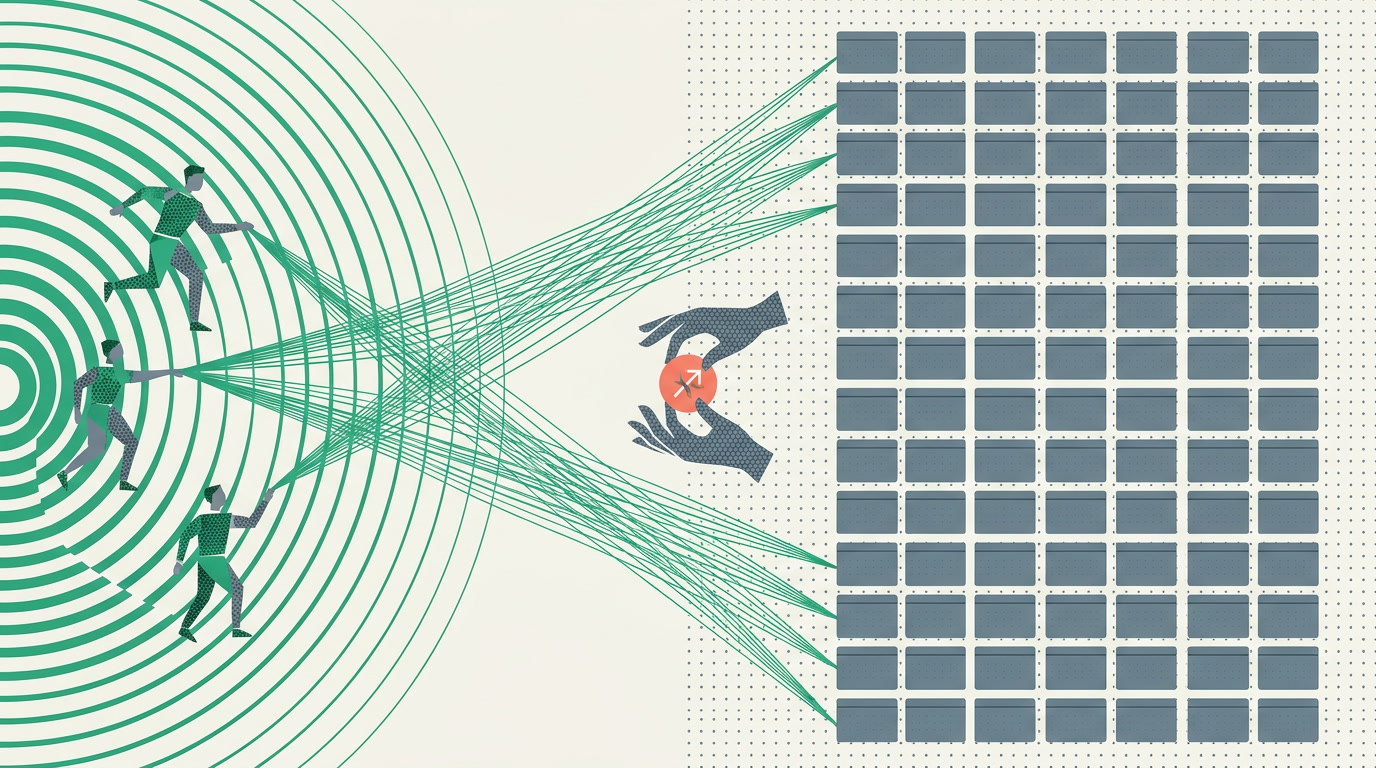
Because a small team's scarcest resource is attention, and this pattern spends it once. You think hard about the segment — that's the judgment only a person can make — and then let one action carry that judgment to hundreds. The thinking is bespoke; the reach is bulk. That ratio is how three people cover a market that looks like it needs thirty.
| Task | Record by record | Filter then act on the set |
|---|---|---|
| Email a renewal cohort | Open each, copy, paste, send | Filter to the cohort, send one campaign to the selection |
| Reassign a source of leads | Change owner 200 times | Bulk-assign the filtered set in one action |
| Fix a mistyped field value | Edit each record by hand | Bulk-update the field across the view |
| Chase a stalled stage | Create a task per record | Run activities across the whole selection |
There's a discipline dividend too. When your outreach starts from a filter, your outreach is documented — the segment is a saved definition anyone can read, not a one-off list in someone's head. Next quarter the same view runs again, refreshed to today's records, and the campaign repeats without the archaeology.
What keeps a bulk send from becoming a bulk mistake?
Two habits. First, read the filter before you fire — the count on a saved view tells you how many records the action will touch, so a stray condition doesn't silently widen your audience. Second, keep the underlying list clean, because a bulk action is only as good as the set it runs on.
That second habit is where the duplicate manager earns its keep. If the same person sits in your list twice, a bulk email reaches them twice — and looks careless. Detect duplicates by rule and merge them into one record (the merge keeps the notes, activities and attachments from both), so a clean segment stays clean. Importing? Turn on duplicate checking at import so the spreadsheet doesn't seed the very dupes you'd later have to merge out.
Aim is a person's job. Reach is the software's. A view is where the two meet.
None of this asks you to write code. You configure the filter, name the view, choose the action — the reach follows from the definition. That's the whole promise of acting on a set: you spend your judgment once, and it lands everywhere the segment does.
Reach the whole segment, not one record at a time
Filter your CRM into the audience you mean, then act on all of it — a bulk campaign email or activities across the set.
Explore the CRMFrequently asked questions
Does the CRM send the bulk email itself, or does Campaigns?
The CRM supplies the audience — your **filtered selection** — and the Campaigns app supplies the designed email and the send. It's the connection between the two apps that lets you email a segment straight from a [saved view](/features/crm-filters-and-saved-views), with your list staying the single source of who receives it.
Can I do more than email from a filtered set?
Yes. From the selection you can **bulk-assign** an owner, **bulk-update** a field, **bulk-delete**, or run **activities** across every record. Email is one action among several — all of them start from the same filtered set you defined.
Will the audience be up to date every time I run it?
Because the segment is a **live filter** on your CRM, running the same view again returns whoever matches today — new records included, records that no longer match dropped. There's no stale export to keep in sync; the [view](/features/crm-view-types-overview) is the definition and the data is always current.
How do I avoid emailing the same person twice?
Keep the list clean before you send. The [duplicate manager](/features/crm-duplicate-manager) detects duplicates by rule and lets you **merge** two records into one — keeping notes, activities and attachments from both. Enable duplicate checking on import so new data doesn't reintroduce dupes into your segments.
Can I share a segment with my team so we all use the same one?
Yes. A [saved view](/features/crm-filters-and-saved-views) can be shared with a team or profile, so everyone acts on the same agreed definition instead of each person filtering slightly differently. Shared segments make bulk sends consistent and repeatable.


