
The short answer
Lead scoring ranks your records by likelihood to close. ERPnBox adds or subtracts weighted points from criteria you set, caps them at a maximum, fades old signals with time-decay, and scores by the count or sum of related records — so you work and route the hottest leads first.
Not every lead deserves the same phone call. Lead and record scoring in ERPnBox does the triage for you — quietly adding and subtracting points as records match the criteria you care about, so the ones most likely to close float to the top of the list. Your team stops guessing and starts working the right names first.
What is lead and record scoring?
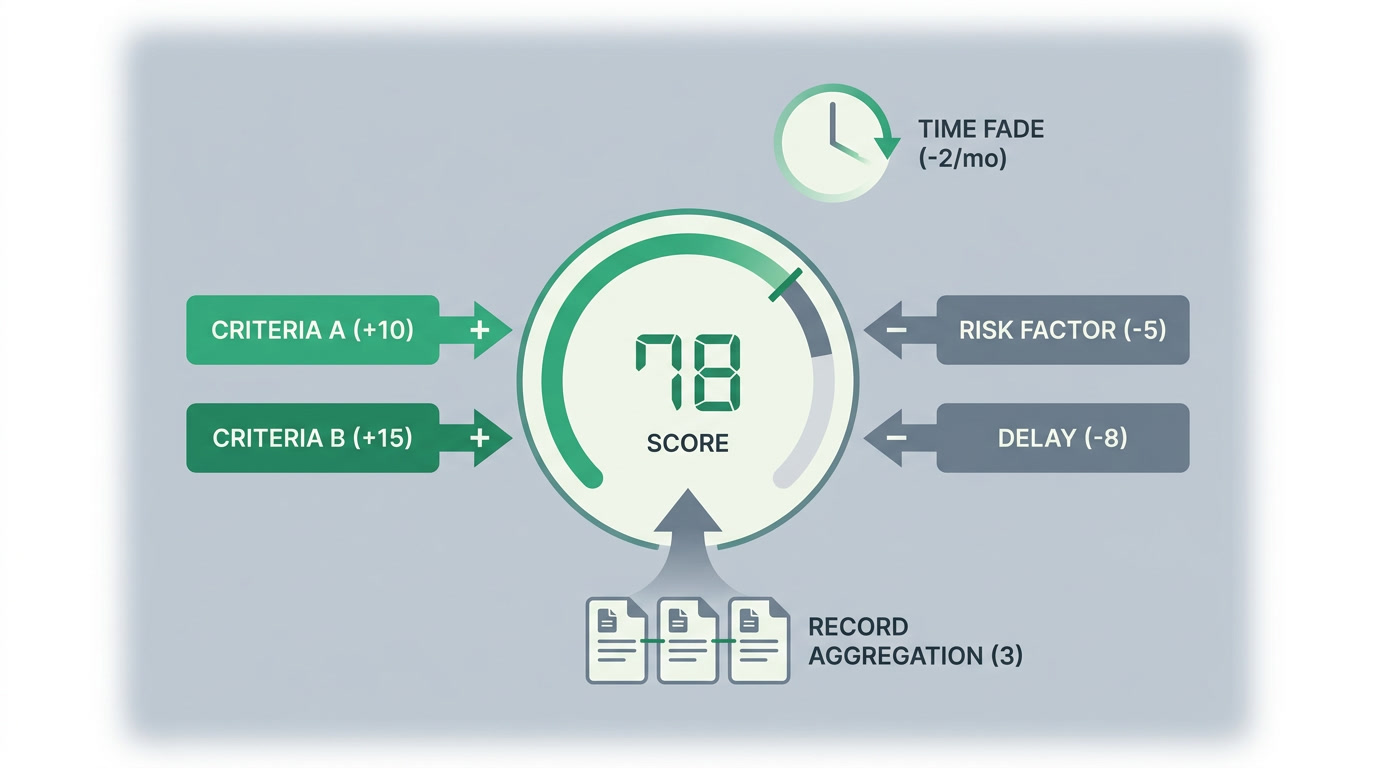
Lead scoring is a ranking. Each record earns or loses points against rules you define — a criterion adds points when it's true and can subtract when it isn't. Points accumulate toward a maximum score, so a lead's number tells you, at a glance, how promising it is compared to every other lead in the pipeline.
ERPnBox adds two things that make the number honest. Time-decay lets old signals fade — a form fill from six months ago shouldn't weigh the same as one from this morning. And related-record aggregation scores by the count or sum of connected child records, so a contact with five open deals reads hotter than one with none. Scoring is one of the automation tools in the platform, alongside workflow rules, assignment rules, and SLA.
Why does prioritizing leads matter?
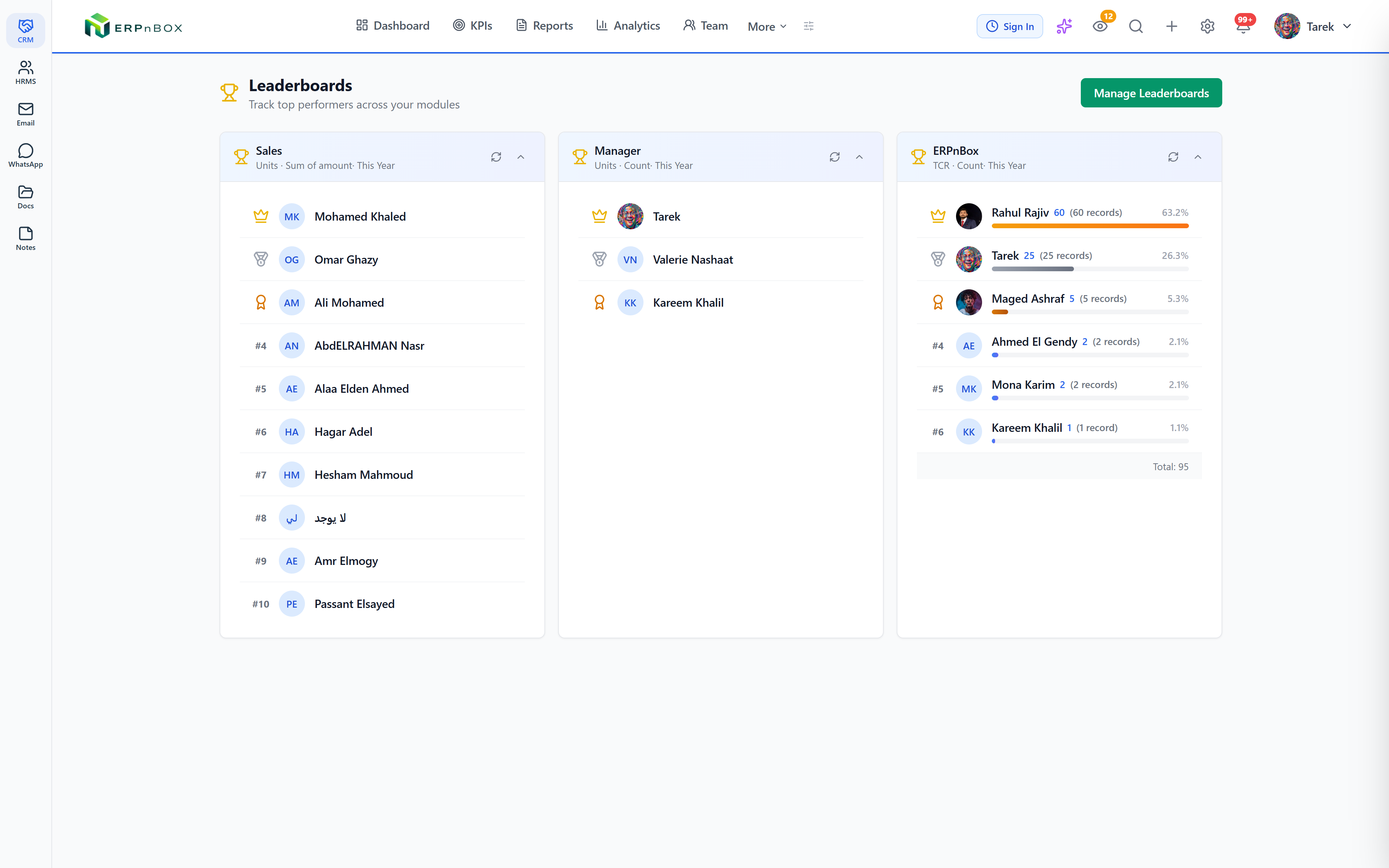
Because attention is the scarcest thing your sales team owns. A rep working an unsorted list treats a tyre-kicker and a ready buyer as equals, and the ready buyer cools while they type notes on the wrong record. A score turns a flat list into a queue — the hottest lead is simply the one at the top.
Scores also drive routing. Pair scoring with assignment rules and your best closer gets the high-scoring leads automatically; pair it with a workflow automation rule and a lead crossing a threshold can trigger a task, a notification, or a status change. The score stops being a passive label and becomes the trigger that moves work forward.
| Signal | Scoring approach | Effect on the number |
|---|---|---|
| Submitted a pricing form | Criterion adds points | + raises the score |
| Email bounced / unqualified region | Criterion subtracts points | − lowers the score |
| Activity six months old | Time-decay | Points fade over time |
| Has five open deals | Count of related records | Aggregates upward |
| Total contract value linked | Sum of related records | Scales with value |
Who should use scoring, and on which records?
Any team that gets more inbound than it can chase at once. Because ERPnBox is metadata-driven, scoring isn't locked to a Leads module — you can score any record type, in any of the twelve apps, that carries the criteria and relationships worth ranking. The pattern fits far more than a sales floor.
- A real-estate team scoring buyers by budget, viewings booked, and number of linked property enquiries.
- An agency ranking inbound briefs by declared budget and how recently the prospect engaged.
- A support desk surfacing at-risk accounts by the count of open, escalated tickets.
- A B2B seller scoring accounts by the summed value of their open deals.
See scoring inside the full CRM
Leads, pipeline, automation, and scoring rules — all in one app, one login, one per-seat price.
Explore the CRMHow do you set up scoring rules in ERPnBox?
You build a scoring rule from plain criteria, no code required. Pick the module, add the conditions that should move the score, decide how much each one is worth, and let decay and aggregation handle the nuance. The steps below take a few minutes, and you can revise the weights any time as you learn what actually predicts a close.
- Choose the module to score — Leads, Contacts, Accounts, or any custom module you've built.
- Add positive criteria that add points (a matching budget, a booked demo) and negative criteria that subtract them (a bounced email, a disqualified stage).
- Set a maximum score so the number stays on a consistent scale everyone reads the same way.
- Turn on time-decay so points from older activity fade, keeping the score biased toward fresh intent.
- Add related-record rules that score by the count or sum of child records — open deals, linked enquiries, contract value.
- Wire the score into action: sort your list view by it, feed it into assignment rules for routing, or trigger a workflow when a lead crosses a threshold.
Prefer to describe it in words? The in-app AI assistant and config builder can draft a scoring rule from a plain-language request and hand it back for you to confirm before it goes live — so even your first rule takes minutes, not a workshop.
How is this different from the CRMs you already know?
Salesforce and HubSpot both do lead scoring well, and at scale they do it very well — but you pay for the platform and the ramp-up to get there. Zoho One gives you scoring across a suite of forty-plus apps you wire together yourself. ERPnBox keeps the essentials that predict a close — weighted criteria, decay, related-record aggregation — and puts them in one all-in-one workspace at one per-seat price, with no implementation project attached.
Frequently asked questions
What is lead scoring software?
Lead scoring software **ranks your leads by how likely they are to convert**. It adds or subtracts points as each record matches criteria you define, producing a single number you can sort and route by. ERPnBox includes it as part of its [all-in-one CRM](/crm) at no extra cost.
How does time-decay work in CRM scoring?
Time-decay **reduces the weight of older signals** so a score reflects recent intent, not history. A form filled today counts more than one from months ago. It keeps stale records from staying artificially hot and pushes genuinely active leads to the top.
Can I score by related records, not just fields?
Yes. ERPnBox scores by the **count or sum of connected child records** — a contact with five open deals or a large summed contract value scores higher automatically. This captures buying signals that live in relationships, not just on the record itself.
Can scores route leads automatically?
Yes. Pair scoring with **assignment rules** to send high-scoring leads to your best closers, or with workflow rules to trigger a task, notification, or status change when a lead crosses a threshold. The score becomes an active trigger, not just a label.
Do I need to code to set up scoring rules?
No. You build scoring rules from **plain criteria in the interface**. You can also describe the rule in plain language to the in-app AI assistant, which drafts it and hands it back for you to confirm before it goes live. Most rules take minutes.


