The short answer
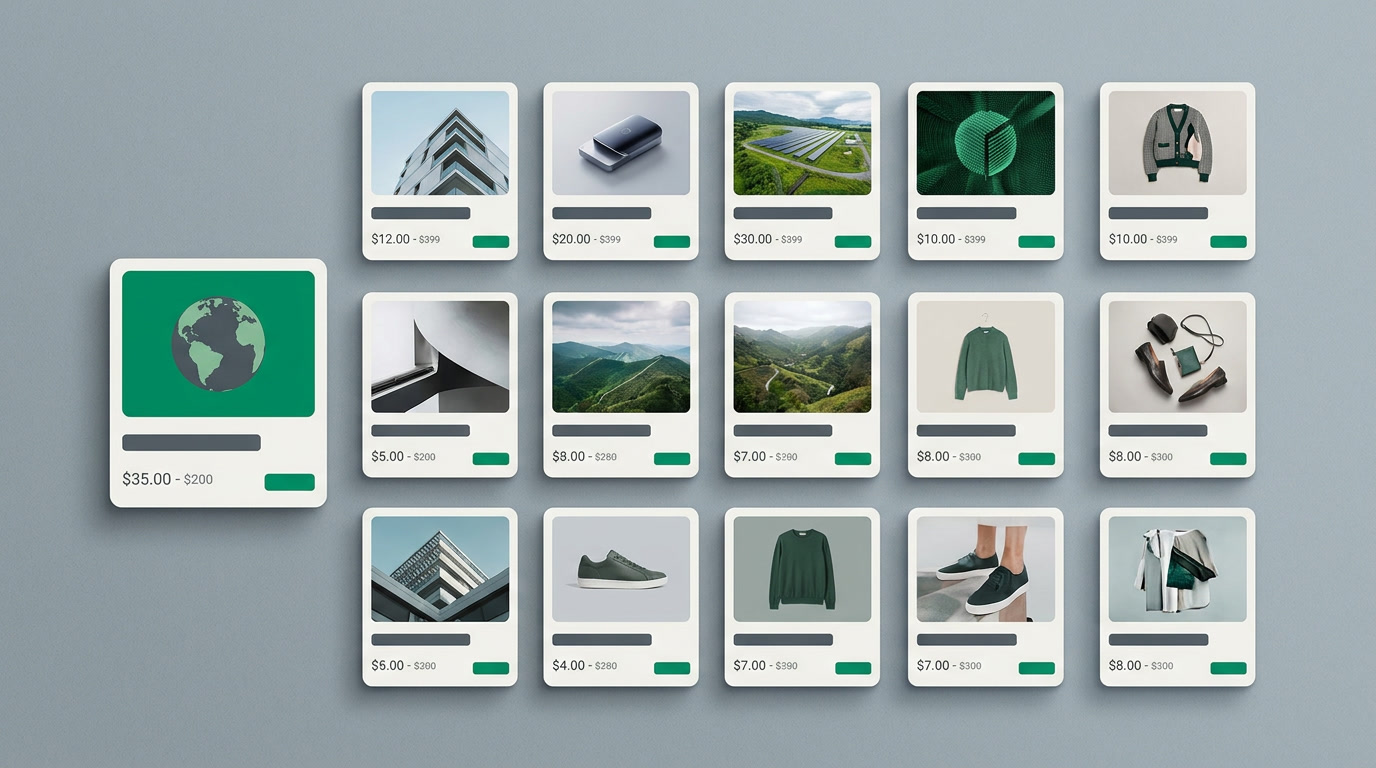
Card view layouts are named, per-module designs that control which fields appear on a record's card. Instead of a wall of table rows, your team scans photo-led cards, ideal for property listings, product catalogs, and candidate profiles. You choose the fields, set an image, and every record renders the same clean way.
Somewhere in your database is the right unit, the right product, the right candidate. The trouble is that a table row won't tell you which one. Rows are for machines. People shop with their eyes.
Card view layouts turn a list of records into something closer to a catalog: a photo, a headline, a price, a status. The same data you already have, arranged so a person can scan a screen and know instantly what they're looking at. Here's what they are and how to build one in ERPnBox.
What is a card view layout?
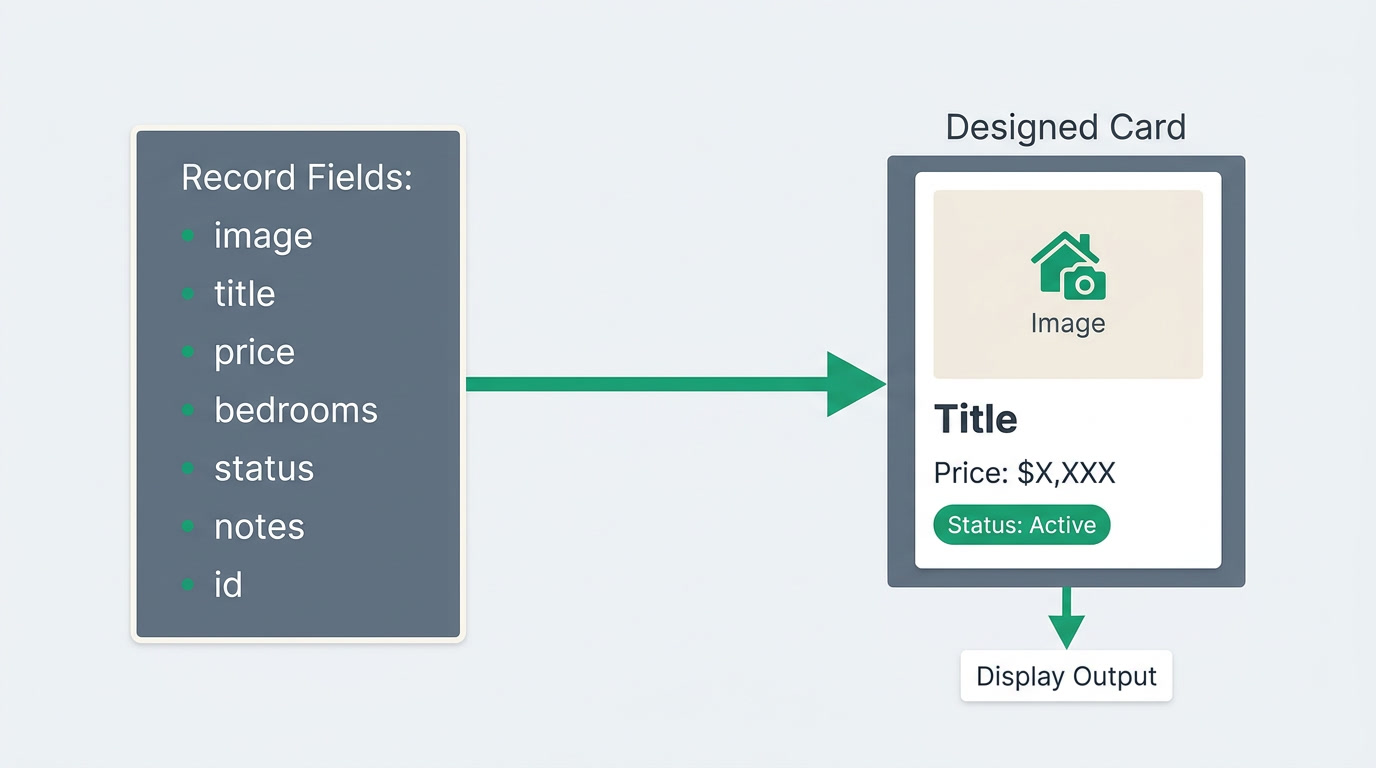
A card view layout is a named, per-module design that decides which fields appear on a record's card and in what order. You build it once for a module, give it a name, choose an image field to lead with and the handful of fields that matter at a glance, and every record in that module renders as a tidy, uniform card instead of a table row.
Because layouts are named, you can keep several for one module and switch between them. A "Listing" card for the sales floor, a "Compact" card for a quick pipeline scan, a "Candidate" card for the hiring team, each showing only what that audience needs.
Card view sits among the seven ways to look at a CRM module in ERPnBox, alongside the list, the kanban, the chart view, and the hero view, a large single-record layout for the record you want front and centre. You design the card; ERPnBox renders every record through it.
Why do card layouts matter for how a team works?
They matter because scanning is faster than reading. A card leads with an image and three or four fields, so the eye lands on the right record in a second, no squinting across a dozen columns. For anything you sell, list, or shortlist, that speed is the difference between browsing and hunting.
A card layout also keeps everyone honest about what "important" means. When the whole team sees the same fields on every card, a listing without a photo or a price looks obviously unfinished. The layout quietly enforces a standard nobody has to police.
| View | Best when you want to… |
|---|---|
| List / table | Compare many records across the same columns, sort, and bulk-edit |
| Card view | Scan a visual catalog and recognise the right record by sight |
| Hero view | Put one record front and centre in a large, detailed layout |
| Kanban | Move records through stages of a pipeline |
Which industries get the most out of visual records?
Any team whose records are things people look at before they choose. Real estate is the clearest case, but it's only one of several. If a photo helps someone decide, a card layout earns its place, and ERPnBox is built as one connected system across CRM, HR, and finance, so those records don't live in a silo.
- Real estate: property and unit listings, led by a photo, price, bedrooms, and availability status.
- Product catalogs: items shown with an image, price, and stock, so a rep or customer browses instead of reading a table.
- Recruiting: candidate cards with a photo, role, and stage, turning a shortlist into faces instead of names.
- Any custom module you build, from vehicles to venues to portfolio projects, where a picture does the selling.
See your records as a catalog, not a spreadsheet
Start a 30-day free trial, no card required, and design your first card layout in minutes.
Start free trialHow do you set up a card view layout?
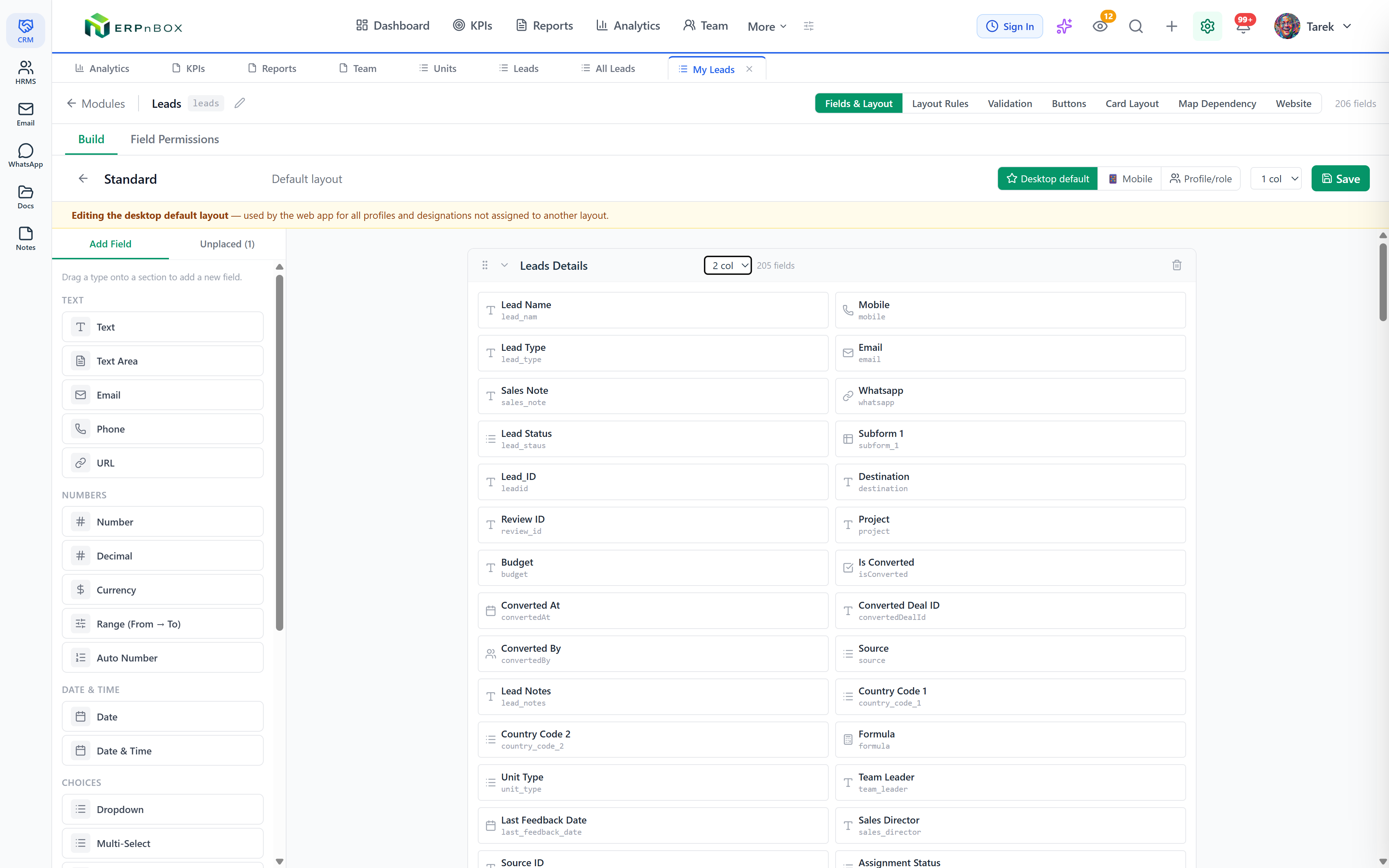
You design it in the browser, no code and no help desk ticket. Open the module you want to make visual, create a named card layout, choose the image field and the fields that belong on the card, and save. From then on, anyone can switch that module into card view and see records rendered your way.
- Pick the module, a built-in one like Deals or a custom module such as Properties or Products.
- Create a new card layout and give it a clear name your team will recognise, like "Sales Floor Listing."
- Choose the image field to lead the card, then add the three to five fields that matter at a glance.
- Order the fields so the eye reads them top to bottom the way you'd say them aloud.
- Save, then switch the module to card view. Adjust and re-save until the card looks the part.
Prefer to describe it in words? ERPnBox's in-app AI assistant can build the layout for you, name it, pick sensible fields, and let you refine from there. Either way, the result is the same: records that look like something worth choosing.
Card layouts show on the web app and on the native iOS and Android apps, so a rep in the field browses the same catalog as the team at their desks. And because everything runs in one system, the deal on that card links straight to its invoice, its contact, and its history, no wiring between apps required.
Frequently asked questions
Can I have more than one card layout for the same module?
Yes. Card layouts are named, so you can **keep several per module and switch between them**, a detailed listing card for the sales floor and a compact one for a quick scan, each showing only the fields that audience needs.
What's the difference between card view and hero view?
Card view lays out many records as a grid of uniform cards for scanning a catalog. Hero view puts **a single record front and centre** in a large, detailed layout. Use cards to browse, hero to spotlight the one record you want everyone to see.
Do I need a developer to build a card layout?
No. You **design card layouts in the browser** by choosing an image field and the fields to display, no code involved. You can also describe the layout to the in-app AI assistant and have it built for you, then refine it yourself.
Does card view work on custom modules?
Yes. Card layouts work on **built-in modules and any custom module you create**. Build a Properties, Products, or Candidates module with the field types you need, then design a card layout to match how your team wants to browse it.
Can I browse card layouts on my phone?
Yes. Card layouts render on the [native iOS and Android apps](/mobile) as well as the web, so a rep in the field sees the same visual catalog as the team at their desks. Building and editing the layouts, though, is done on the web.


