The short answer
The ERPnBox mobile app is a native iOS and Android download with two experiences: a CRM for sales teams — dashboard, every module's records, global search, and the AI Assistant — and an HRMS app for check-in, leave, approvals, and payslips. Push notifications open the exact record.
The deal doesn't wait for you to get back to your desk. The customer asks a question in the parking lot. Your best rep is between two site visits and needs the last note on an account. An employee wants to book leave from the train. The work is mobile. Your business should be too.
What is the ERPnBox mobile app?
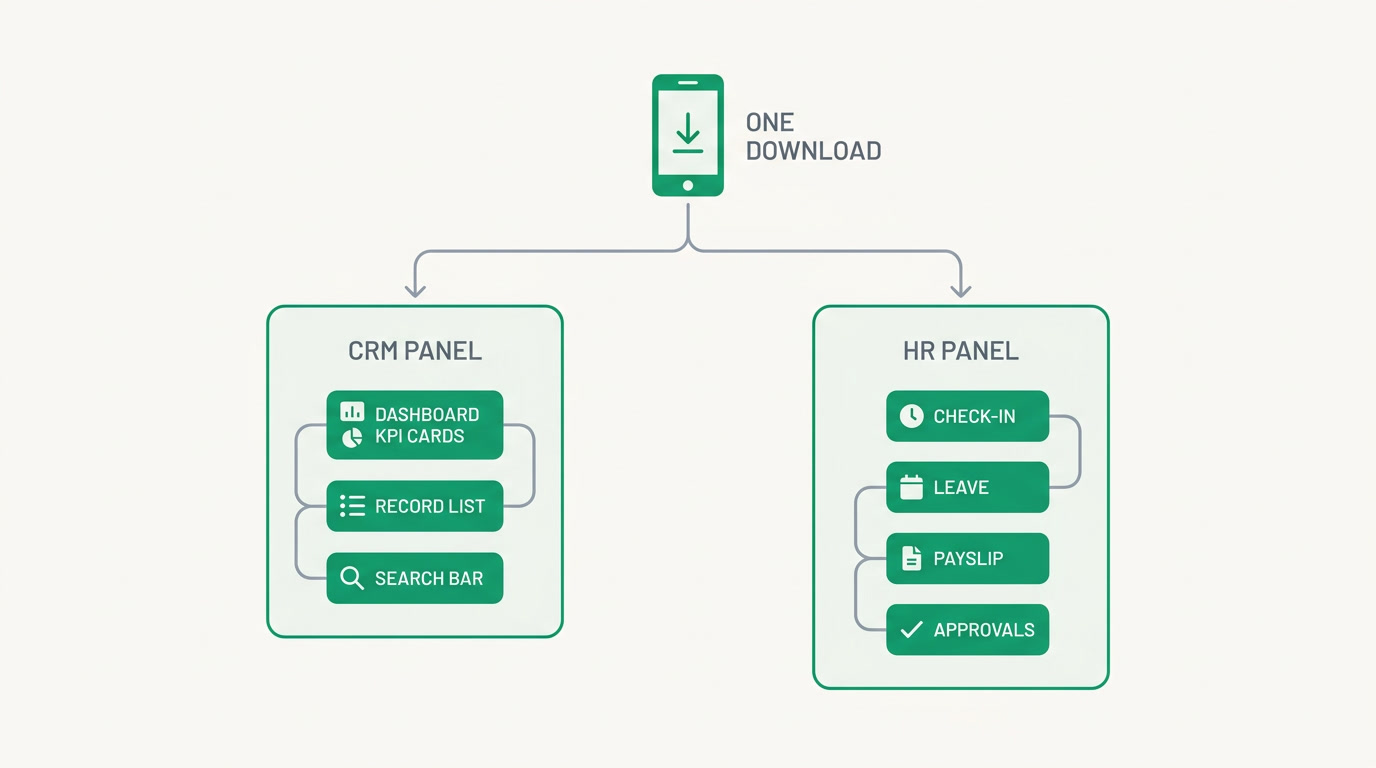
It's a native app for iOS and Android that carries two tailored experiences inside one download: a CRM app for the people who sell and serve, and an HRMS app for every employee. You install once, sign in, and get the half of ERPnBox that matches your job — your pipeline, or your HR self-service.
The CRM app opens on a dashboard with your KPIs, charts, and recent activity. From there a modules browser lets you walk into any module — leads, deals, accounts, whatever your business is built on — and open its list, a record's full detail, or a form to add something new. The record screens carry the parts that matter in the moment: layout rules that show the right fields, linked records, attachments, custom buttons, reminders, and SLA-timer cards counting down. Global search finds a name across everything. And the AI Assistant answers from the same phone.
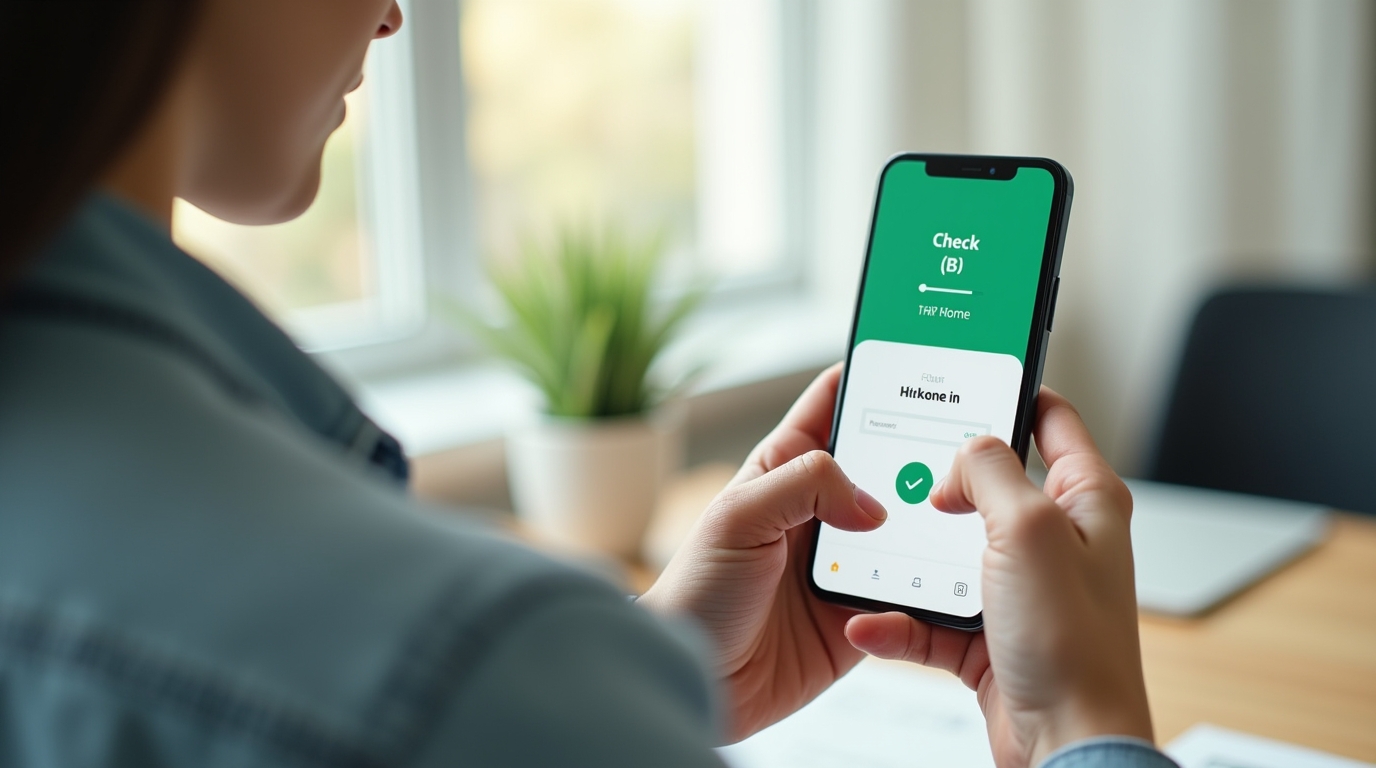
The HRMS app is for the whole company. It opens on an HR home, then hands each person the everyday tasks: check in for the day, request leave and see the balance left, act on an approvals inbox, pull up a payslip, and file a permission form. No emailing HR, no waiting for someone to unlock a spreadsheet.
Why does a mobile app matter for a small business?
Because the pain of a desk-only system is measured in lost minutes and cold leads. A rep who can't update a deal until 6pm updates it wrong, or not at all. An employee who can't book leave without a form emails three people. Mobile removes the gap between when work happens and when it's recorded.
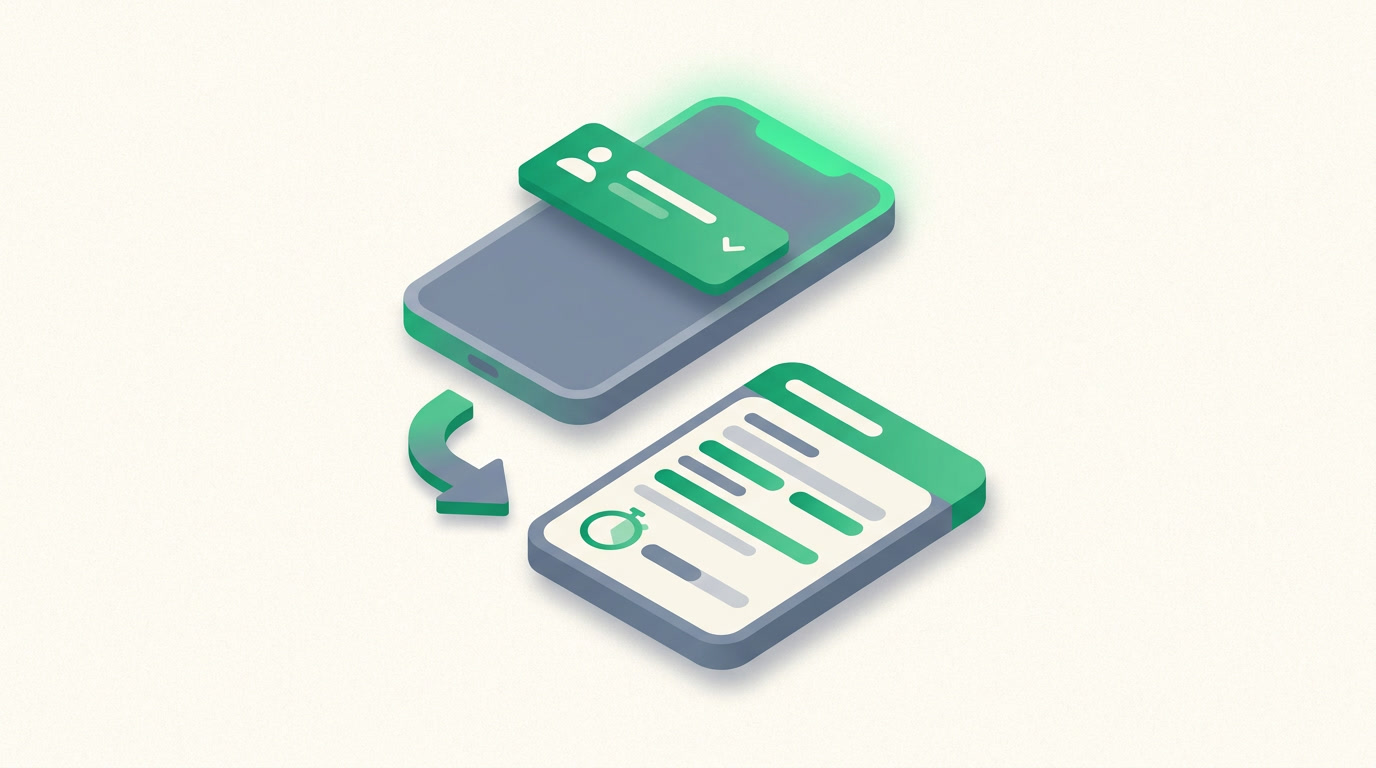
When a lead comes in, push notifications land on the phone and deep-link straight to that record — one tap and you're reading it, not hunting for it. The account history is there before the callback. The follow-up gets logged while the memory is fresh. And because HR self-service lives on everyone's phone, your one HR person stops being a help desk for leave balances and starts doing actual work.
Honest about the edges
The phone is built for doing, not for building. Lists show as clean cards — there's no kanban, calendar, chart, or hero-view switcher on mobile. There's no offline mode, so you'll want a signal. And the heavy lifting — building reports, authoring dashboards, and admin configuration — stays on the web, where a bigger screen belongs.
Who is the mobile app for?
Two groups. First, the people who work away from a desk: field sales reps and agents moving between meetings, sites, and calls who need their customers in their pocket. Second, literally everyone on payroll, because the HR app turns the whole company into self-service instead of a queue at one person's inbox.
| Who | What they open | The outcome |
|---|---|---|
| Field sales rep | CRM app — record, notes, custom buttons | Walks into every meeting prepared; logs it before the car door shuts |
| Agent / account manager | Global search, SLA-timer cards, reminders | Nothing slips past a deadline while out of office |
| Sales manager | Dashboard KPIs, charts, recent activity | Reads the pulse of the team from anywhere |
| Every employee | HR app — check-in, leave, payslip | Handles their own HR without asking anyone |
| Manager / approver | Approvals inbox, permission forms | Clears requests in a tap, not a backlog |
See the whole picture on the web first
Start a 30-day free trial — no card — set up your CRM, then hand the phone to your team.
Start free trialHow do you set up the mobile app for your team?
The heavy work is already done on the web, so mobile is a short last step. Get your account shaped up on a big screen — modules, layouts, people — then everyone installs the app, signs in, and lands in the right experience automatically. Here's the practical order.
- Set up on the web: create your modules, layout rules, and add your people from a browser, where the building tools live.
- Decide who gets what: sales-facing people use the CRM app; everyone on payroll uses the HR app — the sign-in gives each person the right half.
- Install: download ERPnBox from the App Store or Google Play on each phone.
- Sign in once: the same email and password as the web — no separate account to remember.
- Turn on notifications: allow push so new leads and approvals deep-link straight to the record.
- Do a dry run: have a rep open a real account and an employee check in — you'll see the loop close in seconds.
That's it. No implementation project, no consultant, no six-week rollout. You built the system once on the web; the phone just carries it to wherever your people already are.
Frequently asked questions
Is the ERPnBox mobile app free with my plan?
Yes. The mobile app is part of ERPnBox on **every plan**, from Professional at $15 to Growth at $20 and Enterprise. You download it from the App Store or Google Play and sign in with your existing account. During the [30-day free trial](/pricing), the app works too — no card required to try it.
Can I build reports or dashboards from my phone?
No, and that's deliberate. Building reports, authoring dashboards, and admin configuration all **stay on the web**, where a larger screen makes the work easier. On the phone you view your dashboard's KPIs and charts and act on records — the building happens on a browser, the doing happens on mobile.
Does the mobile app work offline?
No. The mobile app needs a connection to load your records and save changes, so **there's no offline mode**. In practice most work happens where there's a signal, and push notifications and live records keep everyone current. If a reliable connection is central to your workflow, plan around that.
How are lists shown on mobile compared to the web?
On mobile, lists appear as **clean, tappable cards**. The web view switchers — kanban, calendar, chart, and hero views — aren't on the phone; the card list is the mobile format. You still open any record's full detail, use layout rules, see linked records and attachments, and act with custom buttons.
Do employees who don't do sales need the app?
Yes, and they get real value from it. The same download carries the [HRMS](/hrms) app, so any employee can **check in for the day, request leave and see their balance, review an approvals inbox, view payslips, and file permission forms** — no involvement from HR needed for the everyday things.
Does the AI Assistant work on the phone?
Yes. The __AI Assistant__ is available in the mobile CRM app, so you can ask it questions from the same phone you use to open records. Combined with **push notifications that deep-link straight to a record**, it means you can act on what matters without waiting to get back to a desk.


