The short answer
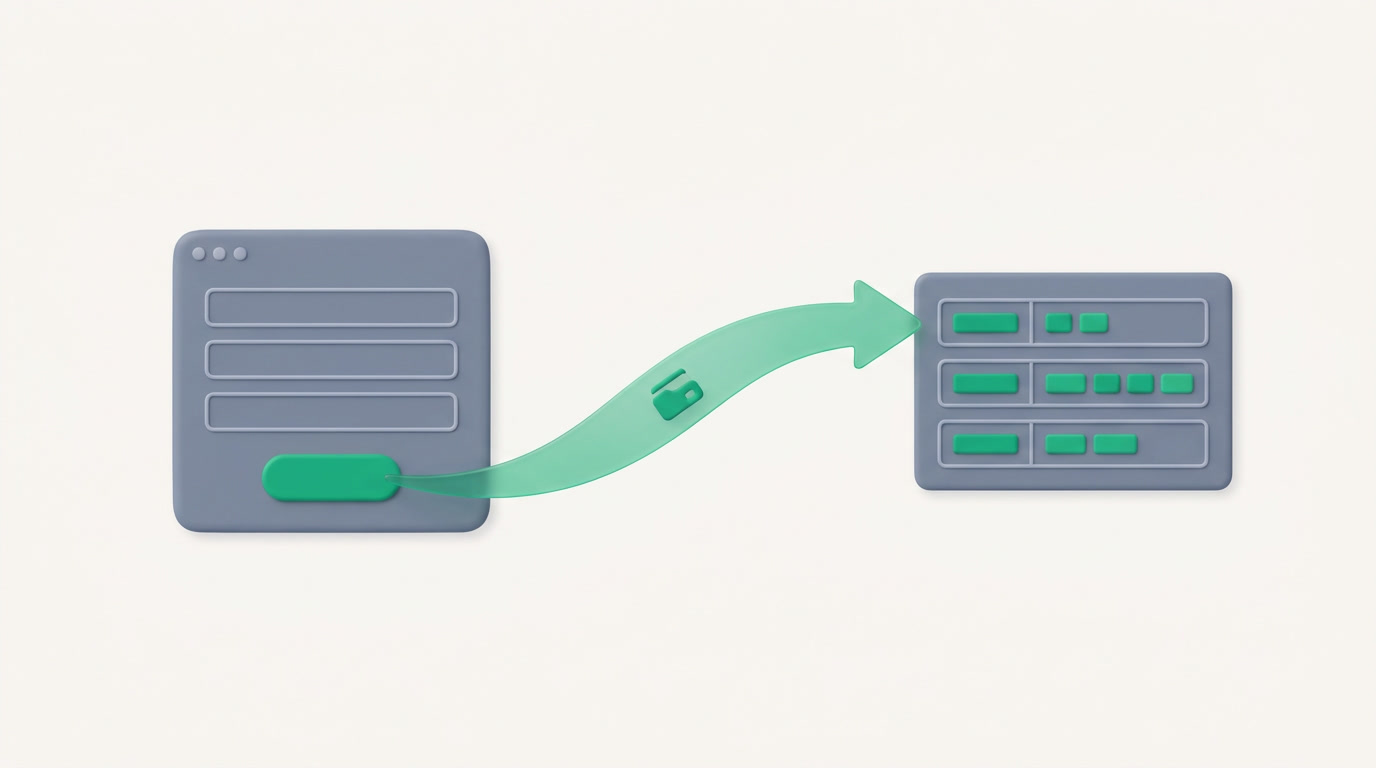
ERPnBox Forms is a public form builder. You design fields and a theme, publish at a no-login /f/your-slug link, and every submission is validated on the server, stored, counted, and routed straight into a target module as a record — with UTM source, file uploads, spam protection, and owner notification.
You need a lead from a landing page, an intake form for support, a registration link for an event — and you need what people type to land inside your system, not in an inbox you forget to check. ERPnBox Forms turns that whole trip into one published link.
What is ERPnBox Forms?

ERPnBox Forms is a public form builder. You lay out fields and a theme in a visual builder, give the form a slug, and publish it at a no-login web address — /f/your-slug. Anyone can fill it in. Every answer is checked on your server and dropped straight into the module you chose, as a real record.
The builder handles more than plain fields. You can add layout blocks — sections and headings — so a longer form reads in tidy groups. You can accept file uploads, capture the UTM tags that tell you which campaign sent the visitor, and switch on a hidden honeypot that quietly catches bots. When a submission arrives, the record can notify the owner who should act on it.
The honest line: Forms is a capture tool — it turns a public submission into a record in your system. It is not a survey or quiz platform, and it isn't trying to be. Its job is to get the right information to the right person, cleanly, every time.
Why do forms that email you instead of filing themselves cost you deals?
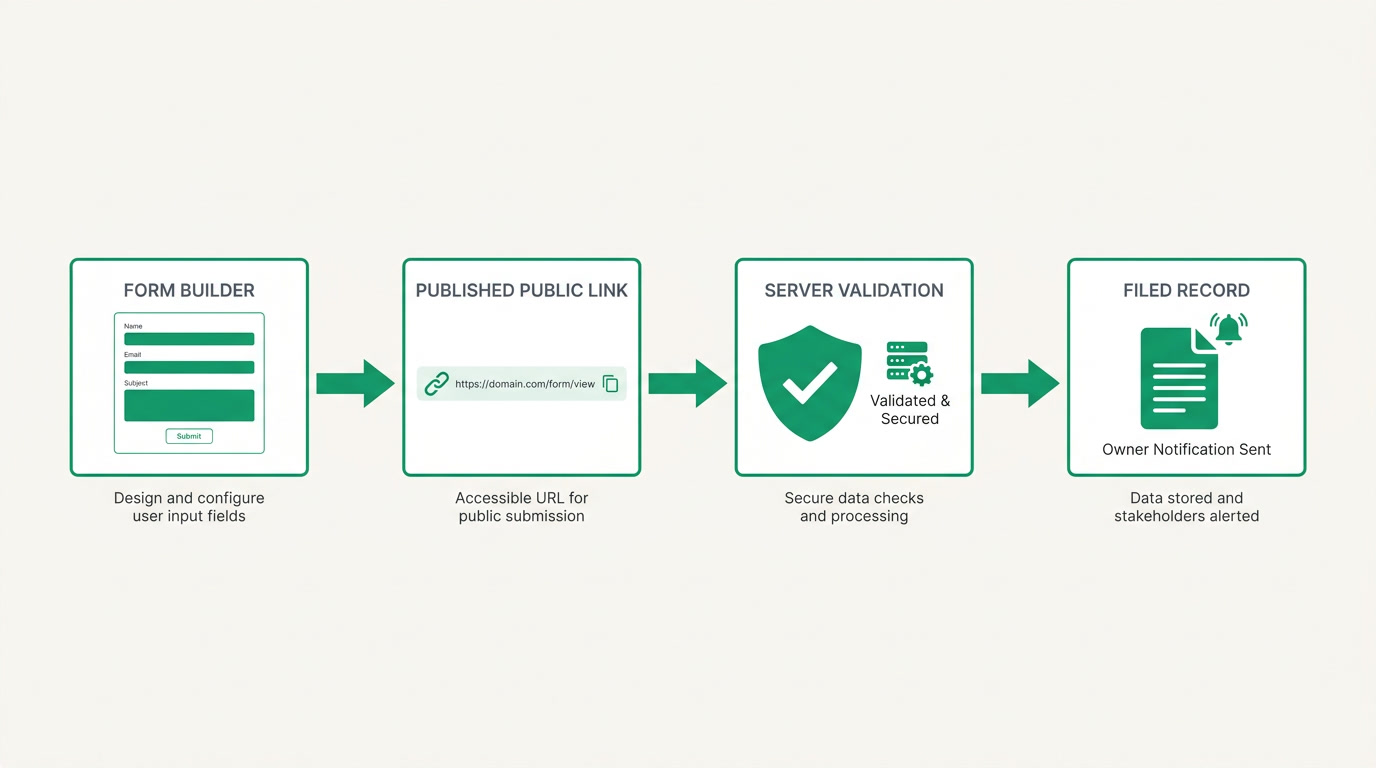
Because the gap between a submission and a record is where leads go cold. A form that lands in an inbox waits for someone to notice, copy the details, and type them into your system by hand. Each hop adds delay, typos, and forgotten entries. Forms closes that gap: the submission becomes a record the moment it's sent, routed to an owner who's already notified.
There's a quieter cost too. When you don't know where a lead came from, you can't tell which campaign earns its keep. Because Forms captures UTM tags with every submission, the source travels with the record. And because the server — not the visitor's browser — validates every field, junk and bots don't quietly pollute your pipeline. What lands is what you asked for.
Who uses public forms, and for what?
Any team that collects information from people outside the business benefits. Marketing runs lead-capture forms off ads and landing pages. Support teams use intake forms to open a ticket with the details already attached. Event organizers take registrations. And real-estate teams route property inquiries straight to the right agent — one of several verticals this serves, not the whole story.
| Team | The form | Where it lands |
|---|---|---|
| Marketing | Landing-page lead capture, UTM tracked | A lead, with its source, assigned to a rep |
| Support | Intake form with file attachments | A ticket, ready to work |
| Events | Registration with sections | An attendee record |
| Real estate | Property inquiry form | An inquiry routed to an agent |
How do you set up a form and put it live?
In four short moves. Build the fields and pick a theme in the visual builder; map each field to the module and record field it should fill; choose the owner to notify; then give it a slug and publish. The link works immediately — no login, no code, no waiting on anyone. Share it wherever your audience already is.
- Build — add fields, sections and headings, and file uploads; set your theme.
- Map — point each field at the target module and its record field.
- Route — pick the owner who gets notified when a submission arrives.
- Publish — set a slug, turn on the honeypot, and share the /f/ link.
The form speaks your language, matches your look, and files everything for you. Every submission is validated, stored, and counted — so you can see, at a glance, how many people the form brought in and where they came from.
See where a form becomes a lead
Explore how Forms feeds your CRM — every submission a record, every record with its source.
Explore the CRMForms is part of ERPnBox — the ERP for small business, AI-built and all-in-one, without the implementation project. Your Business, Unboxed. Try it free for 30 days, no card required.
Frequently asked questions
Do people need an account to fill in the form?
No. Every form publishes at a **public /f/your-slug address that anyone can open and submit without logging in**. The person filling it in needs nothing but the link — only you need an ERPnBox account to build the form and receive the records.
Where do submissions go?
Straight into a **target module of your choice as a real record**. You map each form field to a record field, so a submission arrives already filed and structured — not sitting in an inbox waiting to be re-typed. The owner you designate can be notified as it lands.
Can it handle file uploads and spam?
Yes to both. Forms accepts file uploads as part of a submission, and includes a **hidden honeypot trap that catches bots without bothering real visitors**. Every field is validated on the server, so what reaches your records is what you asked for.
Will I know which campaign a lead came from?
Yes. Forms **captures UTM tags with each submission**, so the source travels with the record. When a lead files itself, you can see the campaign, medium, and source that brought it — which makes it far easier to tell what your marketing is actually earning.
Is this a survey or quiz tool?
No. Forms is built to **capture information and turn it into a record** — lead capture, support intake, registrations, inquiries. It isn't a full survey or quiz platform with scoring and branching logic. If your goal is to route real submissions into your system cleanly, that's exactly what it does.


