
The short answer
A formula field is a field whose value ERPnBox calculates from your other fields — a line total, a margin, days a ticket has been open, a full name. It computes on save, updates live in sub-tables, and rollup fields summarize linked child rows. It's an expression engine, not a full spreadsheet.
Every number in your business is really two numbers: the ones people enter, and the ones those imply. A deal's total. A margin. How long a ticket has sat open. Formula fields calculate the second kind for you, automatically, so nobody reaches for a calculator or a spreadsheet ever again.
What is a formula field?
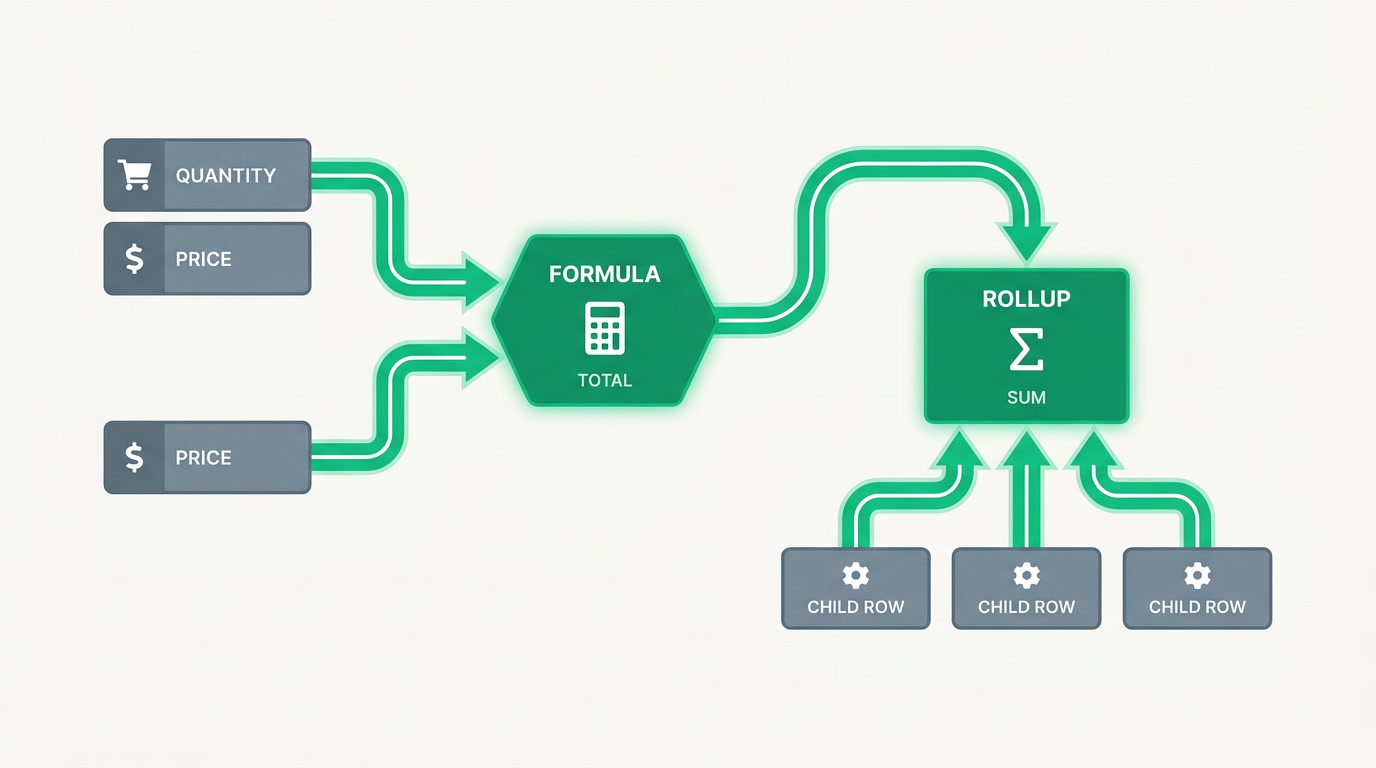
A formula field is a field whose value is calculated from other fields on the same record, using an expression you define once. You don't type into it. When quantity times price changes, the total changes. It's a spreadsheet cell that lives inside your CRM, computed the moment a record is saved and never left stale.
ERPnBox treats formula as one of its 23 field types. You add it like any other field, write an expression that references other fields, and it computes on save. Inside a sub-table, it updates live as you fill each row. Two cousins finish the picture: rollup and aggregate fields summarize child rows, so a parent record can show the sum, count, or average of everything linked beneath it.
| Field type | What it does | Example |
|---|---|---|
| Formula | Computes from fields on the same record | Total = Quantity × Unit price |
| Rollup | Summarizes a value across child rows | Sum of all invoices on an account |
| Aggregate (sub-table) | Totals a column inside a sub-table | Grand total of line items |
Why do calculated fields matter for a growing business?
Because manual math is where accuracy goes to die. Someone forgets to update a total, copies a stale margin into a quote, or eyeballs how many days a lead has gone cold. Calculated fields remove the human step entirely. The number is right because it was never entered by hand, and it's current because it recomputes every time the source changes.
There's a quieter benefit too. Once a calculation lives in a field, it becomes something you can filter, sort, chart, and set targets against. A margin you compute in your head is invisible to your dashboards. A margin in a formula field is a column you can rank, a KPI you can watch, and a threshold your workflow automation can act on.
A number you calculate by hand is a number you'll eventually get wrong. Let the record do the arithmetic.
What can you actually build with formula and rollup fields?
Most useful calculations fall into a few shapes: math across numeric fields, differences between dates, and text stitched from parts. Below are patterns businesses reach for constantly, whether you're in real estate tracking commissions, professional services tracking utilization, or retail tracking margins. The example is one vertical; the pattern is universal.
- Line total and grand total — quantity times price per row, summed across a sub-table into one figure.
- Gross margin — revenue minus cost, shown as an amount or a percentage on every deal.
- Days open — today's date minus the created date, so aging leads and tickets surface themselves.
- Full name or display label — first and last name joined, or a code assembled from several fields.
- Account lifetime value — a rollup summing every invoice or payment linked to a customer.
See calculated fields inside a real CRM
Add a formula, rollup, or aggregate field to any module in minutes — no spreadsheet, no formulas language degree.
Explore the CRMHow do you add a formula field in ERPnBox?
You add it the same way you'd add any field, then describe the math. There's no separate spreadsheet to maintain and no export to keep in sync. The four steps below take a couple of minutes, and the field starts computing on the very next save. Admin setup happens on the web; the results show everywhere, including native mobile.
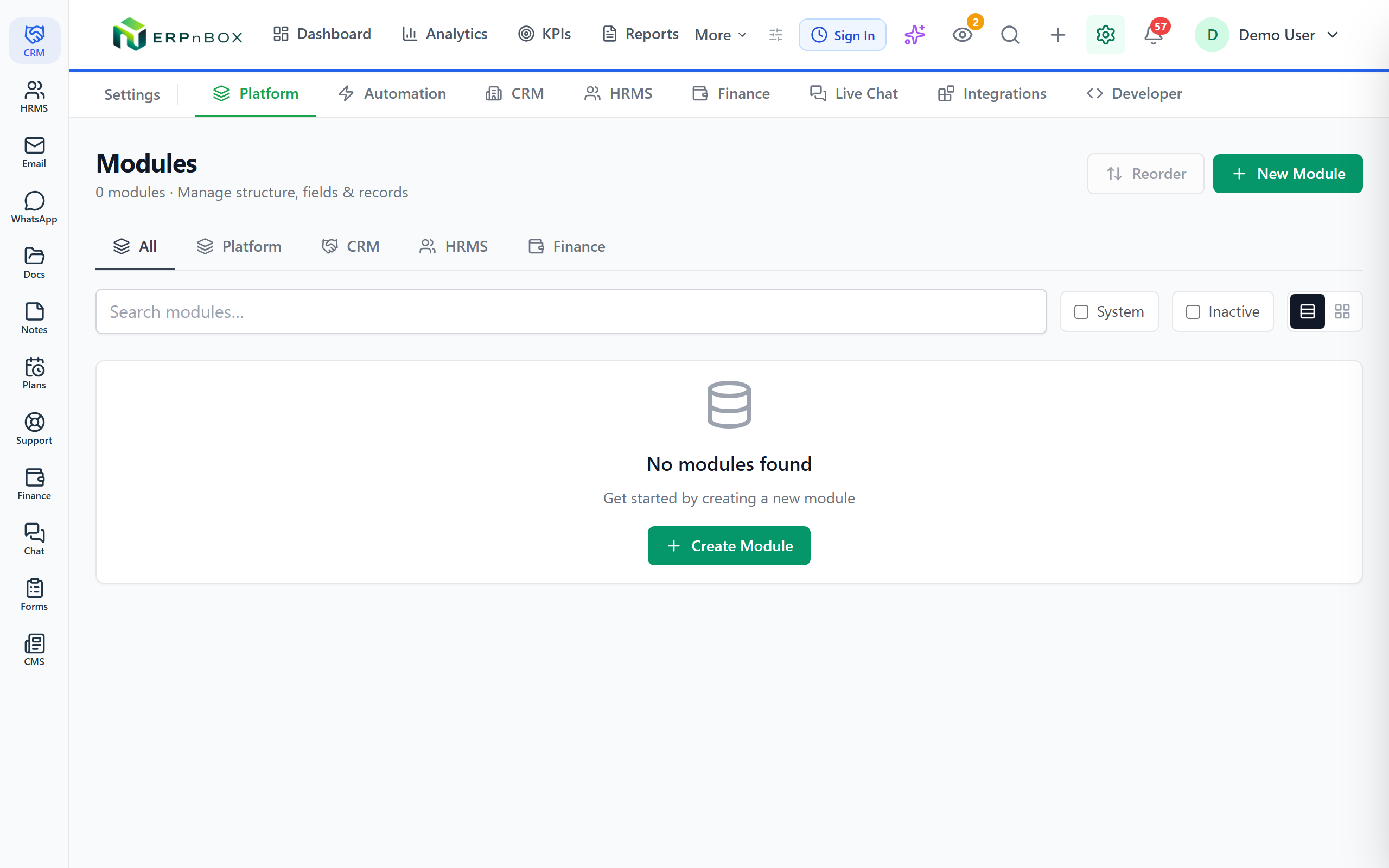
- Open the module, add a field, and choose the Formula type (or Rollup / Aggregate to summarize child rows).
- Write the expression, referencing other fields — for example, quantity multiplied by unit price.
- Set how it displays: a number, a currency amount, a percentage, or text.
- Save. It computes on every record and updates live inside sub-tables as rows are entered.
One honest limit worth knowing: this is an expression engine, not a full spreadsheet. It's built for clean, per-record calculations — math, dates, text — not for hundreds of interlinked cells, macros, or pivot gymnastics. That constraint is deliberate. It keeps every calculated field fast, predictable, and safe to run across your whole database.
Because the calculation lives in a real field, everything downstream just works: filter deals by margin, sort tickets by days open, chart lifetime value, or trigger a workflow when a rollup crosses a threshold. That's the difference between a spreadsheet you check and a system that acts.
Frequently asked questions
What is the difference between a formula field and a rollup field?
A **formula field** calculates from other fields on the same record — quantity times price, revenue minus cost. A **rollup field** looks downward at linked child records and summarizes them: the sum of every invoice on an account, or the count of open tickets. Use formula for one record's own math, rollup for a total across many.
Do formula fields update automatically?
Yes. **A formula field recomputes every time the record is saved**, so it's never stale. Inside a sub-table it updates live as you fill each row, so the running total moves while you type. You never refresh or recalculate manually — that's the whole point.
Can I use formula fields on any module?
Yes. Formula, rollup, and aggregate are field types you can add to **any module — standard or custom** — the same way you add a text or number field. Because ERPnBox is one connected system, a rollup can even summarize records that live in another app, like invoices in [Finance](/finance) rolling up onto a CRM account.
Is a formula field the same as a spreadsheet?
No, and that's on purpose. It's **an expression engine for clean per-record calculations** — math, dates, and text — not hundreds of interlinked cells with macros and pivots. The trade-off buys you speed and reliability across your entire database, plus the ability to filter, chart, and automate on the result.
Do formula fields show on mobile?
Yes. You set them up on the web, but **the computed values appear everywhere records do, including the native iOS and Android apps**. Your team sees the same up-to-date totals, margins, and labels on a phone as they do at their desk.


