
The short answer
Field history is an audit trail per field. Turn it on for the fields that matter — stage, amount, owner, close date — and ERPnBox records every change: who made it, the old value, the new value, and the timestamp. It reads on the record's detail page, so accountability lives where the work does, with nothing to reconstruct after the fact.
A deal that read $80,000 on Monday reads $45,000 on Thursday. Nobody remembers the conversation. Someone insists it was always $45,000. Without a record, you are arbitrating memory — and memory always loses. Field history replaces the argument with a fact: it shows who changed the amount, from what value to what value, and the exact moment they did it.
You choose which fields carry this memory. Turn it on for the handful that matter — stage, owner, amount, close date — and every edit to them is captured on the detail view, where the work already lives.
What is field history in a CRM?
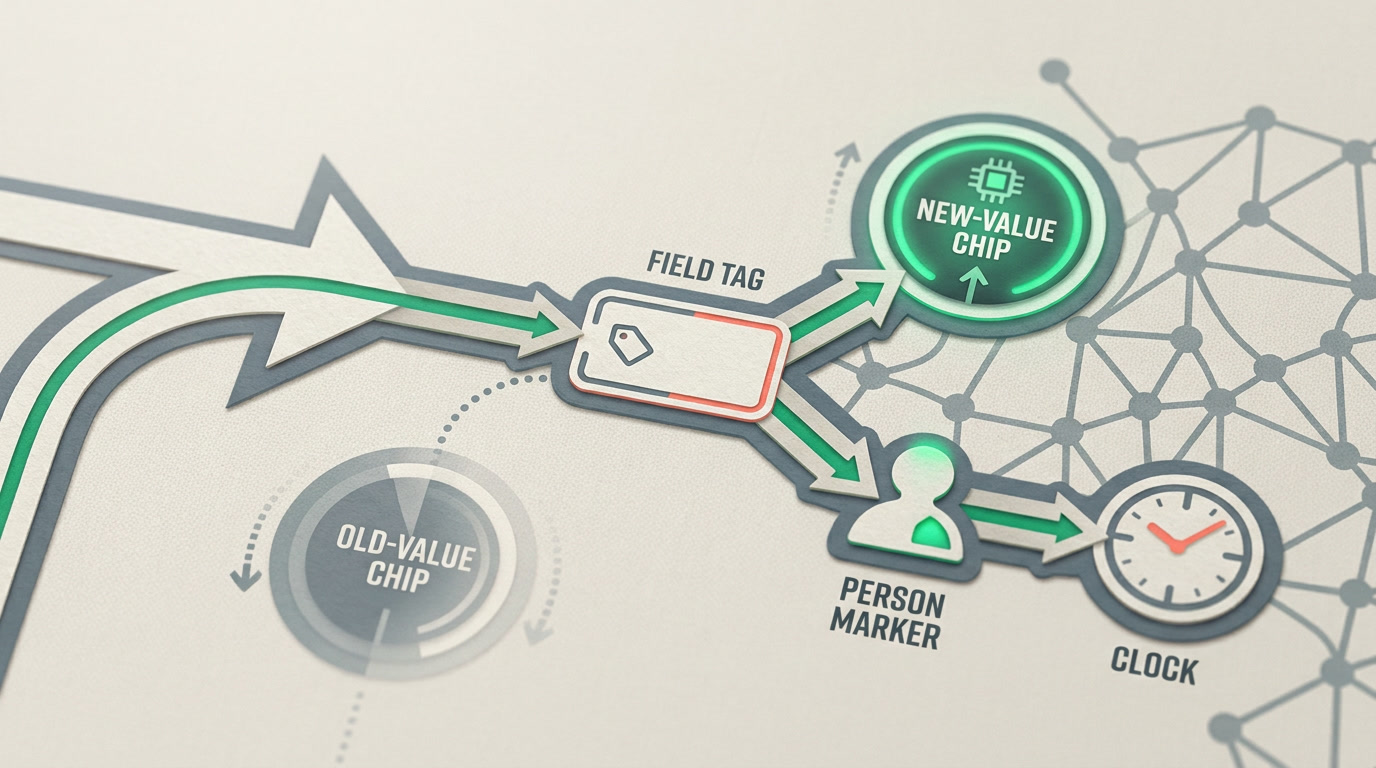
Field history is an audit trail attached to a specific field. When you enable it for a field, ERPnBox records every change to that field's value as a dated entry: the user who made it, the value before, the value after, and the timestamp. It is a change log you can read on any record — not a report you have to build.
Ordinary record editing is destructive: the new value overwrites the old, and the old is gone. Field history makes the important fields non-destructive — the current value is what you see, but every value it ever held is still there, in order, waiting for the question "when did this change, and to what?"
Field history is an audit trail, not analytics. It tells you what changed and who changed it — it does not predict, forecast, or score. For trends over the set, that is the job of a chart view.
Why does an audit trail matter for accountability?

Because "who moved this deal?" is a question with a right answer, and guessing is expensive. An audit trail turns disputes into lookups. It protects the person who made the correct call and surfaces the one that quietly cost you a forecast — without anyone having to remember a thing.
- Accountability — every change to a tracked field carries a name and a time. No more "I didn't touch it."
- Debugging — a deal in the wrong stage, an amount that looks off, an owner who shouldn't be there: read the field's history and the cause is on the page.
- Onboarding trust — new reps make edits; managers can see exactly what changed without hovering over shoulders.
- Cleaner data — people edit more carefully when they know the field remembers.
What does a field-history entry actually record?
Each entry is one change to one tracked field. It captures four things that together answer any "what happened here" question: the field, the value it moved from, the value it moved to, the person, and the moment. Read top to bottom, the entries tell the field's whole story.
| Field | Changed from | Changed to | Changed by | When |
|---|---|---|---|---|
| Stage | Qualification | Proposal | J. Okafor | Aug 1, 09:14 |
| Amount | $80,000 | $45,000 | M. Haddad | Aug 1, 16:40 |
| Owner | J. Okafor | R. Silva | Team Lead | Aug 2, 08:02 |
| Close Date | Aug 31 | Sep 30 | R. Silva | Aug 2, 08:05 |
Read that table as a story: the deal advanced, then someone halved the amount the same afternoon, ownership moved the next morning, and the close date slipped a month. Four entries, and you know exactly why the forecast shifted — and whom to ask.
How do you turn field history on for a field?
You configure it — you don't code it. Open the field's settings and switch on history tracking for that field. From that point forward, every change to its value is recorded. Do this for the fields that decide outcomes; leave routine fields alone so the trail stays signal, not noise.
- Open the field in your module's field settings.
- Enable history tracking on that field.
- Repeat for the few fields that carry weight — stage, amount, owner, close date, priority.
- Open any record and read the history right there on the detail page.
Track the fields you would argue about, not every field. A dozen tracked fields across a module gives you clean accountability; tracking everything buries the moments that matter under edits nobody disputes.
How is field history different from the record timeline?
They complement each other. The record timeline is the wide-angle view — created, edited, activities logged, stages changed — a chronological summary of everything that touched the record. Field history is the close-up: for one field, every value it has ever held, in order. Use the timeline to see that something changed; use field history to see exactly what, from what, and by whom.
An audit trail isn't about catching people. It's about never having to wonder — so the team can move fast and still account for every number.
Give your critical fields a memory
Turn on field history where it counts, and stop reconstructing what happened. Every change, named and dated, on the record itself.
Start freeFrequently asked questions
Does field history slow down editing records?
No. You edit fields exactly as you always do. For fields where history is **enabled**, ERPnBox quietly records the change in the background — the entry appears on the record afterward. There's no extra step and no separate form to fill in.
Can I track history on any field type?
History is designed for the fields where a change matters — status and stage picklists, amounts and numbers, dates, owner, and similar decision fields. Turn it on per field in that field's settings, and keep it to the ones you'd actually question so the trail stays readable.
Who can see a field's history?
Field history lives on the record's detail page, so anyone who can already open that record and its fields can read the trail. Record visibility follows your normal access rules — if a user can see the record, they can see the history of its tracked fields on it.
Does field history replace the record timeline?
No — they answer different questions. The **timeline** shows everything that happened on a record in order; **field history** zooms into one field and its full sequence of values. Together they give you both the wide view and the close-up, so no change is ever a mystery.
Can field history tell me why a value was changed?
It records the who, what, from, to, and when — the facts of the change. The reason lives with the person, but the trail points you straight to them. Pair it with a note on the record when context matters, so the why sits beside the what.


