The short answer
The Hero view is a spotlight layout in ERPnBox that leads with a single record's most important fields in a large hero card, with supporting information arranged around it. It's best for showcasing one deal, account, or a curated set — a top prospect on a wall screen, a featured listing, an executive summary. You configure which fields lead, then save it as a view.
Every CRM view you've used treats records like equals. A list gives each one a row. A Kanban board gives each one a card in a column. That's exactly right when you're working through many records at once. But sometimes you don't want the crowd — you want one record, front and centre, with the detail that matters wrapped around it. That's the job the Hero view was built for.
What is the Hero view in ERPnBox?
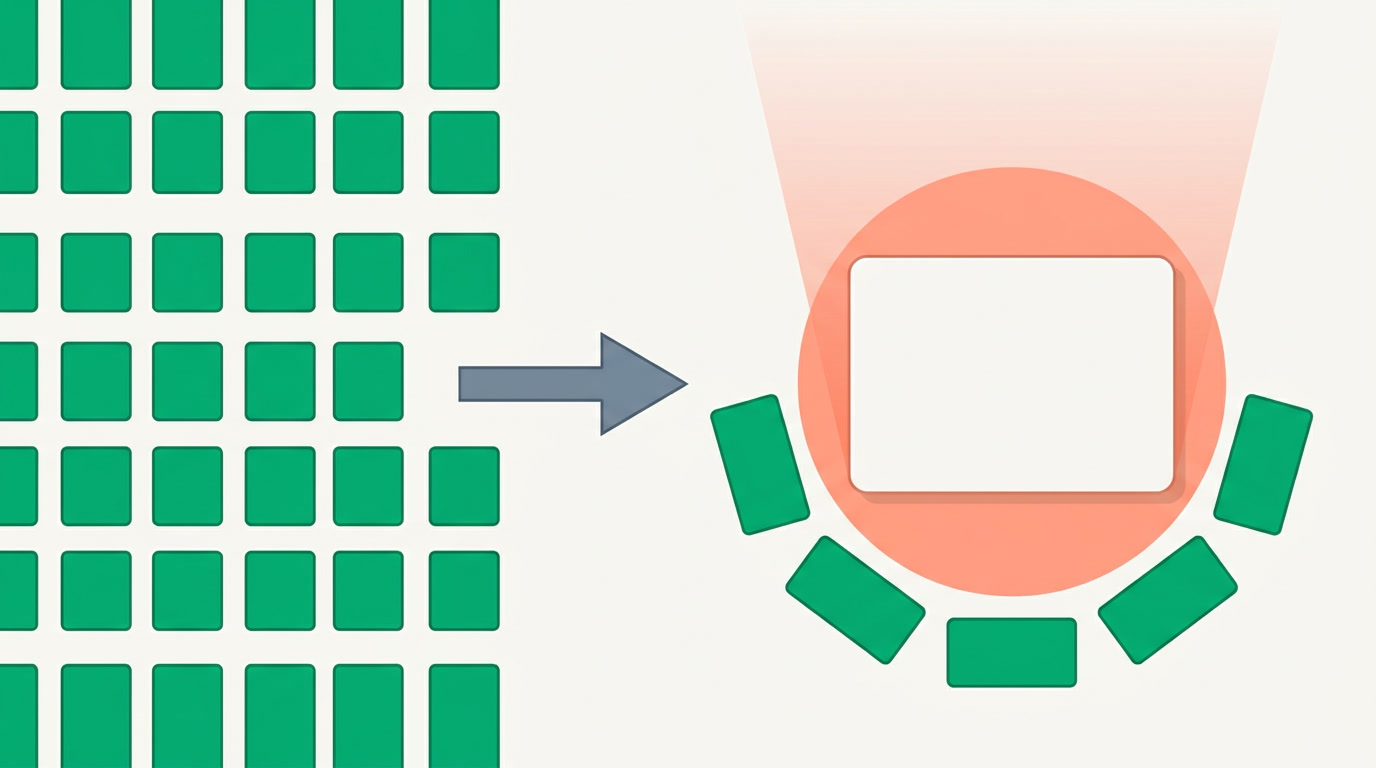
The Hero view is a spotlight layout that leads with one record's most important fields in a large hero card, then arranges its supporting information around it. Instead of a dense grid, you get a single record presented like a headline — big, readable, and deliberate. It's one of the view modes you can switch to on any module's list.
Think of the difference between a phone book and a magazine cover. A list view is the phone book: every entry equal, optimised for scanning hundreds. The Hero view is the cover: one thing chosen, given room to breathe, with the headline facts up top and the fine print beneath. Same data — a completely different way to look at it.
What is the Hero view best for?
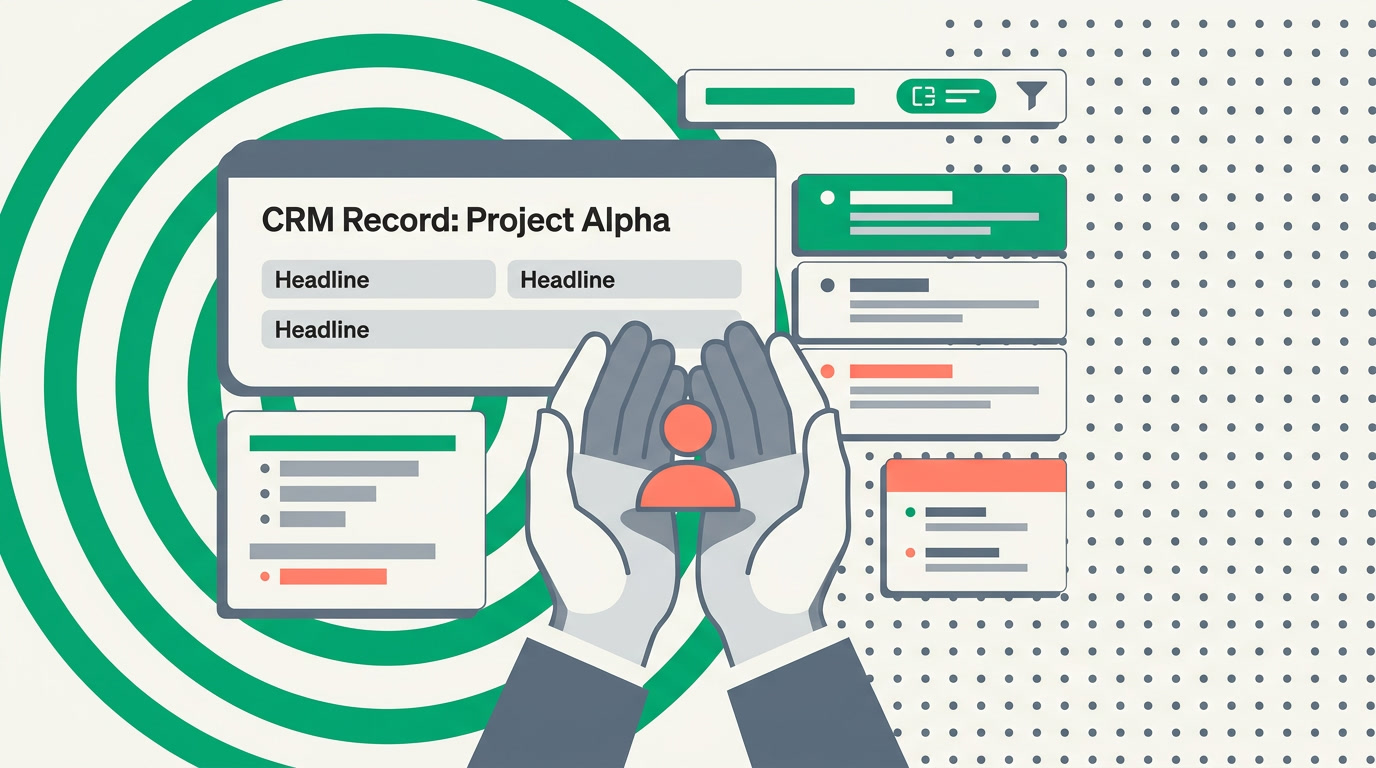
The Hero view shines whenever a single record — or a small, curated set — needs to be shown off rather than worked through. It's for the moment of presenting, not processing: the deal you're walking a client through, the account leadership wants to see, the featured item on a screen in the room.
- Showcasing a marquee record — the biggest deal in the pipeline, your most valuable account, a flagship project. Put it on a shared screen and it reads from across the room.
- A curated set worth featuring — filter down to a handful of top prospects or featured listings, and let each one lead in turn instead of drowning in a table.
- An executive-summary glance — one client, its headline numbers up top, the supporting context beneath, without opening the full record page.
- A hand-off or review — walking a colleague or a client through one account, where a clean spotlight beats a busy grid.
Where it's the wrong tool
The Hero view is for showing, not doing. When you need to work a queue, drag deals between stages, or bulk-edit fifty rows, switch to Kanban or list. Hero leads with one; those views were built to move many.
How does the Hero view compare to other view modes?
Each view mode in ERPnBox answers a different question. The list answers "what's everything?", Kanban answers "where is each one in the process?", and the Hero view answers "which one, and why does it matter?". You switch between them on the same module without moving data — same records, different lens.
| View mode | Leads with | Best when you're… |
|---|---|---|
| List / Table | Many records, equal rows | Scanning, sorting, bulk-working |
| Kanban | Records as cards in stages | Moving deals through a pipeline |
| Card | A tidy grid of compact cards | Browsing visually, many at once |
| Hero | One record, headline fields | Showcasing or presenting one |
For the full tour of every layout and when to reach for each, see all the view types. The point isn't that Hero replaces the others — it's that the right lens depends on the moment, and now you have one built for the spotlight.
How do you set up a Hero view?
You don't write code, you configure. Open any module, switch its view mode to Hero, choose which fields lead the hero card, and — because the spotlight is only as good as what you point it at — filter down to the record or curated set you want to feature. Then save it so it's one click away next time.
- Open the module you want to feature — leads, deals, accounts, listings, projects.
- Switch the view mode to Hero using the view switcher on the list.
- Choose the fields that lead the hero card — the two or three facts that matter most for what you're showing.
- Narrow the set with the filter panel — a single top record, or a short curated list — so the spotlight lands where you want.
- Save the view with a clear name so anyone on the team can open the same spotlight in one click.
Because saved views travel with the module, the Hero view you build is available to the whole team — and it opens as a workspace subtab, so it sits alongside whatever else you're working on. Keeping the featured set honest matters too: a clean duplicate manager means you're never spotlighting two half-records of the same client.
A grid shows you a hundred records and asks you to find the one that matters. The Hero view shows you the one that matters and asks nothing at all.
See your best record in the spotlight
Spin up ERPnBox, switch a module to the Hero view, and feature the record that deserves it.
Start freeFrequently asked questions
Can I use the Hero view for more than one record at a time?
Yes. The Hero view is at its best with a **single featured record**, but it also works for a small curated set — filter down to a handful of top prospects or featured items, and each leads its own spotlight rather than being buried in a grid. For working through many records, [list or Kanban](/features/crm-view-types-overview) is the better fit.
How is the Hero view different from opening the full record page?
The full record page is the complete workspace for one record — every field, tab, activity, and related list. The Hero view is a **curated spotlight**: you pick the headline fields that lead, and the layout is built for showing and presenting rather than deep editing. Use Hero to feature; open the record page to work.
Do I have to build the Hero view from scratch, or is it a code project?
Neither — you don't write code, you configure. Switch the view mode to Hero, pick the fields that lead, filter to what you want to feature, and save it. It takes minutes, and the saved view is then one click away for the whole team.
Can the whole team see a Hero view I set up?
Yes. Saved views live on the module, so once you name and save a Hero view, teammates can open the same spotlight themselves. It's a good fit for a shared screen in the room or a standing account review that everyone opens the same way.
Which teams get the most out of the Hero view?
Sales leads presenting a marquee deal, account managers walking a client through their account, and ops or leadership who want an executive-summary glance at one record without the full page. Anyone whose job includes **showing a record to someone else** rather than only processing many.


