The short answer
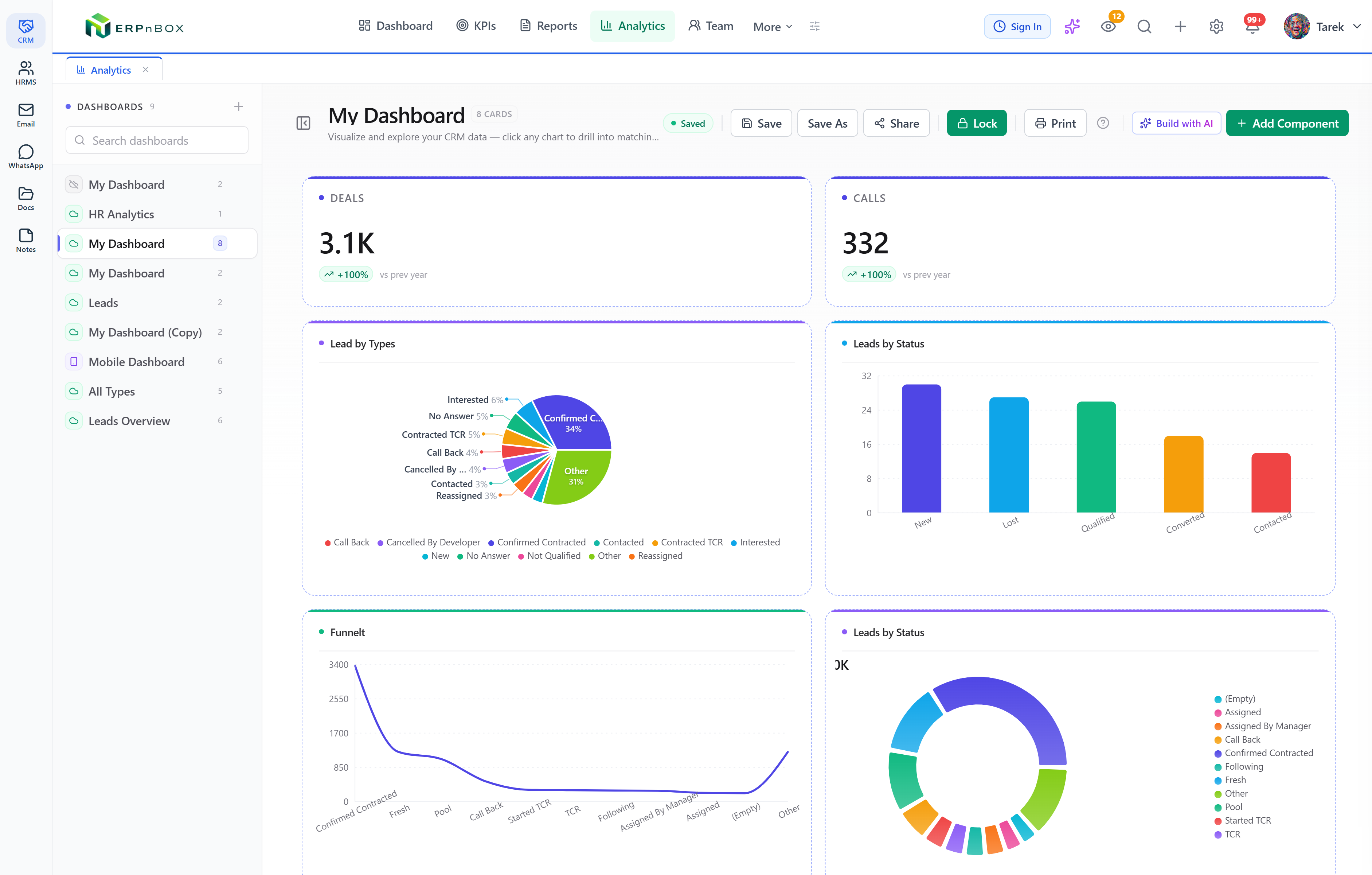
ERPnBox shows the same CRM records in seven views: List, Kanban, Chart, Calendar, Card, Hero, and Detail. Choose by the question you're asking — scan and edit in List, work a pipeline in Kanban, spot a trend in Chart, plan time in Calendar, showcase in Card or Hero. Switch anytime, and save the view so it opens the same way tomorrow.
Your CRM holds one pile of records. But "how many deals will close this month" and "which of my leads haven't been called in a week" are not the same question — and they don't want the same shape of answer. One wants a rising column. The other wants a scannable list you can act on row by row. The data is identical; only the view changes.
ERPnBox gives every module the same records in several view modes — List, Kanban, Chart, Calendar, Card, Hero, and the full Detail page. You switch between them on the module's list with a click. This is a plain guide to picking the right one, so you stop staring at a table trying to see a pattern that a chart would have handed you in a second.
What are the CRM view modes, in plain terms?
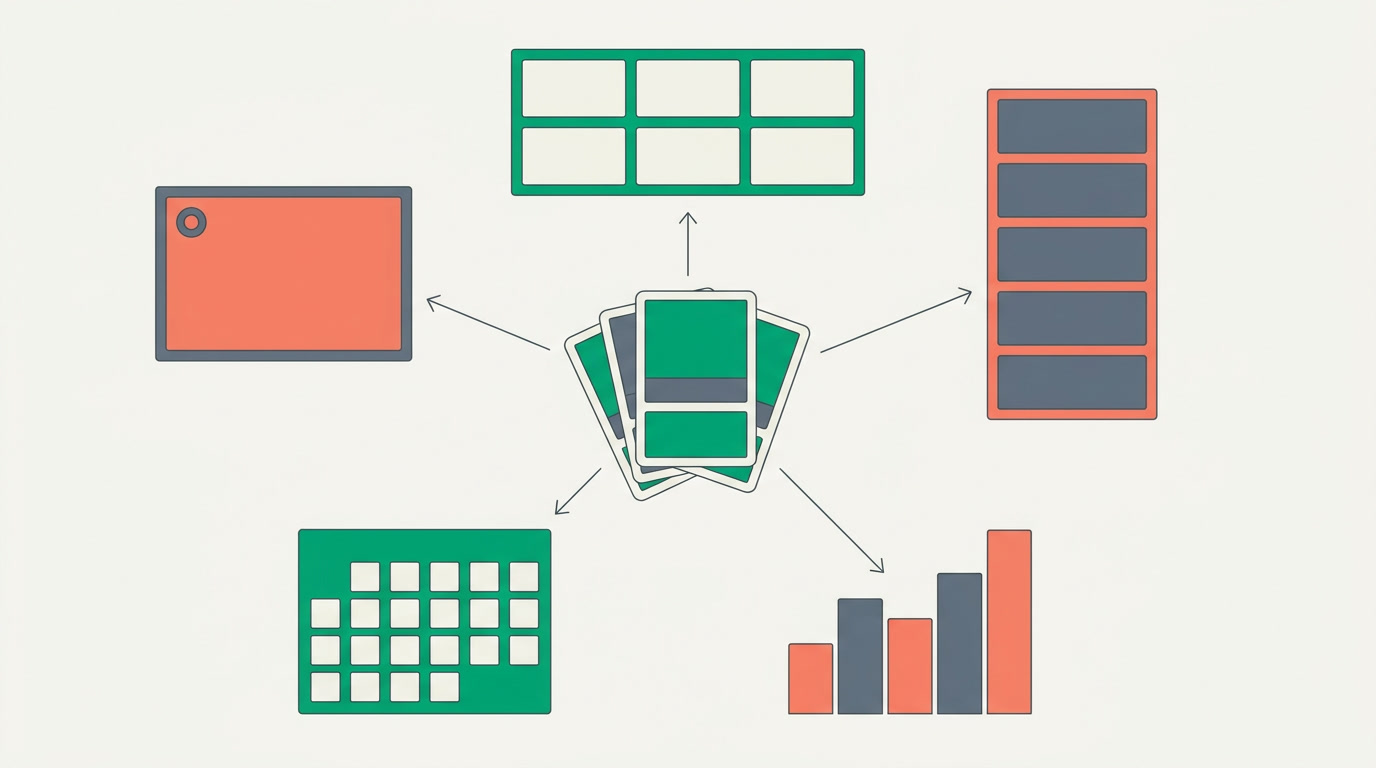
A view mode is just a different way to arrange the same records. List is rows and columns you can scan and edit. Kanban is a board of cards in columns by stage. Chart counts records into bars, lines or pie. Calendar places dated records on a month or week. Card and Hero are visual, showcase-style layouts.
None of this is code. You pick the view from the module's list, arrange the columns or the grouping field, and if you like it, you save it. The next person who opens that module — or you, tomorrow morning — lands on the same arrangement. See all the view types for the full set.
Which view should I use for which question?
Start from the question, not the view. If you want to act on individual records, use List. If you want to move work through stages, use Kanban. If you want to see a total or a trend, use Chart. If you want to plan around dates, use Calendar. The table below maps common questions to their best view.
| The question you're asking | Best view | Why |
|---|---|---|
| Which leads haven't been touched this week? | List / Table | Scan many rows, sort by last activity, edit in place. |
| Where is every deal in the pipeline right now? | Kanban | Cards sit in stage columns; drag one forward to move it. |
| Are deals trending up or down this quarter? | Chart | Counts become a bar or line you read at a glance. |
| What's on the calendar for my team next week? | Calendar | Dated calls and meetings land on the right day. |
| Which accounts do I want to feature or review? | Card / Hero | A visual layout that highlights a few records well. |
| Everything about this one customer? | Detail | The full record page with activities, notes and related lists. |
When is the List view the right call?
Reach for List whenever the answer is a set of records you need to work through one by one. It's the fastest view for scanning volume, sorting by a column, and editing inline without opening each record. This is your morning-triage view: who to call, what's overdue, which fields are blank.
List gets much stronger with filters. Narrow to "my open leads, no call in 7 days," then save it as a named view. Pair it with global search when you're hunting for one specific record instead of a set.
When does Kanban beat a list?
Kanban wins the moment your records move through stages — a sales pipeline, a support queue, an onboarding flow. Each card sits in the column for its current stage. You drag a card from one column to the next to advance it, and the board becomes the way you run the process, not just look at it.
Where a list forces you to read a status column on every row, a board shows the shape of the whole pipeline instantly — a fat column of stuck deals, a thin one at closing. It's the manager's stand-up view and the rep's working surface at once. Read more on the Kanban view.
One note on mobile
The board is at its best on a wide screen where you can see all the stage columns at once. On a phone, List and Detail carry the day for quick edits between meetings — that's what the native mobile app is built around.
When do I need a Chart or a Calendar?
Use Chart the instant your question is about totals, counts, or a trend rather than individual records. "Deals by stage," "leads by source," "revenue by month" — these are bars, pies and lines, and a chart answers them at a glance where a list never would. These are standard chart types you configure, not a crystal ball.
Use Calendar when time is the axis. Tasks, calls and meetings that carry a date land on the right day, so a rep sees the week ahead and a manager sees where the team's time is going. It's planning, not reporting. See the chart view for how grouping and counting work.
And Card, Hero and Detail?
Card and Hero are the showcase views — visual layouts that present a handful of records attractively, good for a curated shortlist or a review meeting. Detail is the full record page: one customer with every activity, note, attachment and related record in one place. It's where you go deep after a list or a board tells you which record deserves the attention.
Can I save a view so it opens the same way tomorrow?
Yes. Any view you arrange — the columns, the grouping field, the filters — can be saved as a named view and reopened in one click. This is how a team stops rebuilding the same "my open deals" filter every morning and how a manager keeps a "pipeline by stage" board one tap away.
Because you set it up by configuring, not coding, each team can keep its own saved views without waiting on anyone. And while you're arranging records, the duplicate manager quietly keeps the same customer from showing up three times across every one of those views.
The right view doesn't add information. It removes the work of finding the answer that was already there.
See your own data every way it wants to be seen
Spin up a CRM, drop in a few records, and flip between list, board, chart and calendar in the same afternoon.
Start freeFrequently asked questions
Do all modules support every view mode?
The core views — List, Kanban, Chart, Calendar, Card, Hero and Detail — apply across CRM modules. Some views depend on the data being present: a **Calendar** needs records with a date field, and a **Kanban** board groups by a stage or status field. Where a module has those fields, the view works; where it doesn't, that view simply isn't the useful one.
Does switching views change or delete my data?
No. A view is only a way of arranging records for the screen. Switching from a list to a chart or a board **never changes the underlying records** — it re-draws the same data in a different shape. Editing a value in one view updates it everywhere, but the view itself is presentation, not a copy.
Is the Chart view predictive or AI-driven?
No. Charts are **standard chart types** — bar, line, pie and the like — that count and group the records you already have. They show you what is, clearly and quickly. They don't forecast the future or run predictive models, so what you see is your real data, honestly drawn.
Can each person save their own preferred view?
Yes. You can arrange a view — columns, grouping and filters — and **save it as a named view** to reopen in one click. Teams typically keep a handful of shared saved views (like "pipeline by stage") alongside personal ones, so nobody rebuilds the same filter each morning.
Which view is best on the mobile app?
On a phone, **List and Detail** are the workhorses — scan your records, tap into one, edit a field or log a call between meetings. The board and chart views are at their best on a wide screen where every column fits, so most teams use the mobile app for quick record work and the browser for pipeline and reporting.


