The short answer
A CRM only pays off if your team uses it. ERPnBox is designed for daily use: add a record in seconds, edit fields inline without opening a form, set reminders in one click, keep several records open as tabs, and see your data as a list, board, calendar, chart, or card. Adoption, not features, is the real return.
Ask any sales leader about their last CRM and you'll hear a familiar story. The demo was dazzling. The rollout was hopeful. And three months later, the pipeline in the tool looked nothing like the pipeline in reality — because the reps stopped opening it. A CRM nobody uses is just an expensive spreadsheet that lies to you.
ERPnBox was built around a blunt truth: the best feature in a CRM is the one your team will actually touch every day. This article is about the design choices that make that happen — the add flow, the inline edits, the reminders, the tabs, and the view types — and why they matter more than any glossy dashboard.
Why do most CRMs fail after the first month?
Most CRMs fail on friction, not features. Every extra click, every slow form, every hunt for a button quietly teaches the rep that logging their work costs more than skipping it. Once enough people skip it, the data goes stale, managers stop trusting the reports, and the tool dies from neglect.
The fix isn't more training or sterner emails. It's removing the friction that made people avoid the tool in the first place. Adoption is a design problem before it is a discipline problem — and it's the one that actually pays back what you spent.
You don't measure a CRM by how many fields it has. You measure it by how many people open it without being told to.
How fast can your team add and update a record?
In ERPnBox, adding a record takes seconds, not a form-filling ceremony. Quick-add lets a rep capture a lead or contact on the spot, and inline editing means you can change a status, an amount, or an owner right from the list — without opening the full record page just to fix one field.
That difference sounds small until you multiply it by fifty updates a day across a team. Every second you shave off a routine action is a second the rep spends selling instead of clicking. When updating the CRM is faster than not updating it, the data stays honest on its own.
A quiet guardrail
Fast entry usually means messy data. Not here — the duplicate manager checks new records against smart matching rules as they're created, and can block a duplicate at the moment of entry. Your team stays fast; your database stays clean.
How do reminders keep work from falling through the cracks?
Every deal that goes cold has the same cause: a follow-up nobody remembered. ERPnBox lets you log tasks, calls, and meetings against any record and attach a reminder in a click, so the system nudges the rep at the right moment instead of relying on memory or sticky notes.
Because reminders are trivial to set, reps actually set them. That's the whole trick: a feature that's one click away gets used, and a feature buried three menus deep does not. Reminders that are easy to create are the difference between a follow-up culture and a forgetting culture.
Can you work on several records at once without losing your place?
Yes. ERPnBox opens records and editors as workspace tabs in a tab strip, the way your browser does. You can have a deal, its contact, and a related task all open at once, jump between them, and come back later to find them exactly where you left them — no re-searching, no losing the thread.
This mirrors how people actually work — juggling, not marching in a straight line. A CRM that respects that habit feels like a tool, not a form to be endured, and tools that feel good get opened again tomorrow.
Does everyone get the view that fits their job?
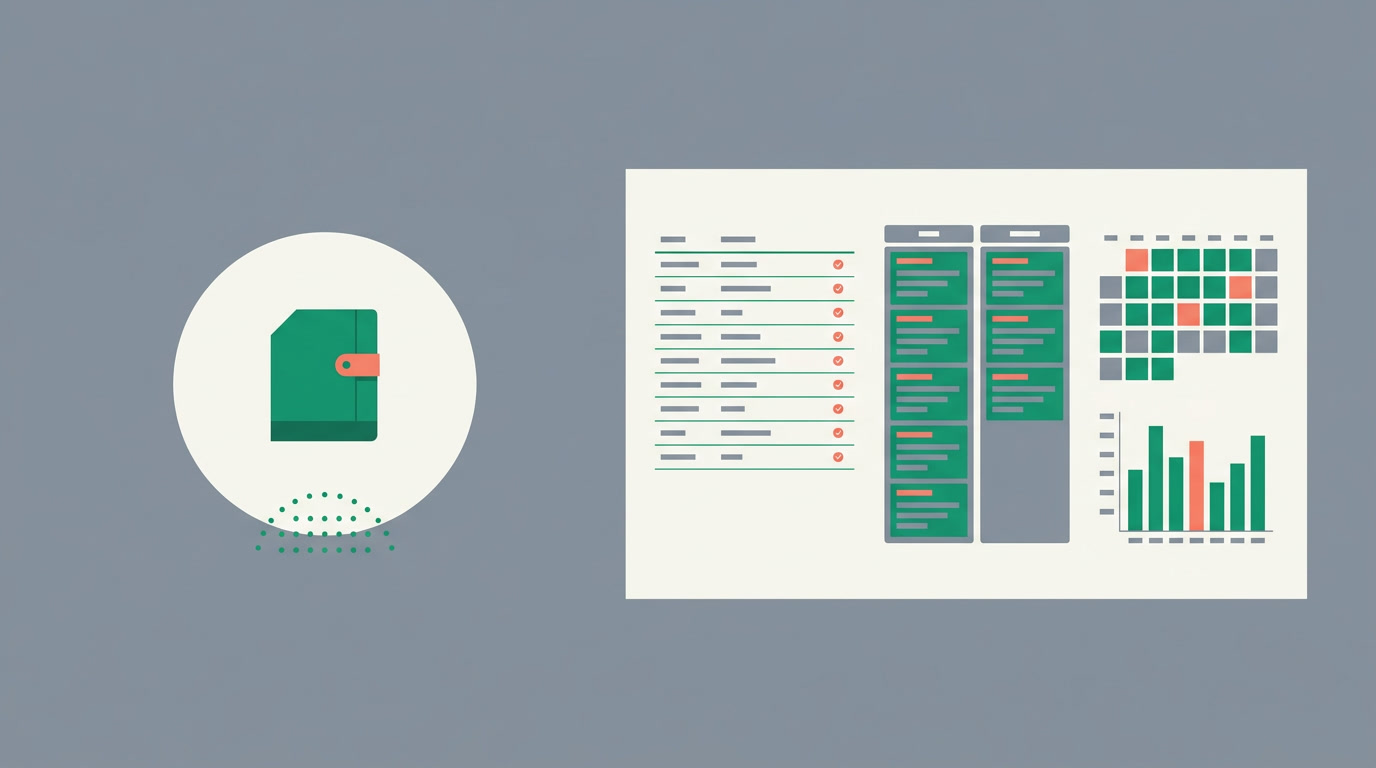
The same records can be seen in whatever shape suits the moment. A rep works a pipeline best as a Kanban board; a manager reads the month at a glance in a chart view; a coordinator plans around a calendar. One dataset, many lenses — and saved views mean each person keeps their own.
| If your team works like this | Give them this view | Because |
|---|---|---|
| Moving deals through stages | Kanban board | Drag a card, the stage updates |
| Scanning and bulk-editing | List / table | Edit fields inline, sort fast |
| Planning meetings and calls | Calendar | See the week as it really is |
| Reviewing performance | Chart | Standard bar, line, and pie views |
| Reading one record fully | Detail page | Everything about the record in one place |
Finding the right record is just as quick. A global search spans your records, and per-module filters with saved filtered views let anyone pin the exact slice they care about — my open deals, this month's leads, unassigned tickets — and return to it in one click.
Who benefits when the CRM is easy to use?
Everyone downstream of the data. Reps log more because it costs them less. Managers finally see a pipeline they can trust. Ops leaders stop chasing people for updates. And the business gets the one thing a CRM is supposed to deliver: an honest picture of where the money is.
- Sales reps — capture a lead in seconds, edit from the list, never miss a follow-up.
- Team leads — a board and a chart of the same pipeline, no export needed.
- Ops and admins — clean data by default, thanks to duplicate checks at entry.
- New joiners — a tool that explains itself, so onboarding is short.
How do you set your team up to actually use it?
You don't write code — you configure. Set up your CRM the way your team already works, and lean on the defaults that drive daily use. A short, honest rollout beats a giant one every time because people adopt what feels light.
- Pick the default view per module — a board for deals, a list for contacts — so people land where the work makes sense.
- Turn on duplicate detection rules so quick-add stays clean from day one.
- Show reps how to set a reminder from a record — make it the very first habit you teach.
- Save a filtered view for each person's daily list — 'my open work' — and pin it.
- Let people open records as tabs freely; discourage nothing that makes the tool feel fast.
See a CRM your team won't quietly abandon
Start free and set up your first module in minutes — no code, no consultants.
Start freeFrequently asked questions
What's the real reason CRM projects fail?
Low adoption. The software usually works; the problem is that **people stop entering data** because it's slow or awkward. Once the data goes stale, reports lose credibility and the tool is abandoned. ERPnBox attacks this by making everyday actions — add, edit, remind — fast enough that using it beats skipping it.
Can I edit records without opening a full form?
Yes. Inline editing lets you change a field — status, amount, owner — **right from the list view**. You only open the full detail page when you need the complete record. This alone removes a large share of the clicks that make CRMs feel heavy.
How do reminders work in ERPnBox?
You log a task, call, or meeting against a record and attach a reminder in a click. The system then **notifies the owner at the set time**, so follow-ups happen on schedule instead of relying on memory. Because it's one click, reps actually use it.
Do different team members get different views?
Yes. The same records can be shown as a list, [Kanban board](/features/crm-kanban-view), [chart](/features/crm-chart-view), calendar, card, or detail page, and each person can **save their own views and filters**. A rep and a manager can look at one pipeline in the two shapes that suit them.
Won't fast data entry create a mess of duplicates?
No. The [duplicate manager](/features/crm-duplicate-manager) runs matching rules as records are created and can **block a duplicate at the point of entry** or flag likely matches for merging later. You keep the speed without paying for it in dirty data.
Do I need a developer to set this up?
No. You configure ERPnBox, you don't code it. Choose default views, turn on duplicate rules, and save filtered lists through settings — an ops lead can have a team up and running the same day. See the [features](/features) and [guides](/guides) for step-by-step help.


