
The short answer
Related lists are sections shown right on a CRM record's detail page: its activities, notes, attachments, and related records. Instead of hopping between screens to reconstruct a deal's history, you open one record and read the whole story — every call, file, and linked record in the sections beneath the fields.
Open a customer record in most systems and you get a form: name, phone, stage, owner. Tidy. Useless on its own. Because the question you actually walked in with — *what's going on with this account?* — isn't answered by fields. It's answered by the last three calls, the proposal someone attached, the note that says "decision moves in Q3," and the two open deals hanging off the company.
Related lists are how the detail view answers that question. They're sections that sit right on the record — beneath the fields — gathering everything connected to it into one scroll. You don't leave the record to understand the record.
What is a related list in a CRM record?
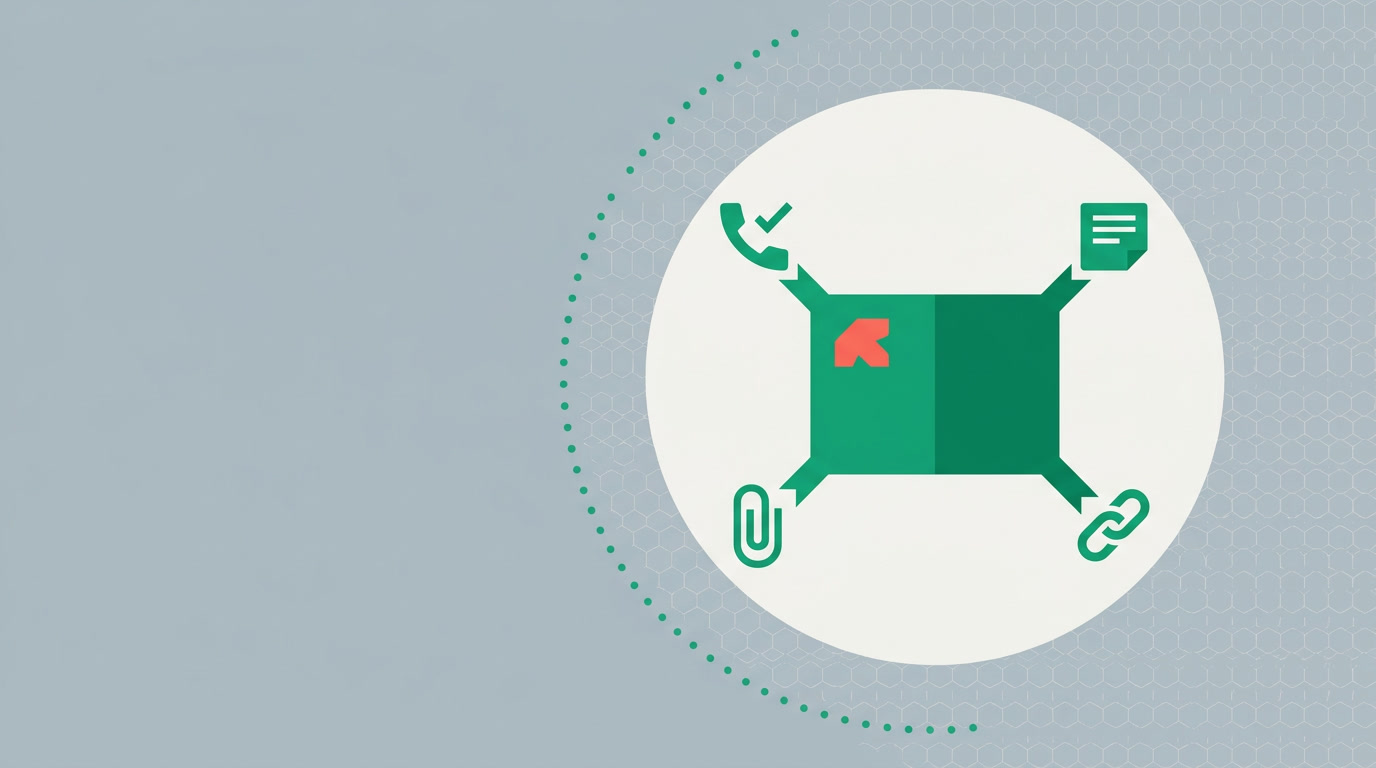
A related list is a section on a record's detail page that shows data belonging to that record — its activities, notes, attachments, and related records — as its own block. Each one is a small window into a different kind of context. Together they turn a flat form into the full history of the relationship, without a single tab-switch or search.
The point isn't decoration. It's proximity. Context that lives one click away is context nobody checks under pressure. Context that's already on screen is context that changes the next thing you say.
What shows up in the related lists?
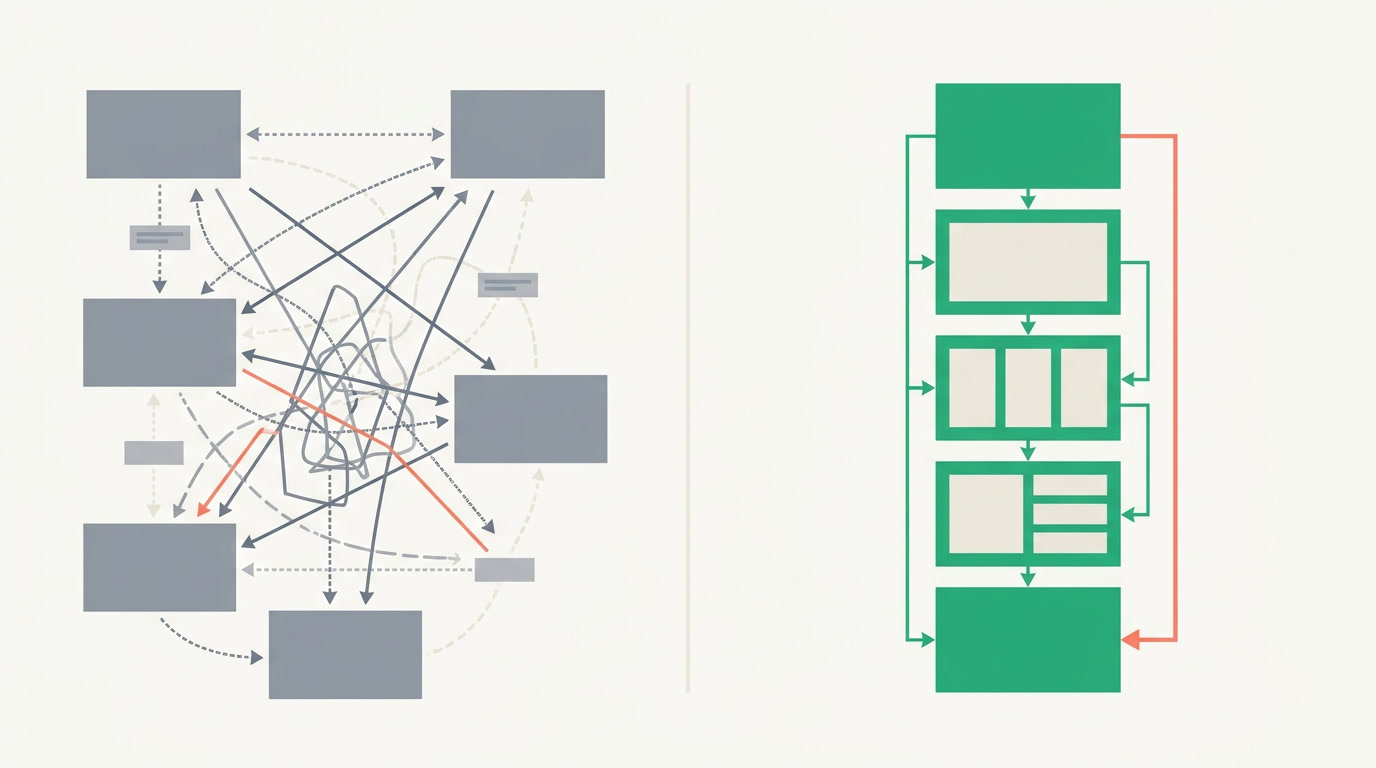
Four kinds of context sit on the record. Activities — calls, meetings, and tasks logged against it. Notes — the human commentary the fields can't hold. Attachments — proposals, contracts, and files kept with the record, not lost in email. And related records — the deals, contacts, or projects linked to this one, each a live section you can open.
| Related list | What it holds | The question it answers |
|---|---|---|
| Activities | Calls, meetings, tasks logged on the record | What have we actually done with them? |
| Notes | Free-text human context | What does the team know that the fields don't? |
| Attachments | Files kept with the record | Where's the proposal / contract / spec? |
| Related records | Linked deals, contacts, projects | What else connects to this? |
| Timeline | Chronological trail of what happened | Who touched this, and when? |
Alongside them, the record carries a chronological record timeline and a summary tab — the *when* and the *at-a-glance* to complement the *what*. One page, the complete file.
Why do related lists beat hunting across the app?
Because the alternative is reconstruction. Without related lists, understanding one account means opening the activities screen, then the files area, then global search for the linked deal, then someone's memory for the note nobody logged. You rebuild the story every time — and you rebuild it wrong when you're rushed.
A rep who can see the last call, the open proposal, and the second deal — all before they dial — has a different conversation than one reading a name and a phone number. Related lists don't add data; they end the hunt for it.
There's a management dividend too. When context lives on the record, it survives the person. A rep leaves, an account transfers, a manager reviews a stalled deal — the file is intact, because activities, notes, and files were never scattered across private inboxes and desktops in the first place.
How do related lists connect to the rest of the CRM?
They're the payoff at the end of every path. A saved view narrows thousands of records to the ten that matter; you open one and the related lists tell you why it matters. A merge in the duplicate manager keeps the activities, notes, and attachments from both records — so the merged file loses nothing.
You configure which sections appear and how they order — you configure, you don't code. The record you design is the record everyone reads, so the story is told the same way across the whole team.
A form tells you who they are. Related lists tell you where you stand.
See the whole record, not just the fields
Give every rep the full file the moment they open an account. Start with ERPnBox CRM.
Start freeFrequently asked questions
What exactly is a related list on a CRM record?
It's a section on the record's [detail view](/features/crm-detail-view-columns) that shows data belonging to that record — its **activities, notes, attachments, and related records** — each as its own block beneath the fields. Together they turn a form into the record's full history.
What appears in the related lists?
Activities (calls, meetings, tasks), notes, attachments, and related records linked to this one. The record also carries a chronological [timeline](/features/crm-record-timeline) and a summary tab, so you get the **what**, the **when**, and the at-a-glance in one place.
Do I lose related-list data when I merge duplicates?
No. A [merge in the duplicate manager](/features/crm-duplicate-manager) keeps the child data — **activities, notes, and attachments** — from both records, so the surviving record inherits the complete history of the pair rather than losing half of it.
Can I control which related lists show and in what order?
Yes. You configure which sections appear on a record and how they're ordered — no code. The layout you design is the one the whole team reads, so context is presented consistently for everyone.
How is a related list different from the record timeline?
A related list groups context by **type** — all activities in one block, all attachments in another. The [timeline](/features/crm-record-timeline) arranges events by **time** — a single chronological trail of what happened. Related lists answer "what's here?"; the timeline answers "when did it happen?"


