
The short answer
ERPnBox smart matching goes beyond exact search to catch near-duplicate records caused by typos, spacing, and formatting. You review the flagged candidates, decide which are true matches, then merge two records into one. The merge keeps the full history: notes, activities, attachments, and related records all move to the surviving record.
Somewhere in your CRM there are two records for the same person. One says Jon Smith, the other Jonathan Smith. One has the mobile number, the other has the last three calls. Neither is complete, and a straight search for "Jonathan" will never show you the "Jon" hiding one letter away. That gap is exactly what smart matching closes.
What is smart matching in a CRM?
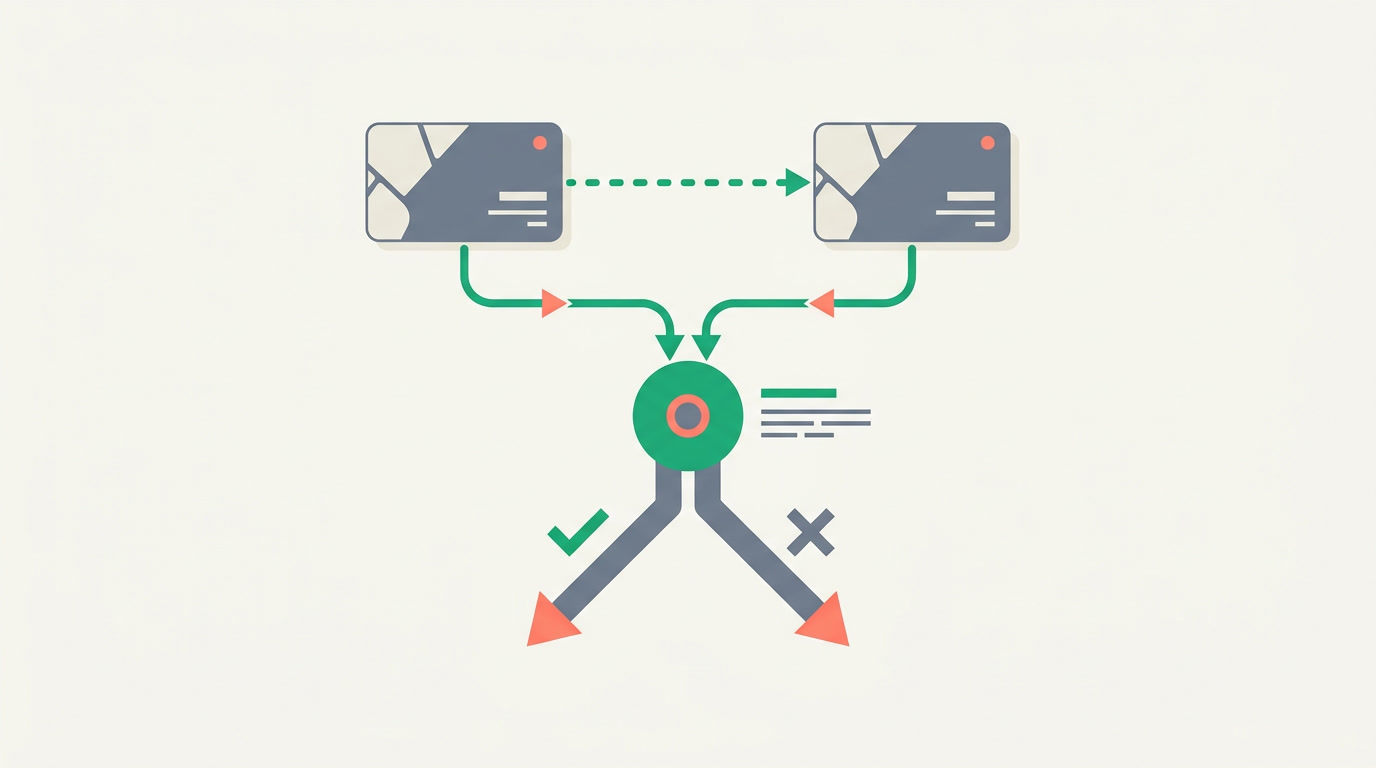
Smart matching is duplicate detection that looks past exact spelling. Instead of asking "is this string identical," it asks "is this close enough to be the same customer." It catches the near-duplicates that typos, extra spaces, and formatting differences create — the ones ordinary search will never surface because they don't match letter for letter.
This sits inside the ERPnBox duplicate manager alongside exact-match rules. Exact rules are strict and fast: same email, same phone, block it. Smart matching is the softer net underneath — it flags likely matches for a human to judge rather than deciding for you, because "close" is a judgment call and you should be the one making it.
Why do near-duplicates slip past exact search?

Because humans and forms disagree on how to write things. A phone number arrives with dashes one day and spaces the next. A name gets a middle initial from one rep and not another. A web form trims nothing; an import trims everything. Exact search treats every one of those as a different customer, so the same person quietly becomes two, then three.
The cost is not abstract. Two reps call the same lead an hour apart. A discount goes to a "new" account that already churned. Your pipeline number is inflated by ghosts. A duplicate is not a data problem; it is an operations problem wearing a data costume.
| Record A | Record B | Exact match? | Smart match? |
|---|---|---|---|
| Jon Smith | Jonathan Smith | No | Yes — flagged |
| +1 555 0142 | +15550142 | No | Yes — flagged |
| acme corp. | ACME Corp | No | Yes — flagged |
| sara@acme.com | sara@acme.io | No | No — different |
The last row matters as much as the first. Smart matching is tuned to flag, not to assume. Two similar emails on different domains are probably two different people, and the review step exists precisely so a machine never merges them on a guess.
How do you review and merge two records into one?
You open the flagged candidate pair, compare them side by side, and pick the record that survives. Then you choose which value wins for each field where they disagree. When you confirm, ERPnBox folds the second record into the first and moves all of its history across — nothing is deleted out from under you.
- Open the candidate. The duplicate manager lists the pairs smart matching flagged, ranked by how close they are.
- Compare side by side. See both records field for field, with the differences called out, so you can confirm they really are the same customer.
- Choose the survivor and the winning values. Keep A's phone, B's most recent address — you decide field by field.
- Confirm the merge. The two become one, and every note, call, task, and file lands on the surviving record.
The one rule of merging
Merge keeps the full history — it never trades data for tidiness. The notes from both records, every logged activity — the calls, the meetings, the tasks — the attachments, and the related records all attach to the surviving record. You end with one customer and none of their past missing.
What happens to child data — notes, calls, attachments?
The child data follows the parent. Everything that hung off the record you closed — its notes, its activities, its attachments, its linked deals and contacts — re-parents onto the surviving record. You are not choosing which history to keep; you are keeping all of it under one roof.
That is the difference between a merge and a delete. Deleting the duplicate would throw away the three calls it happened to hold. Merging carries them over, so the person who reads the record next month sees one unbroken timeline instead of a suspicious gap.
Who needs smart matching, and how do you turn it on?
Any team where records arrive from more than one door needs it: sales taking leads from a web form and a phone log, ops importing a spreadsheet on top of live data, support opening tickets against contacts a rep already created. Turning it on is configuration, not code — you set the rules in the duplicate manager and pick the fields that identify a customer.
- Pick the identifying fields. Name, email, phone, company — the values that make a customer that customer.
- Set exact rules to block, smart rules to flag. Block a duplicate email at create time; let smart matching quietly flag the near-misses for review.
- Work the review queue. Clear the flagged pairs on a cadence — weekly for most teams — so duplicates never pile into a backlog.
Because you configure this instead of writing code, you can change your mind next week — loosen a rule, tighten another, add a field — without waiting on anyone. It's the same freedom you get across all the view types and global search: the tool bends to how your team already works.
A clean list is not a vanity metric. It is the difference between calling a customer and calling a customer twice.
Merge the duplicates hiding in your list
See smart matching and the full duplicate manager inside a working ERPnBox CRM.
Explore the CRMFrequently asked questions
What is the difference between exact-match and smart matching?
Exact-match rules require identical values — same email, same phone — and are strict enough to **block a duplicate at create time**. Smart matching is fuzzier: it catches records that are close but not identical, like a name with a typo or a phone number formatted differently, and flags them for you to review rather than blocking automatically.
Does merging delete any of my data?
No. A merge folds two records into one and **carries the full history across** — notes, activities, attachments, and related records from both sides attach to the surviving record. Nothing is thrown away. That is the whole point of merging instead of deleting the duplicate.
Will smart matching merge records automatically?
No. Smart matching **flags likely duplicates and leaves the decision to you.** You review each candidate pair, confirm they are the same customer, choose which values win, and only then confirm the merge. "Close" is a judgment call, so a person always makes it.
Which fields does smart matching compare?
You choose them. In the [duplicate manager](/features/crm-duplicate-manager) you pick the fields that identify a customer — typically name, email, phone, and company — and smart matching compares candidates on those. Because you configure this rather than code it, you can adjust the fields whenever your data changes.
Can I prevent duplicates from being created in the first place?
Yes. Alongside smart matching, you can set exact-match rules to **block a record at create time** when it collides on a chosen field, such as email or phone. Smart matching then handles the near-misses that got past the block, so you catch duplicates coming in the door and the ones already inside.


