Your whole business, in your pocket
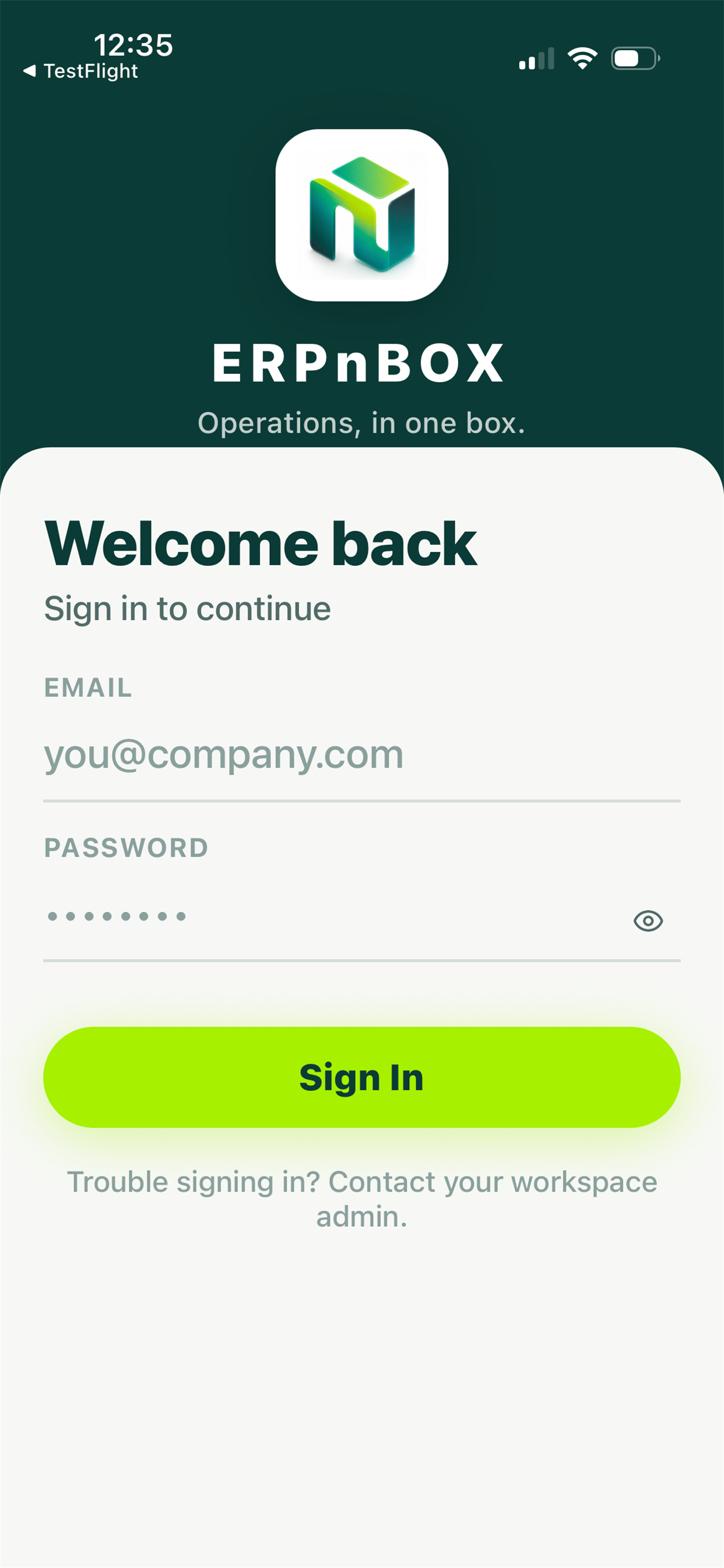
The native iPhone and Android app lets your team work between meetings, in the car park, or at a client's site — read a record, update it, log the call, and move on. The same data, the same rules, the same dashboards you trust at your desk.
- Read, create, and edit any record without opening a laptop
- Log calls, meetings, and to-dos the moment they happen
- Watch your KPI dashboards and charts update live
- Ask your AI agent a question and get push notifications that matter
2
Platforms — iPhone and Android
Every
Module you use on the web is on the phone
Live
Push notifications for what needs you
1
AI agent, in your pocket
Built for the time between meetings
Most work does not happen at a desk. A deal moves forward in a hallway conversation; a meeting is agreed in a lift. The mobile app is made for those moments — open the client's record, read the last three notes, add what was just said, and set the next step before you have reached your car.
The same truth, everywhere
What you change on the phone is instantly what everyone sees on the web. There are no separate mobile records to reconcile later. Search finds the same records, dashboards show the same numbers, and your AI agent reads the same history — whether you are on your phone or at your desk.
01
Records, wherever you are
Browse any module, open a list, tap into a record, and see the full picture — its fields, its activity timeline, and its related items. Create a new record or edit an existing one with the same fields you use on the web.
02
Log the work as it happens
Just finished a call? Log it. Agreed a meeting? Add it. Need a reminder? Set a to-do. Every activity lands on the record's timeline, so nothing is forgotten between the field and the office.
03
Numbers you can trust on the move
Open your dashboard on the phone and see your KPI widgets and charts, live. It is the same dashboard as the web, so the number in your hand is the number your manager sees.
04
Your AI agent, one tap away
Ask a question in plain language and let the AI agent read your data and answer. Combined with push notifications, you find out what needs you before you go looking.
Full feature list
Everything that's inside
Working with records
Browse modules | Move between every module you use on the web |
Record list & detail | Open a list, tap into any record for the full view |
Create & edit | Add and update records with the same fields as the web |
Activity timeline | See the full history of every record in order |
Global search | Find any record from one search box |
Getting things done
Log calls | Record a call against the right contact instantly |
Log meetings | Capture what was agreed while it is fresh |
To-dos | Set the next step so nothing slips |
Calendar | See your day and what is coming up |
Notifications & push | Get alerted on your phone the moment something needs you |
Insight on the go
Dashboard | Your live dashboard, formatted for the phone |
KPI widgets | Watch your key numbers update through the day |
Charts | See your charts from any of the seven chart types |
AI agent chat | Ask questions and get answers from your data |
Explore more
Frequently asked questions
Which phones does the app run on?
It is a native app for both iPhone (iOS) and Android, so your whole team is covered on whatever they carry.
Can I convert a lead from my phone?
No. Lead conversion is a web feature for now. On mobile you can read, create, edit, and log activity on leads, but the conversion step is done at your desk.
Is there a kanban board on mobile?
No. The kanban board is a web view. On the phone you work through record lists and detail pages, which suit a small screen better.
Can I run Email, WhatsApp, or Live Chat from the app?
No. The Email, WhatsApp, and Live Chat consoles are web-only. The mobile app is focused on records, activities, dashboards, and your AI agent.
Does the app work offline?
No. The app needs an internet connection so you always see live data and your changes save straight away — there is no offline mode.
Is the mobile data the same as the web?
Yes. It is one system. Anything you change on the phone appears instantly on the web, and search, dashboards, and your AI agent all read the same records.
Run your whole sales team on ERPnBox
Describe your business and AI sets up your CRM. Start free, no credit card.