
The short answer
There is no single best CRM, only the right fit for your business. Salesforce is the most powerful, HubSpot has the best experience, Zoho is broad and affordable, and Pipedrive is simplest for pure sales. Choose by how it will grow with you, who it was built for, and total cost over time rather than by the brand name alone.
When you go shopping for a CRM, one name usually arrives first, uninvited and very loud. It is a fine product. It may even be the right one for you. But the loudest option and the right option are not always the same thing, and the gap between them is expensive to discover late.
Here is the uncomfortable truth nobody selling software wants to lead with: switching a CRM later is one of the most painful things a growing business does. You migrate data, retrain people, rebuild reports, and rewire every integration. So the goal of this guide is not to crown a winner. It is to help you choose deliberately, once, by understanding what each real alternative is genuinely good at. If you are still deciding what a CRM even needs to do, start with what is CRM.
Who are the main CRM alternatives?
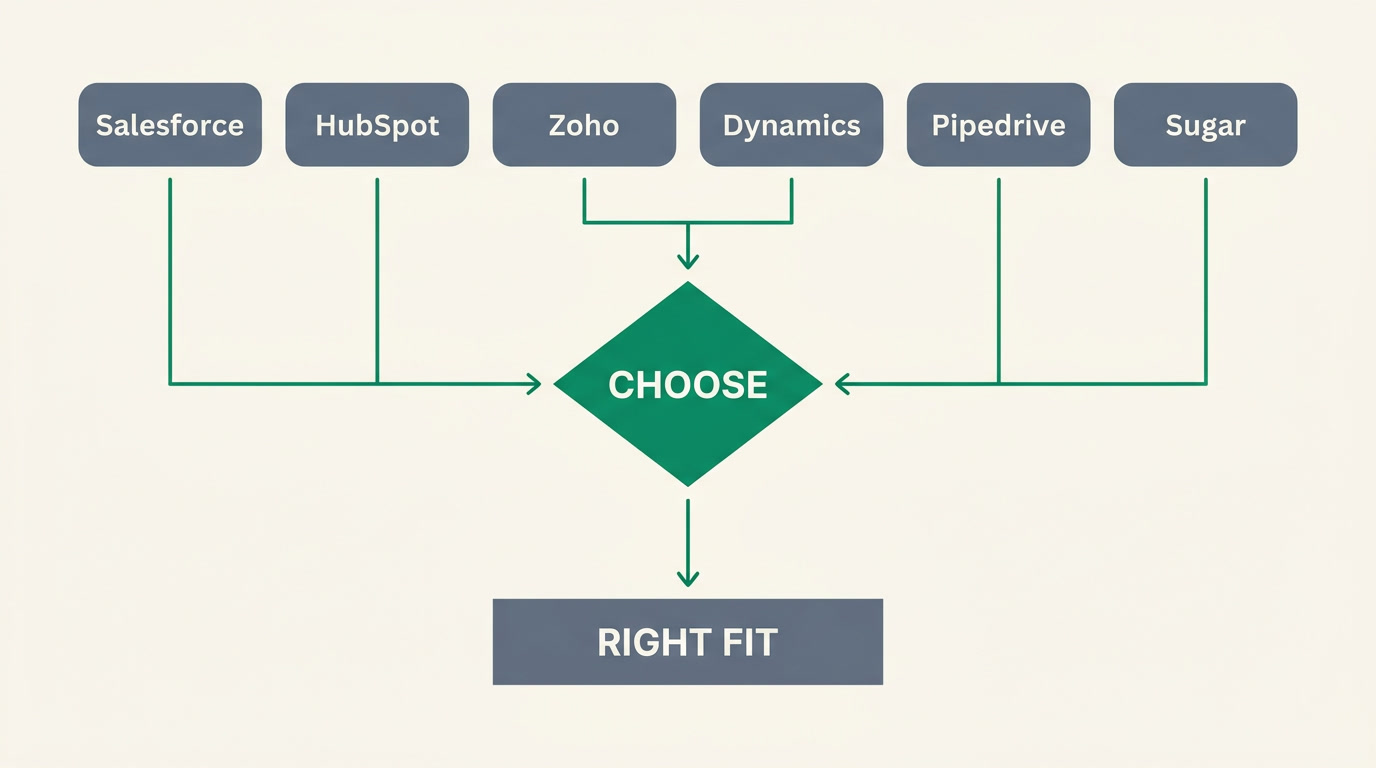
The serious CRM market comes down to a handful of well-built products, each excellent for a different kind of business. There is no bad choice on this list, only mismatches. The trick is to match a tool's real strength to what your business actually does day to day, not to what a sales demo makes you imagine you will do.
- Salesforce — the most powerful and customizable CRM, and the enterprise standard. If you can imagine a process, you can probably build it. The trade-off is complexity: it often needs an admin or consultant to run well.
- HubSpot — superb user experience and genuinely excellent marketing plus CRM, with a generous free tier to start. Beloved by teams because people actually enjoy using it.
- Zoho — broad, affordable, and part of a suite of 40+ apps that cover almost everything. Remarkable value for the money.
- Microsoft Dynamics 365 — deep and capable, and the natural choice if your business already lives inside Microsoft 365, Teams and Outlook. The integration there is hard to beat.
- Pipedrive — the simplest, most sales-focused CRM here. It does pipelines and deals beautifully and gets a small sales team productive in an afternoon.
- Sugar CRM — a mature, flexible platform with strong customization, popular with mid-market teams who want control without the full weight of the largest suites.
Notice that not one of those profiles opens with a weakness. Every product here earns its place. Your job is not to find the flawless CRM. It is to find the one whose strengths line up with your reality and whose trade-offs you can happily live with.
What three questions should you ask before you choose?

Before comparing feature lists, answer three questions honestly. They cut through most of the noise. Will the tool grow with the business, or force a painful re-platform later? Is it built for salespeople or for developers? And do the real costs add up over the years, once seats, add-ons and setup are counted? Get these right and the shortlist chooses itself.
1. Will it grow with my business?
A CRM you outgrow in eighteen months is not a bargain, it is a deferred migration. Look past today's team size and picture the business in two years. A simple sales-only tool is perfect until the day you need service tickets, invoicing, or a second department, at which point you are shopping again. Weigh how easily the platform stretches against how much you actually need it to.
2. Is it built for salespeople or for developers?
The most capable platforms are often the ones your team quietly avoids. If a CRM needs a dedicated administrator to change a field, adoption suffers, and a CRM nobody updates is worse than a spreadsheet. Some tools reward configuration talent; others reward the rep who just wants to log a call and move on. Be honest about which describes your team today.
3. Do the costs really add up over time?
The sticker price is the smallest part of the bill. Count seats as you hire, tiers you cross, add-on modules, per-contact marketing fees, integrations that need a paid connector, and the cost of setup or a consultant. A tool that looks cheap per user can become the expensive choice once it is fully wired up. Model the total across a few years, not the first month. Our how to choose a CRM guide walks through the full checklist.
How do the alternatives compare?
The table below is deliberately fair. Every tool listed is good at what it does, so the watch-outs are honest trade-offs, not manufactured flaws. Read the watch-out column as a way to check for a match, not as a verdict. A trade-off that would sink one business is completely irrelevant to another.
| CRM | Best for | Pricing shape | Honest watch-out |
|---|---|---|---|
| Salesforce | Large or complex sales orgs that need deep customization | Per user, tiered; add-ons priced separately | Often needs an admin or consultant to run well |
| HubSpot | Marketing-led teams that value ease of use | Free tier, then per seat plus contact-based marketing fees | Cost scales as contacts and seats grow |
| Zoho | Value-seeking businesses wanting many apps | Low per user; suite bundles available | Can feel like assembling a suite you wire together |
| Microsoft Dynamics 365 | Companies deep in the Microsoft ecosystem | Per user, tiered; often bundled with Microsoft licensing | Heavy; best value only if you already live in Microsoft |
| Pipedrive | Small sales teams wanting simplicity | Low per user, straightforward tiers | Light on marketing and service features |
| Sugar CRM | Mid-market teams wanting customization and control | Per user, with a minimum seat count on some plans | Less brand recognition than the giants; ecosystem is smaller |
| ERPnBox | Small businesses wanting CRM plus finance and HR in one | One per-seat price from $15/user, all apps included | Not the deepest pure-play sales CRM; specialists go deeper |
A note on that last row
We put ERPnBox's honest watch-out right in the table on purpose. If a pure, best-in-class sales CRM is all you will ever need, a specialist will serve you better — and we would rather you knew that now than after signing up.
Where does ERPnBox fit in?
Honestly? ERPnBox is not the deepest pure-play sales CRM on this page. Salesforce and HubSpot go further on certain advanced sales and marketing features, and if that depth is your whole world, use them. ERPnBox's difference is not that its CRM is bigger. It is that the CRM is one app inside an all-in-one platform so your customer data never sits in a silo, cut off from your money and your people.
Most small businesses do not buy one tool. They buy a CRM, then a separate accounting package, then a payroll app, then something for support, and spend the next year paying people to keep them talking to each other. ERPnBox takes the other road: CRM, real double-entry finance, HR and payroll and around a dozen apps behind one login, at one per-seat price. It is AI-built, so setup happens without the usual implementation project. That is the whole idea behind the tagline, Your Business, Unboxed.
So the real decision is less about CRM against CRM and more about a philosophy of tools. The trade-off is best-of-breed depth versus everything-in-one-place simplicity — a genuine fork worth reading on its own in all-in-one vs best-of-breed software. If the all-in-one idea appeals but you are weighing the broad suites, ERPnBox vs Zoho One compares the two most directly.
Two honest caveats so you can trust the rest. ERPnBox does not do full warehouse or supply-chain management, government e-invoicing portals, or statutory tax filing — if those are hard requirements, look elsewhere. Live bank feeds do work through a payments partner for US bank coverage, with statement import available elsewhere. We would rather be right than impressive.
See the CRM that comes with a business attached
Explore the CRM, or start a 30-day free trial — no card required. Yearly billing gives you two months free.
Explore the CRMHow should you make the final call?
Choose by what you will need in two years, not just what you need this quarter. The cheapest tool that fits today can become the costliest once you outgrow it and pay the switching bill. Write down where the business is heading, match that to the strength of each option, and pick the one you will not have to leave.
The best CRM is not the one with the most features. It is the one your team will still be happily using on the day the business is twice its current size.
If you take one thing from this guide, take this: be as honest with yourself as a good vendor should be with you. If you need pure sales depth, buy a specialist and be happy. If you are tired of stitching separate tools together and want your customers, your cash and your people in one place, that is exactly the problem ERPnBox was built to solve. Either way, choose on purpose.
Frequently asked questions
What is the best Salesforce alternative?
It depends on why you are leaving. If Salesforce feels too complex and costly for your size, **[HubSpot](https://www.hubspot.com)** offers a friendlier experience and **[Zoho](https://www.zoho.com)** offers similar breadth for less. If your real problem is that your CRM is disconnected from finance and HR, an all-in-one like ERPnBox may fit better. There is no single answer — match the alternative to the reason.
What is the cheapest CRM?
On raw per-user price, **[Zoho](https://www.zoho.com) and [Pipedrive](https://www.pipedrive.com) sit among the most affordable** paid options. But the cheapest tool is rarely the lowest total cost — count add-ons, integrations and setup before deciding. Sometimes a slightly higher price that includes finance and HR, as ERPnBox does, works out cheaper than three separate cheap subscriptions stitched together.
What is the best free CRM?
**[HubSpot](https://www.hubspot.com) has the best-known free tier** — genuinely useful, with a smooth experience, and a sensible way to start. Zoho also offers a free plan for very small teams. Free plans are excellent for testing the water, just check the limits on contacts, users and features before you build your whole operation on one.
What is the best CRM for a small business?
For a small team that only sells, **[Pipedrive](https://www.pipedrive.com) or [HubSpot](https://www.hubspot.com)** are excellent and easy to adopt. For a small business that also invoices, pays staff and juggles several functions, an all-in-one such as ERPnBox avoids buying and connecting four tools. Decide first whether you need a CRM or a whole back office — [CRM vs ERP](/compare/crm-vs-erp-difference) explains the difference.
How hard is it to switch CRMs later?
Harder than most people expect, which is why choosing well the first time matters. You migrate data, retrain everyone, rebuild reports and reconnect integrations, and teams often find it takes weeks and disrupts pipeline during the change. That cost is exactly why we suggest choosing for where you will be in two years, not just today.
Should I pick an all-in-one platform or a specialist CRM?
Pick a specialist if pure sales or marketing depth is your priority and other systems are already handled. **Pick an all-in-one if you are tired of separate tools that do not talk to each other** and want customers, finance and staff in one place. Read [all-in-one vs best-of-breed software](/compare/all-in-one-vs-best-of-breed-software) for the full trade-off before you commit.